
 Clank!
 Celeste
 Cat Quest III
 Castle Crumble
 Command & Conquer: Generals
 Counter-Strike
 Crimson Desert
 Crusader Kings III


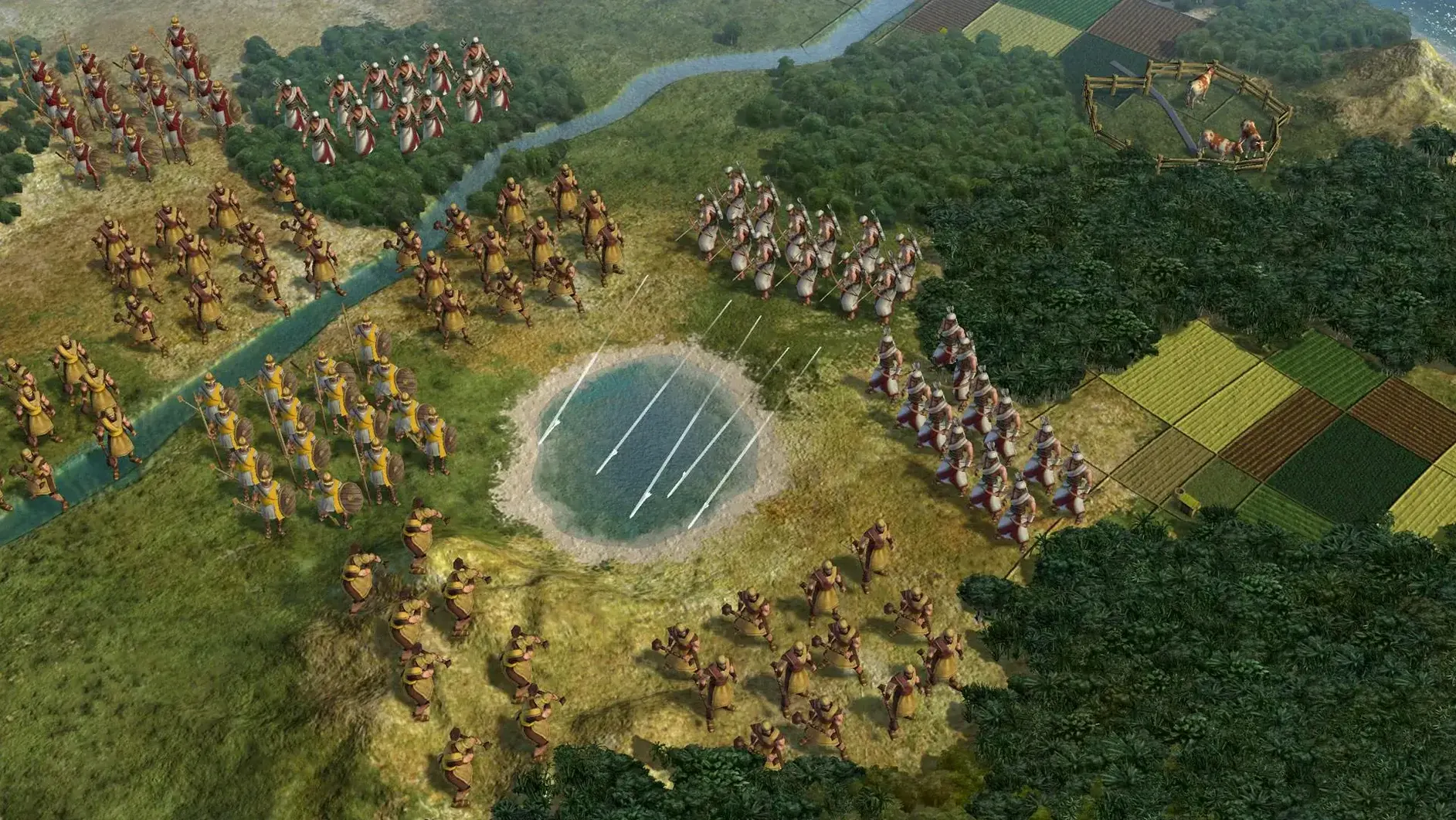

The Mac port, handled by Aspyr, runs on Intel-based Macs with 64-bit support and has been tested on macOS Sonoma. It's a native app, not a cloud service, so performance depends on your machine's age, but a MacBook Air with an M1 chip handled it without fuss.
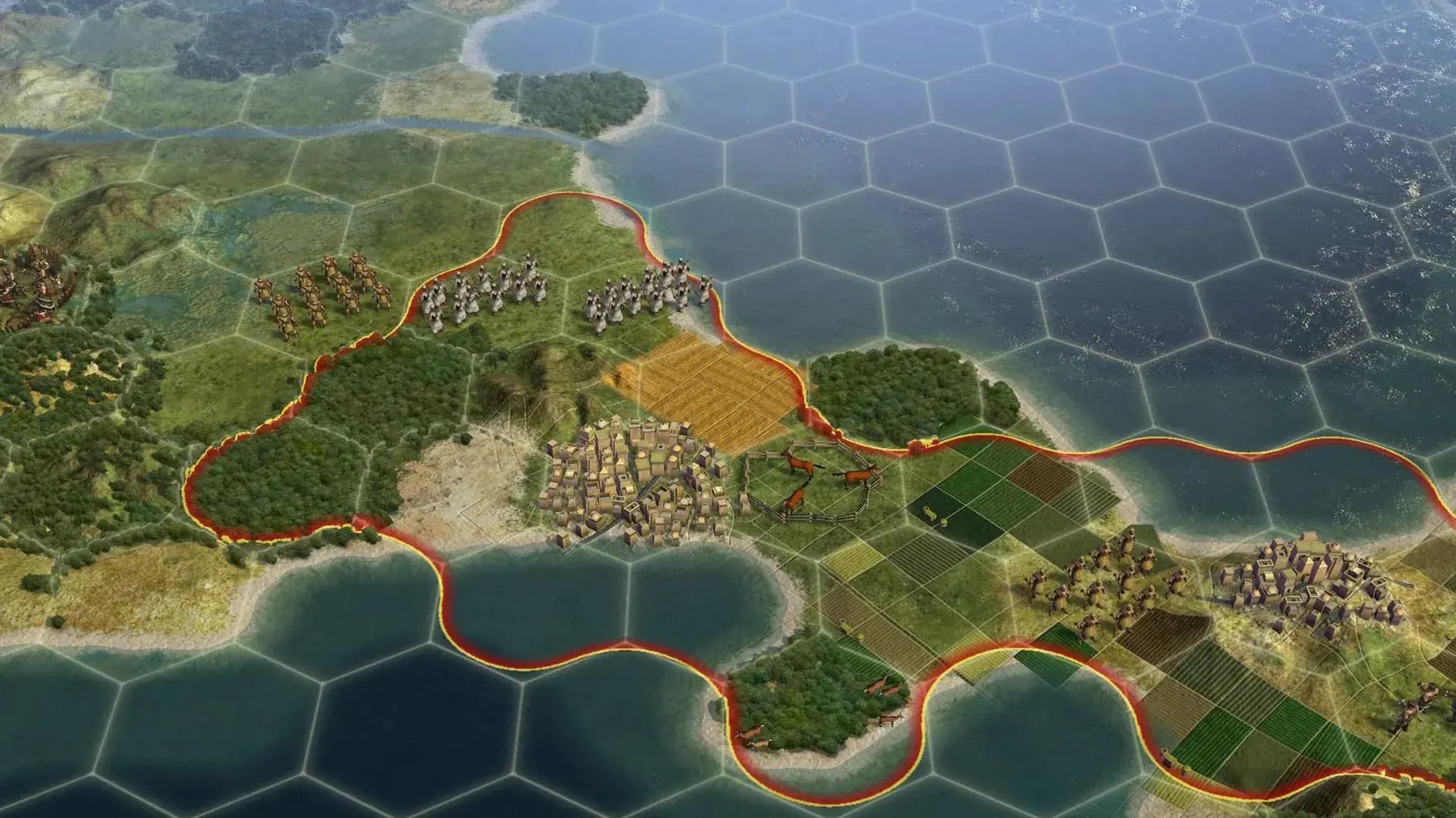
Civilization V is a slow burn. You're not reacting to things; you're planning ten moves ahead while a single city's cultural borders creep outward to claim new territory. The game lets cities attack enemy units at range, which means even a peaceful-looking settlement can defend itself without a dedicated garrison. At the same time, a single city can host one combat unit on the ground, a ship in the harbour, and up to ten aircraft—stacking your defences feels satisfyingly deliberate. If you enjoy watching a plan come together over hours, this clicks.
Every decision compounds, and there's no undo button for a war you started three eras ago. Puppet cities are a clever shortcut for expansion, giving you resources and map control without the management overhead, but learning when to puppet and when to annex takes trial and error. The diplomacy quirks, like a liberated civilisation returning with its previous tech level, add weight to your actions but won't thrill someone chasing a fast dopamine hit. Multiplayer is supported, though the real game is the long single-player arc against the AI.
The game loads a standard map in under twenty seconds on an M1 MacBook Air, and late-game turns with eight civilisations tick by without beachballing. It's a 64-bit Intel build running through Rosetta 2, and the translation layer adds no perceptible lag during city management or unit movement. Memory use hovers around 1.2 GB even with large maps and ten aircraft stacked in a single city, so leaving Safari and a notes app open in the background costs you nothing.
I did see a rare graphics hitch when zooming out to the strategic view over a heavily forested continent, but switching the leader scene quality to low smoothed it out. The Aspyr port hasn't seen a patch in years, yet it feels stable under macOS Sonoma: no crashes across a six-hour session, no audio dropouts during diplomacy screens. Fans spin up briefly during AI turn calculations, then quiet down once the map settles.
Stacked beside Civilization VI, this entry trades district placement puzzles for a cleaner city screen. You're not slotting a campus onto a specific tile; you're letting culture naturally push borders outward and buying a nearby hex when you need it fast. The puppet city system here is looser, less hands-on—some players prefer that, others miss the granular control the sequel introduced.
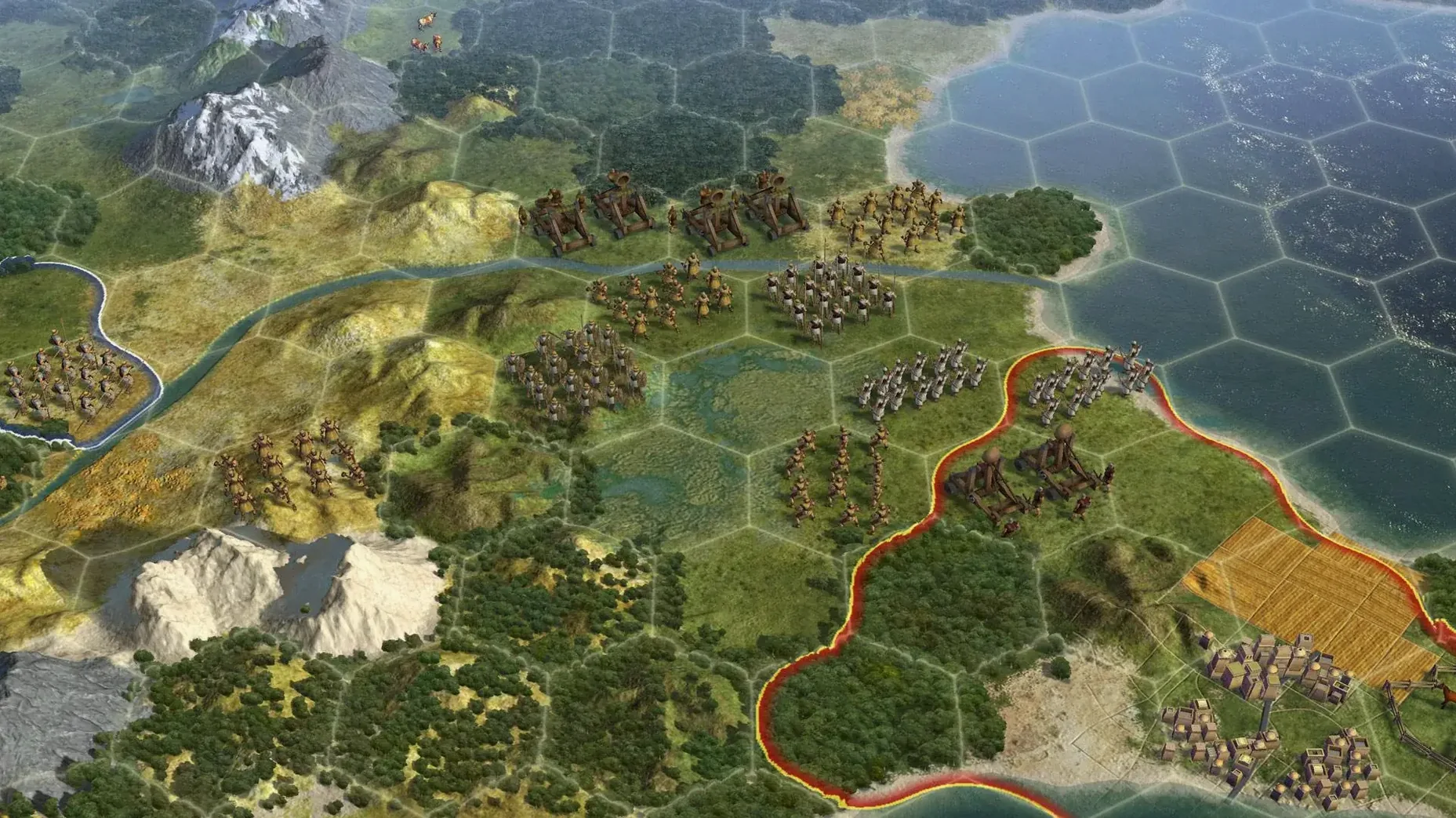
Against Endless Legend, the tone shifts sharply. Endless Legend wraps its 4X bones in a fantasy setting with faction-specific story quests, while Civilization V stays rooted in history with a straight face. Combat in Endless Legend plays out on the strategic map with army stacks; here, ranged city attacks and one-unit-per-tile positioning make terrain feel more like a chessboard. If you bounce off fantasy tropes, Civilization V is the natural fit.
Next to Stellaris, the scope narrows to a single planet. That sounds limiting until you realise every hill and river matters for centuries. Stellaris sprawls across galaxies with real-time pausing; Civilization V stays turn-based and tight, with a pace that rewards staring at a contested border for five minutes before committing a unit.
The game plays nicely with macOS's Spaces. I kept it on a separate desktop, swiped left to check a browser tab for a civilization v torrent search when I wanted to compare a mod, then swiped back to find my archer exactly where I left him. Hot Seat mode turns a single Mac into a shared board for two players passing control back and forth, which works well on a couch with an Apple TV mirroring the screen.
Notification Center interruptions are minimal because the app grabs focus during AI turns; incoming iMessages don't yank you out of a war declaration screen. If you're hunting down older entries in the series, a civilization vi mac torrent for the sequel or a civilization 5 torrent for this version can be a quick way to grab the build—just verify the disk image mounts cleanly, drag, drop, and launch from Launchpad. The 1.4.2 build adds Russian language support alongside English, German, and French, so switching your system language mid-game doesn't break saves or city names.
Good to know: the game saves progress locally in a folder that Time Machine backs up automatically, so a full-day campaign is safe even if you forget to manually export a save.
Player-founded cities cannot be razed unless they were captured by an enemy and then recaptured. Holy cities are also immune to being razed.
Liberating a destroyed civilisation can bring it back into the game with the same level of development it had before being wiped out.














Chat 0
Hop in or make an account to join the chat.
Quiet in here so far. If you have used this build, tell me what the install actually did.