
 Total War: WARHAMMER
 Tropico
 Tiny Glade
 Two Point Museum
 Timberborn
 The Sims 4
 The Last Campfire


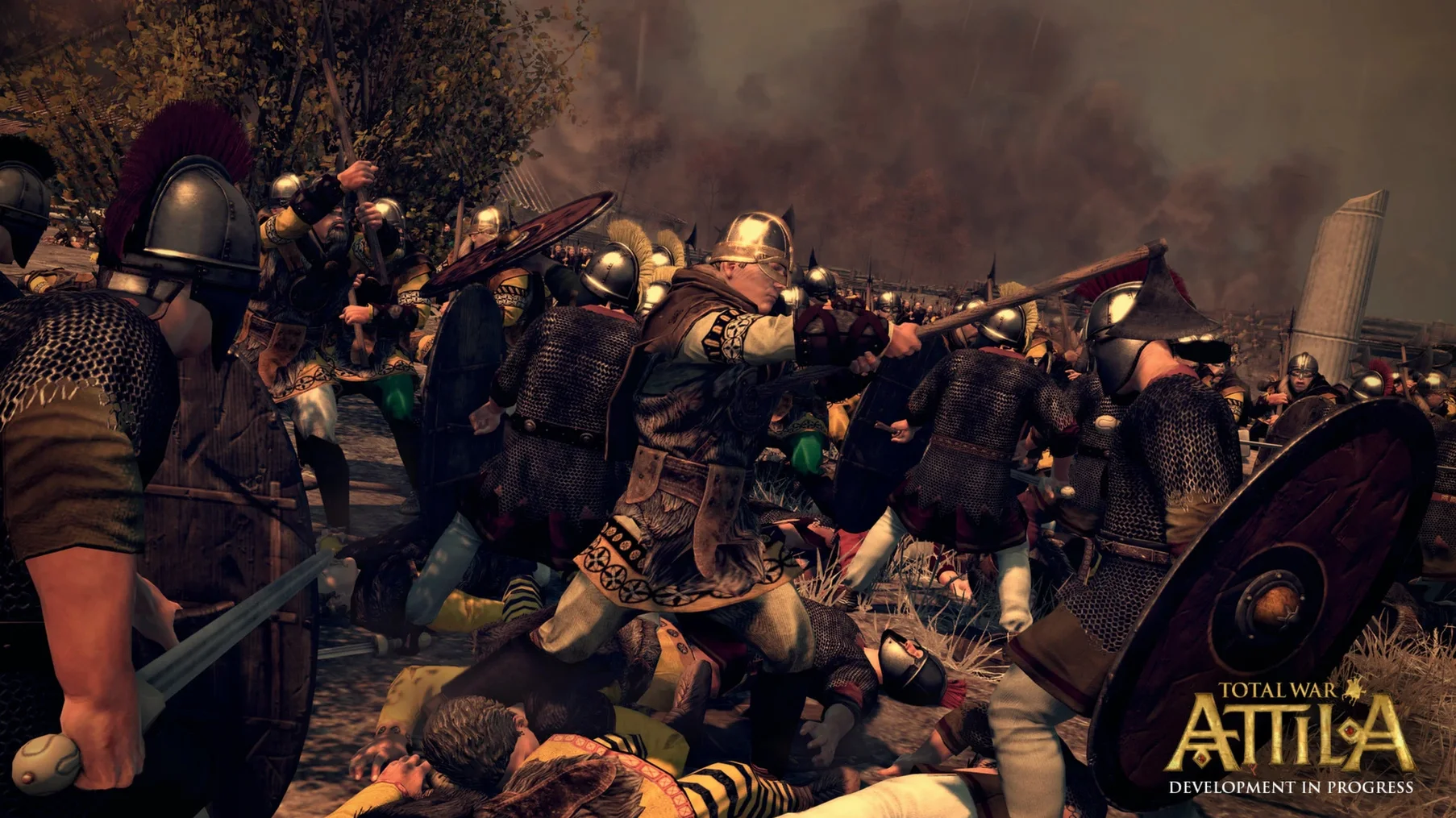
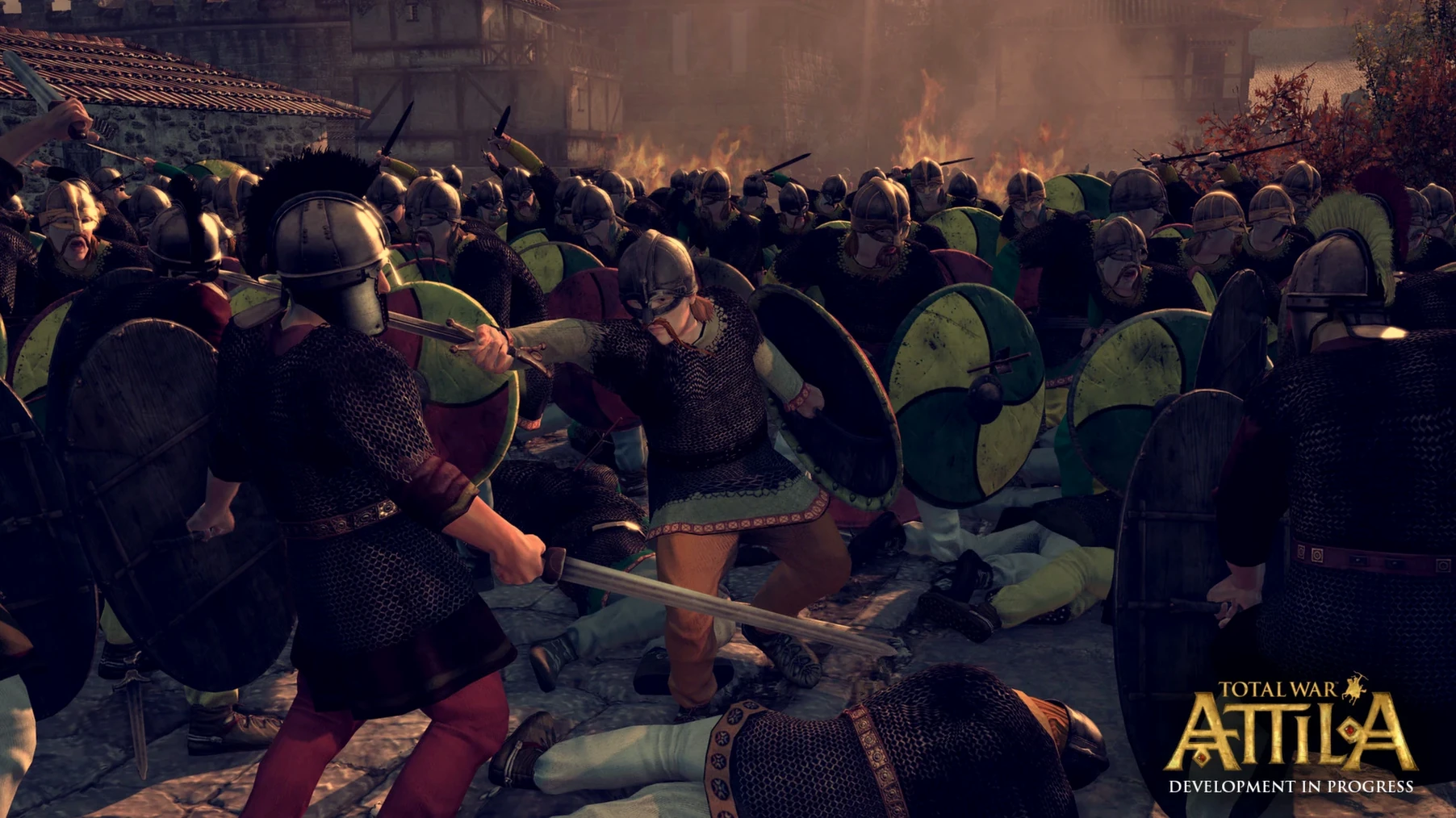
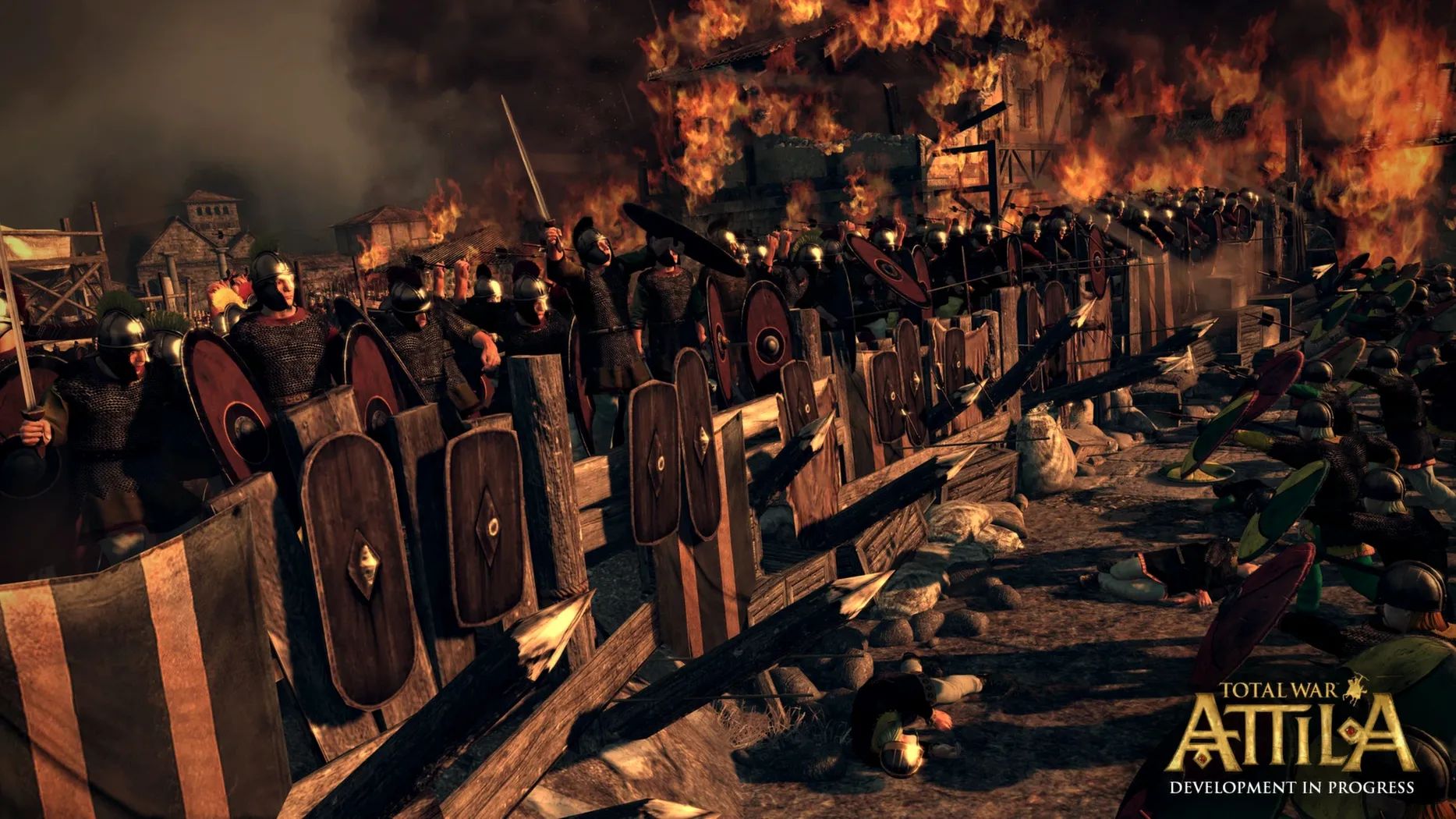
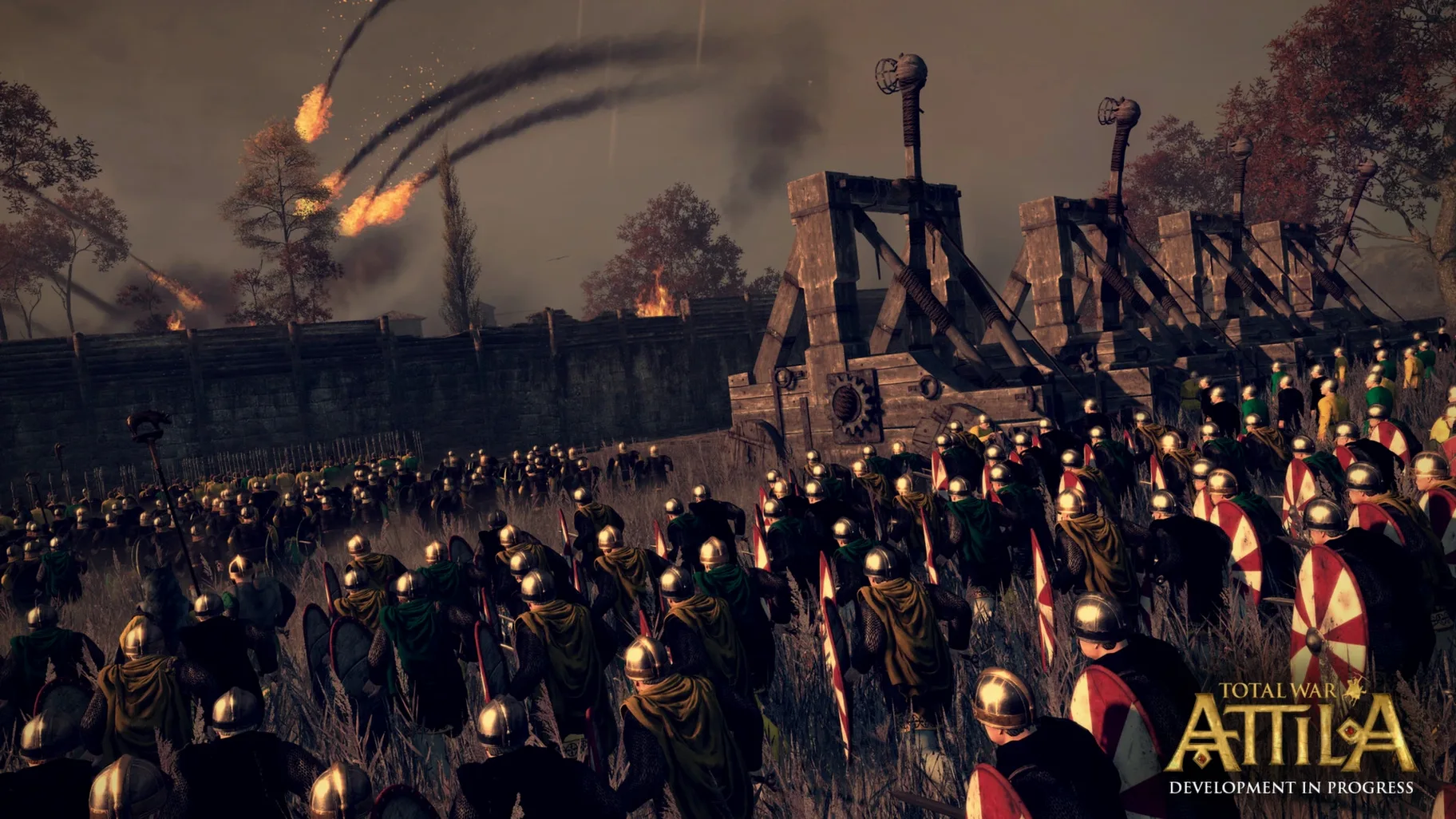
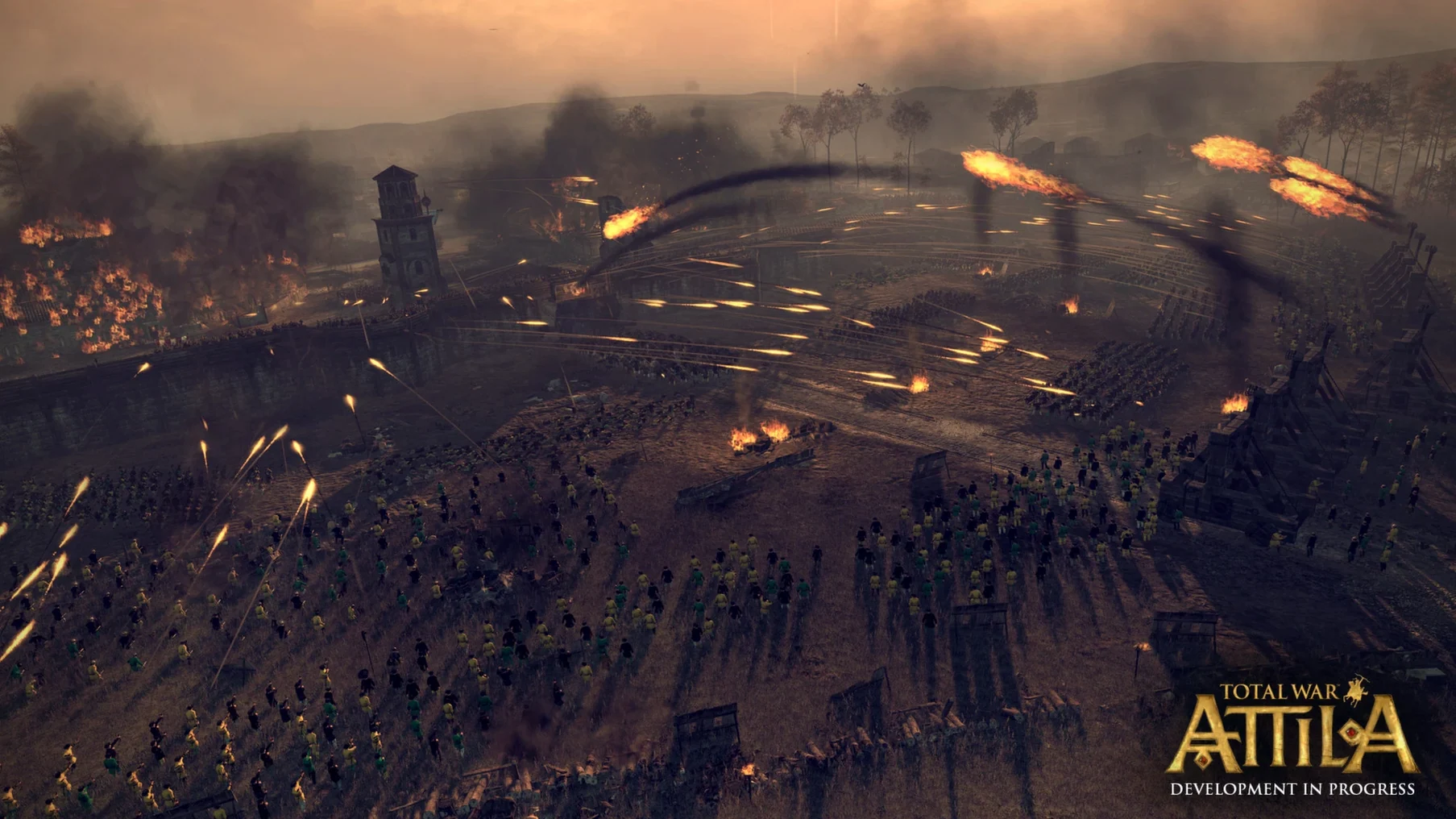
Version 1.6.1 quietly added native Apple Silicon support and UI scaling improvements, making this bleak historical sandbox run properly on modern Macs. It is a game of survival, not conquest, set at the moment the old world cracks apart.
This is a long, heavy play about managing decline. The macOS release from Feral Interactive is fully localised with Russian, English, German, Spanish, Italian, Polish, Turkish, French and Czech text.
Game won't launch after install. This usually means the app hasn't been cleared by Gatekeeper. Right-click the app in Finder, pick Open, then confirm in the dialogue. Do this once and it sticks.
Camera stutter during battles. Even on Apple Silicon, the default unit size can hammer frame pacing. Drop unit size to Medium in the graphics settings before touching shadows or textures — it gives back the most frames without sacrificing the look of a clash.
Campaign map freezes after a turn. A stuck AI faction is often the culprit. Feral's support pages show that verifying local files through Steam fixes most turn-processing hangs. If you're on the standalone Mac version from the disk image, a clean reinstall from the mounted DMG sorts it without losing saves — those live separately in ~/Library/Application Support/Feral Interactive/Total War Attila/.
Text scales oddly on Retina displays. The UI scaling added in the modern macOS release works well at default, but toggling it off and back on again after switching resolutions forces a proper redraw. A small thing that clears fuzzy tooltips.
If you pick a faction that moves as a horde, set camp stance at the end of every turn even when you think you are safe. Encampment stance lets you recruit and replenish, and a horde caught outside camp stance that loses a battle is gone for good. It is the single most misread rule in the early game, and the penalty is permanent.
Good to know: The total war attila mac full version includes all the faction packs from the original release, so you can start as the Lakhmids or the Celts without hunting down extra downloads.
Yes, the current macOS version 1.6.1 includes native support for Apple M1 or better chips.













Chat 0
Hop in or make an account to join the chat.
Quiet in here so far. If you have used this build, tell me what the install actually did.