
 Tiny Glade
 The Sims 4
 The Last Campfire
 Total War: ATTILA
 Total War: WARHAMMER
 Tropico
 Two Point Museum


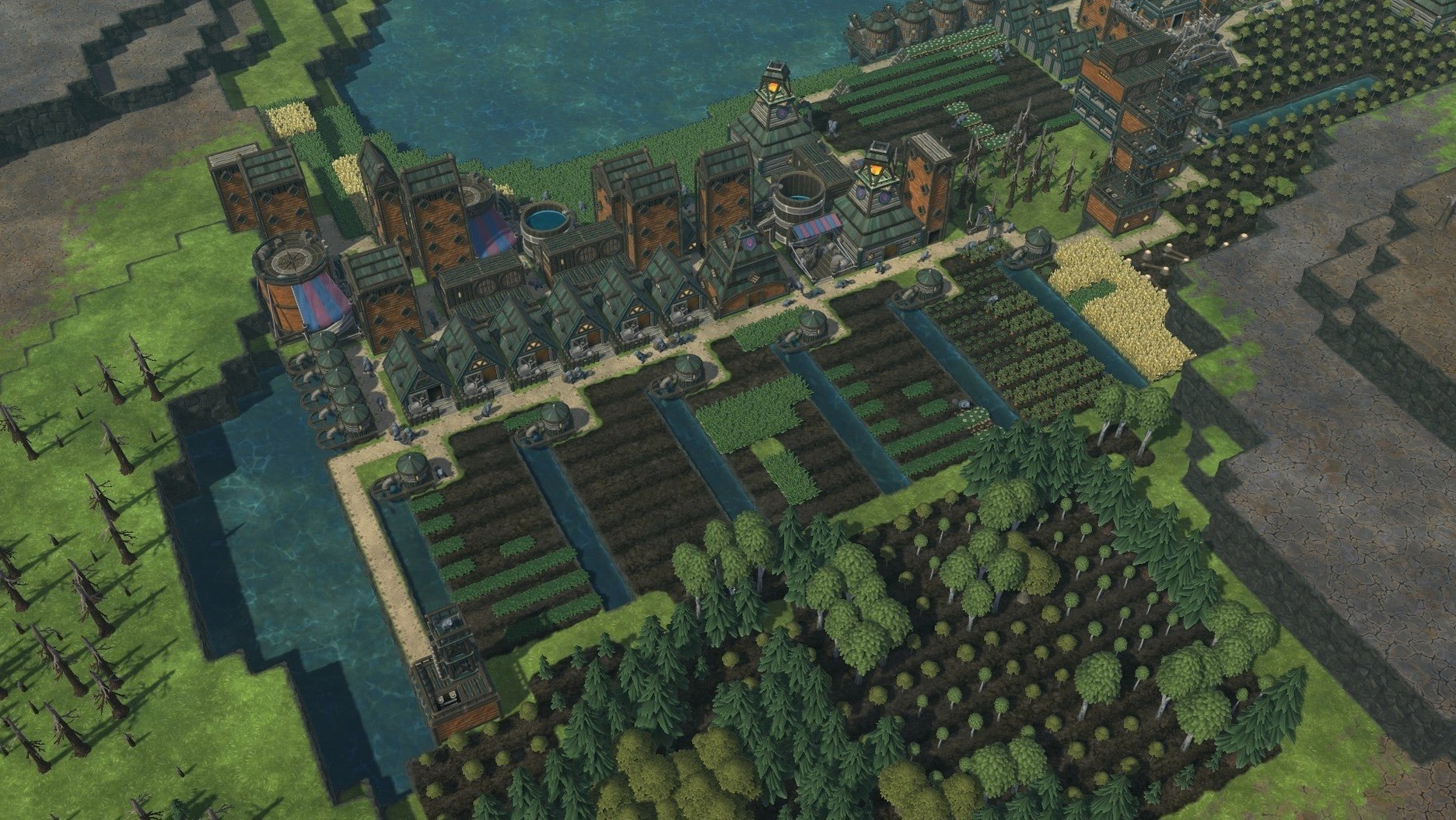
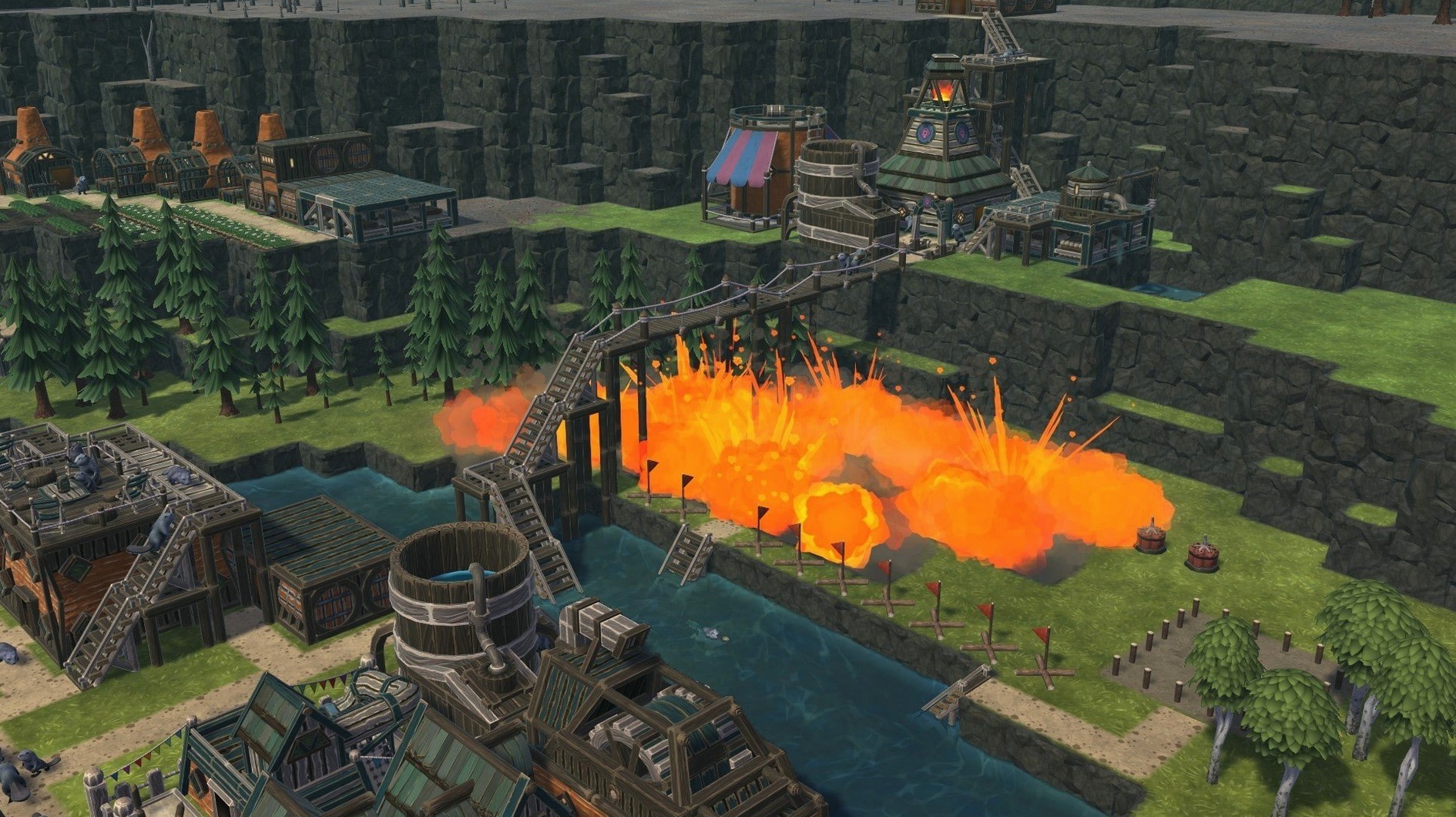
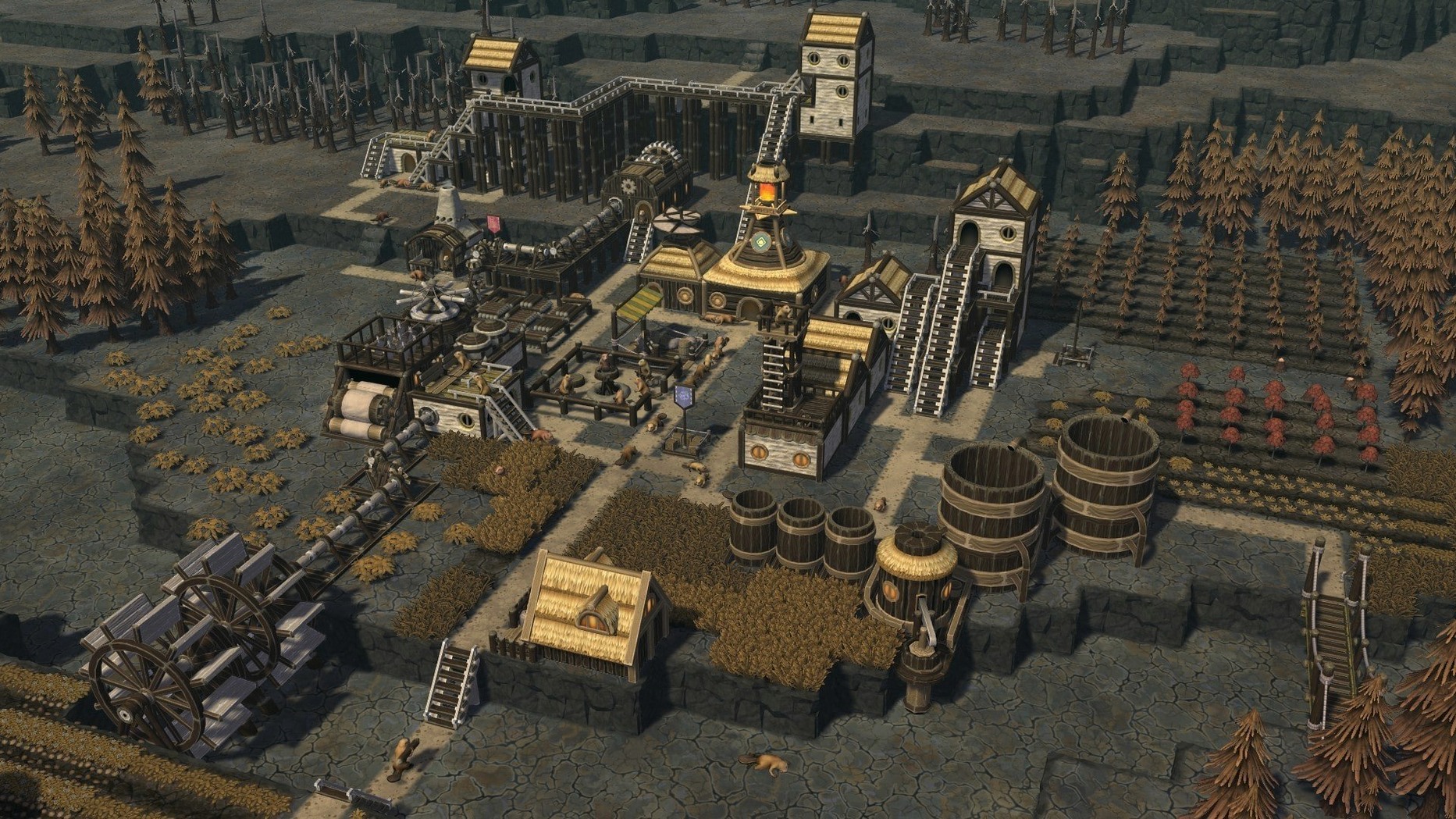
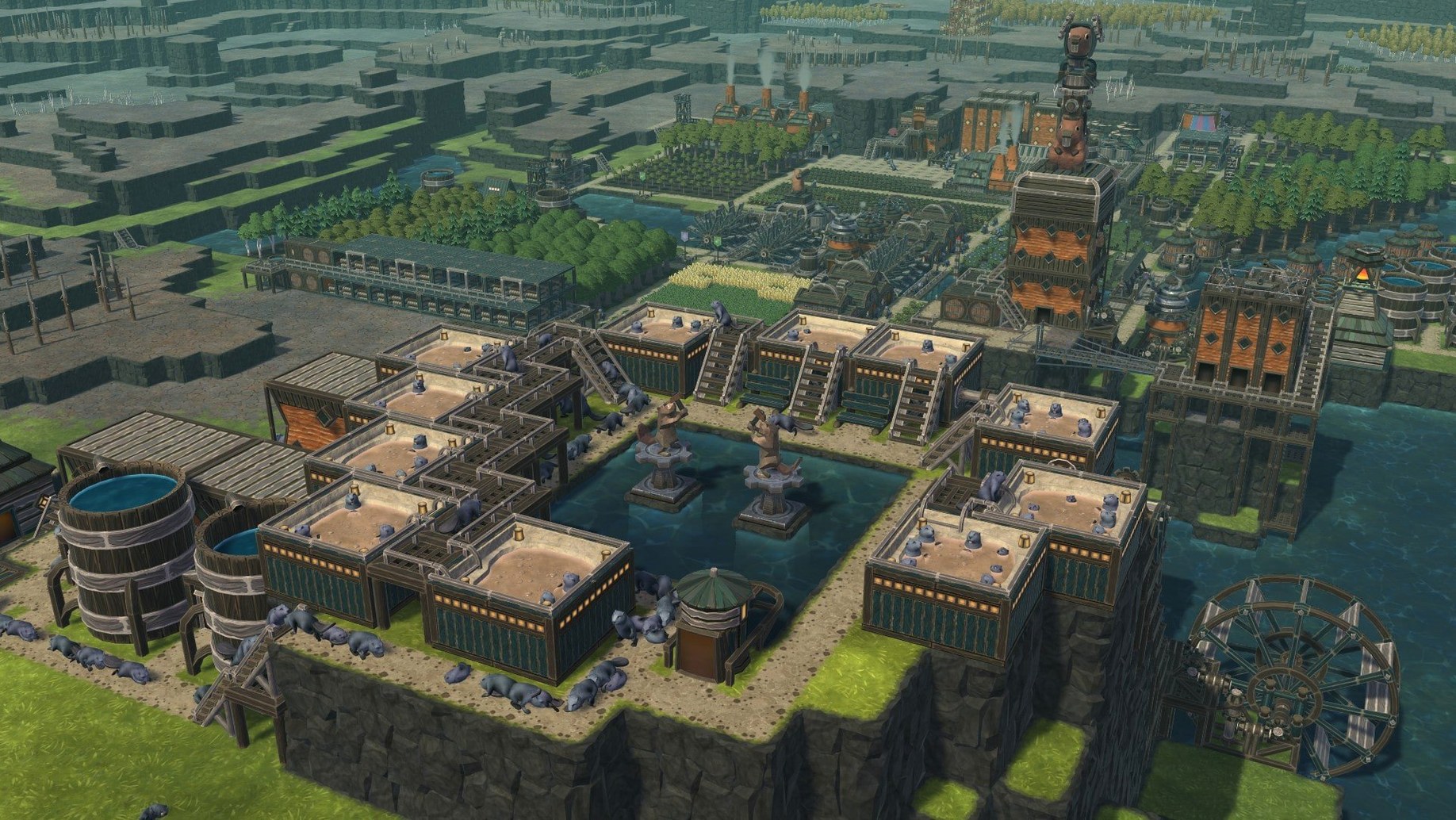
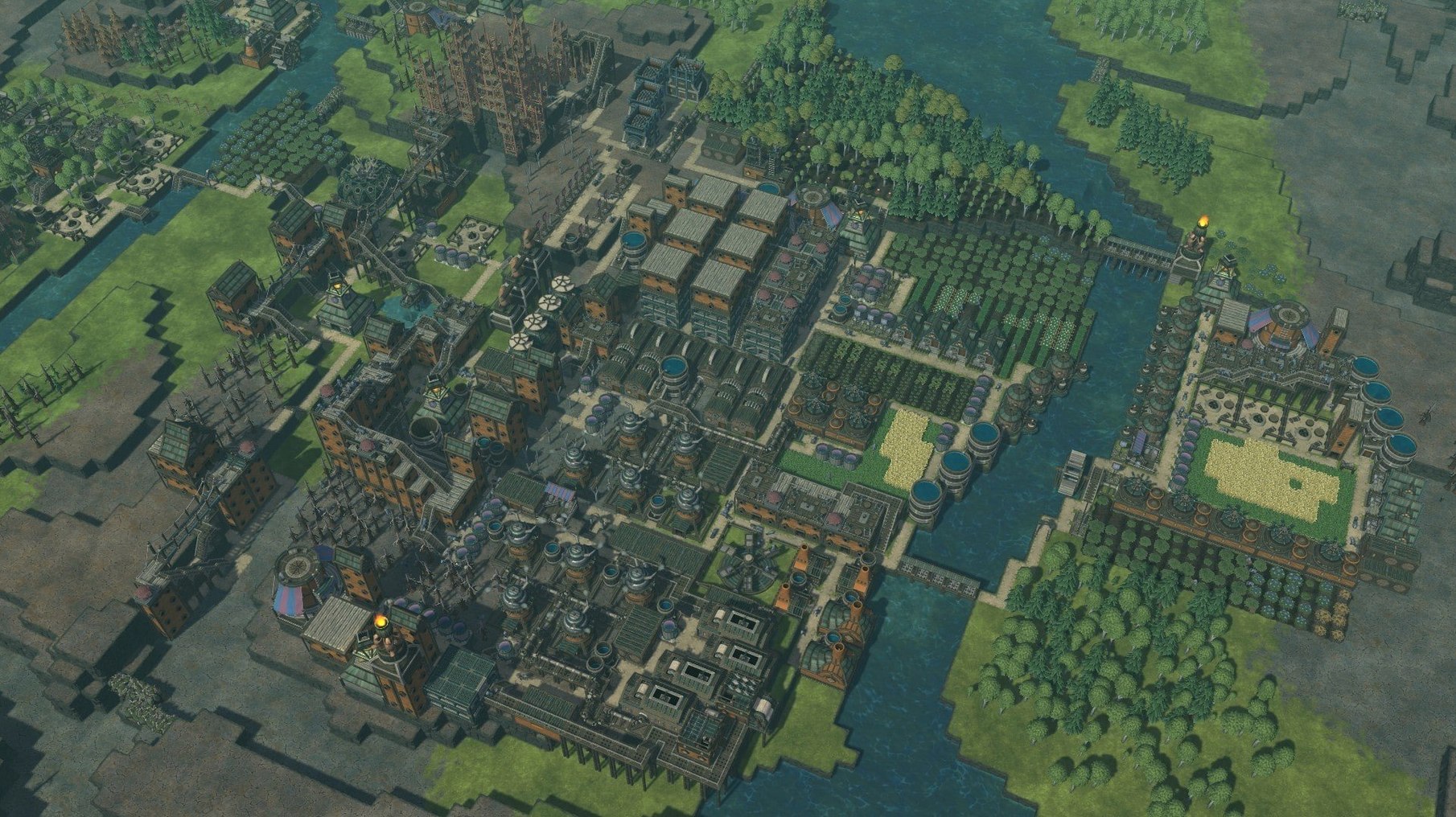
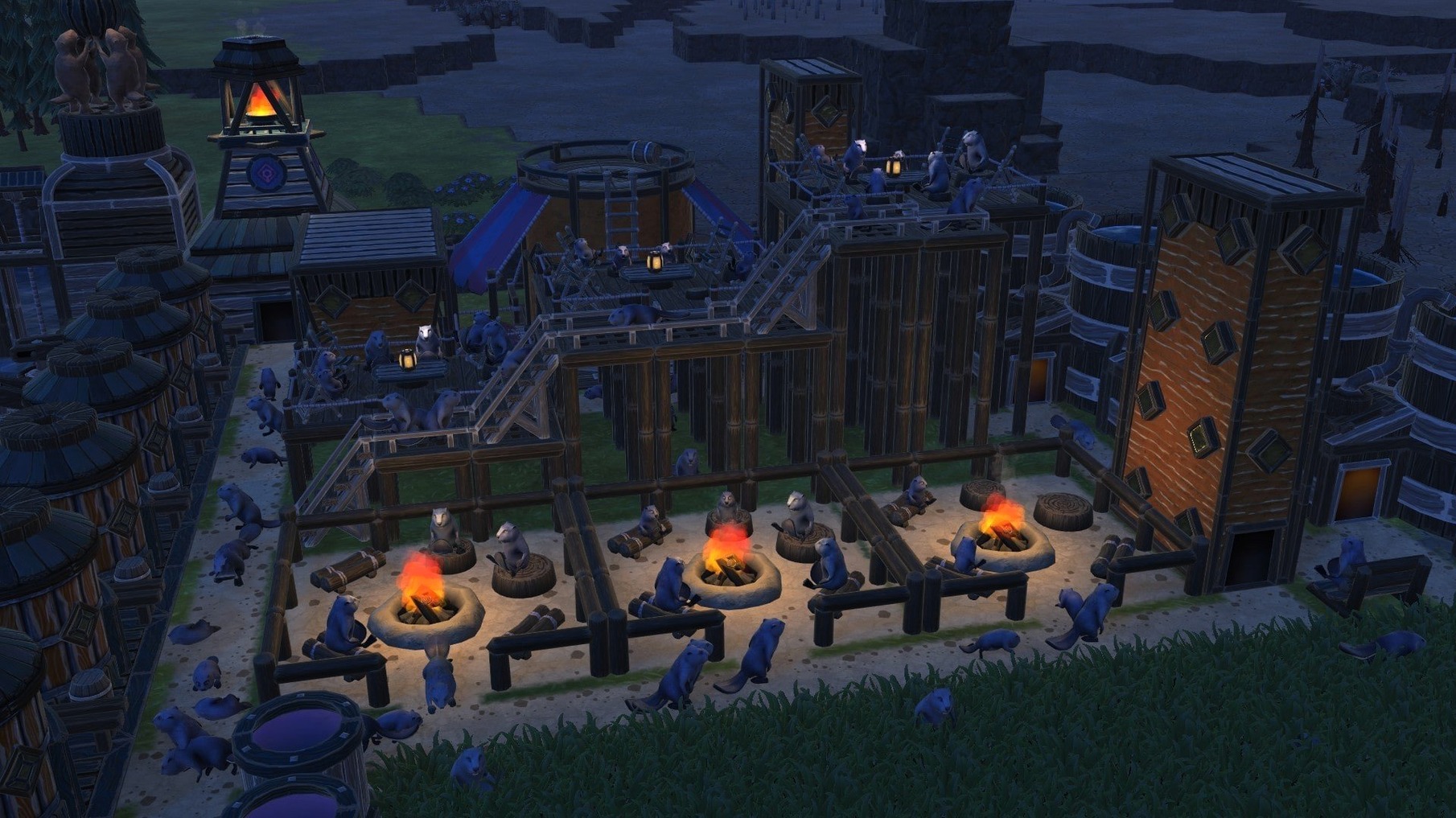
What's new in 1.1: fresh maps to tame and overhauled stats screens that let you track every log, carrot, and litre of water across your districts.
On an M4 Mac mini running macOS Tahoe, the game stays fluid even with sprawling multi-district colonies. The custom-map editor opens fast, and community creations drop straight into the saves folder — no extra tools needed.
If you have played Banished, the rhythm of Timberborn will feel familiar — manage resources, keep your population fed, survive the next season. But where Banished keeps you on a flat grid, Timberborn pushes you up. Vertical stacking, layered platforms, and multi-level dams turn the same square of land into something wholly different. Water is not just a resource you click on; it is a physical substance you redirect, store, and worry about as the drought timer ticks down.
Against Frostpunk the tone couldn't be further apart. Both games ask you to shepherd a community through harsh conditions, but Frostpunk's grim moral weight is replaced here by damp-furred beavers building elaborate canal networks. There is no discontent meter to manage, no ultimatums to weigh — just the quiet satisfaction of watching a gauge fill because your levee held. The engineering sandbox is the star, not the survival pressure. You can also lose hours in the map editor, something neither Banished nor Frostpunk matches out of the box.
Where Timberborn sits alone is in the water physics. Other colony sims treat rivers as decoration or a static number. Here, a badly placed floodgate can drown your carrot patches, and a well-timed dam can save a district. That one system shapes every decision from where you plant to when you expand.
Your opening hours will be forgiving, then suddenly not. A few habits make the difference.
The map editor is also worth opening on day one, even just to browse. Seeing how other players sculpt terrain teaches you what the engine can pull off when your colony matures.
Yes. The build includes ARM support and runs smoothly on M-series chips. On an M4 Mac mini, multi-district colonies with hundreds of beavers hold steady without stuttering or fan spin-up.
Timberborn has no combat, no rival factions, and no fail-state timer apart from thirst and hunger. The tutorial covers the basics of dams, farming, and vertical building in under twenty minutes. The depth comes later, when you start juggling district exports, mechanical pumps, and the Iron Teeth's breeding-pod economy. You can stay on easy mode indefinitely while you experiment.
Even if you never build a map from scratch, the editor doubles as a quick preview tool. Drop into a community map, pan around, and check where the badwater sources sit before committing to a playthrough. Plenty of players use it just to scout terrain.














Chat 0
Hop in or make an account to join the chat.
Quiet in here so far. If you have used this build, tell me what the install actually did.