
 The Last Campfire
 Timberborn
 Tiny Glade
 Total War: ATTILA
 Total War: WARHAMMER
 Supermarket Simulator
 Tropico



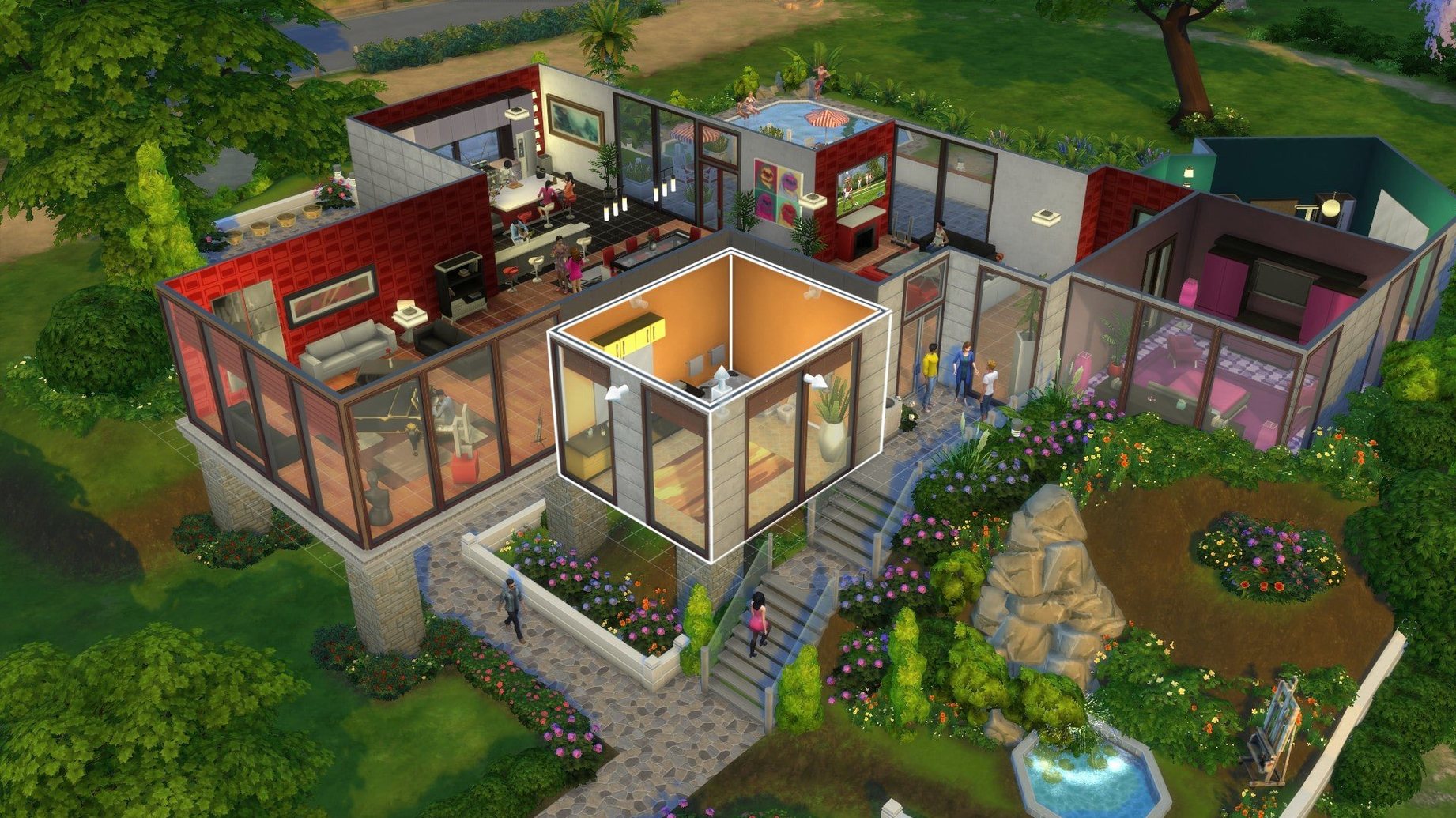

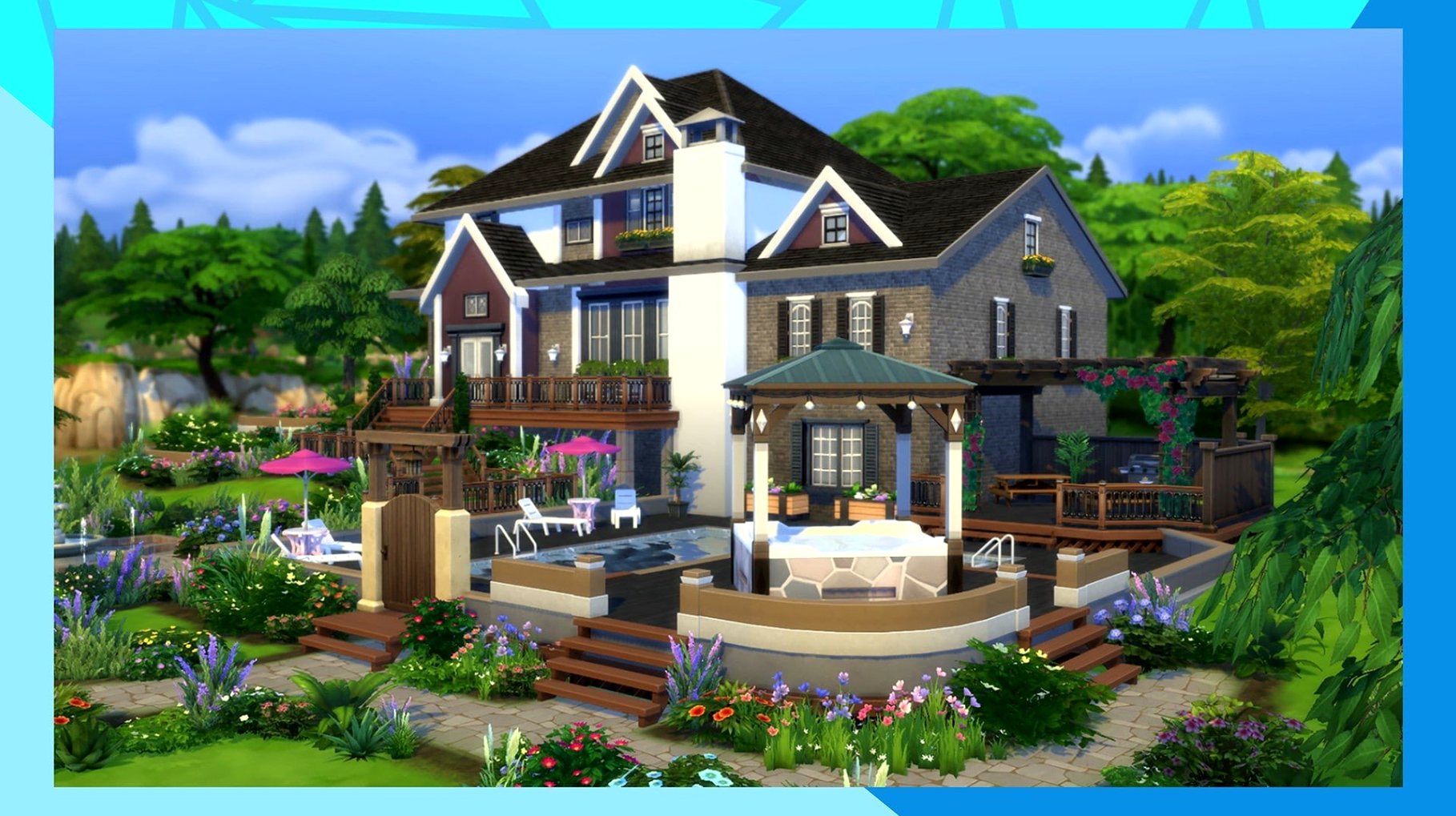
When your Mac’s horsepower is for spreadsheets and renders, not games, you want to know a title will actually run before you clear 50 GB. The Sims 4 on macOS is a native dual-binary that plays nicely on both Apple Silicon and Intel machines, so you can skip the guesswork.
Sim creation — pick appearance, traits, and outfits for each household member.
Build mode — design and furnish homes, from floor plans to lampshades.
Live mode — direct daily routines, careers, and relationships across different towns.
Performance — tested on an M1 MacBook Air running macOS Sonoma; expect smooth frame rates on medium-to-high settings with the base game.
Good to know: the August 2026 patch improved Marketplace browsing and caches its images after the first download, so thumbnails load faster the second time around.
Out of the box, the defaults lean conservative. A few quick changes make the whole experience feel less like a 2014 port and more like a game that landed yesterday.
Open Game Options from the menu, then head to Graphics. The first thing to check is the display resolution. The game often picks a scaled resolution that blurs UI text. Set it to your Mac’s native Retina resolution, then drag Sim Detail and Object Detail to high. On an M1 or better, the base game handles this without breaking a sweat.
Two checkboxes make an outsized difference:
Under Gameplay, switch Sim Lifespan to long if you prefer storytelling over speedrunning generations. The default normal span rushes through life stages fast enough that toddlers feel like a weekend project. While you are here, tick Show Notifications Wall off unless you enjoy a constant stream of moodlet pop-ups crowding the corner.
One last stop: Accessibility. Reduce the UI Scale slider a notch or two on a 13-inch screen. Menus take up less real estate and the live mode view breathes a little.
Say you have a single young Sim fresh out of Create-a-Sim, §20,000 to their name, and no interest in the pre-built shoeboxes in Willow Creek. Here is a start-to-finish build flow that keeps the budget in check and the Sim comfortable.
Enter Build Mode from the lot. Before placing a single wall, open the Lot Info panel and switch Lot Type to Residential. Sounds obvious, but the game occasionally leaves it on Generic, which locks certain room requirements.
Start with the Wall Tool and draw a rectangle roughly 6×8 tiles. Use the Room Tool instead of individual walls — it auto-floors the space and assigns a ceiling. Drag a second, smaller room off one side for a bathroom. Now you have a shell.
Paint the exterior with the cheapest horizontal siding. Inside, use the Floor Patterns tab and pick the flat pine board — §4 per tile and it reads clean in overhead view. For walls, the light grey paint from the Base Game catalogue costs §2 per panel and keeps the interior from feeling like a cave.
Furnish in this order:
Before exiting, switch to Live Mode briefly and check the mailbox is reachable. Sometimes the auto-placement tucks it behind a bush. Move it to the front edge of the lot. Save the lot to your library so the next Sim skips the whole process.
The 1.127.41.1030 build is not a flashy expansion drop, but a handful of small fixes that shift the daily rhythm. Marketplace browsing — the in-game gallery where you grab rooms, households, and lots from other players — now scrolls without the half-second stutter between rows. That used to make browsing on a trackpad feel sticky. The August 2026 patch also introduced thumbnail caching, so images you have already loaded appear instantly on the next visit instead of downloading again.
Earlier builds from late 2025 tightened memory handling on Apple Silicon. Sims with large households and cluttered lots used to see a slow leak that would degrade performance after a few hours. The current build holds steady through multi-hour sessions on an M1 with 8 GB of RAM. The splash-screen freeze some users hit after patching — the one where the plumbob spins forever — still crops up, but the fix is consistent: clear the The Sims 4 folder in Documents, keep only Tray, Saves, and Mods if you use them.
Mod compatibility shifted as well. Popular script mods that touch the UI layer broke after the caching update, then stabilised within a fortnight as creators pushed patches. If you last played in 2024, expect to refresh any mods that touch the gallery or the options menu.
Will it run on a MacBook Air without melting it?
Yes, with a small caveat. On an M1 Air tested under macOS Sonoma, the base game runs cool on medium-to-high settings. Fanless design means you feel warmth on the deck after an hour, but frame rates stay playable. Laptop mode in the graphics settings caps draw distance and particle effects, which helps on older Intel Airs that do have fans but weaker GPUs.
Do I need all the expansion packs to enjoy it?
Not at all. The base game alone gives you full Create-a-Sim, Build Mode, and Live Mode across two towns. Expansions and packs add depth — seasons, pets, specific careers — but the core loop of managing a household works without a single add-on. Many builders spend hours in Build Mode without touching live gameplay at all.
Is the DLC process complicated?
It is an extra step, not a chore. You grab the EA DLC Unlocker, follow the included instructions once, then add the DLC files. After that the game sees them automatically. Switching languages sits in the EA App properties panel, completely separate from the unlocker. The whole setup takes about ten minutes, most of which is download time.
What if the game freezes on the splash screen?
Do not reinstall. Close the game, open Finder, go to Documents/Electronic Arts/The Sims 4, and move everything out except the Tray, Saves, and Mods folders. Launch again. The game rebuilds the caches and almost always starts cleanly. This is the same trick the community has used across three macOS versions and it still works on the current build.
Can I play it with a trackpad?
Absolutely. The camera rotates with a two-finger drag, zoom is pinch-to-zoom, and right-click actions map to a two-finger tap. Build Mode benefits from a mouse for fine wall placement, but the trackpad is comfortable for live play and Create-a-Sim.
Yes. The build is a universal binary with native support for ARM (Apple Silicon) and 64-bit Intel Macs, and it has been tested on an M1 MacBook Air with macOS Sonoma.
You can design Sims with custom appearances and traits, build and furnish homes, direct their daily lives, travel to different towns, and meet other Sims.
The interface supports 16 languages: English, French, German, Spanish, Italian, Russian, Czech, Danish, Dutch, Finnish, Japanese, Korean, Polish, Portuguese, Swedish, and both Traditional and Simplified Chinese.














Chat 0
Hop in or make an account to join the chat.
Quiet in here so far. If you have used this build, tell me what the install actually did.