


Download Sonarworks SoundID Reference for macOS
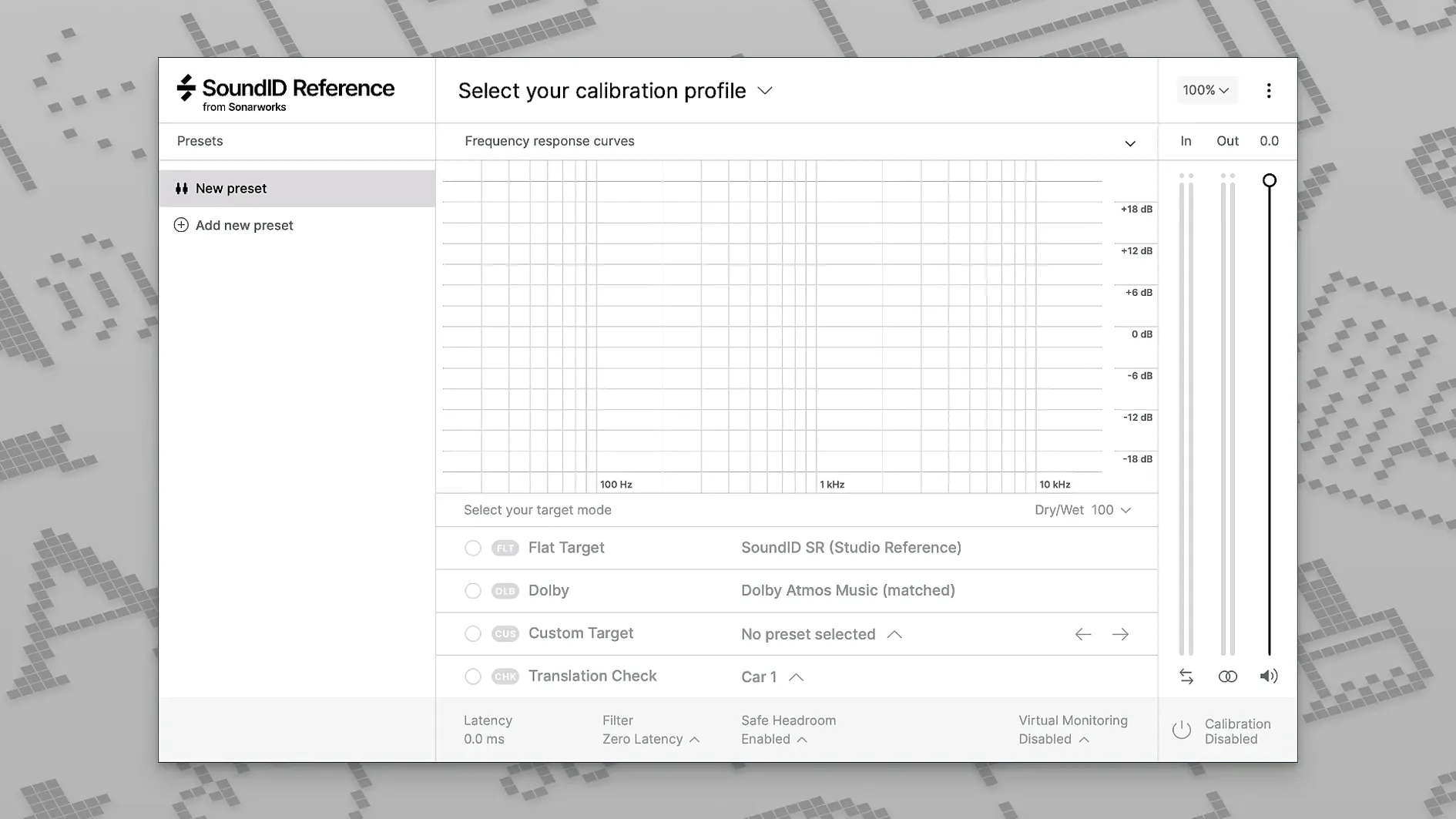
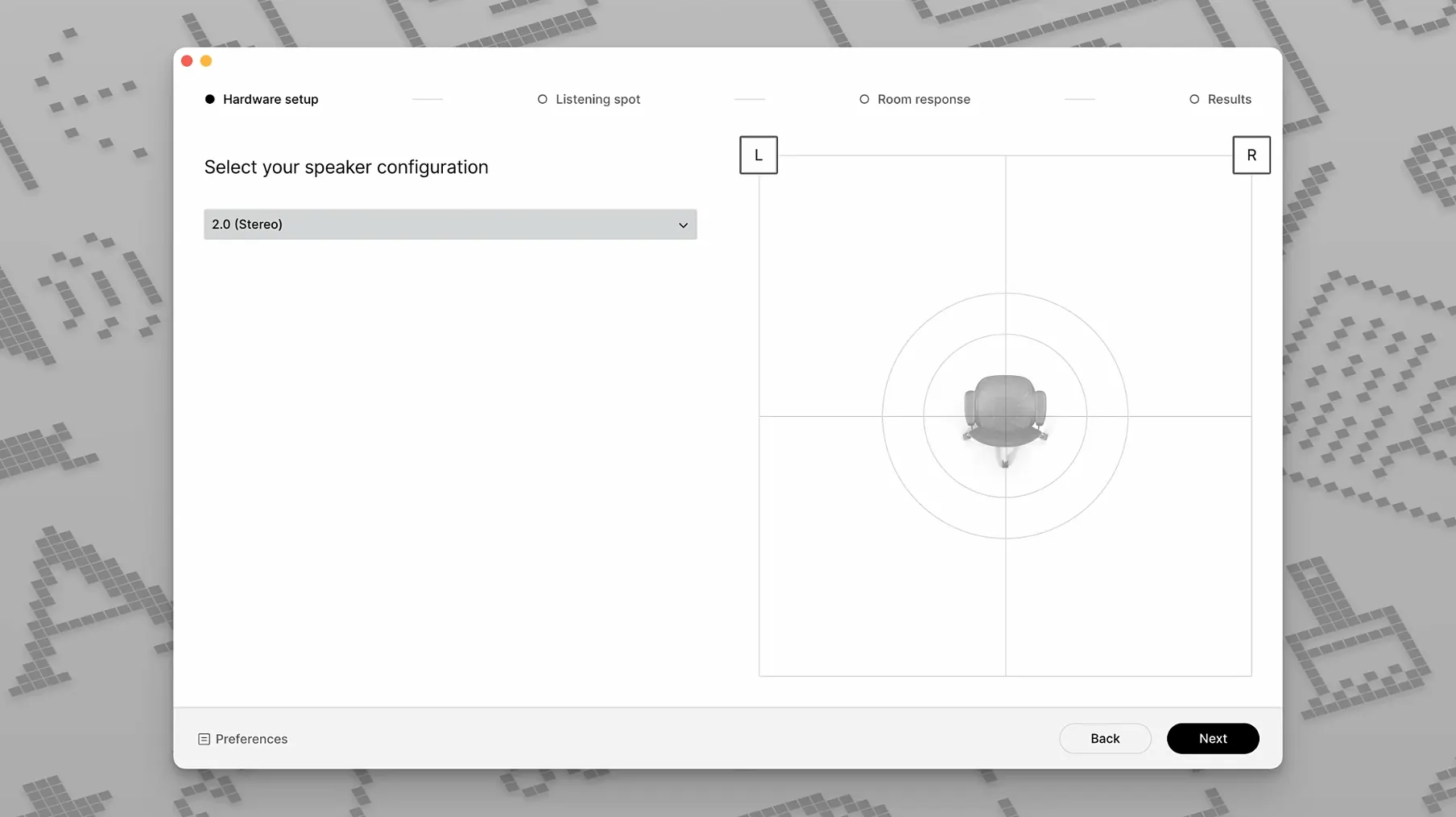
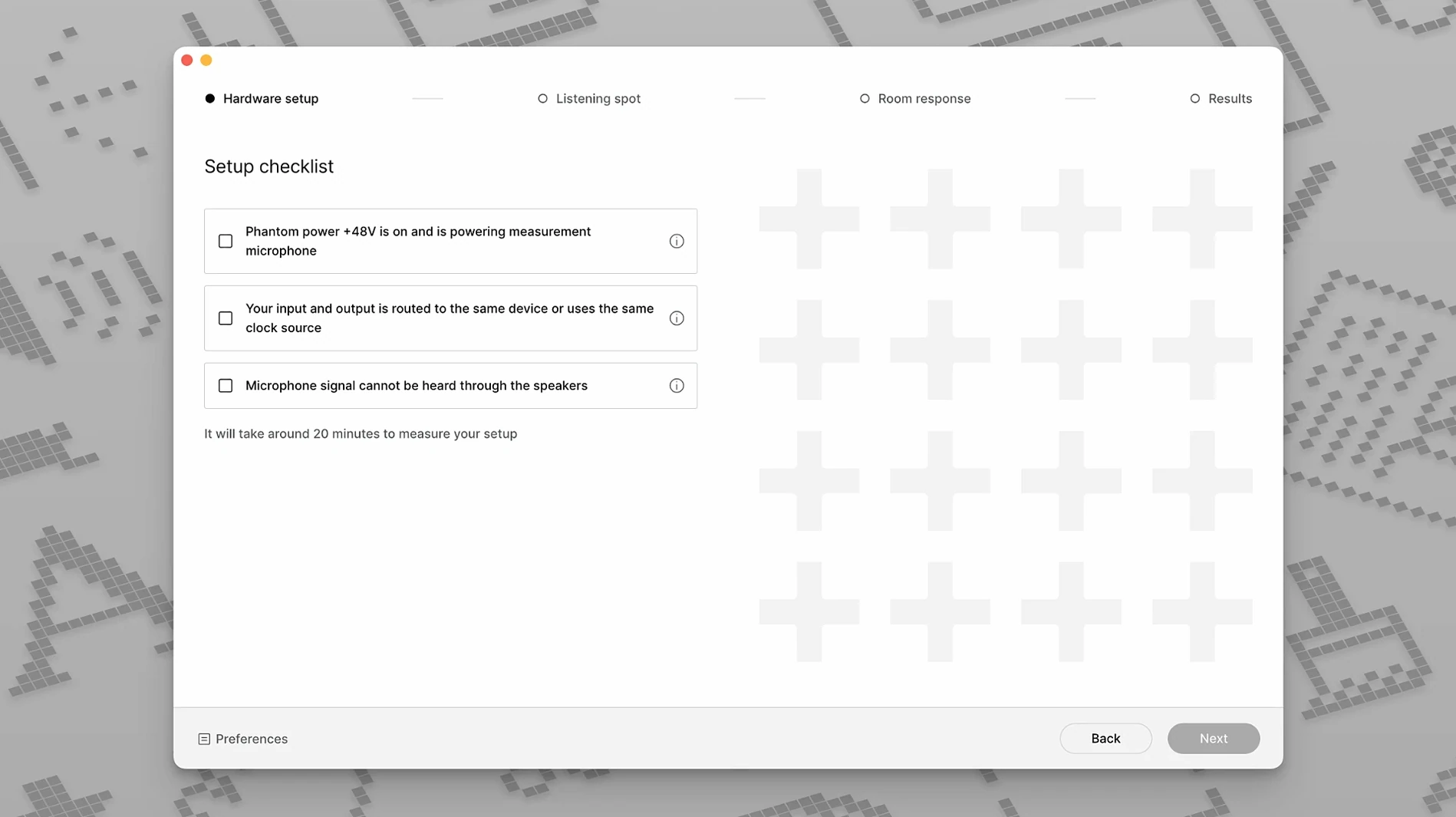
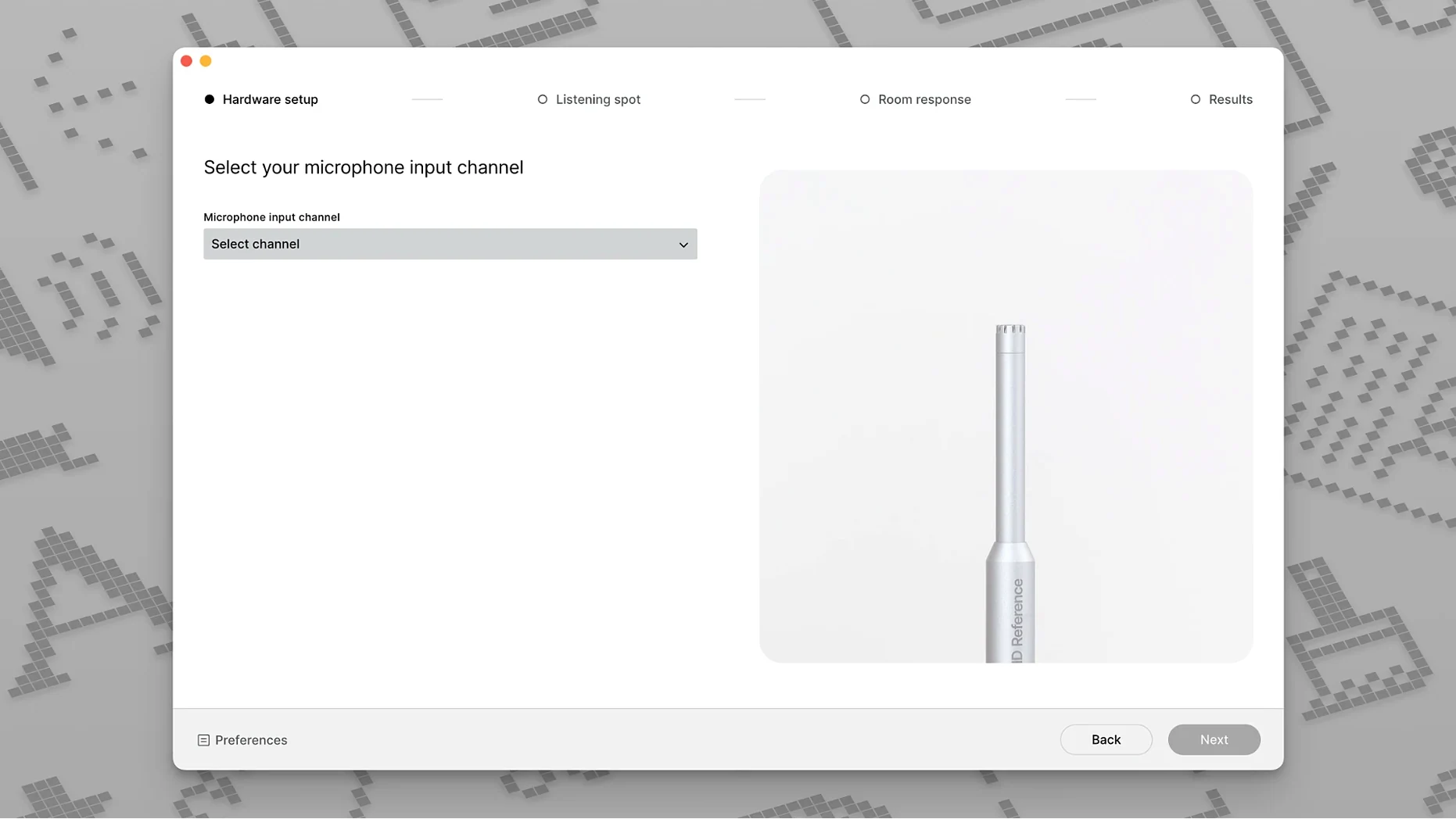
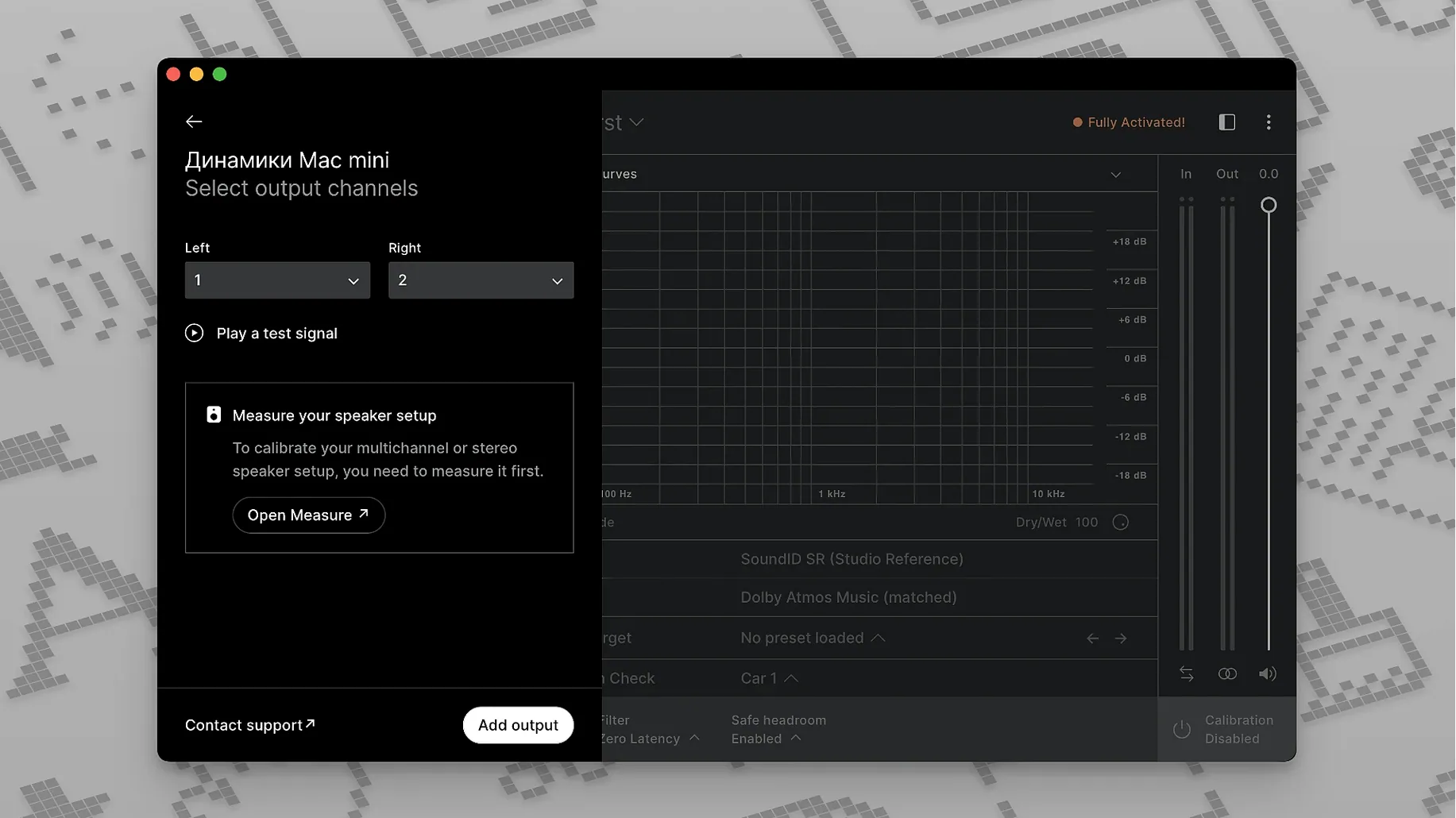
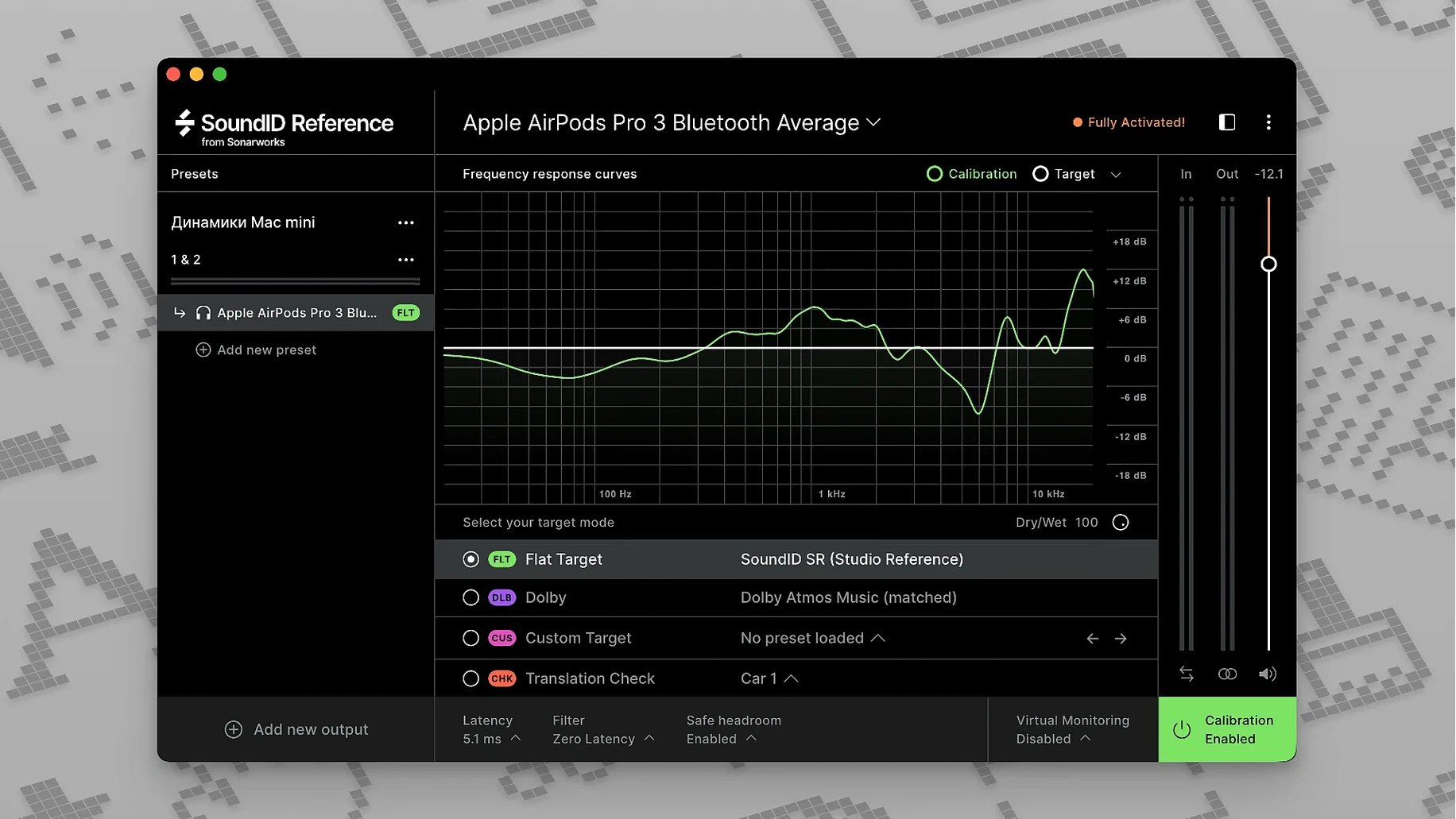
With the Multichannel and Zero Latency processing modes, you can nudge your monitoring setup closer to flat without second-guessing the room. SoundID Reference picks up where Reference 4 left off, splitting its correction into two clear paths: a system-wide app for everyday listening and a VST3 plugin for your DAW sessions.
Good for
- Flattening the response of studio headphones and speakers
- Multichannel, surround and spatial audio workflows
- Moving between rooms and keeping a consistent reference point
Keep in mind
- Designed as the direct successor to Reference 4
- Available as both a standalone app and a VST3 plugin
- Requires a calibration profile for each set of headphones or speakers
Importing your old Reference 4 profiles
One of the first things people ask is whether their old Reference 4 profiles carry over. They do. SoundID Reference can import your existing calibration data, so you won't lose the measurements you already made. The app will prompt you to migrate them during the first launch.
Another frequent question is about multichannel support. The software handles setups up to 9.1.6, which covers most surround and spatial audio rigs. You pick your channel layout during calibration, and the correction applies across every speaker in the array. For stereo work, the plugin sits on the master bus; for multichannel, you insert it on the appropriate output channels and route accordingly.
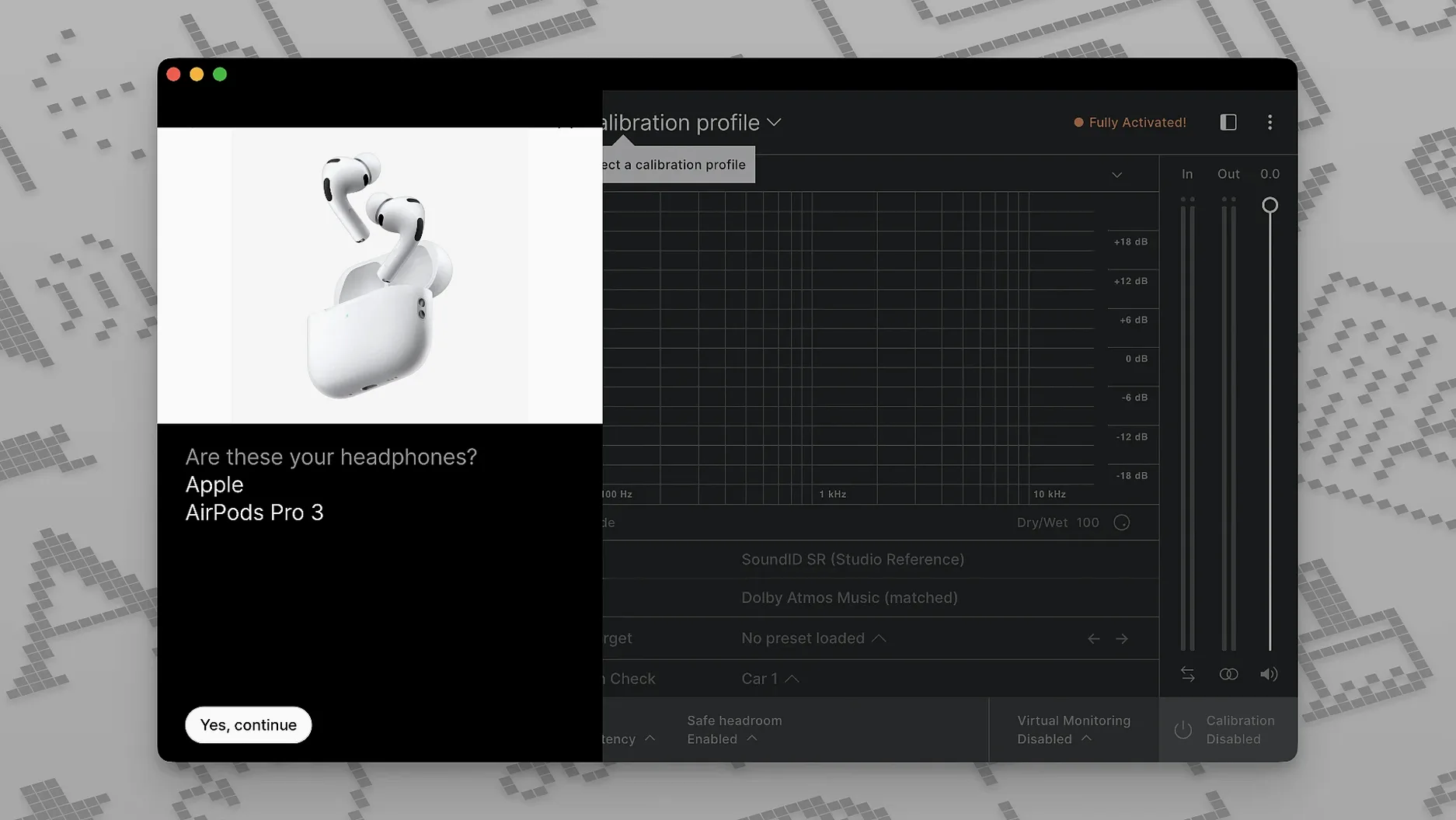
People also wonder whether the calibration works with Bluetooth headphones. It does, technically — the profile corrects the headphone's frequency response regardless of connection type. But Bluetooth latency and codec compression can muddy what you're hearing, so wired monitoring is still the safer bet for critical decisions.
Fixing a missing headphone profile
The most common hiccup is a missing calibration profile. If your headphone model isn't listed, you can send your pair to Sonarworks for individual measurement, or you can use a generic average profile from the built-in library. The generic curve won't account for unit-to-unit variance, but it's surprisingly close for many popular models.
Another snag: the system-wide app sometimes conflicts with other audio routing software. If you're using Loopback, BlackHole or a similar utility, try disabling SoundID's system integration temporarily and running the plugin inside your DAW instead. This sidesteps the routing conflict without losing correction.
Plugin latency during recording can throw performers off. Switch to the Zero Latency mode when tracking. It trades a fraction of accuracy for a delay-free signal path. For mixing and mastering, flip back to the standard processing mode — the correction is tighter and phase response is better preserved.
Recalibrate your ears with trusted tracks
Spend the first session listening to reference tracks you know inside out. Don't start a new mix straight away. Your ears need time to recalibrate to a flatter response, and jumping into critical decisions too early can lead to overcompensating in the low end.
Use the custom target curve sparingly at first. The flat profile is the whole point, but small tweaks — like a gentle bass lift to match a room you're used to — can ease the transition. Keep notes on what you change, and revisit them after a week.
For headphone users, take regular breaks. A corrected response can reveal details you weren't hearing before, which is brilliant, but it also exposes harshness that might not actually be a problem in the mix. Cross-reference on a few uncorrected sources before committing to broad EQ moves.
- macOS 11 or later
- Apple Silicon and Intel Macs
Questions I get
Yes, it supports multichannel speaker setups and works with surround and spatial audio formats through the VST3 plugin.







Chat 0
Hop in or make an account to join the chat.
Quiet in here so far. If you have used this build, tell me what the install actually did.