
 GraphPad Prism
 Final Draft
 iA Writer
 iBarcoder
 EndNote
 Keep It
 LookAway
 Complete Anatomy


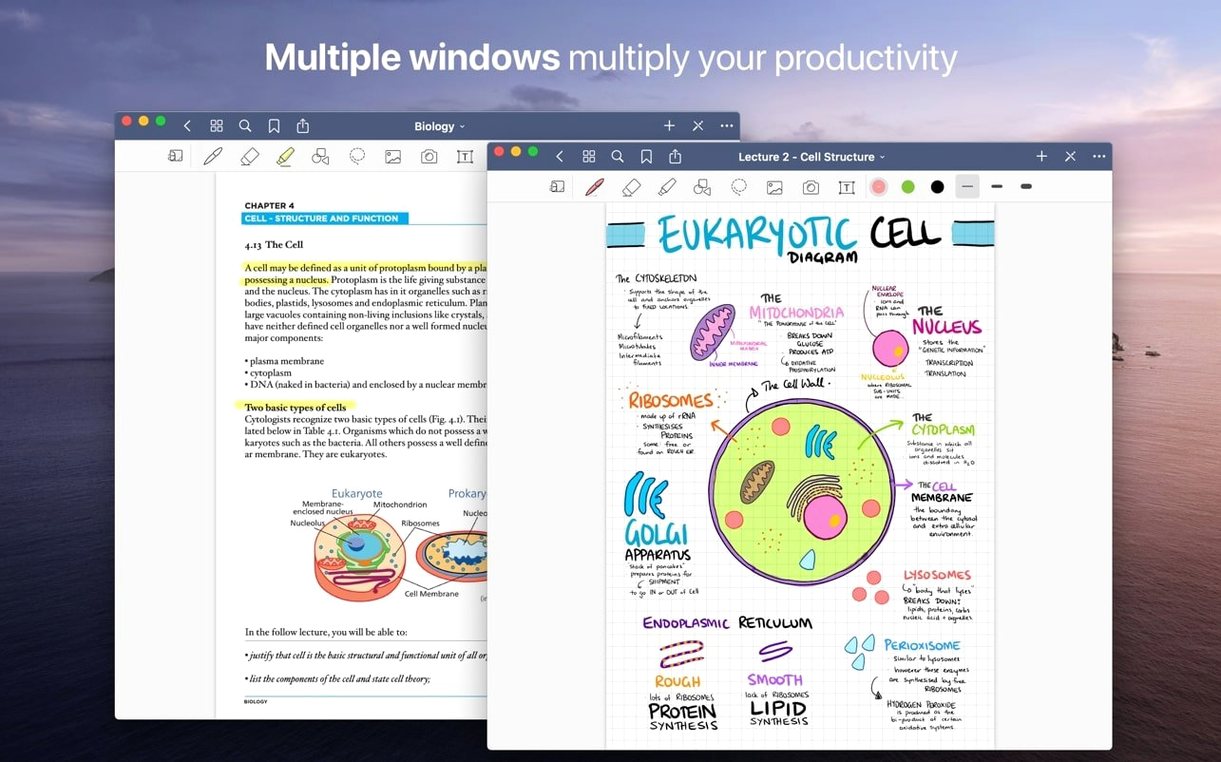
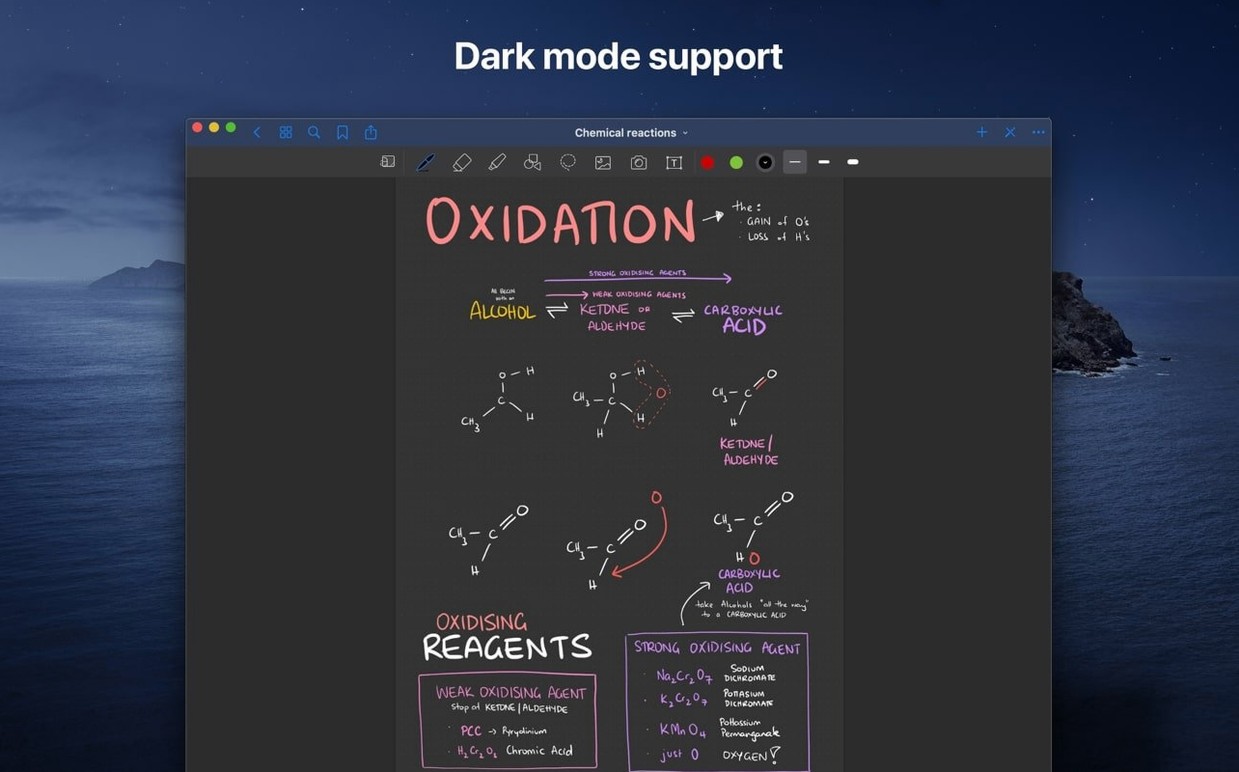
Three tools. That's all you need to start your first page. Pick a pen from the toolbar, choose a colour, and write. Your Mac trackpad or a graphics tablet both work straight away.
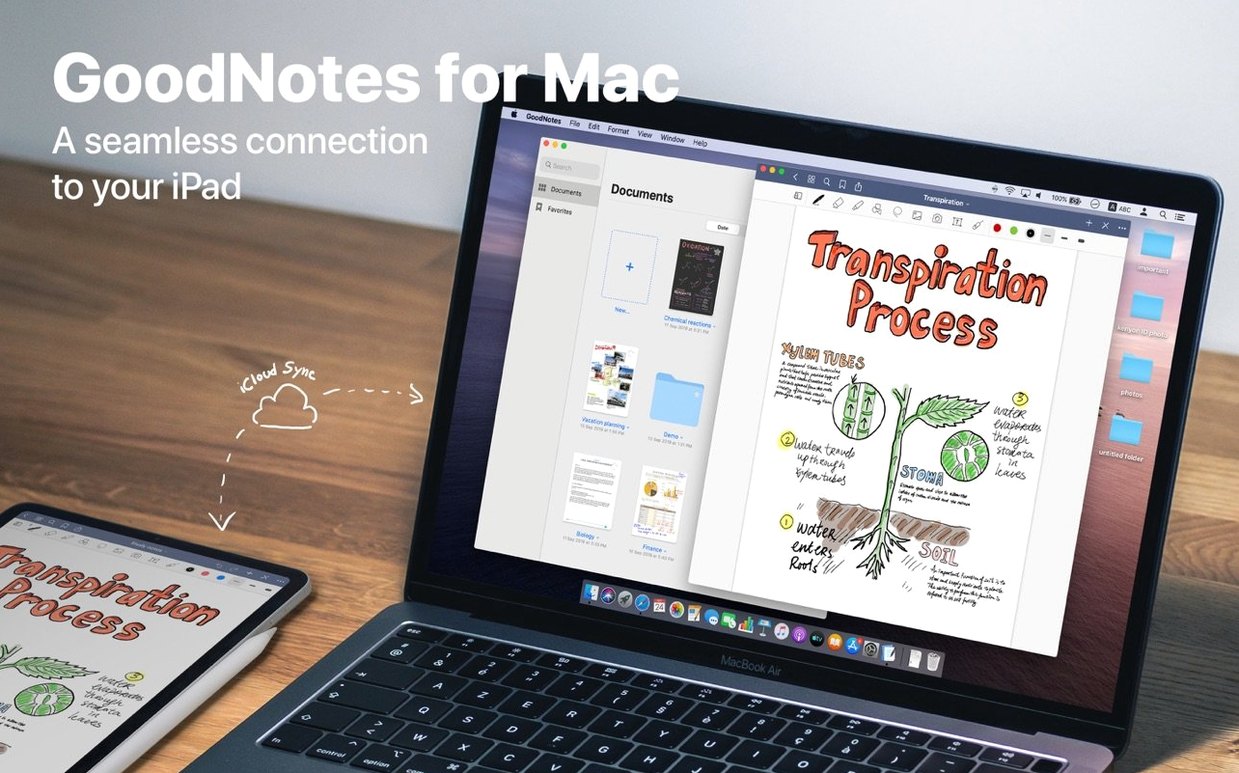
Everything you create syncs through iCloud. Your notebooks appear on an iPad or iPhone running GoodNotes 5 without any extra steps, ready to read or keep editing.
Does it feel like a real notebook on a Mac? Pretty close. The page turns with a flick of the trackpad, and the pen tools respond to pressure if you use a graphics tablet. You can scribble with a finger on the trackpad too, though a stylus on an iPad feels more natural for long sessions.
Can I open my old GoodNotes 4 documents? Yes. The app imports them on first launch and converts everything into the current format. Your folder structure, favourites, and custom outlines carry over.
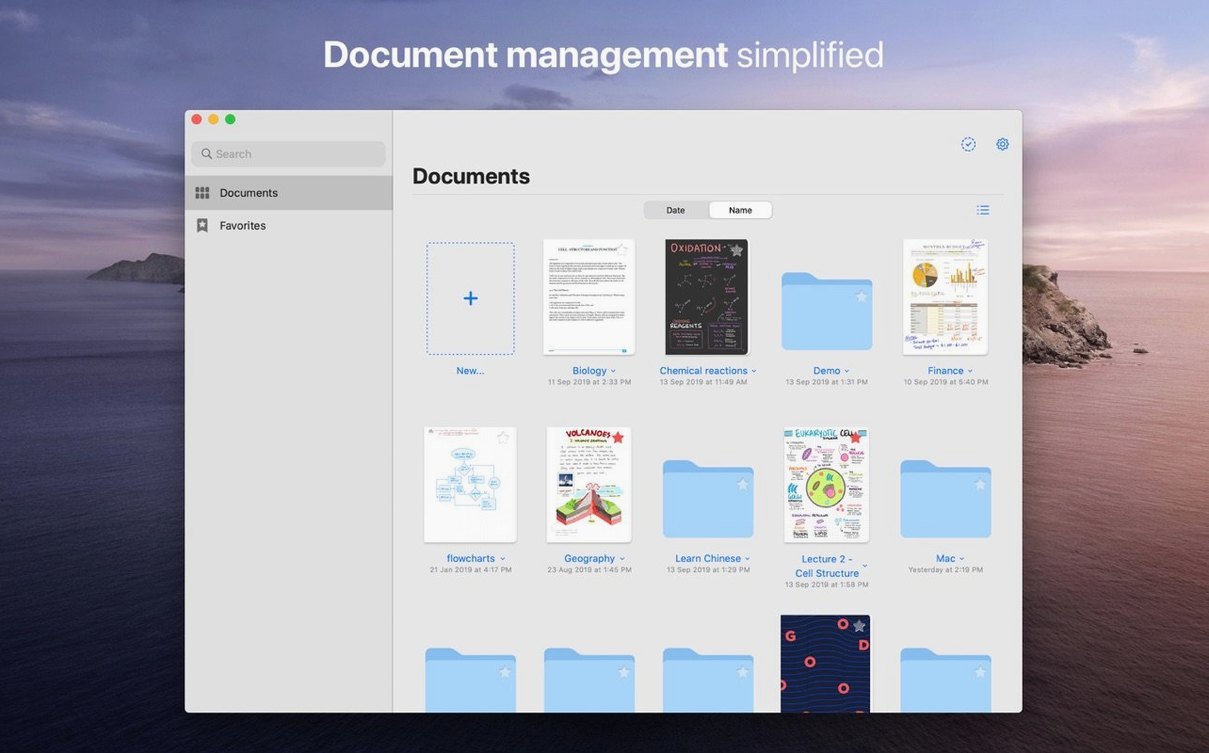
What happens if I don't have an iPad? Nothing breaks. The Mac version works standalone. You can create notebooks, annotate PDFs, and organise folders entirely on your desktop. iCloud sync is optional — skip it during setup and everything stays local.
Does handwriting search actually work? It does, but give it a moment after you finish writing. GoodNotes indexes your scribbles in the background. Search for a word you jotted down three weeks ago and it pops up highlighted, even if your handwriting is messy.
Version 5.9 sharpened a few daily annoyances. The eraser got smarter — you can now set it to wipe only highlighter ink while leaving pen strokes underneath untouched. Handy when you over-mark a textbook page and don't want to redo your margin notes.
Shapes tool behaviour improved too. A filled shape now stays editable after you draw it. Tap a rectangle you snapped into place last week and you can still adjust its corners or swap the fill colour without redrawing anything.
iCloud sync became less eager to upload every tiny stroke in real time. The app batches changes more sensibly now, so you're less likely to see a spinner when switching between Mac and iPad. For anyone who tried a goodnotes mac download in earlier versions and found sync laggy, the difference is noticeable.
Notebooks not showing up across devices. Check that iCloud Drive is turned on in System Settings and that GoodNotes has permission. Open the app's preferences, flip the iCloud toggle off, wait ten seconds, and flip it back. Give it a few minutes to re-index.
Handwriting looks jagged or laggy. The Mac app prefers a stable Bluetooth connection for external tablets. If strokes stutter, unpair the tablet and pair it again. For trackpad writing, turn off palm rejection in the pen settings — it sometimes misreads a resting thumb as input.
PDF hyperlinks stop working after import. This happens when the PDF gets flattened during drag-and-drop from certain apps. Import the file through File > Import instead of dragging from a browser window. The live links should survive.
App won't open after a macOS update. A few users hit this on the jump to macOS 14. The fix is usually quick: delete the app, restart your Mac, and reinstall from a fresh goodnotes dmg. Your notebooks stay safe in iCloud or your local GoodNotes folder — reinstalling doesn't touch them.
Yes. You can drag and drop any individual page or a whole document out of GoodNotes to export it as a PDF file.
It syncs changes through iCloud. Open a notebook on your Mac and you'll find the same edits waiting on your iPad or iPhone.
You can. Use the Lasso tool to select handwriting, then move, rotate, resize, or recolour it anywhere on the page.









Chat 0
Hop in or make an account to join the chat.
Quiet in here so far. If you have used this build, tell me what the install actually did.