
 Bear
Bear EndNote
 Final Draft
 GoodNotes
 GraphPad Prism
 Adobe Acrobat Pro
 iA Writer
 iBarcoder

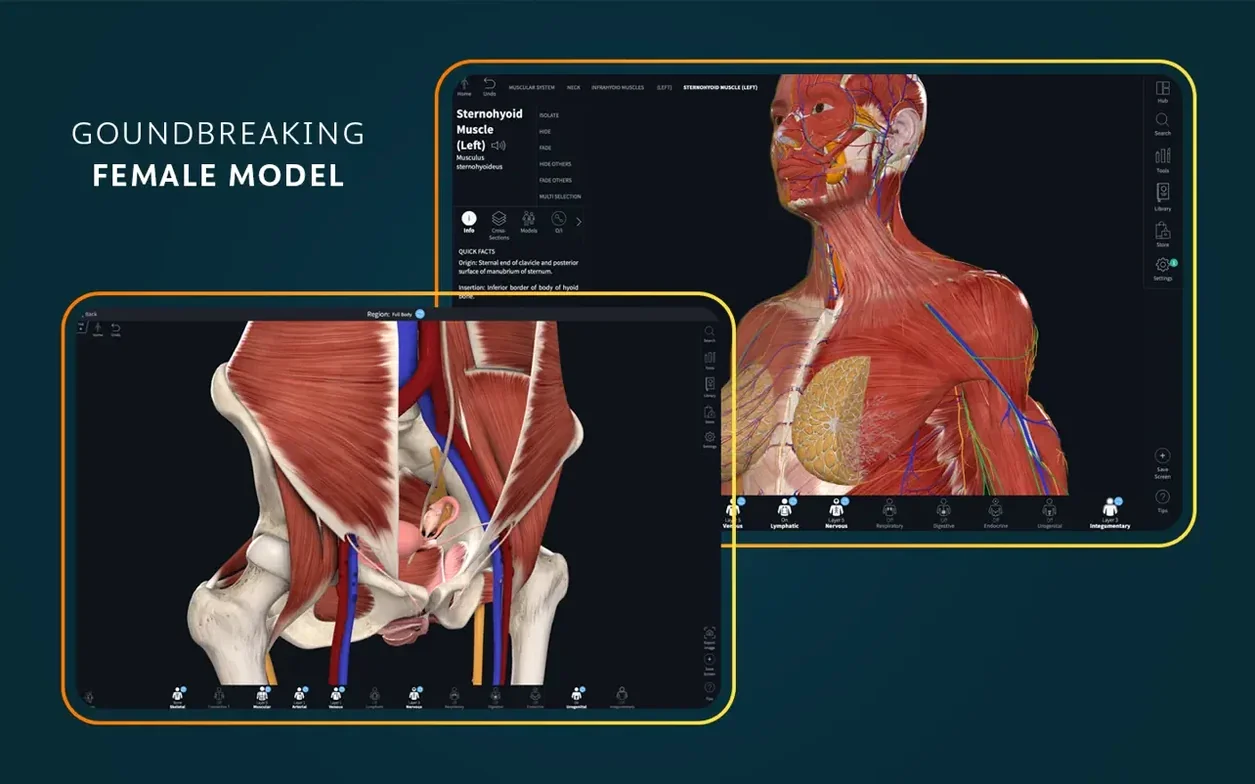
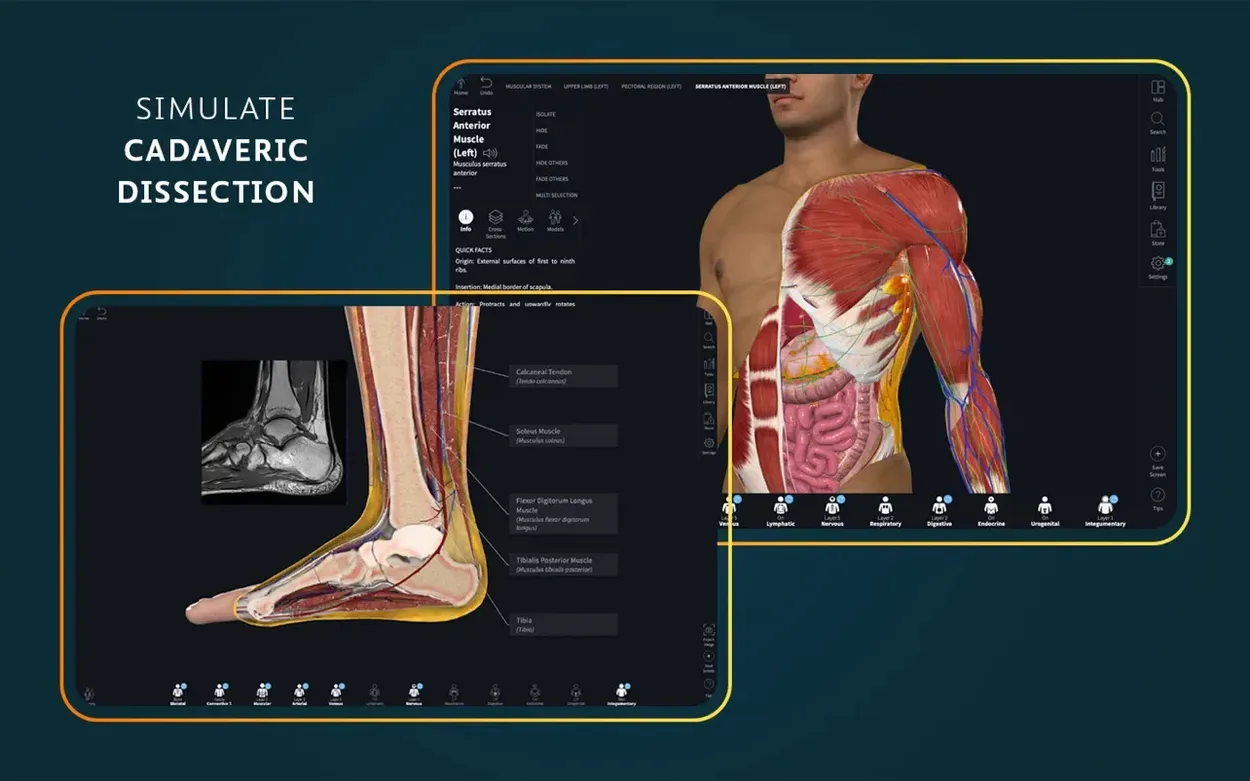
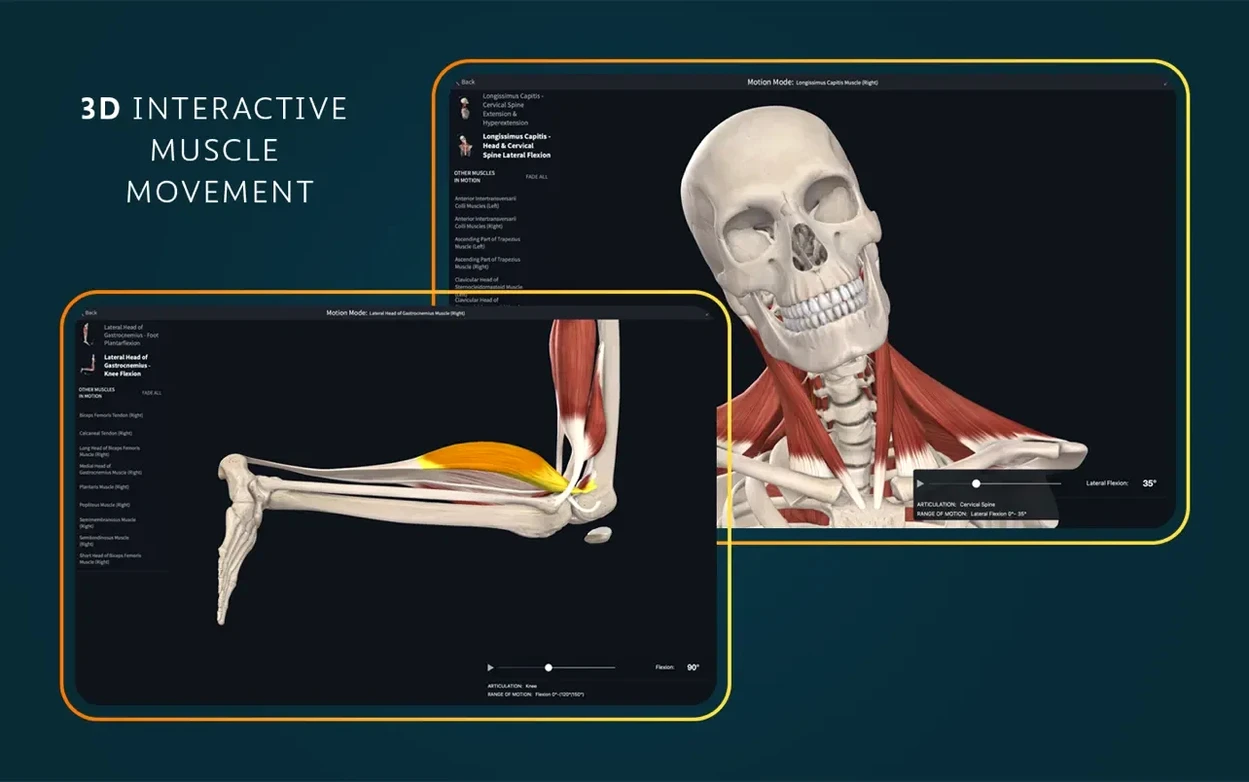
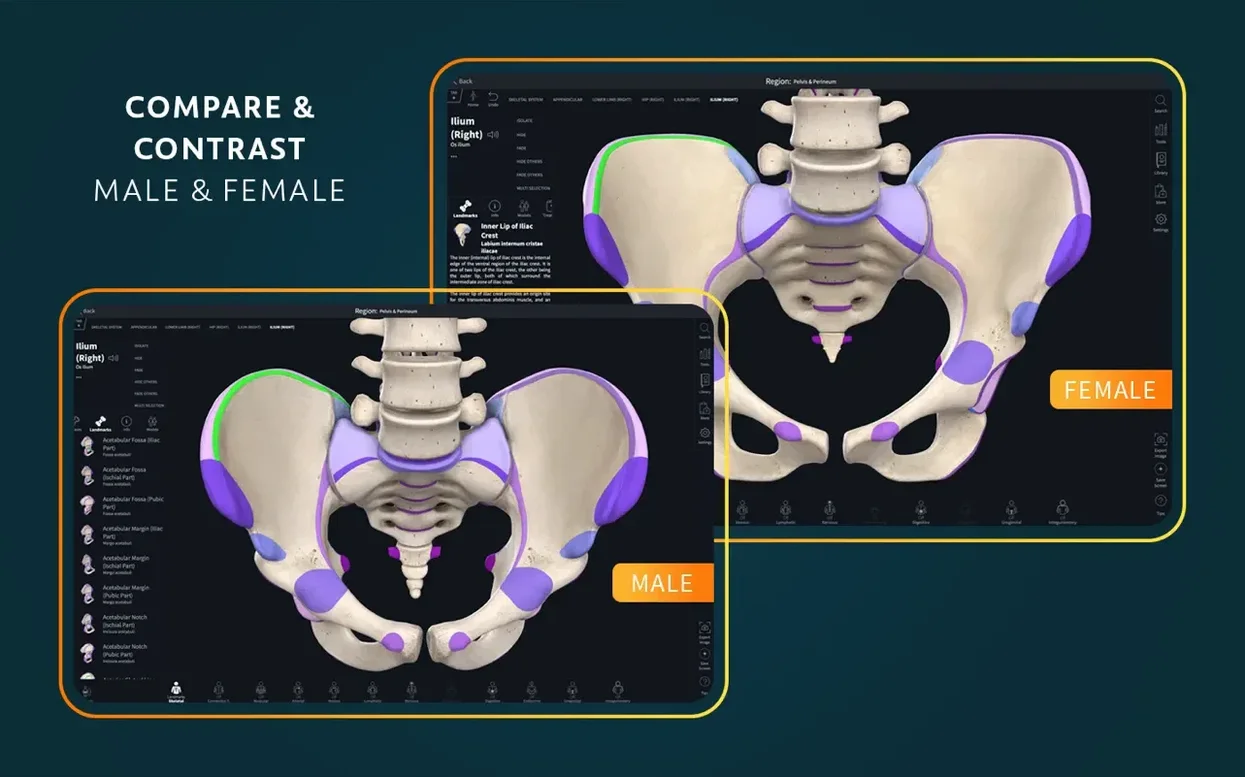
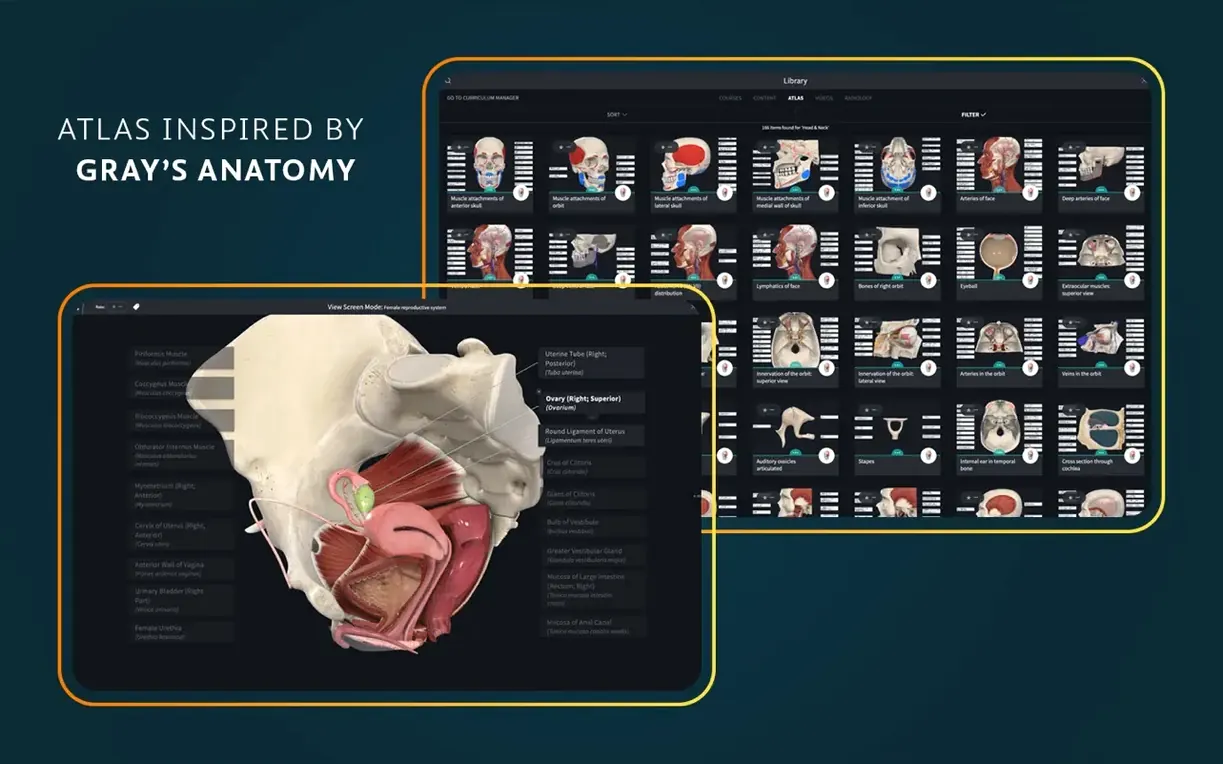
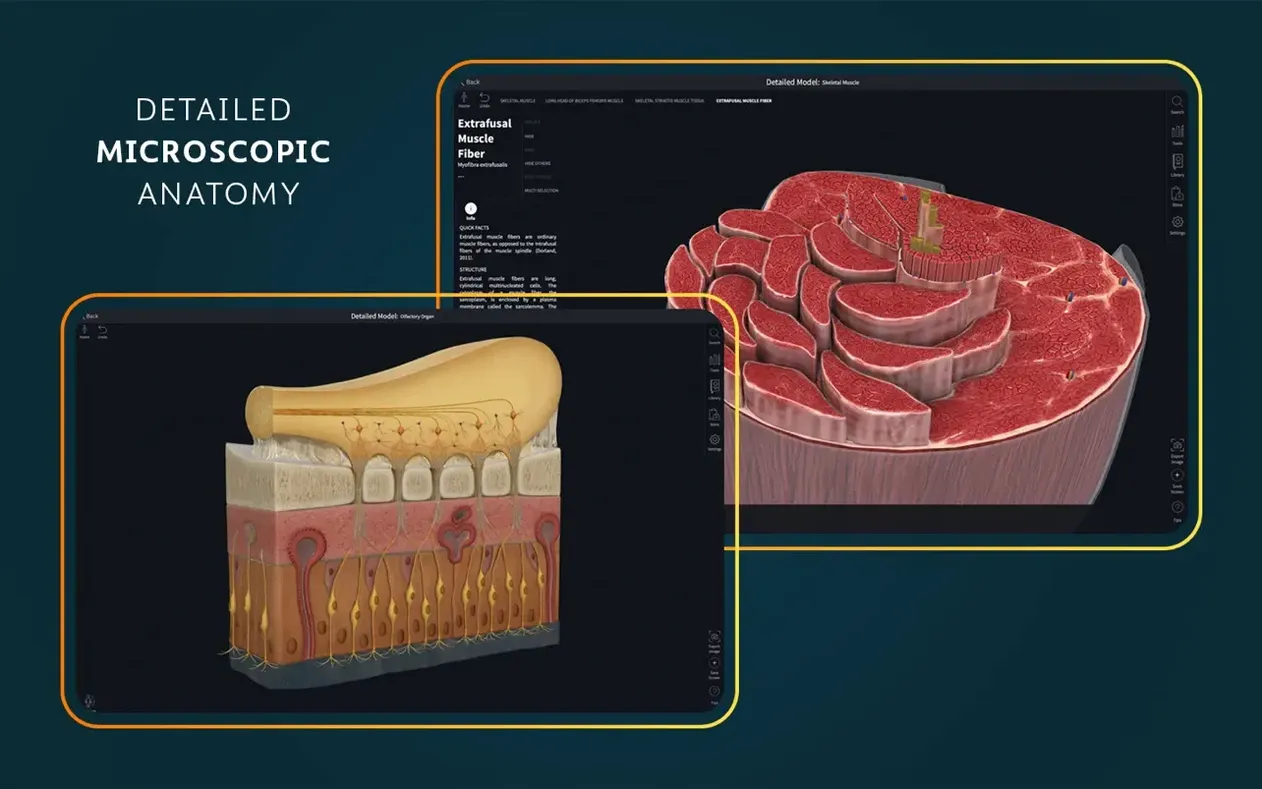
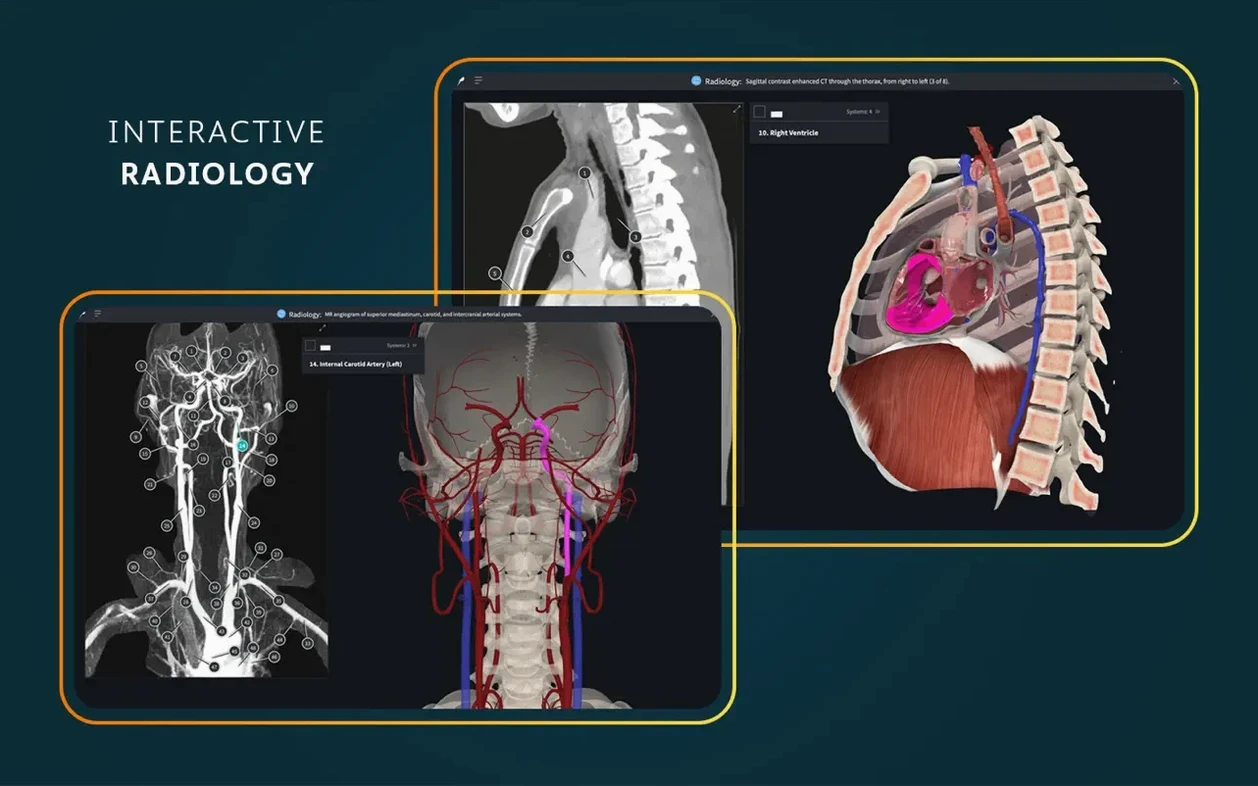
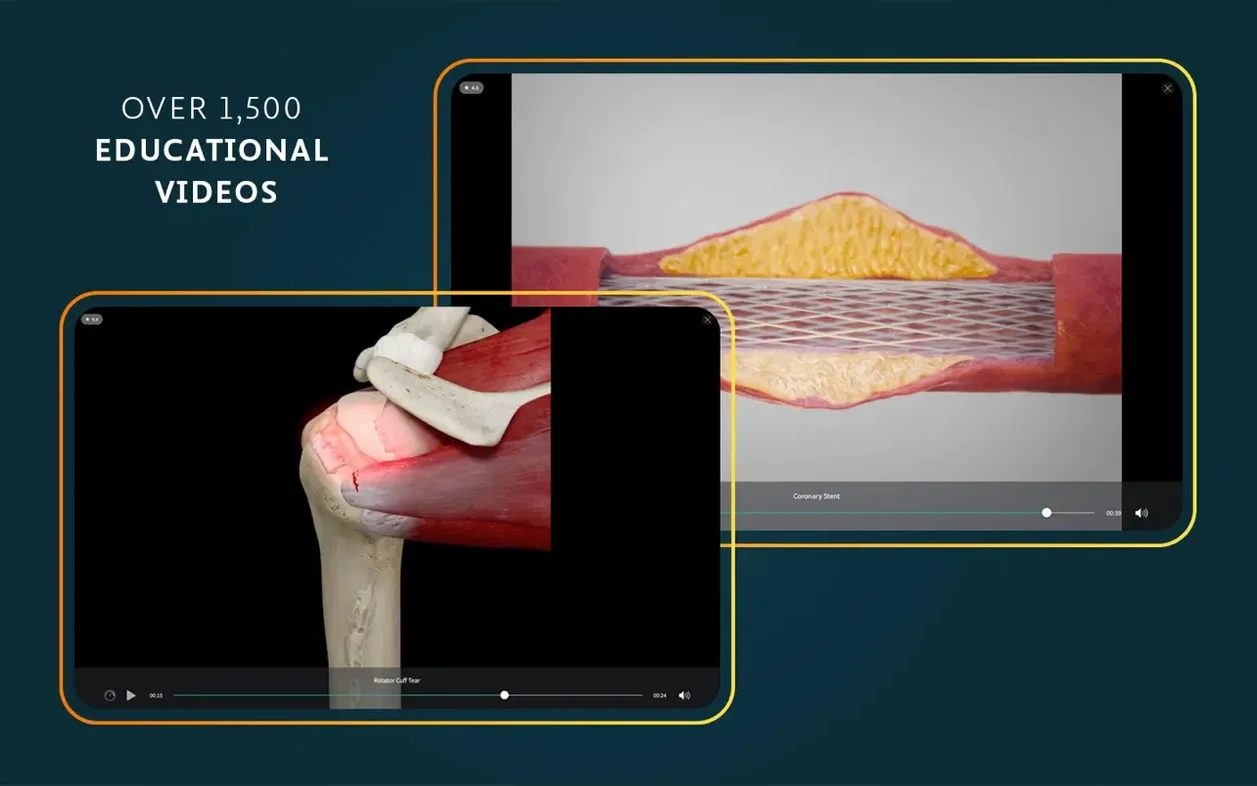
Complete Anatomy runs on any Mac with macOS 11 or newer, on Apple Silicon and Intel hardware alike. It is a 3D anatomy platform from 3D4Medical (Elsevier) built for anyone who needs to study the human body layer by layer — students, clinicians, or the genuinely curious. Here is one realistic path through the app that shows what it can do.
The app rewards a lightweight approach: pick a single structure, explore it from every angle, and the relationships between systems start to make sense. Version 11.5 keeps that experience smooth without piling on features that get in the way.
Most people launch Complete Anatomy and spin the skeleton a few times, then get lost. The app rewards focus, not speed.
The release landed on 5 September 2025 with a short note: optimised support for iOS 26 and general bug fixes. On the Mac side, the practical effect is quieter than the version number suggests.
The iOS optimisation does not directly touch macOS, but it signals where Elsevier is putting engineering time — keeping the platform in lockstep with Apple's latest frameworks. What Mac users notice day-to-day is the stability work. Models that used to hitch slightly when loading the full female pelvis or the dissectible heart now settle faster. Cross-section sliders feel more responsive, especially on older Intel machines that previously chugged when dragging through dense anatomy. The microscopic histology slides — all 39 of them — pan at a consistent frame rate where earlier builds occasionally stuttered.
No new interface, no redesigned tools, no extra content in this release. Just the kind of polish that makes a session feel less like software and more like an atlas that happens to live on your screen.
Do I need an account? Technically the app opens without one, but anything beyond a quick look requires signing in. Saved views, custom labels, your course content — all tied to an account. Expect to create one if you plan to use Complete Anatomy seriously.
Will it run on my old MacBook Air? If it can boot macOS 11, yes. The app supports both Apple Silicon and Intel 64-bit chips. Performance on Intel integrated graphics is adequate for single-system viewing. Layer on multiple systems with dynamic cross-sections and you will feel the fan spin up. Apple Silicon machines breeze through everything including the beating heart model with all chambers visible.
How much space does it need? The download is substantial. The disk image packs the full app bundle, and once installed the content library — videos, microscopic slides, the atlas screens — sits inside the application container. Budget several gigabytes if you want everything accessible offline.
Is AR mode useful on a Mac? The augmented reality feature is built for iPad. On a desktop Mac without a rear camera and accelerometer, it is not the core experience. Stick with the screen-based tools and you will not miss anything.
Yes, it runs on both Apple Silicon and Intel Macs as long as you are on macOS 11 or newer.
You can switch the app to English, German, Spanish, Simplified Chinese or French.













Chat 0
Hop in or make an account to join the chat.
Quiet in here so far. If you have used this build, tell me what the install actually did.