
 PullTube
 Musify
 YT Saver
 YTD Video Downloader PRO
 iTubeGo
 iDownerGo
 HarborDrop
 Folx Pro


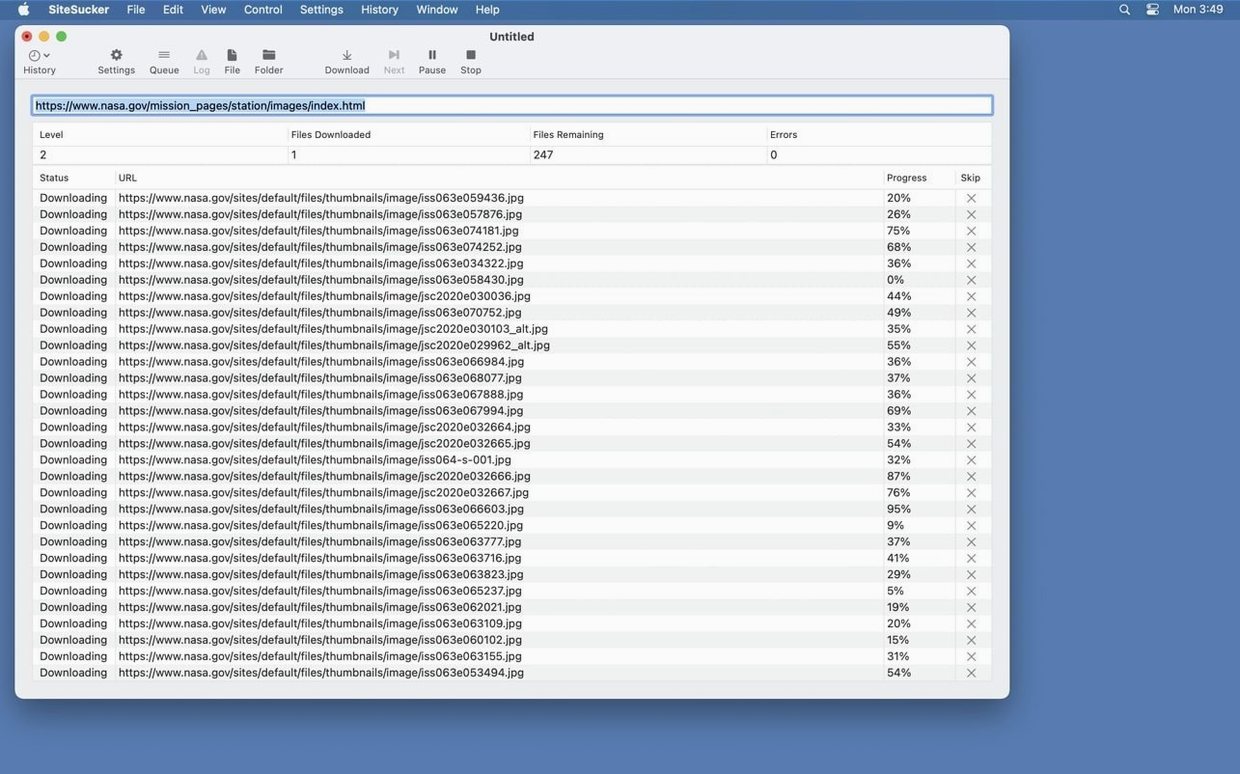
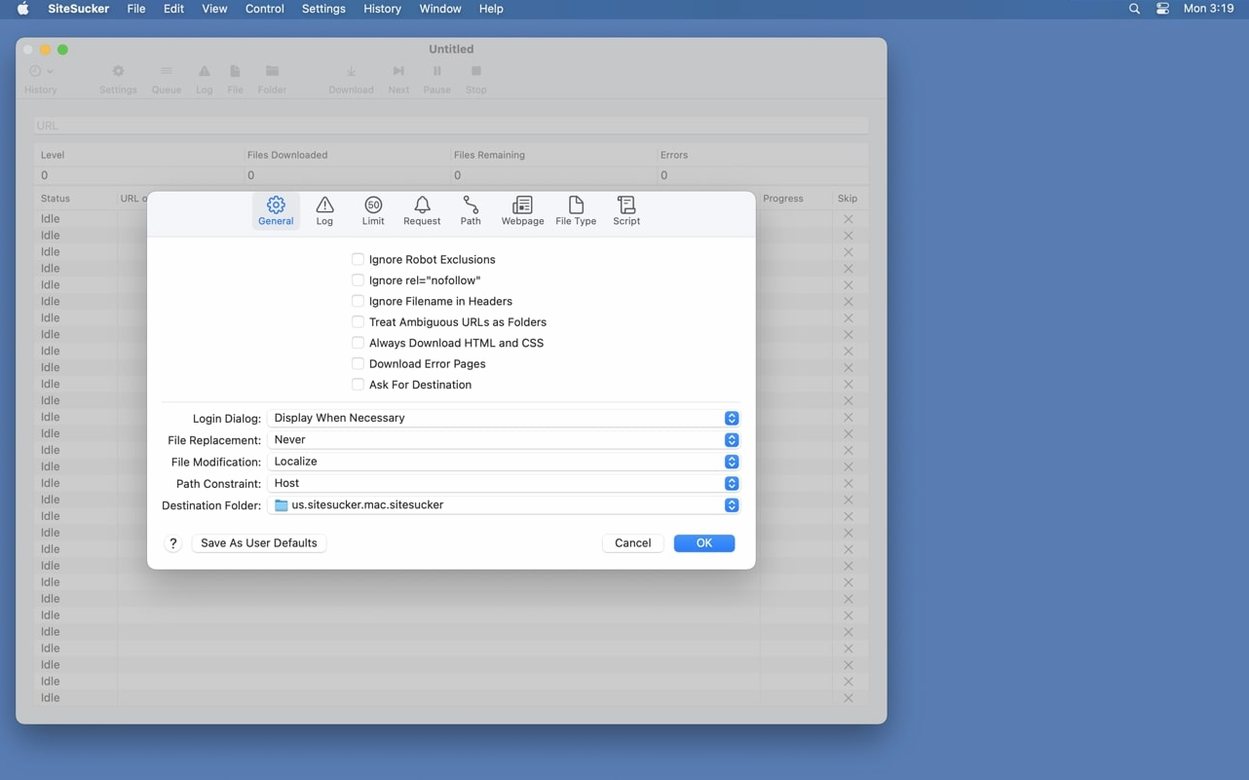
Version 6.2.2 tidies up PDF creation and adds a Format HTML toggle in Webpage settings—small fixes that keep a reliable offline browser ticking.
Point it at a documentation site, set the depth to 3 levels, and turn on 'Include Supporting Files'. It mirrors the directory structure straight onto your desktop while you watch the log tick over in Console.
The Paths section lets you force or block specific links. I add a skip rule for `/ads/` and a force rule for `/api/` to keep the local copy lean and functional.
Turn off 'Obey robots.txt' in Limits, then switch the user agent to Safari in the Advanced tab. The site sees a regular browser and usually serves the content without a fuss.
Will it grab every media file on a page? The Pro edition handles embedded YouTube and Vimeo videos, which the standard version skips. It still won't pull content locked behind a login or items loaded with heavy JavaScript after the page renders—that's a browser's job, not a crawler's.
Can I pause a long download and come back? Yes. An operation can be stopped and restarted later, and the log keeps track of what's already been fetched so you don't end up with duplicates filling your drive.
Does it work with password-protected sites? You can supply credentials in settings. It's not a full browser session, but basic HTTP authentication and some cookie-based logins behave when you set them up before the crawl starts.
Web designers who archive past client projects love it. A static backup of a portfolio site, with its CSS and assets intact, saves scrambling when a domain expires. The Paths section means you grab the finished pages and none of the staging drafts.
Researchers and writers benefit heavily. Snapping a reference site before it changes or disappears gives you a frozen, searchable local copy. No bookmarks, no link rot—just the pages as they were on the day you captured them.
Anyone building offline demo kits on a MacBook also clicks well with this tool. A local copy of a product showcase runs without Wi-Fi and loads instantly, which beats a laggy conference connection every time.
SiteSucker vs. HTTrack — HTTrack is a cross-platform powerhouse with a web interface, but it requires a command-line setup or X11 on macOS. SiteSucker Pro feels native, lives in your Dock, and its UI makes limiting file types or depth feel like ticking boxes rather than writing config files.
SiteSucker vs. Wget — Wget is free and scriptable, but you write flags for everything. SiteSucker Pro gives you the same control through a tidy settings window. The embedded video download in Pro is something Wget simply doesn't attempt without extra tooling.
SiteSucker vs. Offline Explorer — Offline Explorer offers more scheduling and filtering options, but it runs on Windows. Mac users who want a straightforward sitesucker pro mac experience get the same core job done without a virtual machine or compatibility layer, and the log-to-Console flow keeps everything transparent.
The Format HTML option added in 6.2.2 cleans up messy source code after a download finishes. Turn it on if you plan to read or edit the local files by hand—it tidies indentation and line breaks so the markup doesn't look like a solid wall of text.
Yes, the Pro version can download embedded video files as part of the site structure.





Chat 0
Hop in or make an account to join the chat.
Quiet in here so far. If you have used this build, tell me what the install actually did.