
 HarborDrop
 iDownerGo
 Downie
 iTubeGo
 Musify
 AmpliTube
 4K YouTube to MP3
 4K Video Downloader


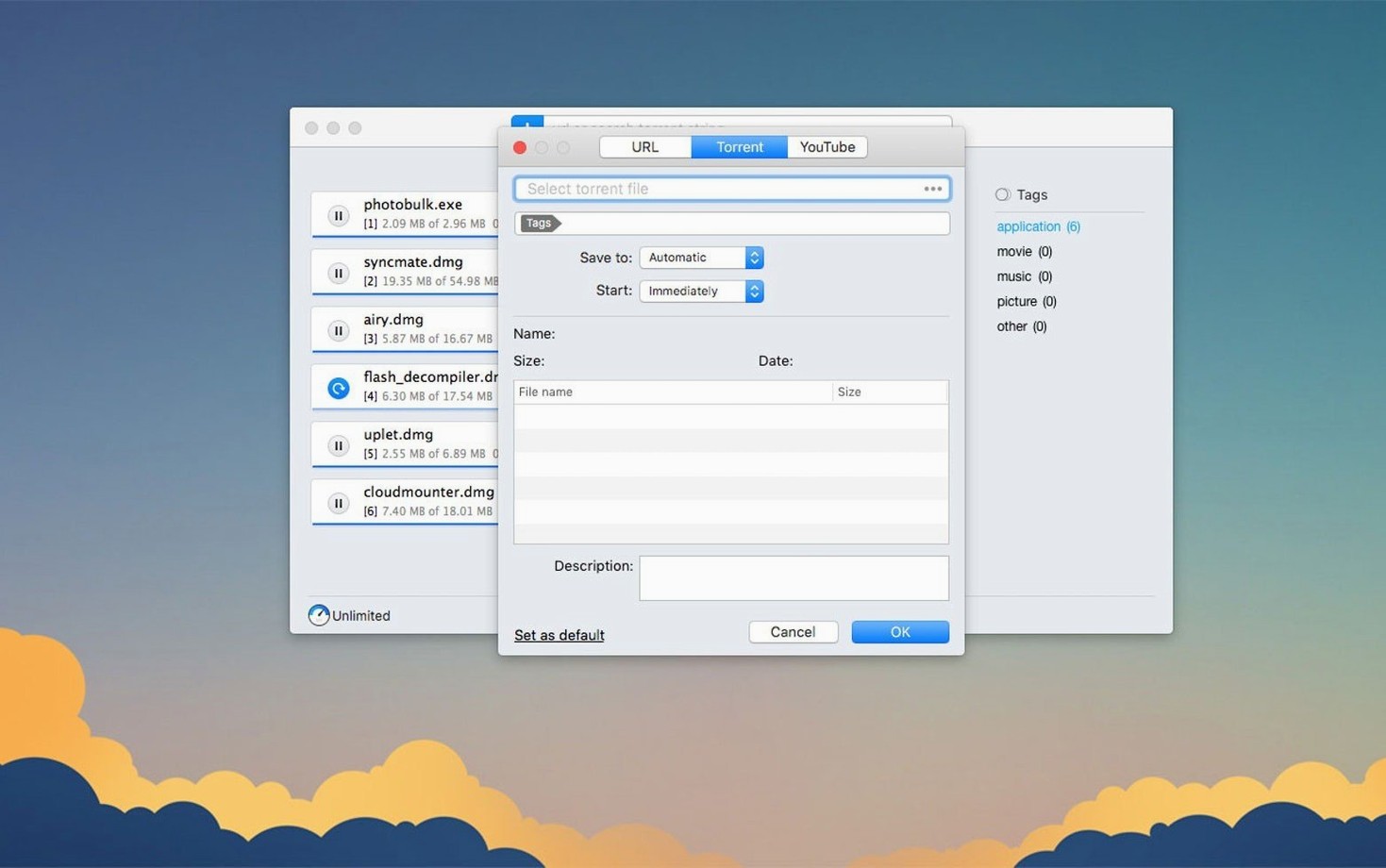
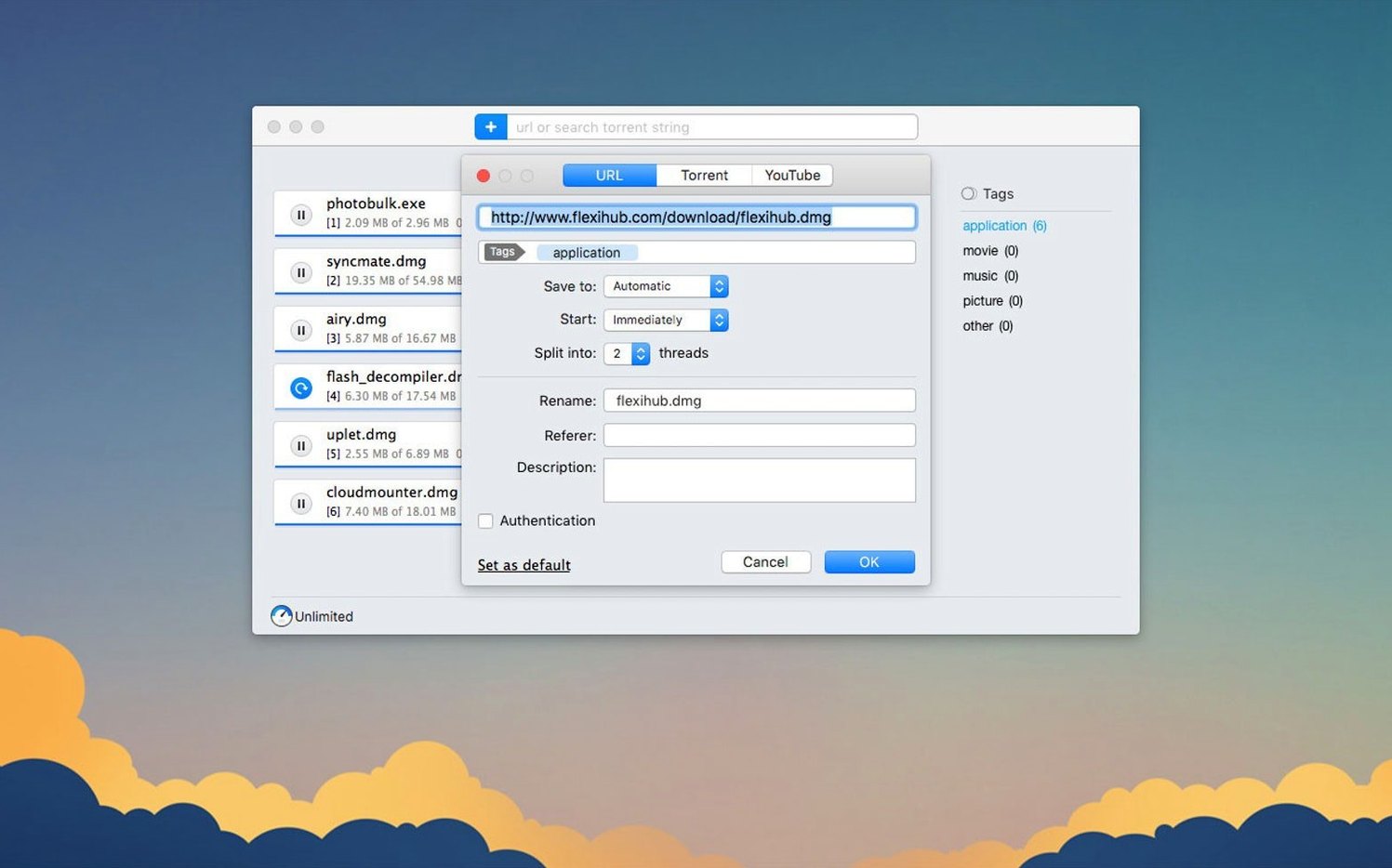
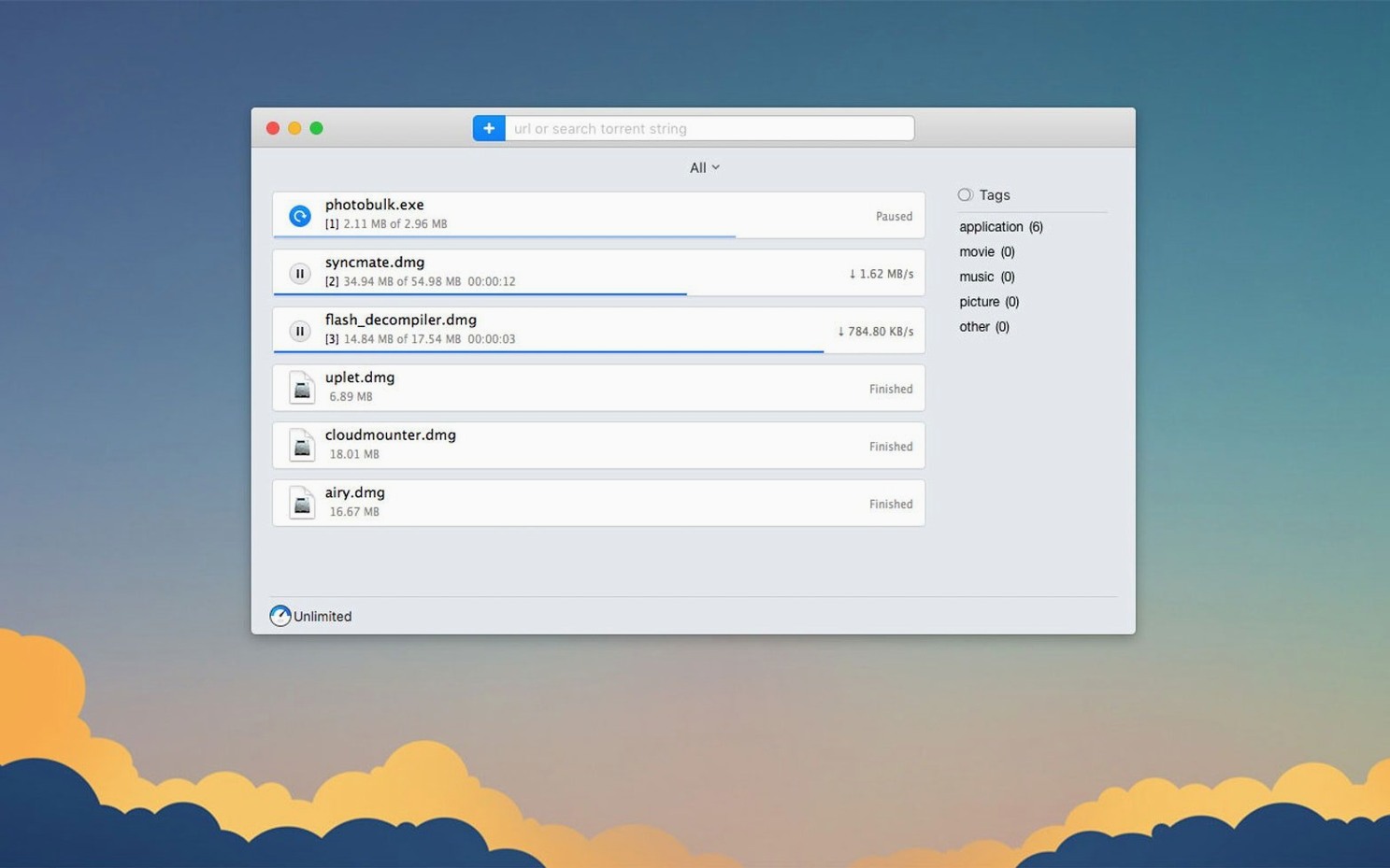
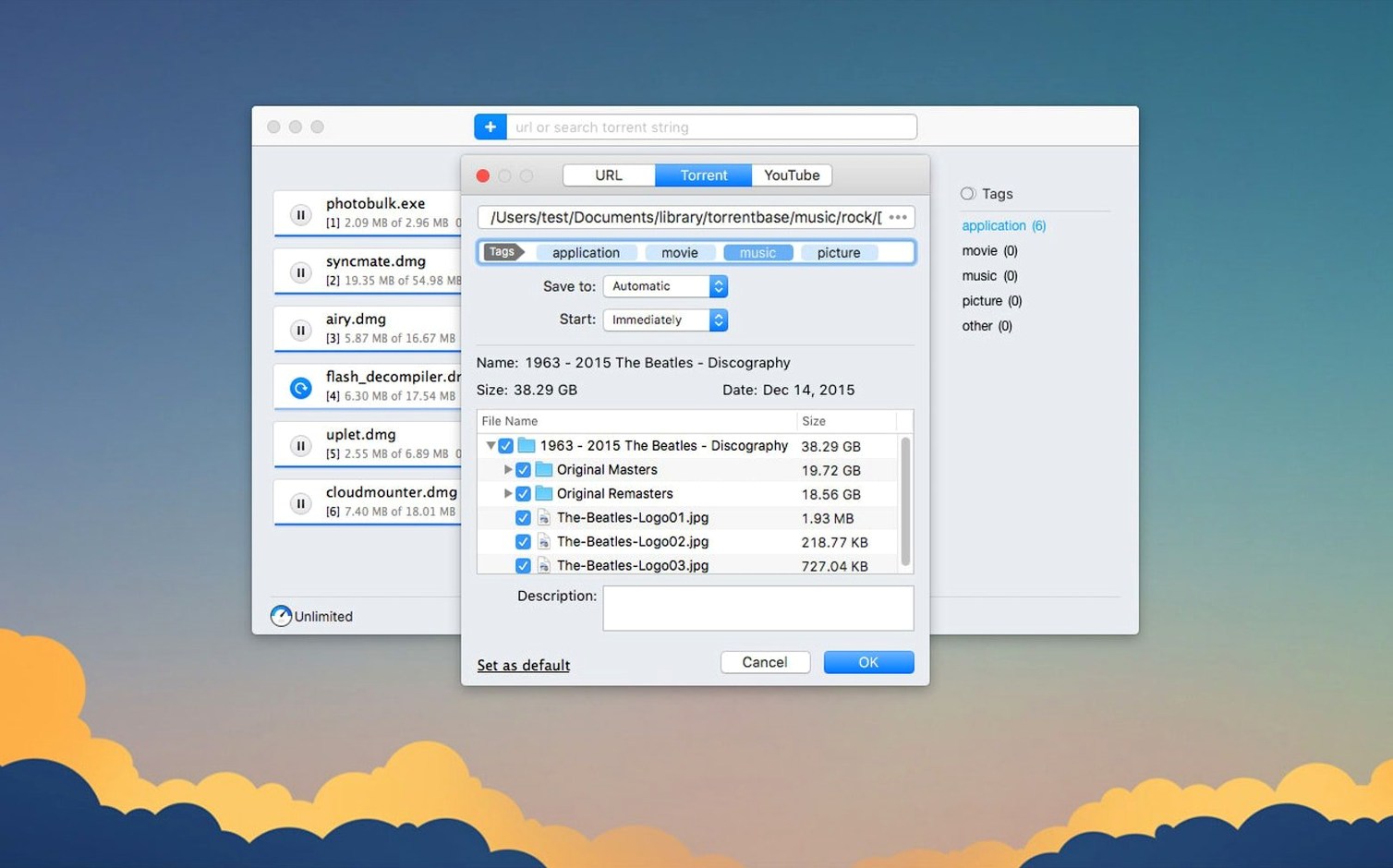
Folx Pro suits anyone who grabs files from a mix of sources—direct links, magnet links, and torrent files—and wants them all in one tidy queue. It is a download manager and torrent client built for macOS, with a clear interface that stays out of your way.
Once you have set a schedule and tweaked the per-torrent file list, the app just sits in the menu bar and works. The recent update also hardened how it stores active tasks, so a restart does not lose your place.
Most of the hesitation sits around two points: the torrent side and how it sits on a Mac. The short answer is that Folx Pro handles torrents the way Transmission used to—clean, simple, no bundled extras. It downloads and seeds torrents, reads magnet links, and lets you pick individual files from inside a torrent before a single byte arrives. The built-in search pulls from well-known trackers, and you can sort results by seeds so you know which torrent is healthy.
People also ask whether it replaces a browser download. It does, for large files. Folx Pro catches direct downloads and splits them into up to 20 threads, which helps when a server throttles a single connection. It stores passwords for sites that need a login, so grabbing a private archive or a course video does not force you back to the browser each time. On Apple Silicon or Intel, it runs natively—no Rosetta needed, no translation layer.
Drop the download folder somewhere you can reach easily. The default goes inside your user directory, but pointing it to a dedicated folder in the Dock or sidebar saves hunting later. After that, spend ten minutes tagging. Right-click a completed download and assign a tag like Work, Personal, or Video. The tag column becomes a fast filter when the list grows past a dozen items.
If you grab YouTube clips, try the quality selector early. Paste a link, and before the download starts, pick the resolution you want from the dropdown. You can also rename the output file right there—handy when YouTube’s default filename is a string of random characters. The app remembers your last quality choice, so the next clip defaults the same way.
For torrents, open the preferences and set a seeding ratio you are comfortable with. A modest ratio keeps the swarm healthy without tying up upload bandwidth for days. The scheduler is your next stop: set a quiet window during work hours and let heavy downloads run at night. The menu bar icon shows a small progress ring, so you can glance without opening the full window.
.torrent file straight onto the dock icon—the main window does not need to be open.Good to know: the interface language switches without a restart. Pick your language in preferences, and the menus and labels update immediately.
Yes. You can paste a direct URL or open a torrent file, and Folx Pro manages both in the same download list.
Absolutely. When you add a torrent, Folx Pro shows the file list so you can untick anything you don't need before the download starts.
The interface is available in Russian, English, German, Vietnamese, Spanish, Italian, Simplified Chinese, Korean, French, and Japanese.






Chat 0
Hop in or make an account to join the chat.
Quiet in here so far. If you have used this build, tell me what the install actually did.