
 4K YouTube to MP3
 4K Video Downloader
 Downie
 Folx Pro
 HarborDrop
 iDownerGo
 iTubeGo
 Musify


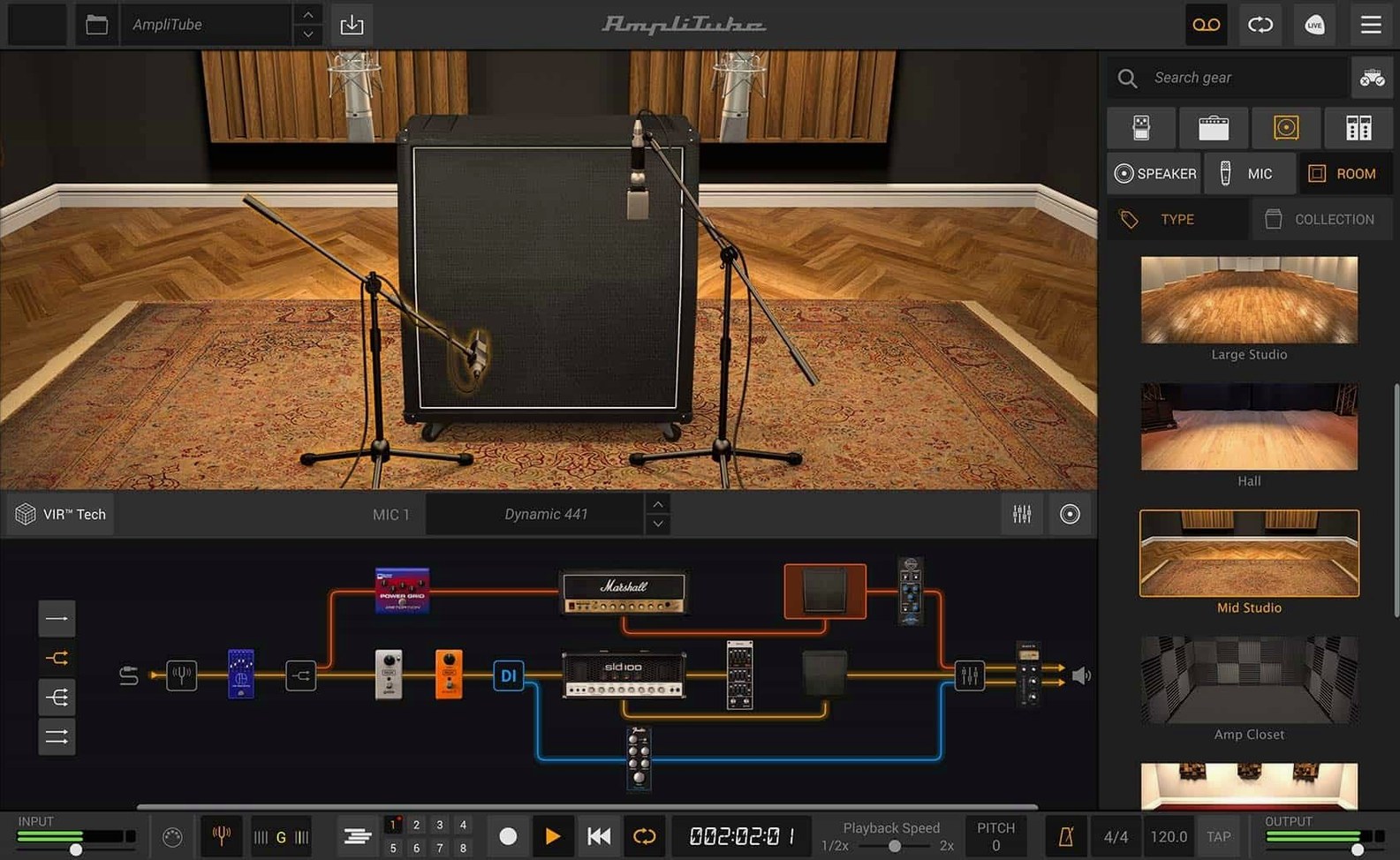
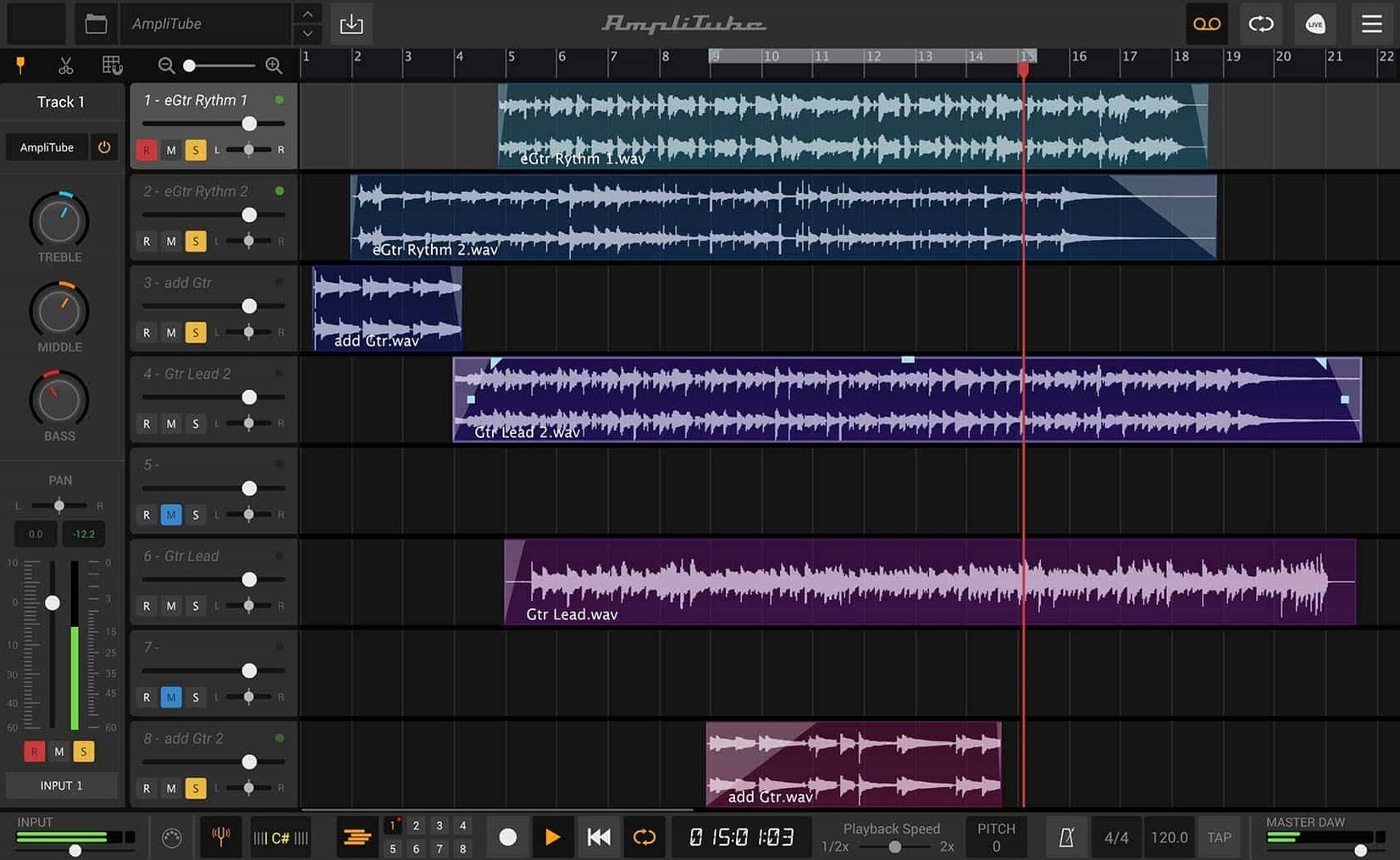
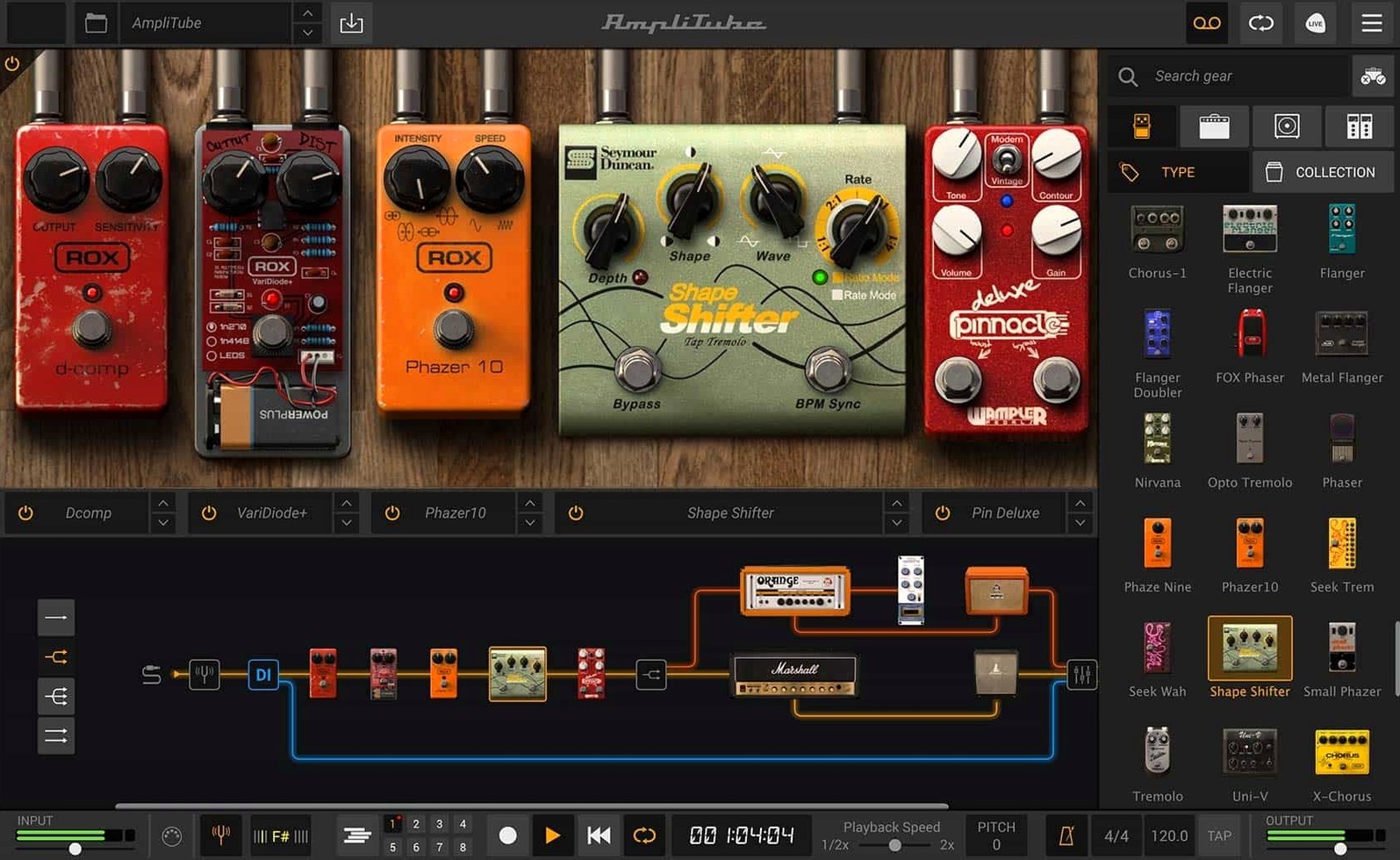
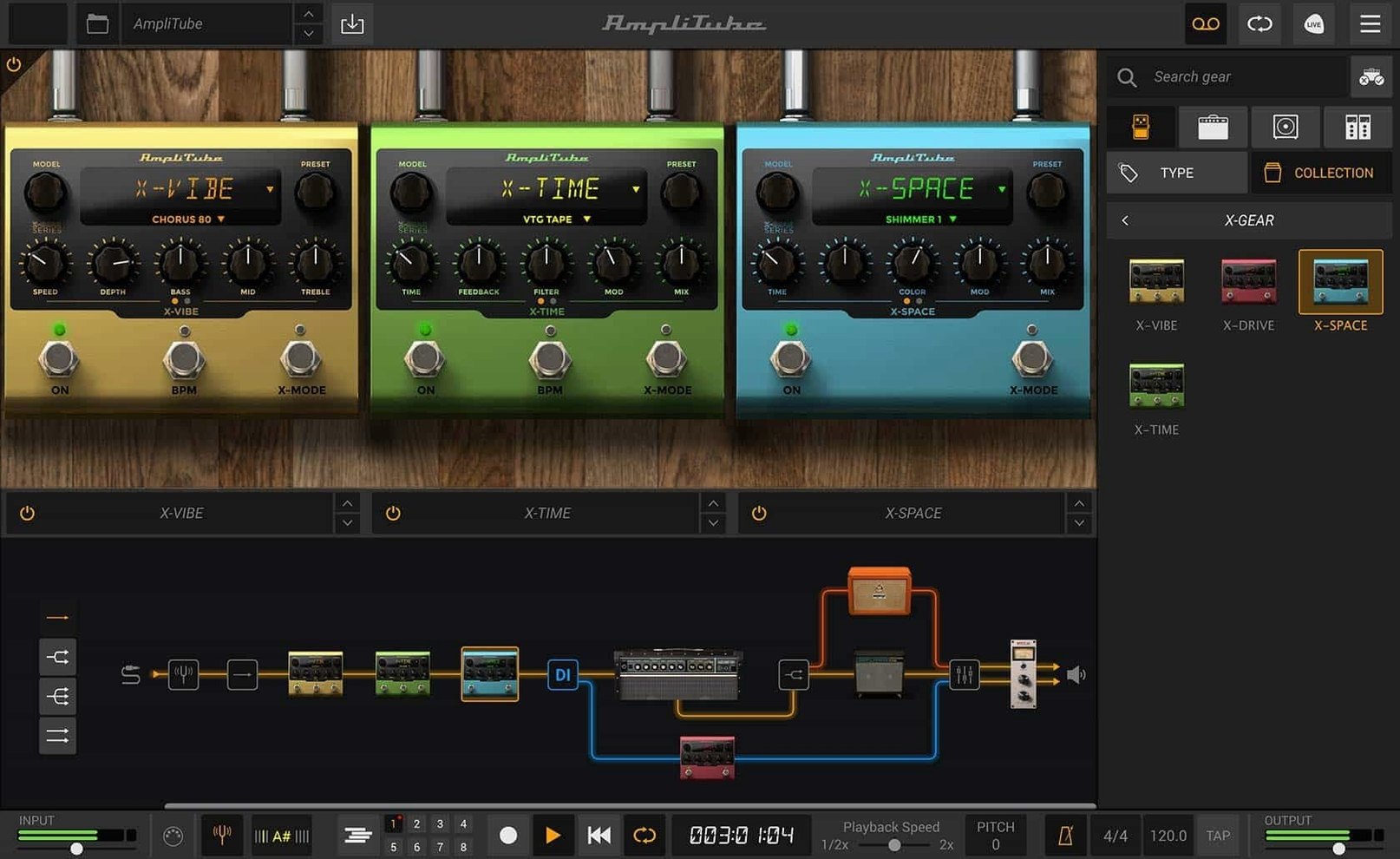
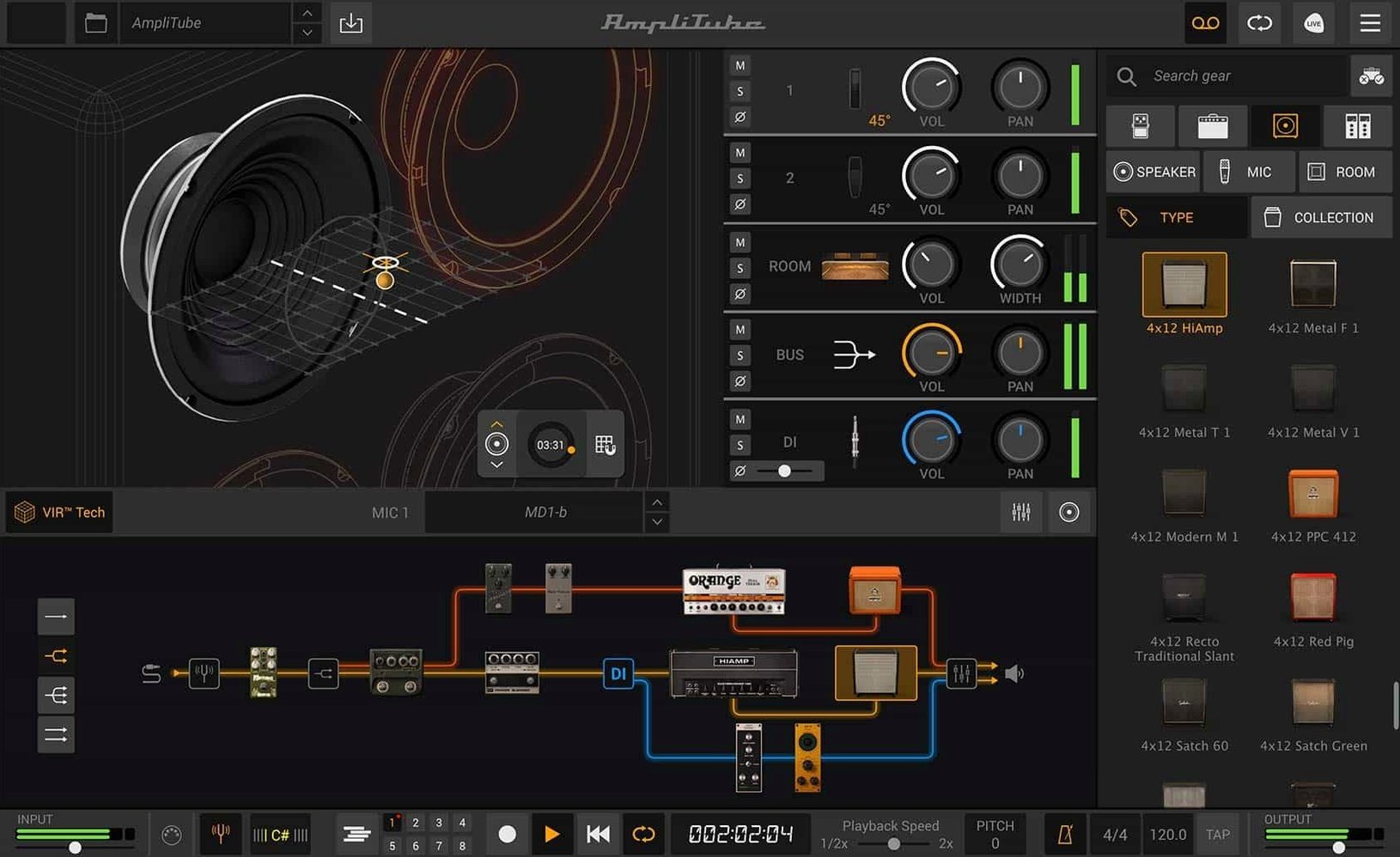
More than 130 new models sit inside the current version — that's before you count the 23 rack effects added to the library. A single patch can load up to 57 simultaneous amp, cab and stomp models, so the signal chain gets deep fast.
Drop in custom IR files to replace the stock cabinet tones. The new VIR tech in the cabinet section lets you shift mics and position them across the speaker cone — more like moving a real mic than picking from a menu.
Drag-and-drop routing lets you split the signal early. Keep a clean direct line for re-amping later, or blend a dry DI with the wet chain for layered tones that still cut through a mix.
The redesigned mixer now carries its own effects, so post-amp processing doesn't need extra plug-ins. Dial in EQ, compression and ambience while you balance mic channels — all inside the one window.
Picture a singer‑songwriter who tracked a tight rhythm part last week and now needs a washy lead that breathes. She opens the standalone app, pulls up a Fender‑style model, pushes the mids with a Tube Screamer and splits the signal after the cab. One branch stays bone‑dry DI for later re‑amping; the other hits a long plate verb and a stereo delay panned slightly off‑centre. Twenty minutes of noodling later she has a double‑tracked stem that sits behind the vocal without fighting it — all printed before the DAW even opens.
Home recordists who hate menu‑diving warm to the drag‑and‑drop rack straight away. Bass players get a lot out of the 5‑amp‑and‑cab expansion because the low‑end retention in the VIR cabs stops notes turning to mud below 80 Hz. Live performers running a MacBook on stage lean on the standalone mode — zero DAW overhead means the patch‑switching stays snappy. Producers who already own a pile of impulse responses treat the custom IR loader like a secret weapon, dropping in boutique 2×12 captures that most modellers don’t ship.
Compared with Neural DSP’s Archetype series, AmpliTube spreads wider instead of going deep on one artist’s chain. Archetype gives you a polished, record‑ready tone in three clicks; AmpliTube gives you 57 slots and a patchbay mentality. It rewards tinkerers more than preset surfers.
Next to STL Tones AmpHub, AmpliTube wins on routing flexibility — AmpHub keeps things linear and pedalboard‑like, which is faster but less adventurous. The IK Multimedia mixer with its own channel effects also means you can finish a tone without leaning on a DAW, something AmpHub doesn’t try to do.
Against Logic Pro’s stock Amp Designer, the gap is mostly in the cabinet section. Logic’s mics are fixed‑position; AmpliTube’s VIR lets you creep a ribbon mic toward the dust cap and hear the treble shift in real time. Logic owners often grab the CS version just for that cab block.
AmpliTube 5 MAX is the larger edition, bundling 11 brand or artist collections with over 400 gear models in total.
Yes, it works as a plug-in in any DAW that supports 64-bit formats, and there's also a standalone app.
It does — the cabinet section supports custom IR files so you aren't limited to the built-in cabinets.






Chat 0
Hop in or make an account to join the chat.
Quiet in here so far. If you have used this build, tell me what the install actually did.