
 4K YouTube to MP3
 AmpliTube
 Downie
 Folx Pro
 HarborDrop
 iDownerGo
 iTubeGo
 Musify


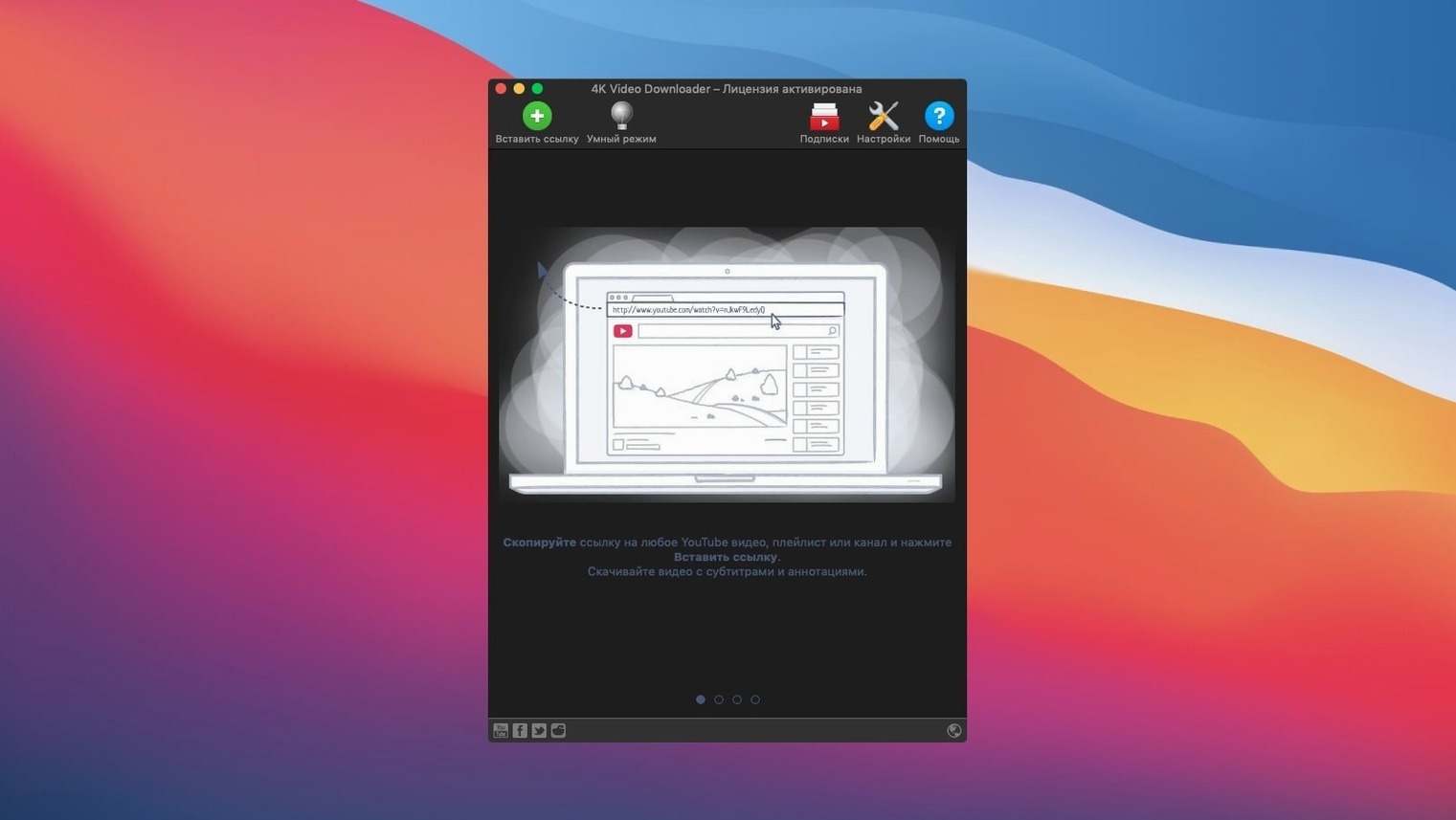
Anyone who collects clips, soundtracks or subtitles for offline editing and reference will find this utility slots neatly into a quick right-click workflow. It does one job and keeps the interface out of your way.
| Detail | Requirement |
|---|---|
| macOS | macOS 12 or later |
| Architecture | Intel (runs via Rosetta on Apple Silicon) |
| Key formats | MP4, MKV, M4A, MP3, FLV, 3G |
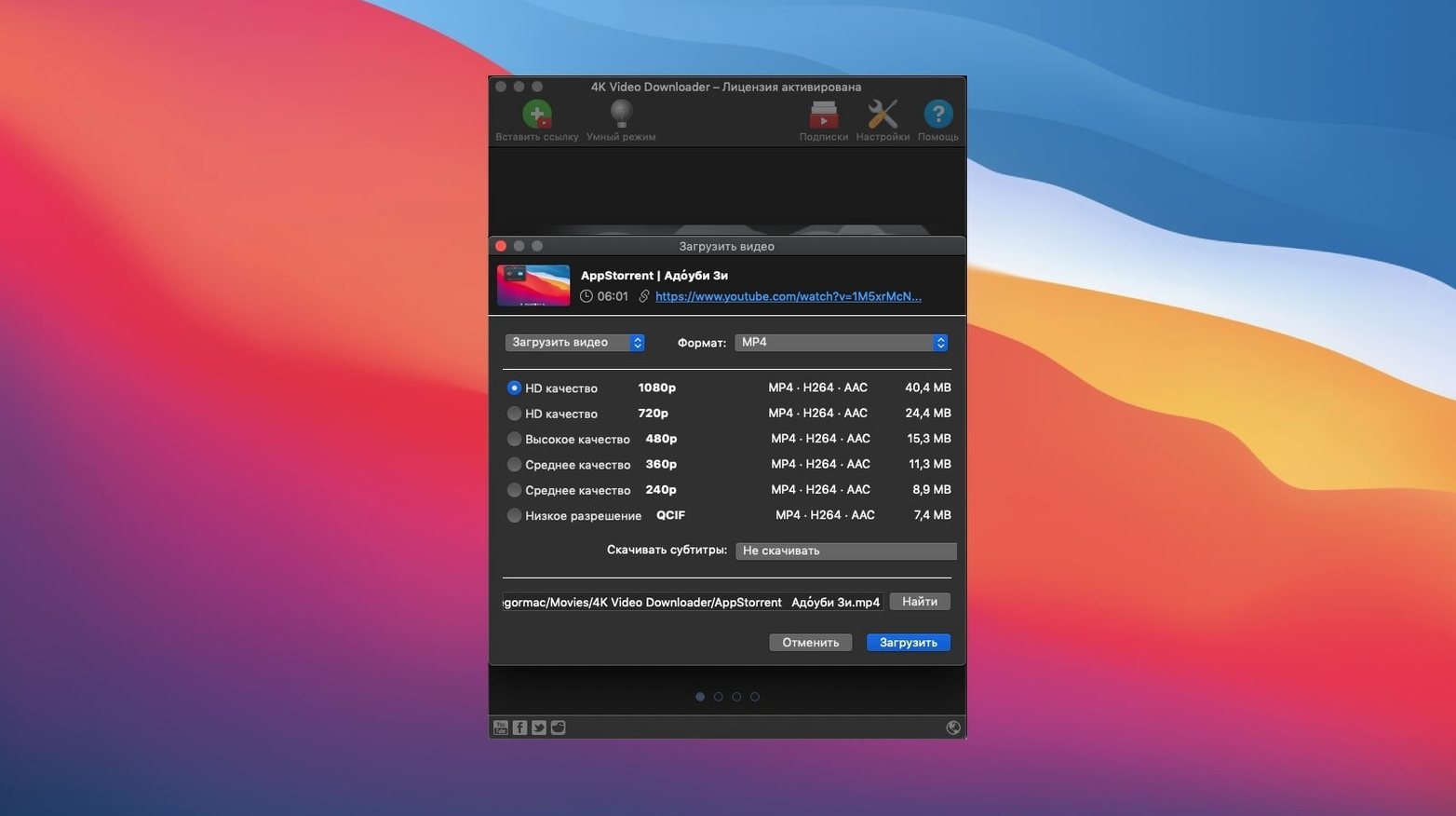
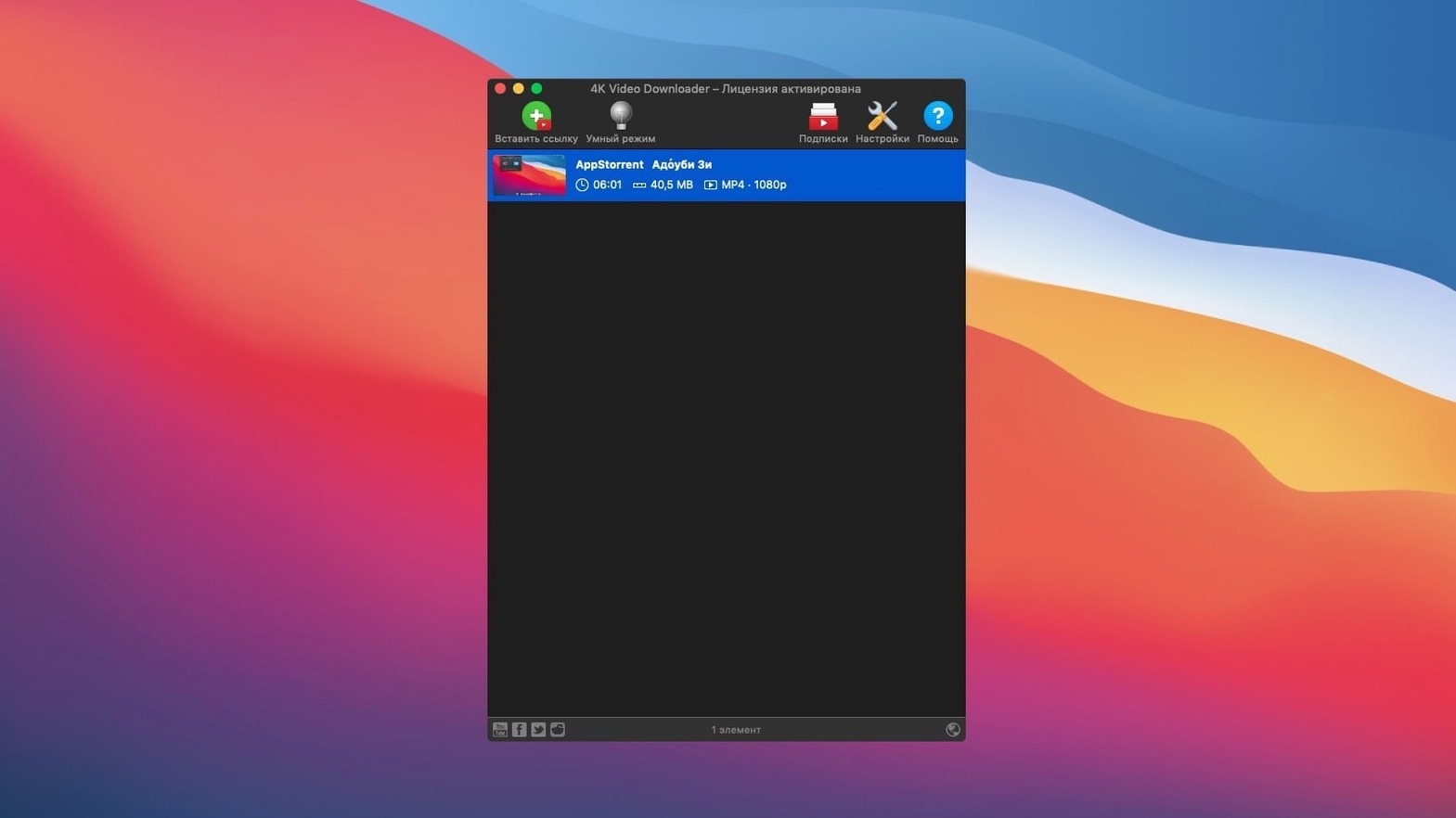
Once it is installed, the app watches your clipboard for links from YouTube, Vimeo, SoundCloud, Flickr, Facebook, DailyMotion and Instagram. A quick Paste Url command triggers the download panel where you pick video, audio-only or an SRT subtitle track — either embedded or as a standalone file. Whole playlists and channels save in one hit, and the format list includes 3D video when the source supplies it. Everything lands in a folder you choose, already named and organised.
Drag a freshly downloaded MP4 straight into a Finder folder that iCloud syncs, and it pops up on an iPad inside the Files app without a second thought. The app writes standard metadata that QuickTime, VLC and IINA read instantly — no re-wrap needed. If you work in Final Cut Pro or DaVinci Resolve, set the download folder as a watched location and clips appear in the media browser as soon as they land.
macOS Services tie in neatly too. Highlight a YouTube URL in Safari or Mail, right-click, and the Share menu can hand it off via a short Automator shortcut that launches the app and pastes the link. Spotlight finds downloaded files by name straight away because the naming pattern uses the video title, so Cmd-Space plus a keyword often gets you the clip faster than digging through folders.
For audio-only pulls, the M4A and MP3 output slots directly into Apple Music or a DJ library in rekordbox. The app also writes M3U playlist files when you grab a channel or playlist — iTunes and VLC both read those natively, so a batch of clips turns into an ordered watch list with zero extra steps.
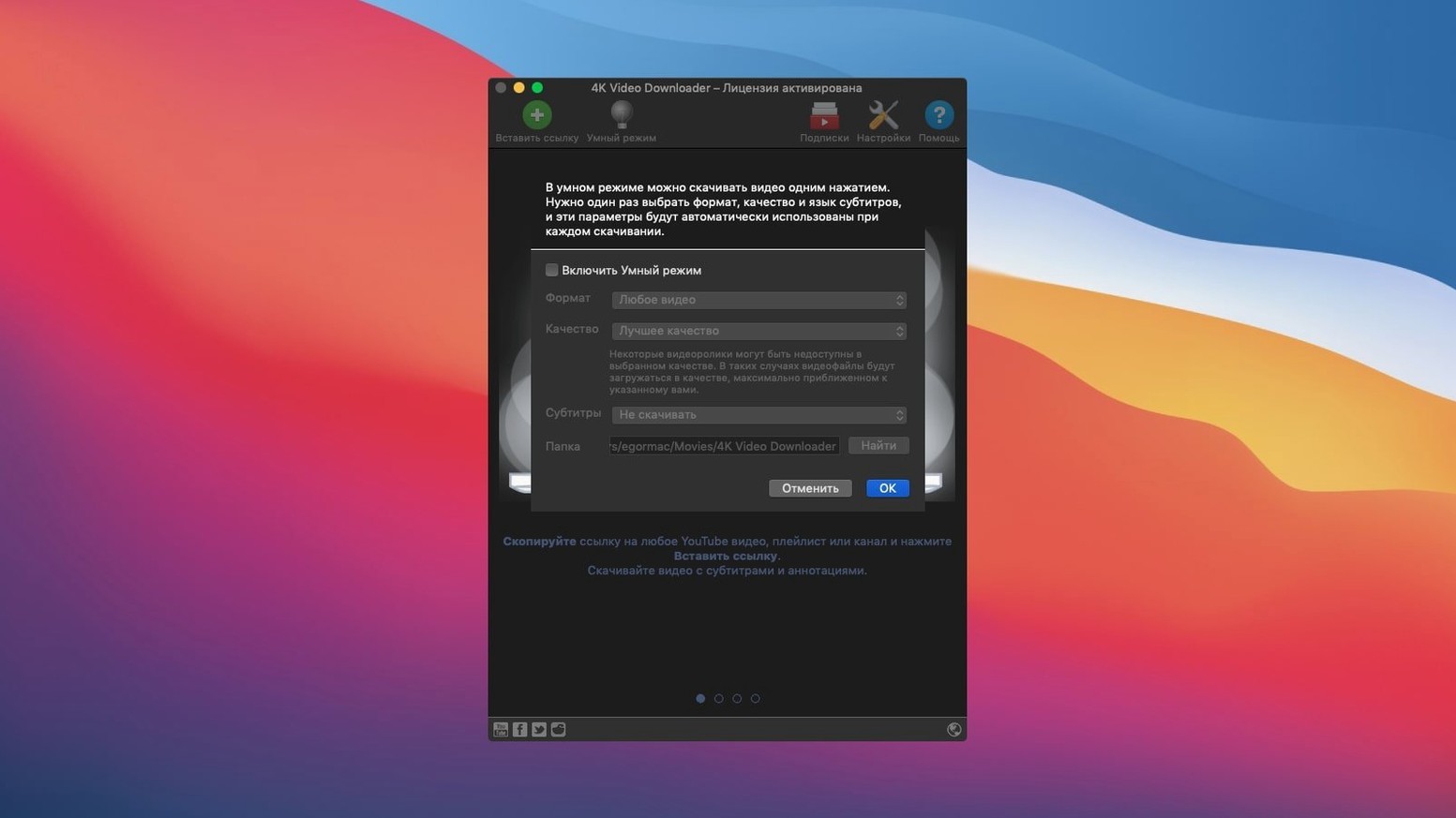
Picture a researcher assembling b-roll for a short doc. She has a spreadsheet of thirty YouTube references, a mix of archival news clips and ambient footage. She copies a batch of links, sets Smart Mode to 1080p MP4 with embedded subtitles, and lets the app chew through them while she rough-cuts another scene in Premiere.
Twenty minutes later, all thirty clips sit in a single folder, each with an SRT sidecar she can skim in TextEdit. One clip was only available as a 4K stream — she spotted the resolution toggle and pulled that one manually at full resolution for a key wide shot. The subtitles came in Simplified Chinese; she runs the SRT through a quick translation pass and drops the result onto the timeline. No browser tabs, no screen recording, no waiting for renders of a screen capture.
On an M1 MacBook Air with 8 GB of RAM the app idles at around 60 MB of memory with no active downloads. Pulling a single 1080p video bumps that to roughly 180 MB, and a playlist of ten clips hovers near 250 MB. CPU sits in the 3–6% range during a download — Rosetta overhead is barely a flicker. The fan stayed silent through a forty-minute channel grab.
It has been running on the test machine for three weeks without a crash. The one quirk noticed: when you paste a link from a private or age-restricted YouTube video, the app throws a generic “can’t parse” message rather than a clear auth reminder. Closing and reopening the panel clears it. Network throughput maxes out a typical home connection; a 500 MB 4K file lands in under two minutes on a 50 Mbps line. The progress bar updates smoothly, and pausing mid-download resumes cleanly after sleep.
This workflow suits long commutes or fieldwork where video bandwidth is wasted. A channel with sixty episodes wraps up in roughly the time it takes to brew a pot of coffee.
xattr -cr followed by a space, then drag the app into the Terminal window and press Enter. Launch from Applications afterwards.





Chat 0
Hop in or make an account to join the chat.
Quiet in here so far. If you have used this build, tell me what the install actually did.