
 Folx Pro
 HarborDrop
 iDownerGo
 iTubeGo
 AmpliTube
 4K YouTube to MP3
 4K Video Downloader
 Musify


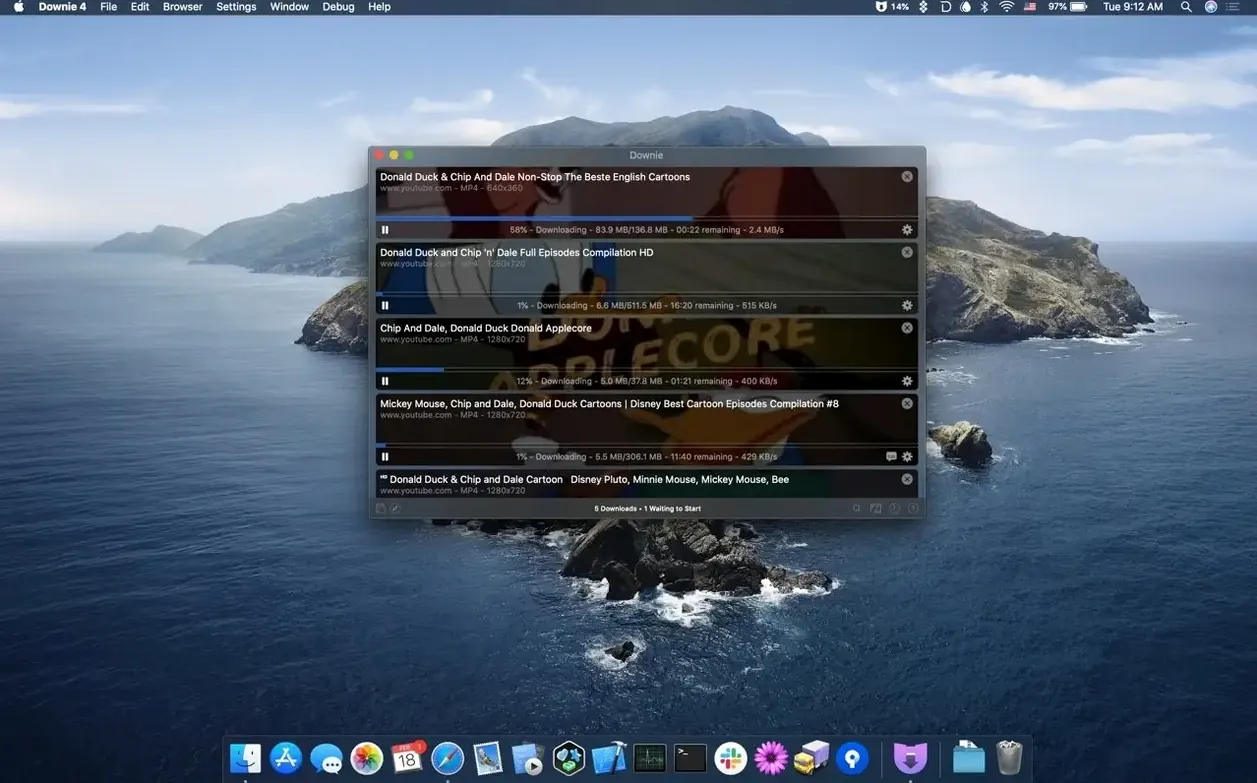
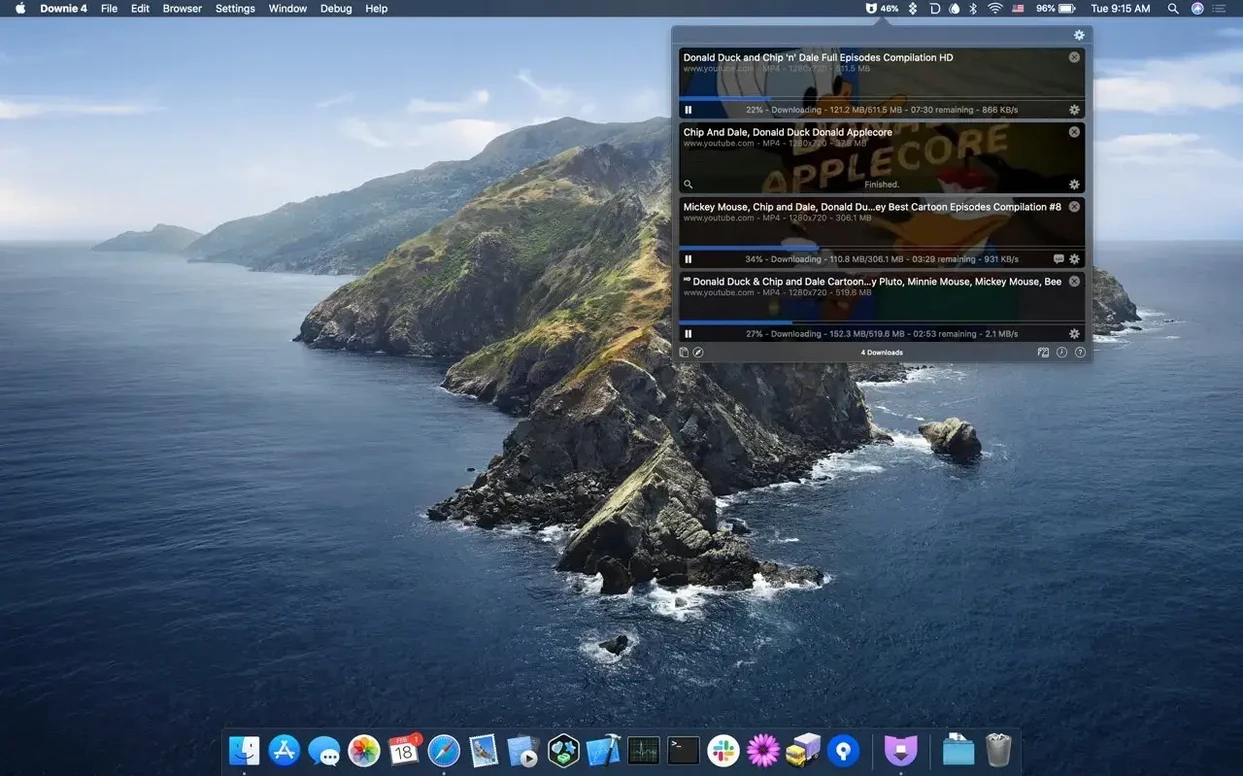
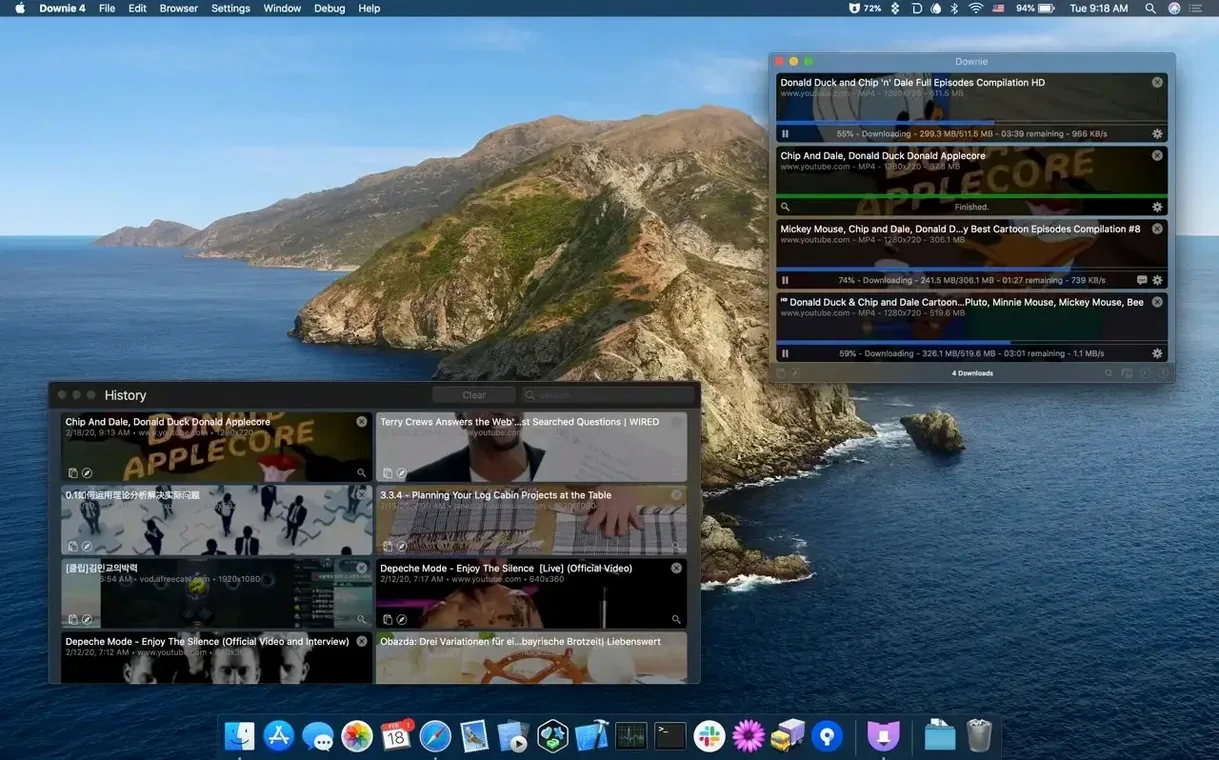
You've found a lecture recording, a clip from a livestream, or a tutorial you want to watch offline on the train. You copy the URL, switch to Downie, and it starts grabbing the file before you've even taken your hands off the keyboard.
The core flow is unchanged: paste a link, drag a URL, or click a browser extension, and the download begins. You can still save just the audio track, and sending a finished file straight into Permute for conversion is a few clicks away.
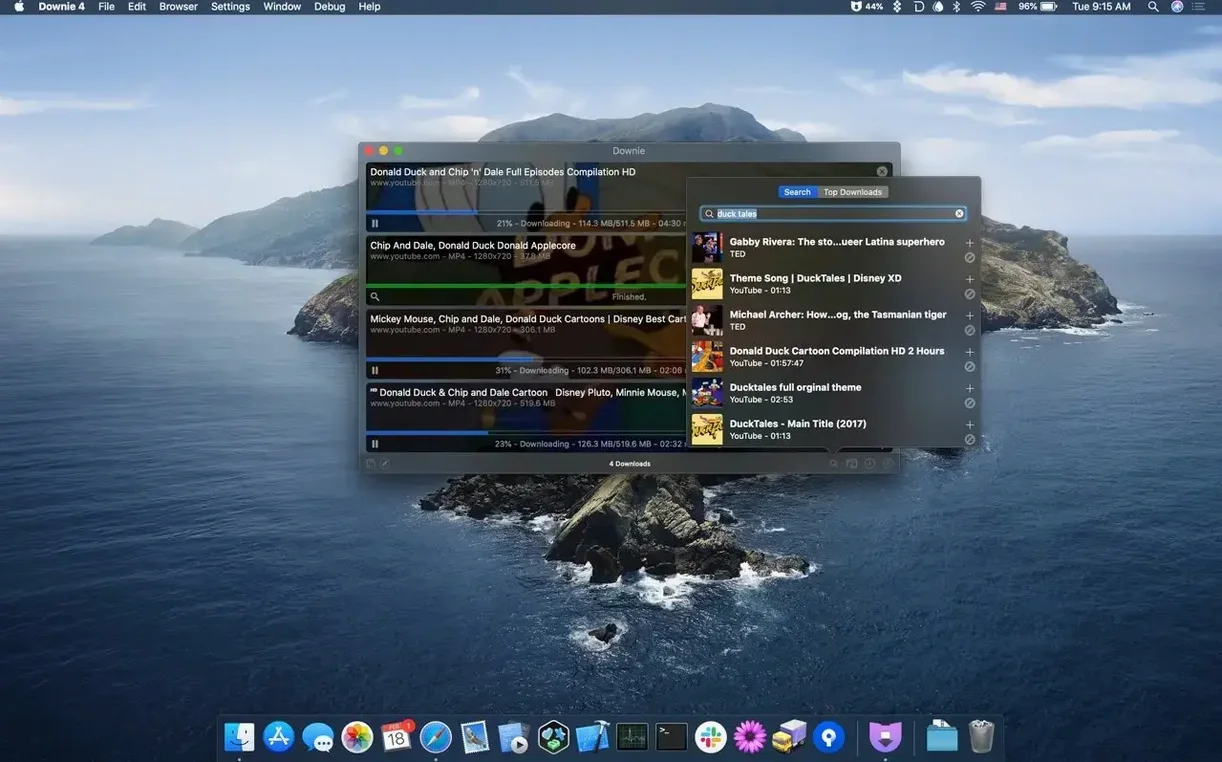
Downie 4.13.1 is a maintenance update focused on keeping extraction reliable across the ever-changing web. The feature set you rely on — in-app search, 4K support, and quick clipboard detection — remains the same.
The interface speaks 32 languages, from Afrikaans to Vietnamese. On first launch, you simply drag the app icon into your Applications folder and open it from Launchpad.
Extensions for Safari, Chrome, and Firefox let you send videos to Downie without leaving the page. It's the same lightweight bridge that long-time users will recognise.
Anyone who saves videos for offline viewing obviously gets value here, but a few groups keep Downie running almost daily.
Casual users who just want a single clip before a flight benefit too, but the app really earns its place when you need to collect and organise several videos a week.
Downie hides most complexity, so new users tend to trip over workflow habits, not the app itself.
Assuming every site works the same way. Downie supports over 1,200 sites, but a few platforms serve video in ways that need a logged-in session. If a download stalls, opening the page in your browser and using the extension often sidesteps the issue by sending cookies along with the URL.
Forgetting to set a destination folder. The default landing spot is a general Downloads folder. Before you grab a dozen videos, pick a folder that matches your project — nothing messier than hunting through a heap of files with cryptic titles later.
Skipping the post-processing settings. Some people download first and convert afterwards in a separate step. The Permute integration handles conversion automatically if you toggle it on early. Set your preferred format once, and every subsequent download lands ready to use.
Ignoring the queue. Dropping twenty links at once is tempting, but Downie processes them in order. A slow server midway through the list can stall later downloads. Group similar sources together, or bump urgent items to the top of the queue manually.
A few touches make daily use smoother without ever calling attention to themselves.
Good to know: if you already run Permute, the two apps share a settings bridge — enabling “Send to Permute” inside Downie automatically picks up your conversion presets without any extra configuration.
Yes, just pick the 'Audio Only' option before the download starts and you'll get an MP3 or M4A instead of the full video file.
Absolutely, it runs natively on both Apple Silicon and Intel Macs with macOS 11 or later.




Chat 0
Hop in or make an account to join the chat.
Quiet in here so far. If you have used this build, tell me what the install actually did.