

Download iZotope Neutron for macOS
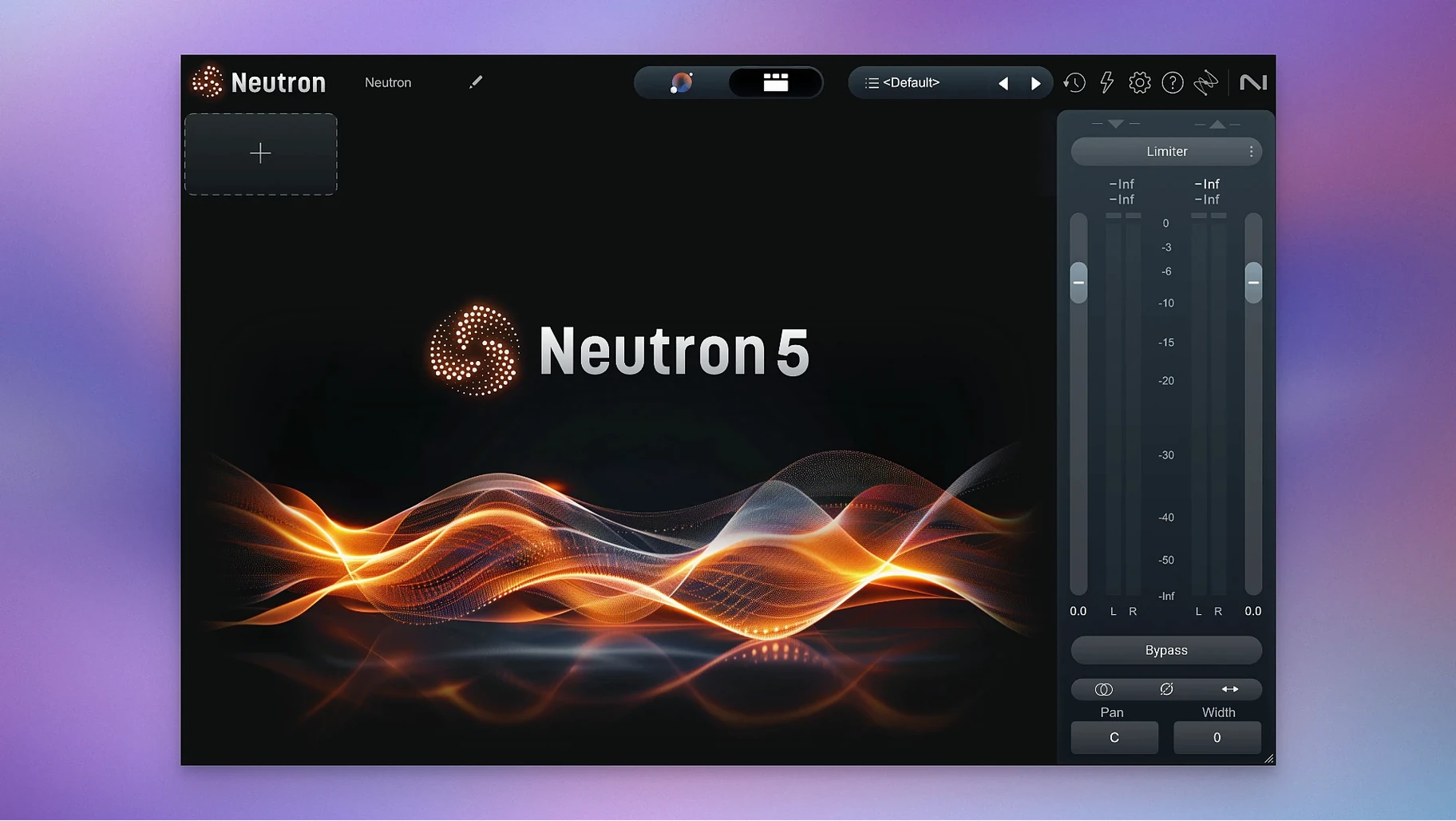
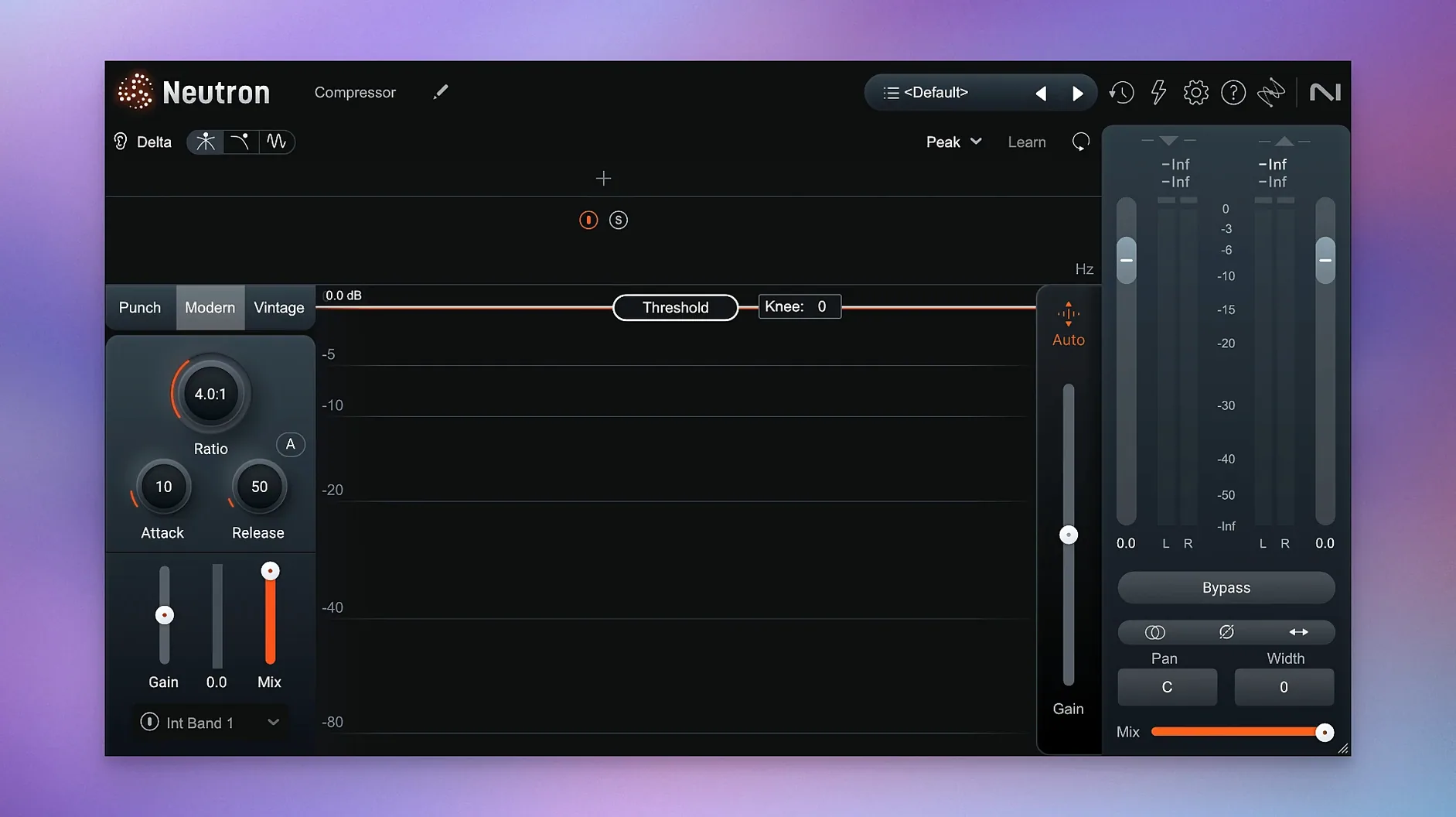
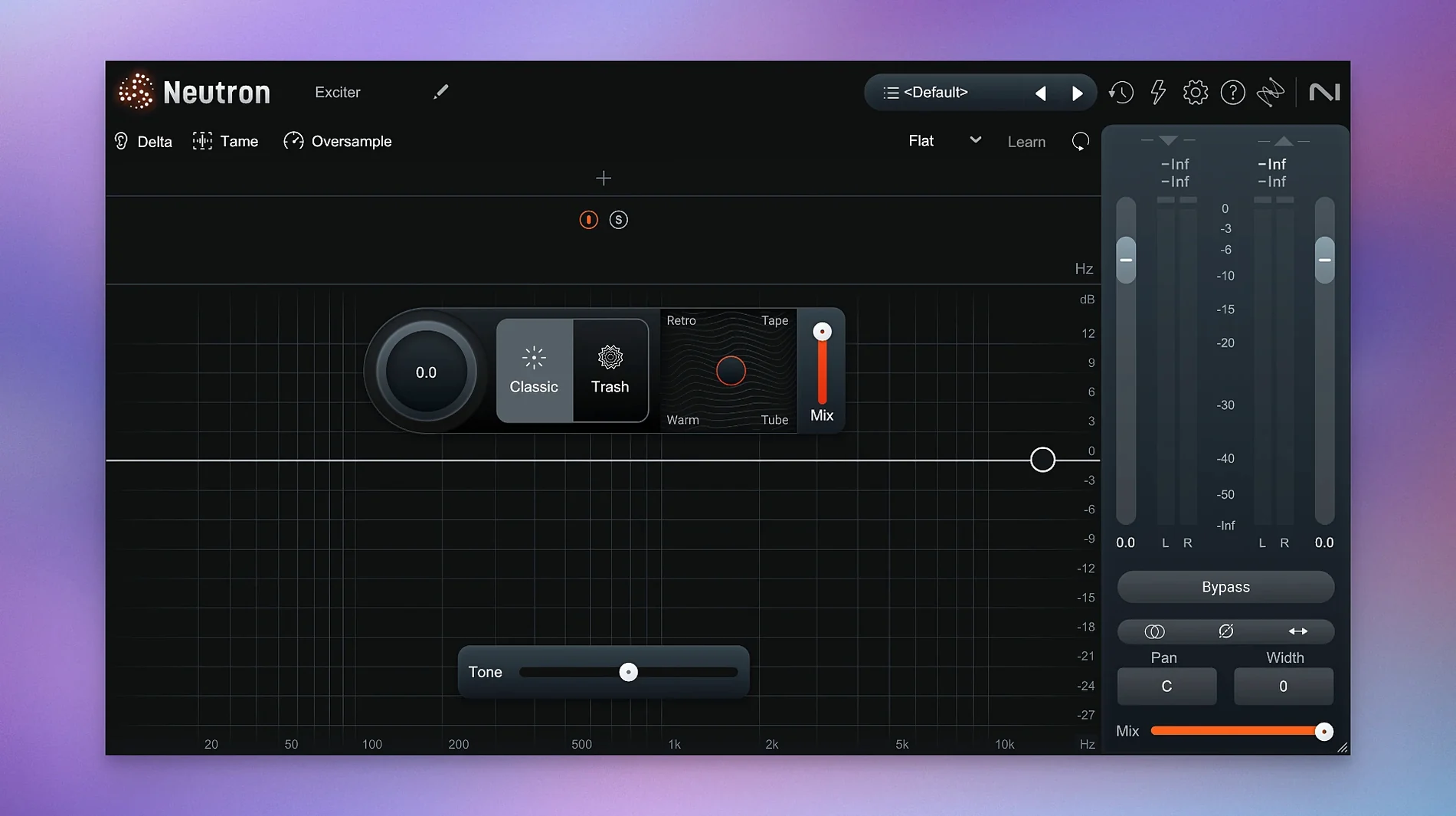
Version 5.2.0 tidies up a handful of loose ends. The big fix is iLok authorization—surround instances of Neutron 5 now activate without a hitch. Supported macOS versions also shifted, so check the table before you clear space.
| What | The detail |
|---|---|
| Current version | 5.2.0 |
| macOS | 13.4 or later |
| Architecture | Intel + Apple Silicon |
| Formats | VST3, AU, AAX |
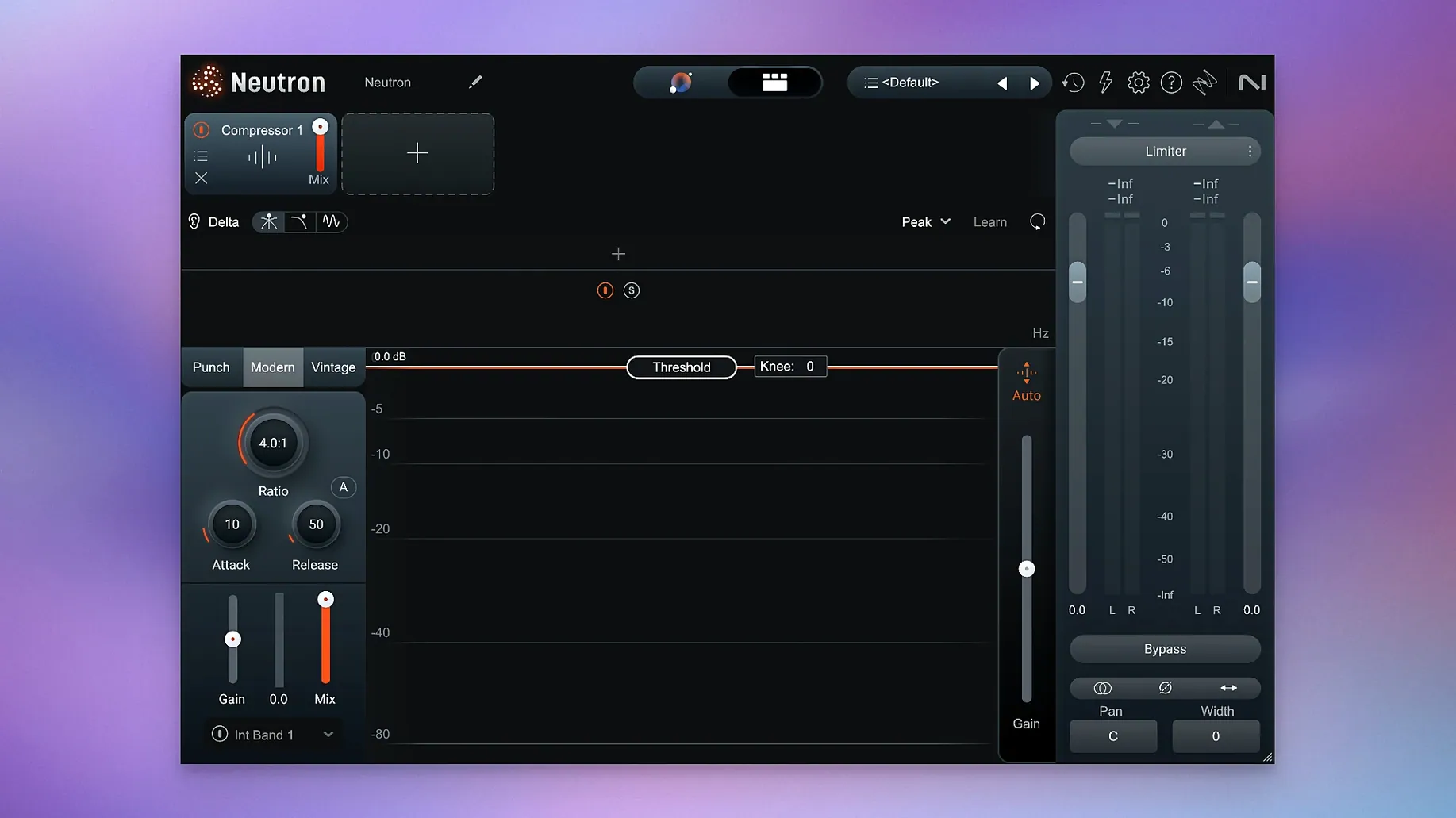
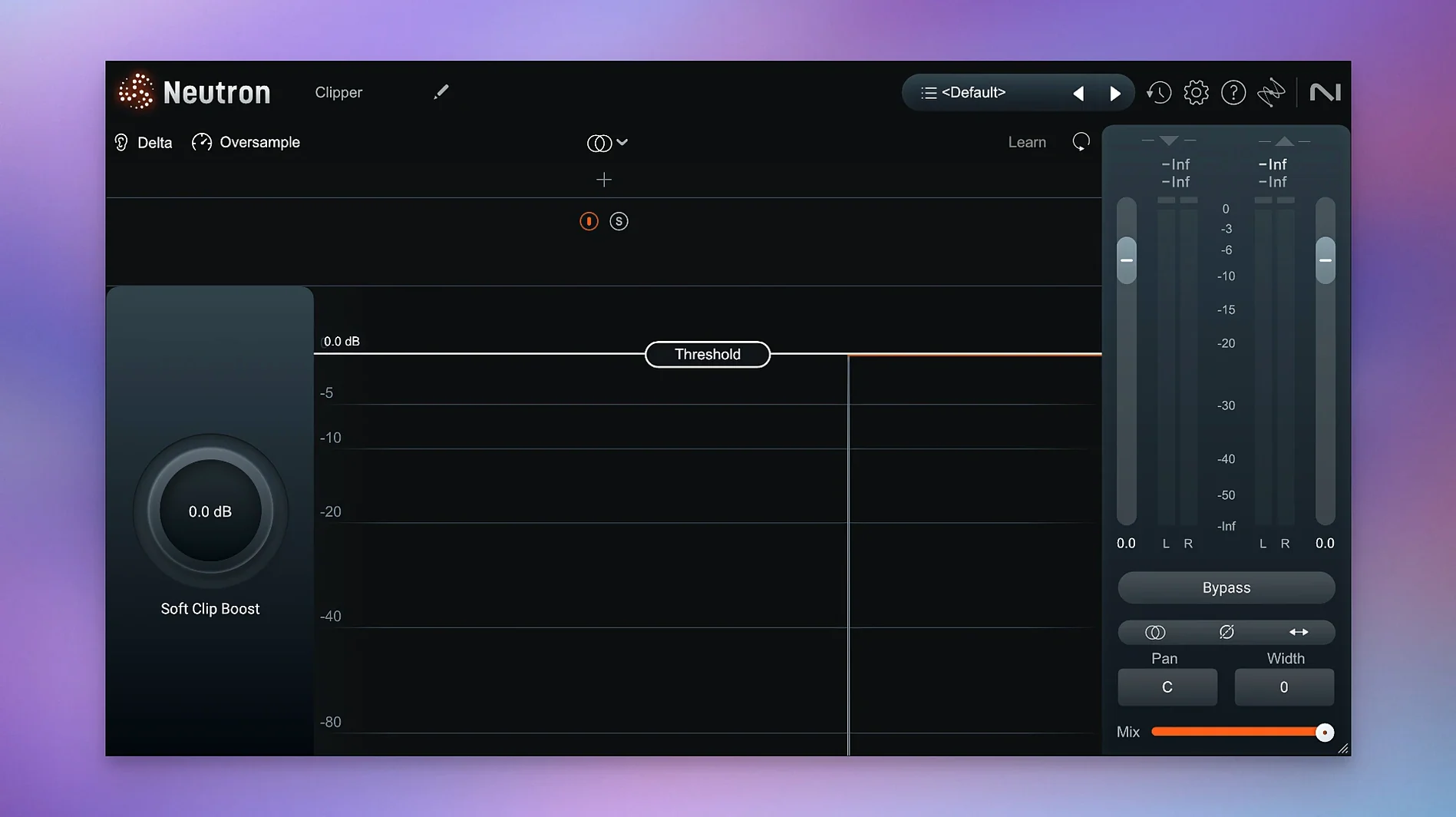
The Assistant View got a rethink. It now works as a central hub—feed it a reference or pick an instrument profile, and it maps out a starting point across the whole chain. Punch Mode gives you a visual read on transients and lets you shape impact without guessing. Trash Mode handles saturation and distortion with the same direct controls. Eight processors sit inside one window, so you move fast between dynamics, EQ, exciter and gate without hunting through menus.
A mix session, step by step
Picture a busy indie-pop track. Drums are recorded, synths are layered, the vocal needs to sit right. You drop Neutron on the lead vocal channel and open the Assistant View. Instead of guesswork, you pick the Vocal profile and let it listen. Ten seconds later every module wakes up with settings dialled for the source. The EQ already scoops out a little boxiness, the compressor tightens the midrange, the exciter adds a bit of air.
You tweak. The Delta button on the compressor lets you hear only what it's removing—handy when you want to check if three decibels of reduction is actually helping. You switch to the Masking module and point it at the synth bus. The visualisation shows exactly where the vocal and the pads are fighting around 800 Hz. A small dip on the synth EQ opens up the space.
Over on the drum bus you load another instance. Punch Mode becomes the star here. You watch the transient display while you dial in attack—the kick starts to cut through without eating headroom. A touch of Trash Mode on the snare adds grit that sits just underneath the clean signal. You bypass it a few times with the global bypass to make sure you're not overdoing it. The whole drum group sounds glued, but nothing sounds processed.
By the end of the session you've got Neutron on six channels. The mothership plugin holds everything together on each one, so you never open a separate window for the gate or the exciter. It feels less like operating a rack of gear and more like shaping sound in one place.
Treating the assistant as a final mix
The Assistant is quick, but treating its suggestions as the finished mix is the first trap. It gives you a solid starting point—not a final decision. Your ears still need to judge whether the vocal really wants that much compression or the bass needs that wide an EQ cut.
Another common slip: ignoring the Masking module entirely. Beginners often solo tracks and make them sound great in isolation, then wonder why the mix turns muddy. Masking gives you a direct look at frequency collisions between two sources. Skip it and you're mixing blind.
Trash Mode catches people out too. It's tempting to crank the drive and call it character, but subtle saturation often glues a track better than full-blown distortion. Dial it in until you notice it, then back it off a fraction—that's usually the sweet spot.
Finally, some newcomers pile Neutron on every single track without listening first. The plugin is powerful, but not every channel needs eight processors. A shaker that's already sitting right might only want a high-pass filter. Use what the track asks for.
Sidechaining inside Logic’s native routing
Neutron works across VST3, AU and AAX formats, so it slots into Logic Pro, Ableton Live, Pro Tools and most other DAWs without fuss. The AU version plays nicely with Logic's native routing—you can set up sidechain inputs for the Masking module right from the plugin window.
It pairs especially well with iZotope's own ecosystem. Ozone handles mastering, RX cleans up noise, and Neutron covers the mixing stage. A common workflow: clean up dialogue or drum tracks in RX first, then shape them with Neutron, then finish in Ozone. The interfaces share a design language, so moving between them feels familiar.
Outside the iZotope family, Neutron complements any third-party effects you already rely on. You might use Valhalla VintageVerb for space but handle EQ and dynamics inside Neutron. Or you might drive a channel into Soundtoys Decapitator and use Neutron's compressor afterwards to tame the peaks. It doesn't demand an all-iZotope setup—it just works wherever you drop it.
macOS features like Audio Unit presets remember your Neutron configurations across projects. Save a drum bus setup you like and recall it in another session without rebuilding from scratch. Spotlight even indexes your saved presets if you keep them in the default folder, so you can search by name.
Learning what the algorithm prioritises per instrument
Start with the Assistant on three or four different sources—a vocal, a bass, a drum bus, a synth. Watch how the suggestions change. You'll learn what the algorithm prioritises for each instrument type, and that speeds up your own decision-making later.
Spend a session just using the Delta buttons. Flip each module into Delta mode while a loop plays and listen to what gets removed or added. It's the fastest way to train your ears on what the compressor, EQ and exciter are actually doing. After an hour you'll be faster at spotting over-processing.
Set up a template with Neutron already loaded on your usual busses. Even with the modules bypassed, it saves you the drag-and-drop step every time you start a new project. When you're ready to mix, activate the Assistant or build your chain manually—the framework is already there.
Aim for small moves in the first week. It's easy to get excited and push every module hard, but Neutron rewards restraint. A two-decibel EQ cut, a gentle ratio on the compressor, a whisper of saturation—stacked across a few tracks, those small moves add up to a mix that breathes.
- iLok authorization now works correctly in surround instances.
- Supported macOS versions updated.
- macOS 13.4 or later
- Intel or Apple Silicon Mac
Questions I get
It listens to your audio and sets up a custom processing chain using professional instrument profiles or a reference track you supply.
It ships with VST3, AU and AAX formats, covering most DAWs on both Intel and Apple Silicon Macs.
No. Version 5.2.0 requires macOS 13.4 or later—earlier systems are no longer supported.







Chat 0
Hop in or make an account to join the chat.
Quiet in here so far. If you have used this build, tell me what the install actually did.