
 iZotope Neutron
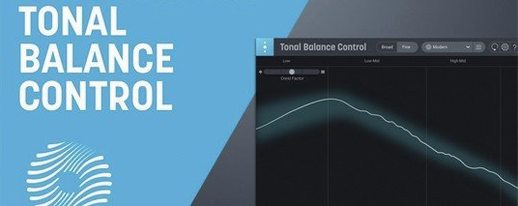
Download iZotope Tonal Balance Control for macOS
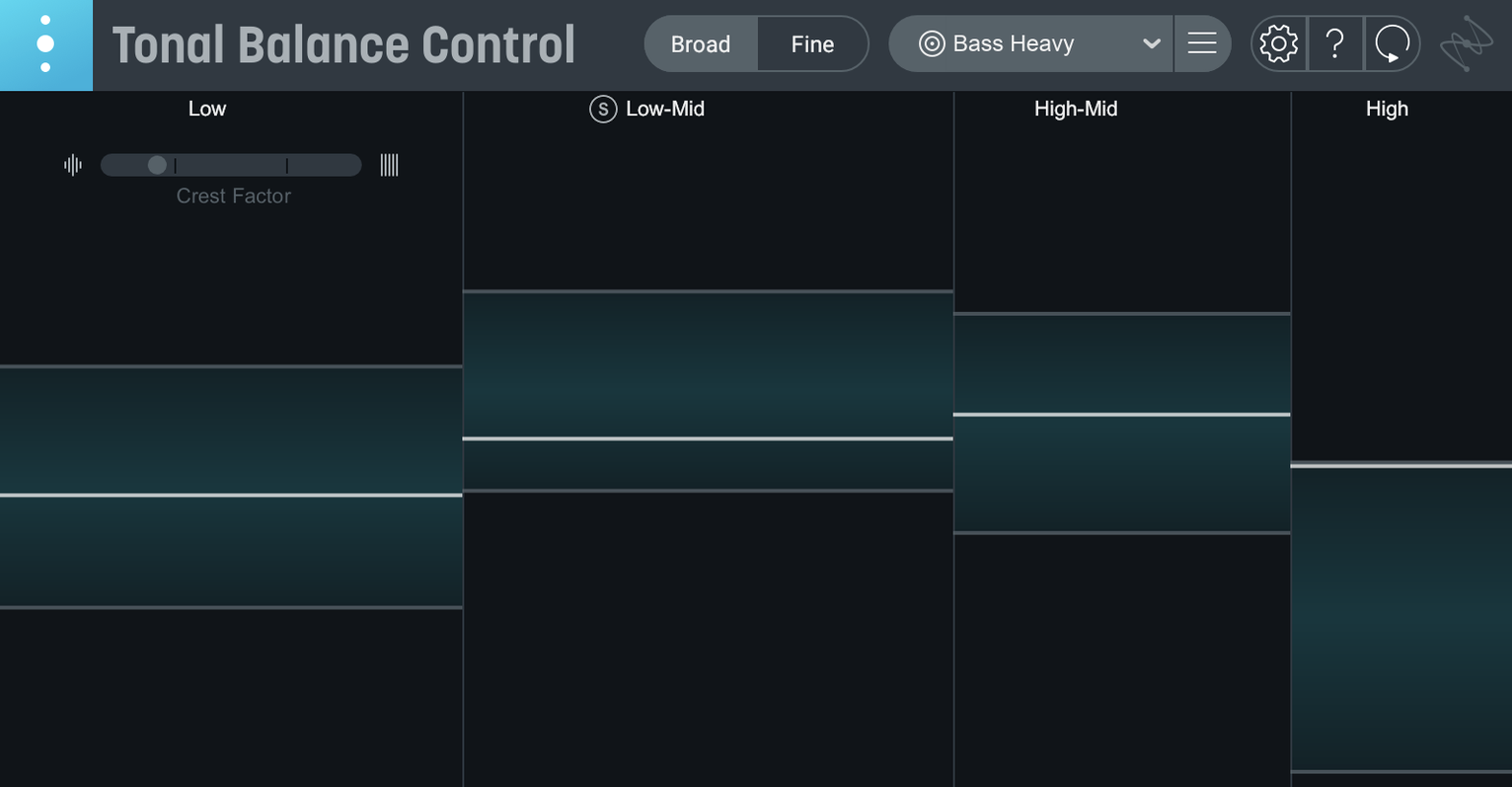
Mixing engineers who check their low-end thump against a reference, or mastering engineers who want a second opinion on a vocal level before printing a file. Tonal Balance Control sits at the end of a chain and gives you a real-time read on how your tonal balance stacks up against 12 genre curves.
Last slot on the master bus
- Master bus. Slot it last, after your limiter. Watch the curve move as you tweak an EQ earlier in the chain. The built-in hybrid EQ lets you make broad moves without leaving the window.
- Dialogue or vocal bus. The new vocal balance meter in version 3 gives you a dedicated read on presence and body, so you can catch a thin lead before it hits the mix bus.
- Reference checks. Load an audio file to build a custom curve from a track you trust, then A/B against your own mix. Relay, the companion utility, passes gain-staged audio from any track straight to the analysis view.
- Stereo field. The added stereo width meter flags if your sides are getting away from you while you adjust reverb or double-tracked parts.
Version 3 runs as a standalone desktop app or a plugin on Intel and Apple silicon Macs, and it talks directly to Ozone and Neutron equalisers. If you are coming from tonal balance control 2, the quick import grabs your old settings so you can pick up right where you left off.
Five minutes with a podcast editor
Jess cuts daily news podcasts. Her room is treated but not flat, so she leans on metering more than most. On a tight deadline she drops Tonal Balance Control onto the dialogue bus after a gentle compressor. The vocal balance meter shows her voice talent is sitting a touch too light in the 200–400 Hz range — the kind of mud she would normally catch in the car the next morning. She nudges the built-in hybrid EQ by 1.5 dB, sees the curve settle into the Broadcast target, and exports. That one glance saves her a revision cycle.
First-day setup that pays off later
- Lock in your listening level. Before you trust any curve, calibrate your monitoring so the meters match what you hear. Do it once and the visual feedback becomes a second pair of ears.
- Drag Relay onto your drum bus and bass group. Toggling between them from inside Tonal Balance Control gives you a per-stem view without opening extra plugin windows. It is the fastest way to find which bus is pulling the overall curve out of shape.
- Build one custom curve from a mix you know. Pick a finished track that translates everywhere — car, earbuds, laptop speakers. Saving it as a custom target gives you a personal benchmark that is more useful than any genre preset.
Small things worth clicking
The dynamics meter sits quietly in the bottom corner and a lot of people scroll right past it. Tap it open once and you get a crest-factor read that tells you whether your mix is breathing or just loud. If the needle barely moves during a chorus, you are probably over-squashing the transients.
Right-click any target curve name to switch genres without digging through menus. The stereo width meter doubles as a correlation check — if the bar swings into the red during a drop, your sub frequencies might be out of phase.
Broad-stroke tilt EQ, not surgical
The hybrid EQ inside version 3 is broad-stroke by design. It is not meant to replace a surgical EQ; it is there for the kind of half-dB tilt that brings a whole mix onto the curve without breaking your flow. Think of it as a trim control for tonal balance rather than a problem-solver for rogue resonances.
- First major release of Tonal Balance Control 3.
- Runs as a standalone desktop app alongside the plugin.
- New meters for vocal balance, dynamics and stereo width.
- Built-in hybrid EQ for broad tonal shaping.
- macOS Sonoma 14.7 or later
- Intel or Apple silicon Mac







Chat 0
Hop in or make an account to join the chat.
Quiet in here so far. If you have used this build, tell me what the install actually did.