
 iZotope Neutron
Download iZotope RX for macOS
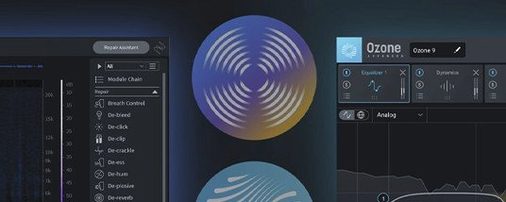
iZotope RX 12 is a modular audio repair and polishing suite for recorded sound.
Dialogue cleanup, stem isolation, and mix rescue
- Cleaning up dialogue for film, television, and video games.
- Rescuing clipped or distorted music recordings.
- Tidying podcast tracks with de-ess, de-click, and de-reverb modules.
- Isolating stems and rebalancing a finished mix.
Interface locked to English, macOS 14.7+ only
- The interface is only available in English.
- Runs on macOS 14.7 Sonoma and later, with native support for both Apple silicon and Intel 64-bit Macs.
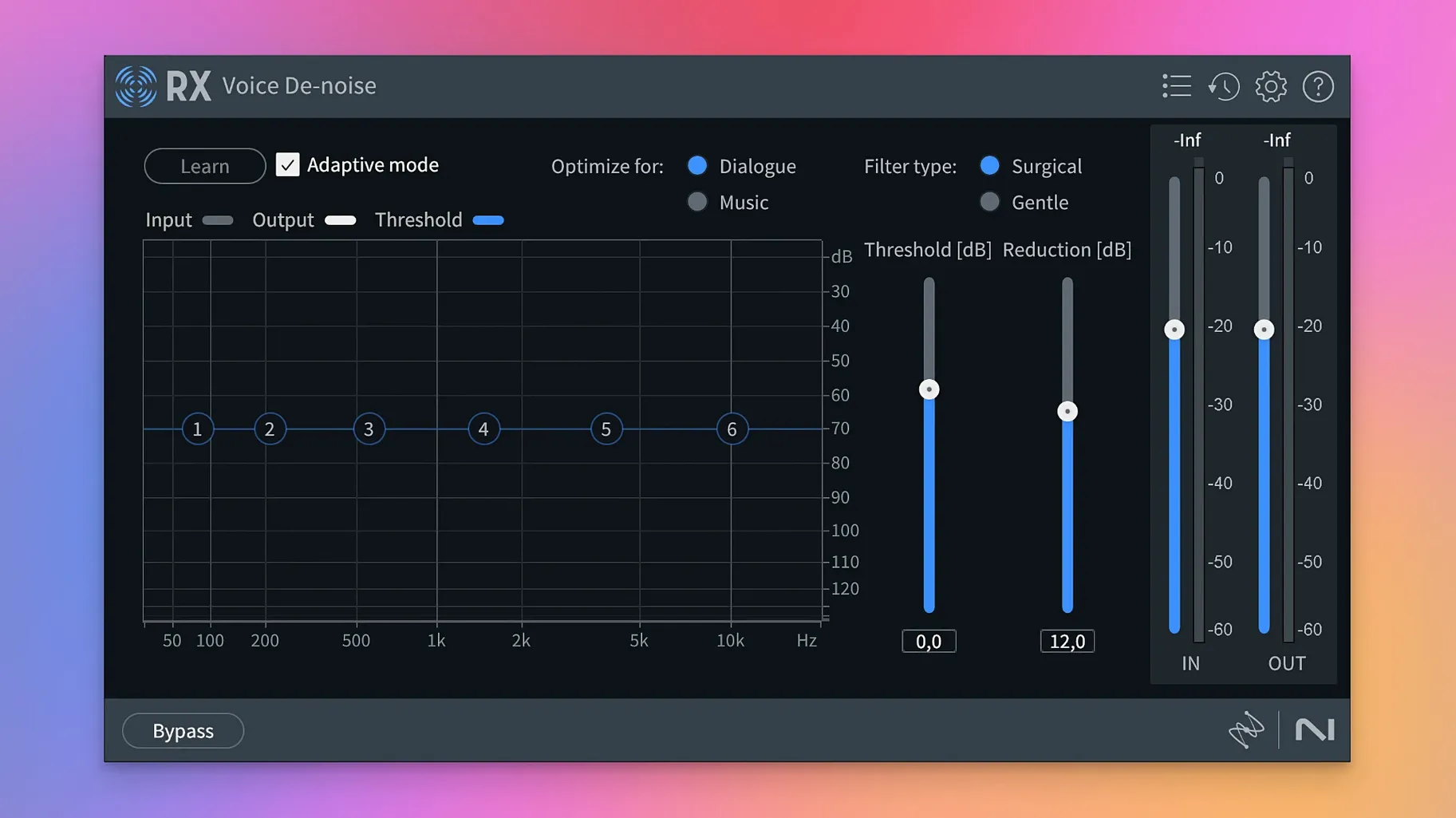
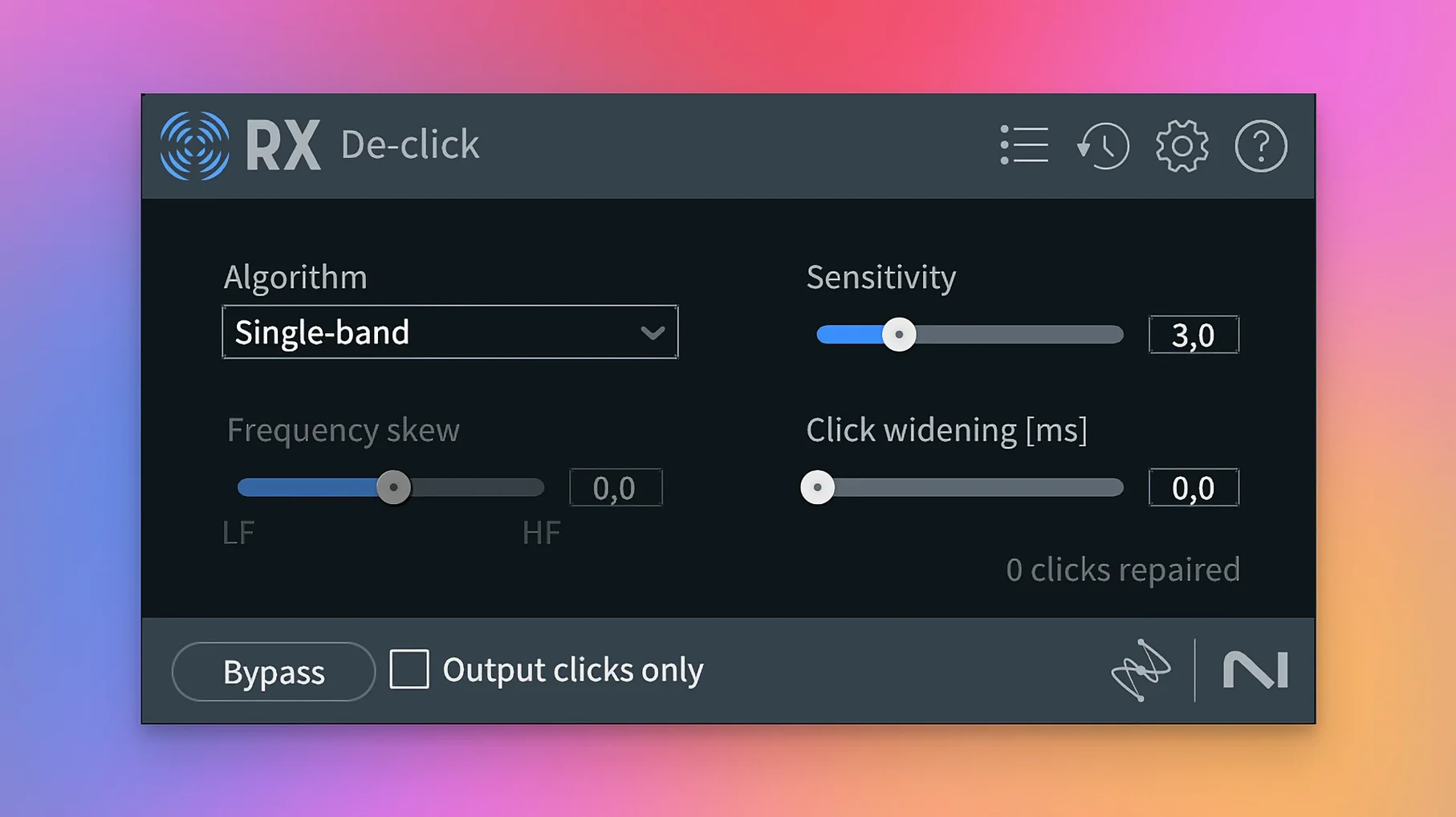
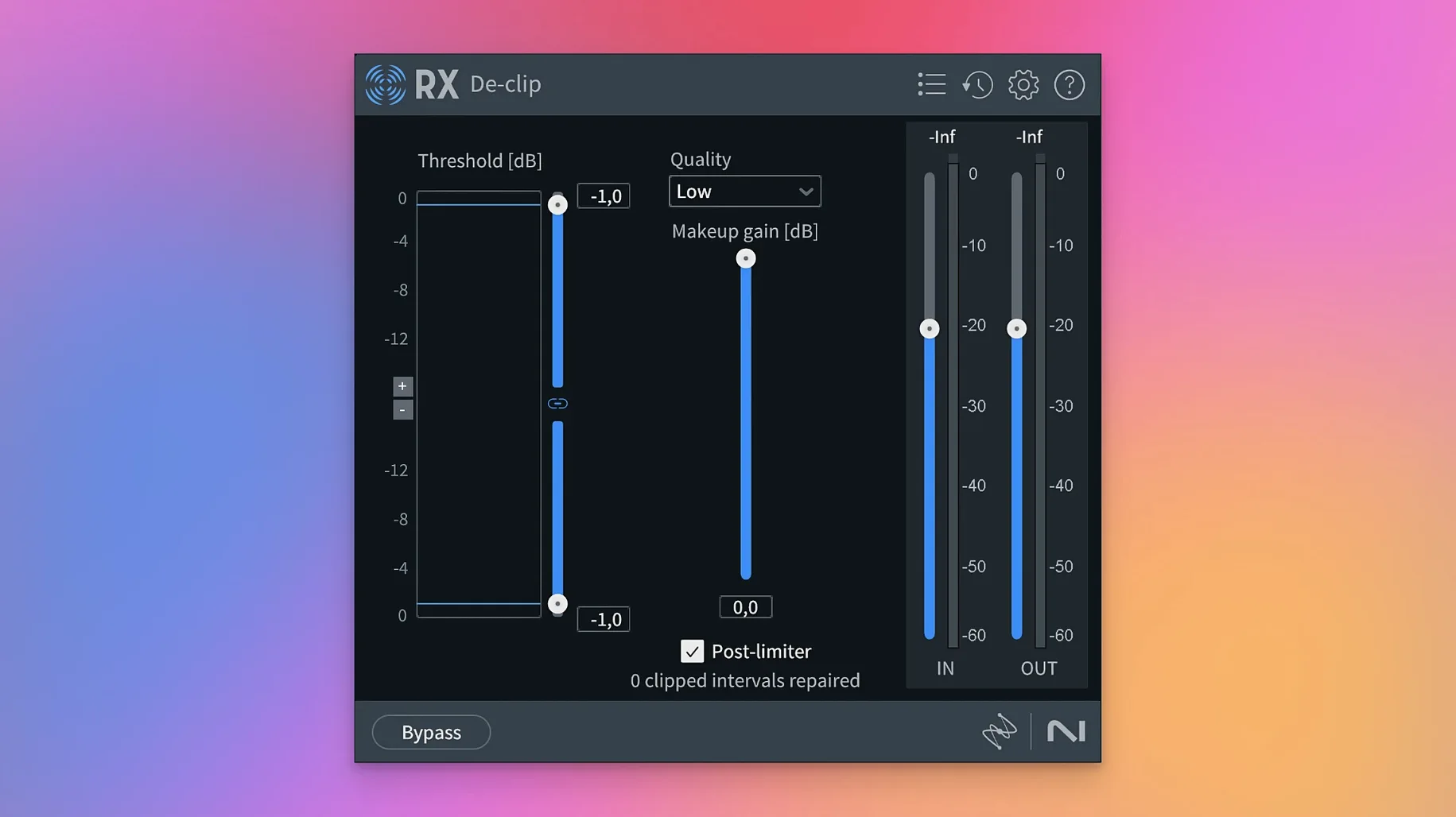
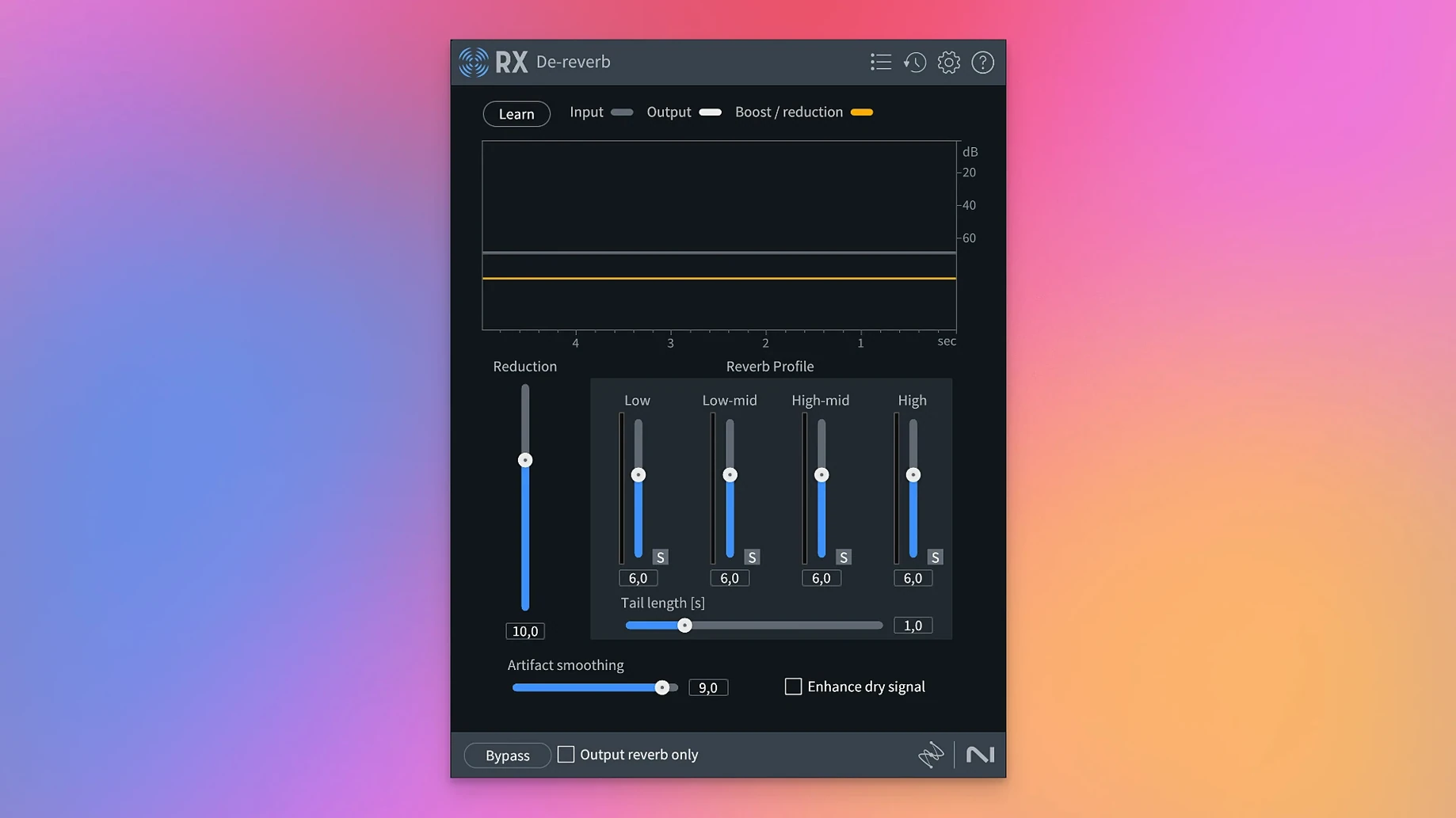
At its core, the suite bundles a set of problem-solvers. Spectral De-noise learns a noise profile and subtracts it from the signal. De-click and De-crackle target vinyl transfers and mouth noise. De-clip reconstructs peaks flattened by a hot preamp, and De-hum tackles electrical buzz.
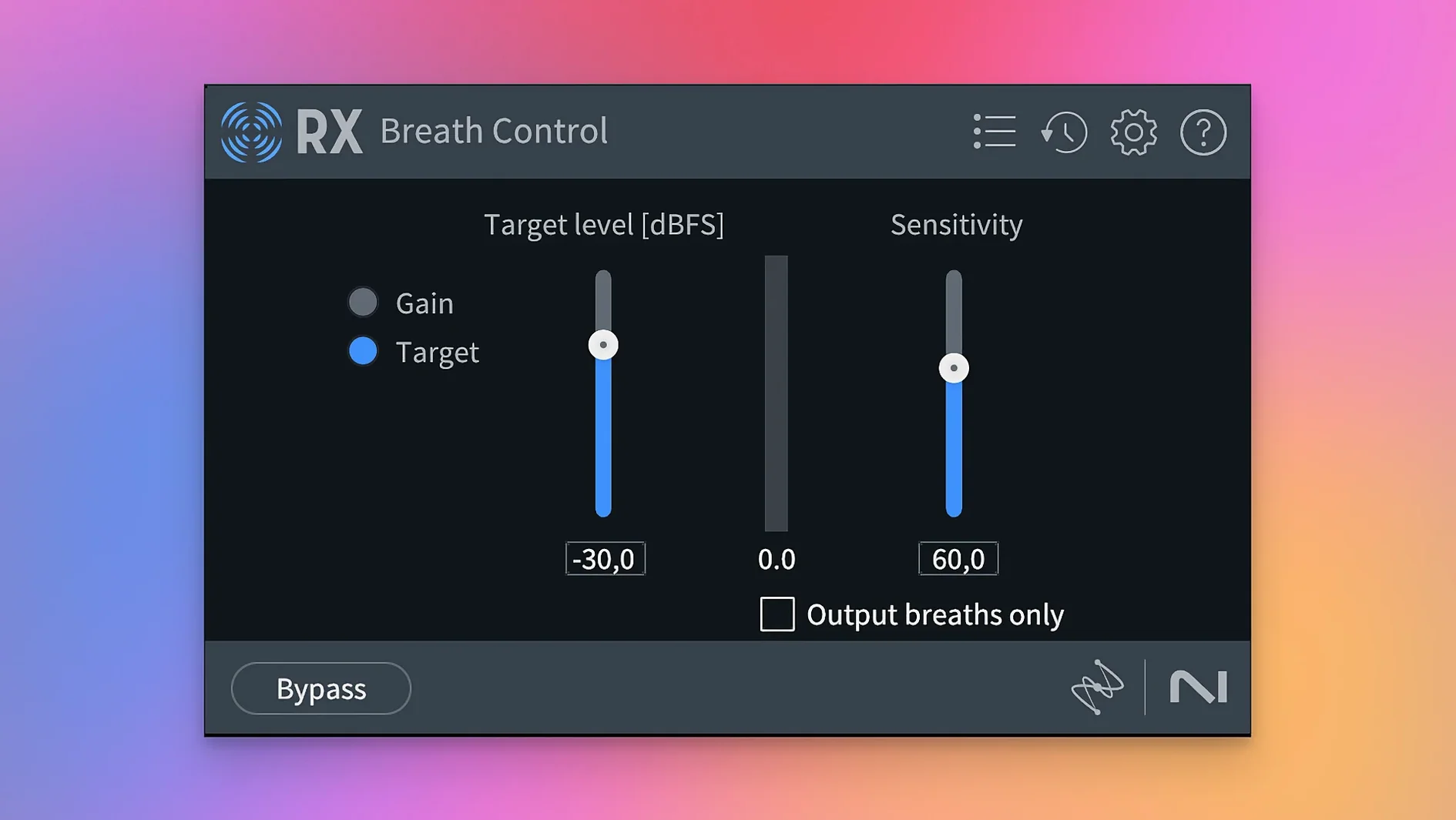
Version 12 introduces Scene Rebalance, which separates dialogue, music, and effects so you can adjust levels without access to the original multitrack. The new Stems View lets you open isolated stems and apply the full toolkit to each one. Trim Silence speeds up work on long files, while rebuilt De-bleed and Breath Control modules handle headphone spill and inhales with less fuss.
A Repair Assistant scans your audio and suggests a processing chain, which you can tweak before committing. The Spectral Editor gives you a visual way to paint out noises directly on a spectrogram.
Set plug-in hosting mode to lighten daily work
Out of the box, RX 12 is ready to use, but a couple of preferences make a real difference in daily work.
- Plug-in hosting mode. If you run RX as a standalone application, head to Preferences > Audio and switch between the AU and VST3 hosting options. Some third‑party plug‑ins only appear under one format. Pick the one your effects collection uses, then restart.
- Spectrogram resolution. Under Display, bump the FFT size to 8192 or higher when you need surgical precision on a click. A larger window gives you sharper frequency resolution at the cost of a slight delay in redraw; on an Apple silicon Mac the trade‑off is barely noticeable.
- Default render path. By default, RX saves processed files back to the source folder. Many editors prefer a dedicated “RX exports” directory so the originals stay untouched. Set yours under File > Default Render Path.
- Repair Assistant sensitivity. After your first analysis, try the “gentle” preset before accepting the default. It leaves more character in the recording, which matters on voice and acoustic instruments.
Fixing chair squeaks, hum, and clipped dialogue
Imagine a short film dialogue track that arrived with chair squeaks, a low hum, and one line clipped from an actor leaning too close to the mic. Here is how a session might unfold with RX 12.
First, open the file in the standalone application. The waveform draws across the top half of the screen; the spectrogram fills the lower half. You hit Repair Assistant and let it scan. It flags broadband noise, a 50 Hz hum, and a few sharp transients that look like mouth clicks. You keep the suggestions for Spectral De‑noise and De‑hum, but you switch De‑click to “light” because the performance is otherwise clean.
You apply the chain and listen. The hum is gone, the noise floor dropped, and the clicks vanished. The clipped line still sounds harsh, so you undo only that region with the History panel, then select the flattened waveform and open De‑clip. The module reconstructs the lost peaks using a short‑term spline interpolation. One click of “render” and the line breathes again.
Next, you spot a chair squeak right under a word. Magnifying the spectrogram reveals a thin vertical scratch that starts at 2 kHz and slides upward. You grab the Spectral Editor brush, set it to “attenuate,” and paint over the scratch. The squeak fades without touching the voice harmonics around it.
You then open Scene Rebalance on the master mix because the background music steps on a quiet monologue. You pull the music fader down 4 dB and boost dialogue by 2 dB. The module separates the elements in real time and the monologue sits forward exactly where it should.
Finally, you run Trim Silence to strip the long pauses between takes, then export a 24‑bit WAV. The whole session from import to final file takes under nine minutes.
Before you install
Standalone editor or plug-ins inside your DAW
RX 12 works both ways. The standalone application is a dedicated editor for cleaning individual files. The plug‑ins — AU, VST3, AAX — load directly into your DAW, so you can use individual modules on a track without leaving the session. Many editors keep the standalone open on a second display and shuttle clips back and forth.
Repair Assistant gets clean results in two clicks
The Repair Assistant flattens the first hill considerably; you can get a clean result in two clicks. Modules like De‑hum and Voice De‑noise are basically single‑knob affairs. The Spectral Editor takes a little practice, but the spectrogram display is intuitive enough that most people are painting out noises inside a day.
Will it run smoothly on an older Intel Mac?
RX 12 supports Intel 64‑bit Macs alongside Apple silicon. On a late‑model Intel machine, the lightweight modules feel snappy. Larger jobs, such as full‑length feature‑film dialogue with multiple spectral edits, benefit from an M‑series chip, but the application remains responsive on any supported Mac with sufficient RAM.
Can I separate dialogue from a stereo mix when I do not have the stems?
That is the job of Scene Rebalance. It separates dialogue, music, and effects from a finished mix. It is not magic — if the original is heavily compressed or the elements overlap entirely, artefacts can appear — but on well‑recorded material the results are clean enough for broadcast.
Modular repair plug-ins vs. Audition’s all-in-one
Compared with Adobe Audition, the iZotope suite feels more modular. Audition bundles spectral editing and restoration into a single DAW‑like environment with multitrack capabilities; RX 12 makes each module available as a separate plug‑in and concentrates on repair rather than full production. Editors who already work in Pro Tools or Logic often prefer dropping iZotope plug‑ins into their existing workflow instead of round‑tripping audio to another application.
Next to Waves Restoration Bundle, RX 12 offers deeper visual feedback. Waves’ X‑Noise and X‑Click are fast and CPU‑light, but they lack a spectrogram editor for manual cleanup. iZotope’s Spectral Editor and Repair Assistant also bring a guided layer that Waves does not match, which matters when you are cleaning a file you did not record yourself.
Acon Digital Restoration Suite 2 is another capable set of tools, with good de‑noise and de‑click algorithms. Its interface is simpler and lighter on resources, but it lacks scene‑level separation, stems‑based editing, and the breath control refinements introduced in RX 12. For dialogue post‑production on complex mixes, the iZotope toolkit goes further.
If you have been searching for phrases like iZotope RX 11 Advanced crack download, iZotope RX torrent, iZotope RX Mac torrent, iZotope RX 11 torrent, or iZotope RX 11 torrent, you will find that version 12 covers the same ground and adds the modules described here, with native support for current macOS releases and Apple silicon.
- Scene Rebalance splits a mix into dialogue, music, and effects for independent level control.
- Trim Silence strips quiet sections from long recordings in one pass.
- Stems View lets you apply repairs to isolated stems.
- Rebuilt De-bleed and Breath Control modules for cleaner results.
- macOS 14.7 Sonoma or later
- Apple silicon or Intel 64-bit processor
Questions I get
Yes, it supports Apple silicon Macs natively and with Rosetta, alongside Intel 64-bit systems.







Chat 0
Hop in or make an account to join the chat.
Quiet in here so far. If you have used this build, tell me what the install actually did.