
 Adobe Lightroom Classic
 Adobe Illustrator
 Adobe Media Encoder
 Adobe Dreamweaver
 Adobe Photoshop
 Adobe Dimension
 Adobe Premiere Pro
 Adobe Bridge




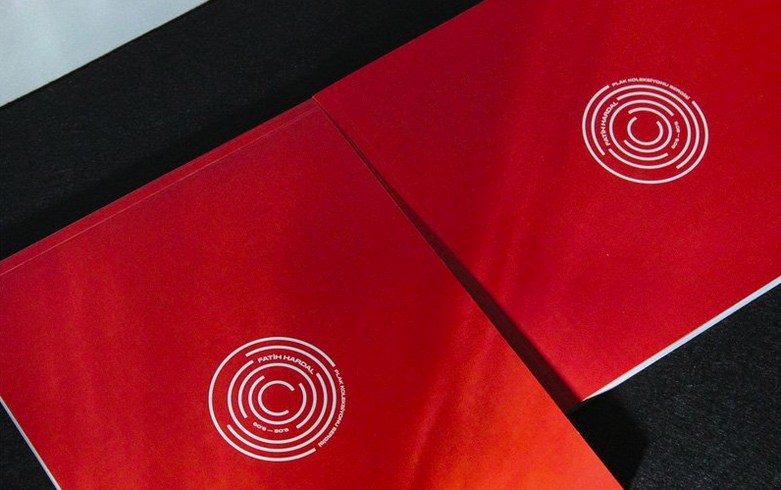
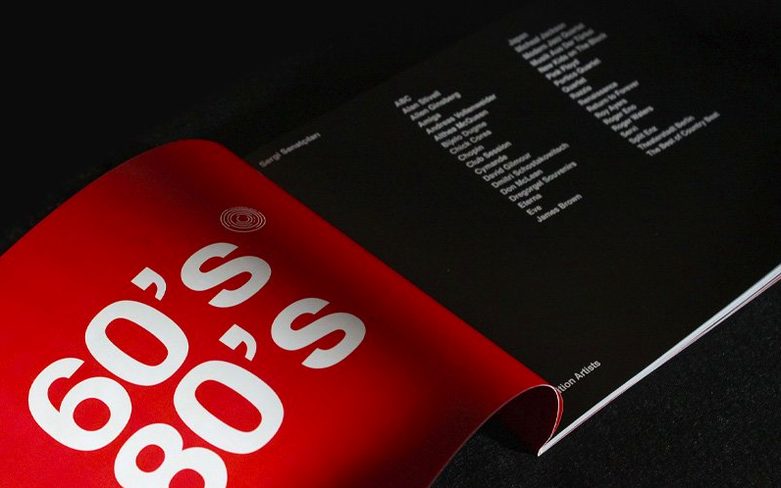
Book designers, magazine art directors and marketing teams reach for InDesign when a document demands precise control over every column, margin and baseline grid. It is the long-standing standard for multi-page projects that will end up on a press, a tablet or a website.
InDesign 21.5.1 runs natively on Apple silicon and Intel Macs on macOS Ventura and later. A recent addition lets you save local files as cloud documents and pull cloud docs back to the desktop from the home screen, which keeps the team working from the same assets.
Designers who live inside grids and style sheets get the most out of InDesign on day one. If you already think in master pages, paragraph styles and linked text frames, the app feels like an extension of your hands. Production artists who batch-process hundreds of catalogue pages or annual report spreads also notice the payoff quickly — the Data Merge improvements in 21.5.1 handle messy CSV files with multiline cells without forcing you to clean them in a spreadsheet first.
Editors and writers who dip in only to tweak copy tend to swim against the current. InDesign rewards people who learn its rhythm: set up the template once, then flow content through it. Occasional users often find themselves fighting text reflow or accidentally nudging locked frames, which is less about the software and more about the learning curve.
Most projects start elsewhere. Copy arrives from Word or Google Docs, images land from Lightroom or Photoshop, vector work comes from Illustrator. InDesign is the assembly point — it pulls everything onto the page and keeps it print-ready. The macOS integration is straightforward: you can drag images straight from Finder into a frame, and the Links panel updates in real time when source files move. For teams juggling large asset libraries, the cloud document feature added in this release means you can flip a working file between desktop and laptop without exporting a package.
It also plays nicely with system-wide macOS tools. VoiceOver reads tagged PDFs exported from InDesign layouts, and the new table accessibility tags pass through to EPUB exports without degrading. If your workflow includes proofing rounds, the built-in comment and annotation tools let reviewers leave notes directly on the layout — no sticky PDF markups required.
For anyone hunting down an adobe indesign for mac setup that fits a multi-app pipeline, this version slots in cleanly alongside other Creative Cloud tools without version mismatches, as long as you stay within the same build group during installation.
On an M2 MacBook Air with 16 GB of RAM, a 48-page magazine layout with linked high-res TIFFs scrolls without beachballs. GPU-accelerated live previews kick in reliably, though you want Metal support enabled — the system requirements call it out for a reason. Redraw on complex spreads with dozens of linked Illustrator files stays smooth, and switching between Normal and Preview modes is instant.
Memory use climbs predictably with document size. A lightweight 8-page brochure sits around 1.2 GB of RAM; a 300-page book with embedded images reaches closer to 4 GB. The app releases memory cleanly when you close documents, which matters if you keep Photoshop and Illustrator open alongside it. Background export runs without blocking the interface, so you can keep tweaking a layout while a PDF renders.
Stability has been uneventful — the kind of uneventful you want. No crashes during a week of heavy table editing, Data Merge runs or EPUB reflow testing. The removal of the HTML Preview plugin for direct preview generation also cuts one small point of failure from the export chain.
A few preferences make daily work noticeably faster. Open InDesign > Settings > Interface and switch the live screen drawing mode to Delayed if you work on a large external display — it prevents redraw flicker when dragging guides across a spread. In Type preferences, turn on Smart Text Reflow and set it to add pages automatically; it keeps text flowing when you paste in more copy than the current frames hold.
The new keyboard shortcut search in the Keyboard Shortcuts dialog box is worth a minute of your time. Hit Edit > Keyboard Shortcuts, type an action name in the search field and assign something memorable. If you regularly export EPUB files, assign a shortcut to the EPUB reflowable export preset — it cuts out three menu clicks per export round. Also, under File Handling, check Always save preview images with documents if you browse .indd files in Finder with large thumbnails turned on.
The latest InDesign patch rolls in with targeted performance tweaks and bug fixes for cleaner day-to-day composition.
Yes, InDesign exports to EPUB, PDF and HTML. Version 21.5.1 creates HTML previews without the separate HTML Preview plugin.
It does. InDesign runs natively on Apple silicon and Intel 64-bit Macs with macOS 13 Ventura or later.








Chat 0
Hop in or make an account to join the chat.
Quiet in here so far. If you have used this build, tell me what the install actually did.