
 Adobe Dimension
 Adobe Illustrator
 Adobe Bridge
 Adobe Audition
 Adobe InDesign
 Adobe Animate
 Adobe Lightroom Classic
 Adobe After Effects




The April 2026 release touches the engine room. Updated libraries—OpenSSL, Libcurl, Node.js, and a handful of JavaScript workhorses like jQuery and Lodash—keep the preview renderer and code environment current. The bigger headline for back-end tinkerers is the return of built-in server behaviors and database bindings, cutting out the need to hand-code every connection.
| Detail | Note |
|---|---|
| Current version | 21.8.0 |
| macOS | Ventura or newer |
| Architecture | Intel and Apple Silicon |
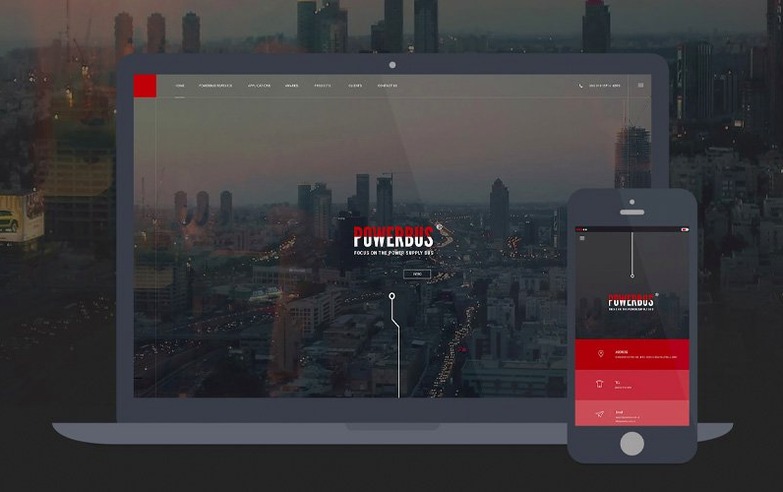
Live View leans on the Chromium Embedded Framework, so you can edit HTML, CSS, and JavaScript and see the result on the canvas without a manual refresh. Code hints pop up as you type, covering web standards and keeping your syntax tidy. When you’re ready to ship, basic Git operations live right in the panel—stage, commit, push, and pull without leaving the layout you’re fine-tuning. Responsive breakpoints let you drag a handle and see how the same grid reflows on a phone, tablet, or wide monitor. It’s a single place to rough out a design, tighten the code, and publish.
Before you rebuild a client's whole site, spend an hour making the workspace feel like yours. The default panels cover a lot, but Dreamweaver rewards a little tidying.
git init from the panel means every experiment has a rollback point. You will thank yourself after a late-night CSS refactor.One quirk to know: the file modification time shown in site sync does not always align with your local time zone. If timestamps look off after a daylight-saving switch, that is a known issue in 21.8.0. It does not affect file content, but it can make comparing local and remote copies confusing until you adjust your mental clock.
Dreamweaver occupies a middle ground between code-first editors and visual builders. Understanding that middle ground helps you decide when it is the right tool for a job.
Compared with a lightweight code editor like BBEdit or VS Code, Dreamweaver feels heavier to launch but more visual. Those editors assume you want to write every line. Dreamweaver assumes you might want to drag a divider, preview a hover state, or bind a database field without leaving the canvas. If you spend most of your day in pure TypeScript or Python, a lightweight editor is faster. If your day mixes HTML, CSS, a bit of PHP, and client previews, the visual layer saves steps.
Compared with a site builder like Blocs or Sparkle, Dreamweaver gives you direct access to the underlying code. Builders hide the markup and keep you inside a template system. That is quick for simple pages, but it gets brittle when you need a custom script or a specific accessibility pattern. Dreamweaver's code hints and Git support make it a better fit when the design must be hand-tuned.
Compared with a design tool like Sketch or Figma, Dreamweaver is not a mock-up surface. You will not get a pixel-perfect artboard with shared component libraries for UI design. What you get is a working web page earlier in the process. Some designers rough out a grid in Figma, then rebuild it responsively in Dreamweaver so the CSS is production-ready from the first draft.
The updated libraries are invisible in the best way. OpenSSL and Libcurl changes mostly affect how the app talks to remote servers—fewer handshake errors when a client's staging environment uses a stricter security config. Node.js and jQuery updates keep previews in step with the same runtime behaviour you will see in a browser after publishing.
The practical change is the built-in server behaviors and database bindings. Instead of writing a separate config file and hoping the connection string is correct, you can now set up a binding through the panel and use it in a page. For a small PHP site with a contact form or a product list pulled from MySQL, this removes a whole class of setup friction. You still need a compatible local server running, but the wiring is less manual.
Site synchronisation remains mostly unchanged in feel. The timestamp oddity means you may need to manually refresh the sync view after a time-zone shift, but uploads and downloads themselves behave as expected.
Picture a Brisbane designer who takes on two or three small business sites a month. She is comfortable in HTML and CSS, less so in PHP. A café client wants a menu page that pulls seasonal specials from a simple database rather than editing static text every week.
She creates a local site in Dreamweaver, adds Git, and starts a new HTML file for the menu. The responsive grid comes together in Live View with a phone-width preview pinned alongside. When she reaches the database part, she uses the built-in bindings to connect to a local MySQL table with a few sample dishes. The query panel shows the fields, she drags the bindings into the markup, and the preview renders the sample data without a manual refresh.
Before sending anything to the café owner, she commits the first working draft through the Git panel. The client asks for a colour change and a larger font on mobile. She adjusts the CSS, tweaks the media query, and pushes the update. No exported images, no swapped HTML files by email. The repo holds the history, and the café owner sees the result on a staging URL the next morning.
That single-project flow—design, code, bind, preview, commit—is the reason Dreamweaver still earns a spot in a freelancer's dock. It is not the lightest app on the Mac, but it collapses several tools into one window when the job is a real website, not a landing page mock-up.







Chat 0
Hop in or make an account to join the chat.
Quiet in here so far. If you have used this build, tell me what the install actually did.