
 Adobe Substance 3D Painter
 Adobe Premiere Pro
 Adobe Photoshop
 Adobe Media Encoder
 Adobe Lightroom Classic
 Adobe InDesign
 Adobe Illustrator
 Adobe Dreamweaver


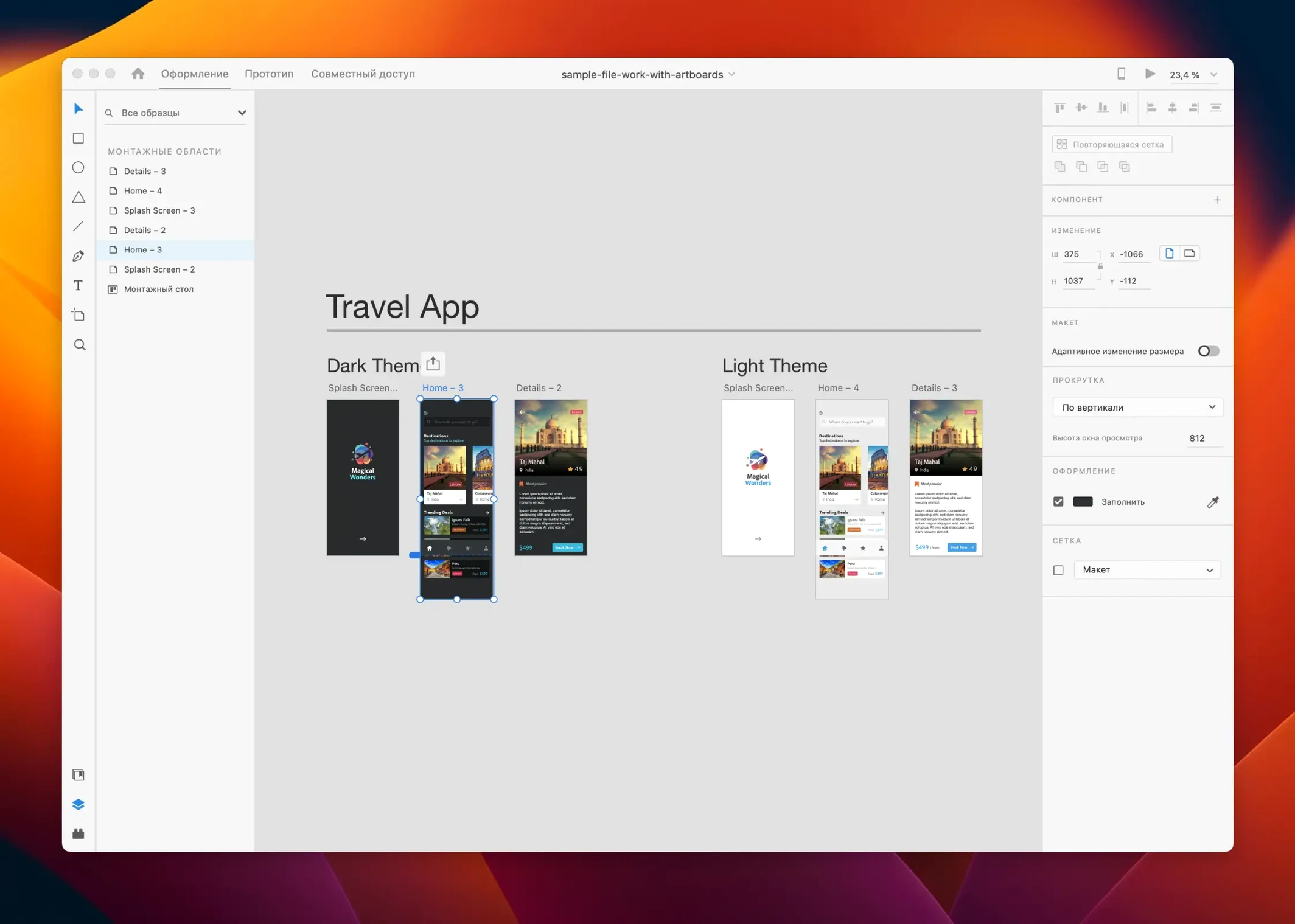
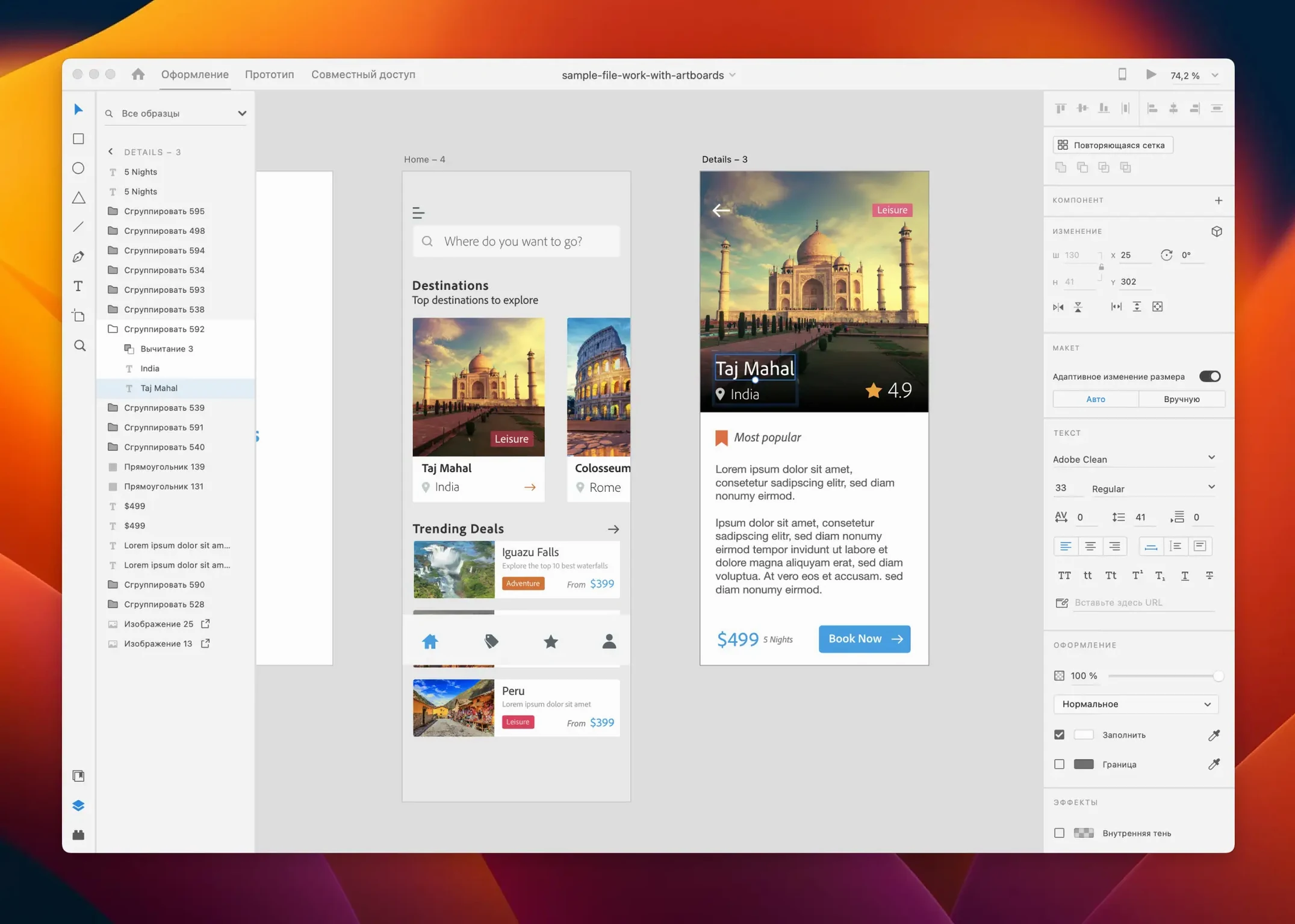
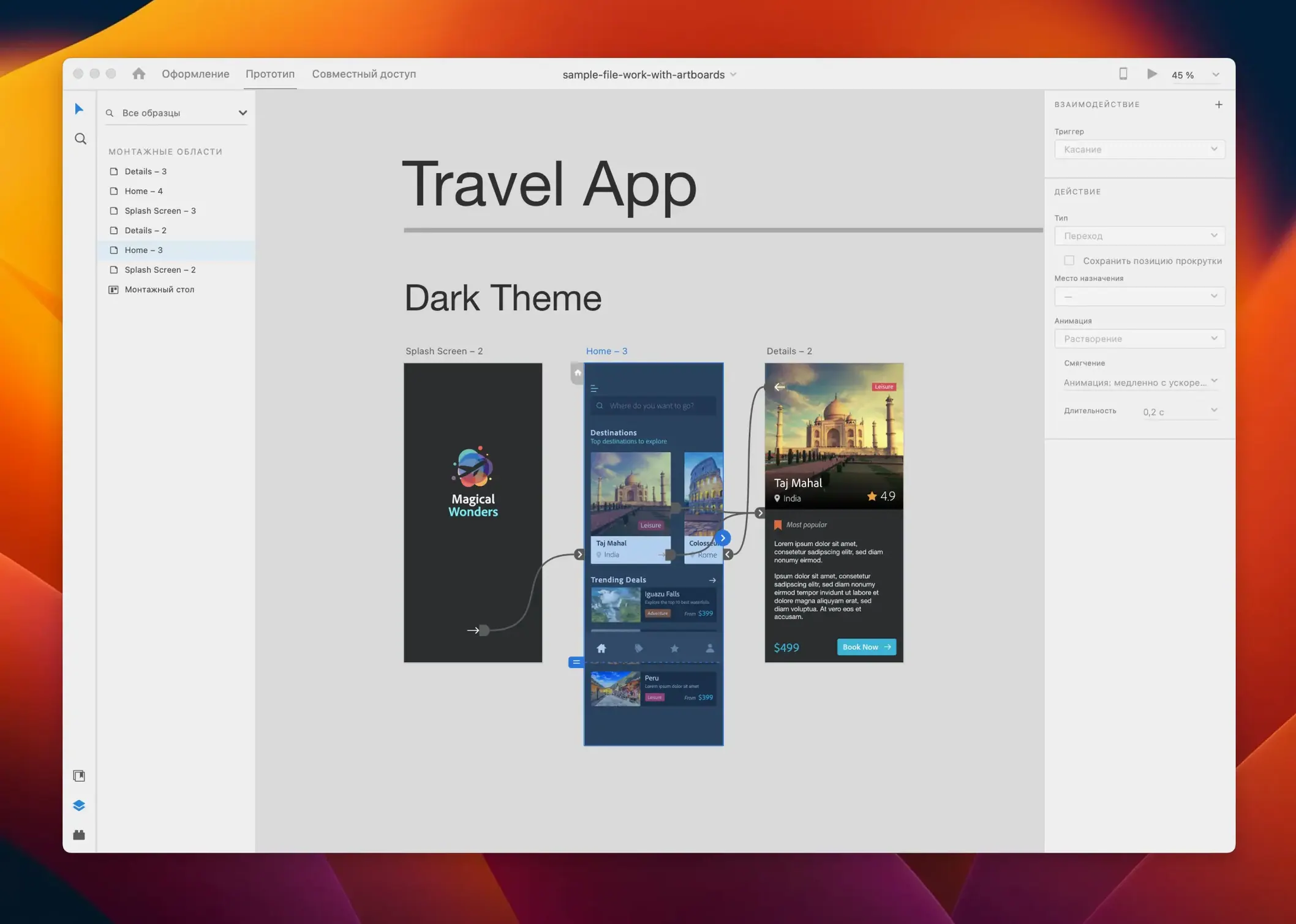
Turning a rough screen idea into a clickable prototype used to mean juggling three different apps. Adobe XD puts the whole flow in one place, so you can draw, wireframe and share a working demo without leaving the canvas.
Start with artboards for each screen size you need. Drag in shapes and text, then use Repeat Grid to populate lists or galleries in seconds instead of copying elements one by one.
Switch to Prototype mode and wire up taps, drags and hovers between artboards. Auto-Animate handles the in-between motion when you tweak an element across two states.
Publish a link straight from the app. Stakeholders click through the prototype in a browser and pin comments right on the screens, so you collect notes without a meeting.
Newcomers often treat XD like a pixel-perfect illustration tool. They nudge individual elements by hand when a component or repeat grid would do the heavy lifting. The result is a file full of one-off objects that are a headache to update later.
Another trap is ignoring the Assets panel. If you define colours, character styles and symbols early, you save yourself from hunting through fifty artboards to change a button shade. Without assets, a simple palette swap becomes a weekend project.
Prototype wiring trips people up too. Dragging a link from an entire group instead of a specific hit area makes the whole card clickable when only the arrow icon should trigger the transition. A tiny mis-wire and the flow feels broken to anyone testing it.
XD is built for the design-to-prototype stretch. When you need a complex illustration or photo composite, you still hop into Illustrator or Photoshop. Dragging a .psd or .ai file onto the canvas pulls in the artwork as a linked asset; a quick cmd-e edit rounds-trips it back to the source app.
On the macOS side, the clipboard plays nicely with Sketch and Figma. You can copy vector shapes between apps and they land as editable paths, not flattened bitmaps. That matters when a colleague sends over a Sketch library and you want to reuse the icon set without rebuilding it.
Creative Cloud Libraries tie the suite together. Drop brand assets, colours and text styles into a library from any CC app and they appear in XD’s Assets panel. The link to Adobe Stock sits right in the Libraries tab, so stock photos and vectors arrive without a browser detour. For teams sharing a adobe creative cloud mac torrent of assets, this keeps the source of truth in one place.
Plug-ins fill the gaps. Icons4Design pulls in icon sets, Stark checks contrast ratios, and third-party panels push designs straight to Zeplin or Avocode for developer handoff. The ecosystem isn't as vast as Figma’s community, but the essentials are covered.
On a 2021 M1 MacBook Pro with 16 GB of RAM, XD launches in under five seconds and sits at around 400 MB of memory with a medium-sized project open. Scrolling across twenty artboards stays smooth, even with high-resolution images linked from a Adobe XD torrent library.
Auto-Animate previews can jitter when you stack multiple animated layers on a single transition. Keeping the motion to two or three properties per element avoids the stutter. The app leans on the GPU for canvas rendering, so Intel Macs with integrated graphics feel the pinch on large files.
Stability is predictable. Crashes are rare in the July 2025 build, though the undo history occasionally truncates after a big paste operation. Save before merging external assets and you'll never lose more than a few steps.
You open a blank file and drop in an iPhone 15 artboard. From a shared adobe cc torrent mac of brand components, you drag a status bar, a nav bar and a card template onto the canvas. The repeat grid stretches the card into six rows of dummy data in three seconds flat.
Next, you wire the prototype. Tapping a card slides in a detail screen with an Auto-Animate push transition. A back button returns you to the list. You hit the desktop preview and click through the flow — the timing feels snappy, so you leave the default 0.2-second ease-out curve alone.
A notification bell icon needs a badge. You copy the bell to a second artboard state, slap a red circle on it, and wire the tap to toggle between states. Auto-Animate morphs the badge into view without a keyframe in sight.
You publish a link and ping the product owner on Slack. Two minutes later, a comment pin lands on the filter icon: “Can this open a dropdown instead?” You tweak the component, republish, and head to lunch. The whole loop took forty minutes.
Good to know: hold Cmd while dragging a prototype wire to connect to a specific layer inside a group — it stops the hit area from swallowing the whole artboard.








Chat 0
Hop in or make an account to join the chat.
Quiet in here so far. If you have used this build, tell me what the install actually did.