
 Termius
 Tenorshare UltData
 Techtool Pro
 TablePlus
 System Dashboard Pro
 SwitchResX
 Swinsian
 SwiftServer - Monitoring & SSH


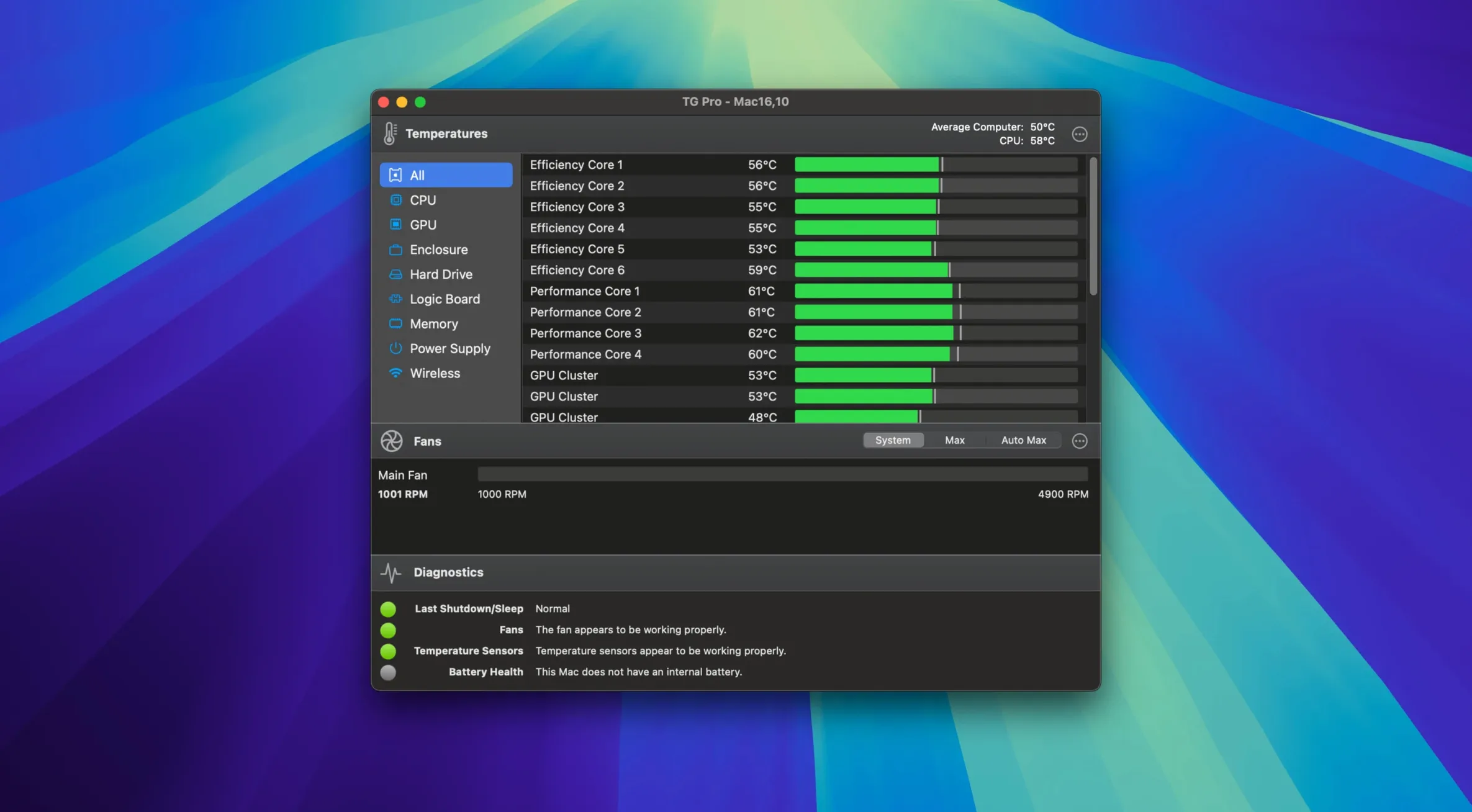
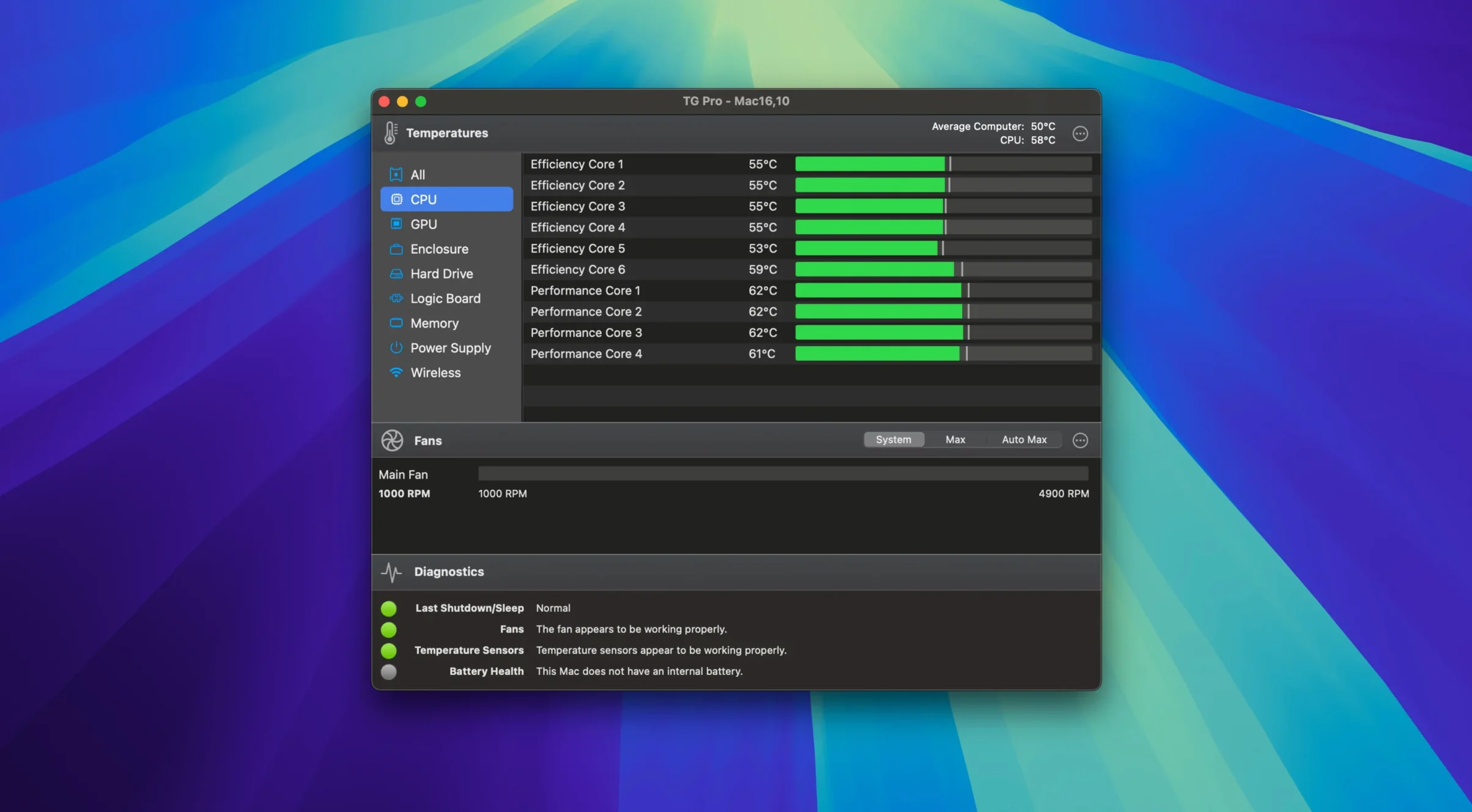
People who push their Macs hard — video editors, 3D artists, anyone running VMs — use TG Pro to keep an eye on temperatures and take manual control of cooling. It’s also the first thing a technician reaches for when diagnosing a hot or noisy machine.
Yes. Version 2.103 added complete fan control for M4, M4 Pro and M4 Max Macs. It also restored proper fan behaviour after Siri or voice dictation finishes, which had been a long-standing annoyance.
No. TG Pro sits in the menu bar showing live temperatures and fan speeds, and it sips CPU while doing it. The background footprint is intentionally tiny so you can leave it running all day.
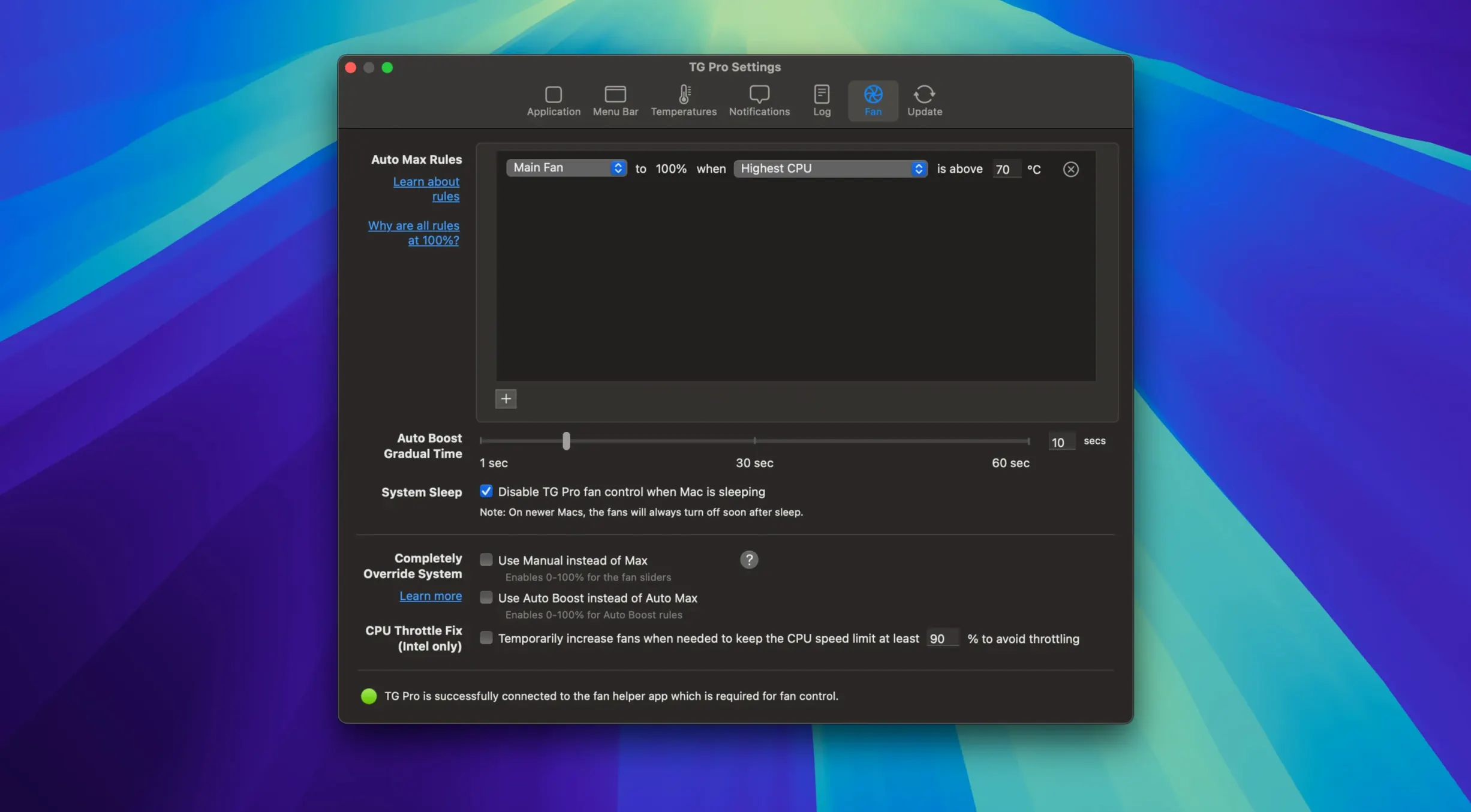
Absolutely. The Auto Boost rules let you tie fan speed to any temperature sensor. A recent fix stopped those rules from failing when you unplug a laptop from power, so your custom curves stay reliable whether you’re on battery or mains.
Version 2.103 tightened up a few loose ends that regular users will notice straight away. The Auto Boost fix is the standout — if you work on battery for an hour then plug in at your desk, your custom fan curves now switch cleanly instead of dropping out. No more reopening preferences to kick the rules back into life.
The Siri and dictation fix matters more than it sounds. Before 2.103, firing up voice input could leave fans stuck at whatever speed they happened to be at. Now TG Pro quietly restores your target speeds the moment dictation ends. For anyone who dictates notes while rendering or compiling, that’s one less thing to babysit.
M4 Mac owners get full fan control for the first time. That includes the M4 Pro and M4 Max variants, so the entire current desktop and laptop lineup is covered. The startup flow for new installations also got smoother — fewer permission prompts stacked on top of each other when you first open the app.
Three utilities tend to come up when people search for a tg pro mac download: Macs Fan Control, iStat Menus, and TG Pro itself. They overlap, but each leans in a different direction.
Macs Fan Control keeps things simple. You get temperature readouts and manual fan sliders, plus a basic auto mode tied to a single sensor. It works on a wide range of Macs and Hackintosh builds. What you miss: custom multi-sensor rules, battery temperature on laptops, and the diagnostic logging TG Pro includes.
iStat Menus is a full system monitor — CPU, memory, network, disks, weather, the works. Its fan control is tucked inside a larger package of sensors and graphs. That’s great if you want one menu bar suite for everything, but the fan logic itself is simpler. No Auto Boost rules, no diagnostic mode, and less granular control over individual fan headers on desktops.
TG Pro sits between them: deeper fan control than iStat Menus, broader sensor coverage than Macs Fan Control, and the only one of the three with a built-in diagnostics tool. If you’re hunting a tg pro torrent just to see fan speeds, any of them will do that. For custom cooling curves that follow real workloads, TG Pro is the odd one out — in a good way.
Here’s how a technician — or a curious owner — might chase down a machine that suddenly feels sluggish under load.
Open TG Pro and glance at the menu bar readout. CPU temperature sitting at 98 °C, fans barely above idle. That’s the clue.
Switch to the main window and check the fan speeds column. On an Intel iMac, you might see the CPU fan stuck around 1200 RPM despite the heat. Click the Diagnostics tab and run the full test — it spins each fan through its range and flags any that don’t respond. In this scenario, the CPU fan fails to ramp past 1500 RPM.
Now you know it’s hardware, not a sensor glitch. While waiting for a service appointment, you can work around it: head to the Fan Control tab, select the working fans, and set up an Auto Boost rule that ties the remaining fans to the CPU proximity sensor. TG Pro will compensate using the fans that still spin properly, keeping the machine usable until the faulty unit gets replaced.
After the repair, the log history lets you confirm that temperatures stayed within safe limits the whole time. That kind of record is why a tg pro crack can be a handy way to explore the full logging suite — the data alone is gold during warranty conversations.
Good to know: If you’re on a Hackintosh, enable the compatibility toggle in preferences before running diagnostics. Some third-party fan controllers report nonsense speeds otherwise.
Yes, it runs natively on Intel 64-bit and Apple Silicon Macs, with full sensor and fan support across both architectures.














Chat 0
Hop in or make an account to join the chat.
Quiet in here so far. If you have used this build, tell me what the install actually did.