
 NotchNook
 Nook X
 Noir
Noir OmniGraffle Pro
 Nik Collection
 OmniPlayer: MKV Video Player Pro
 ON1 Photo RAW
 One Switch


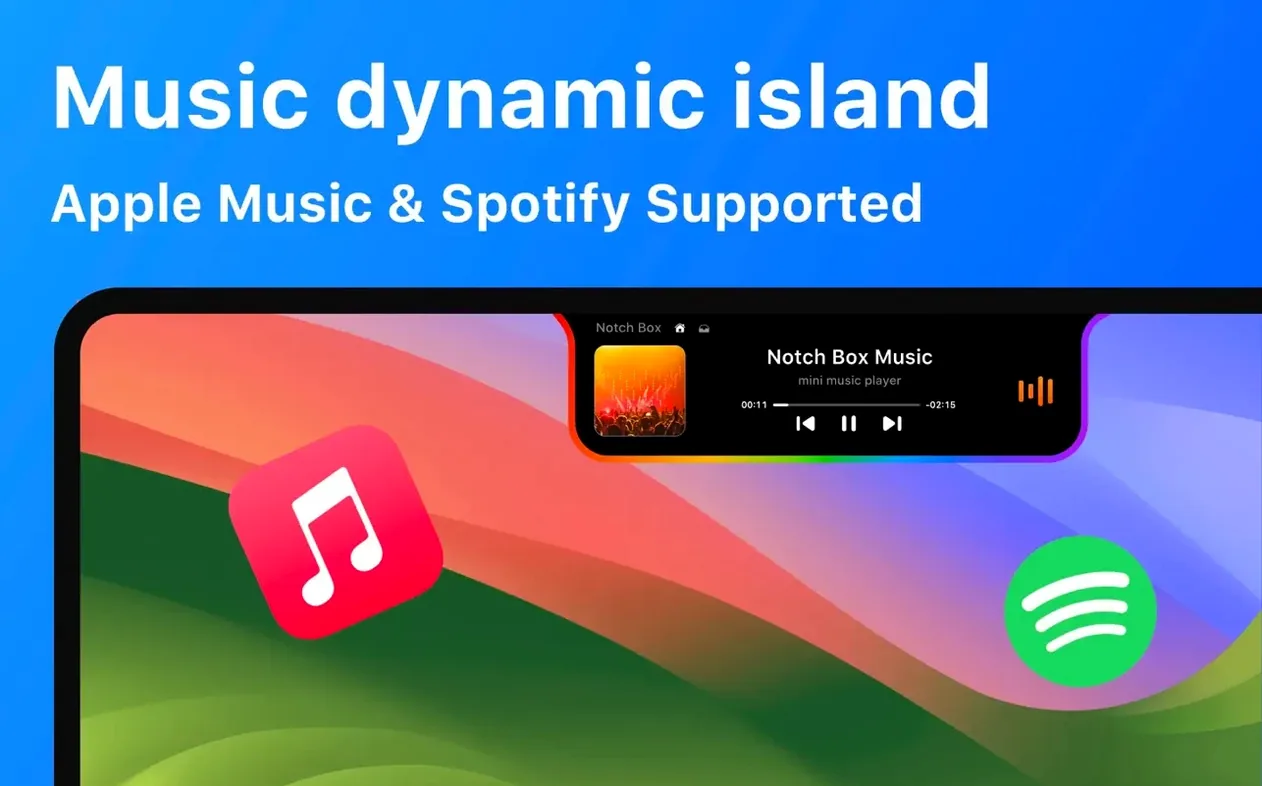
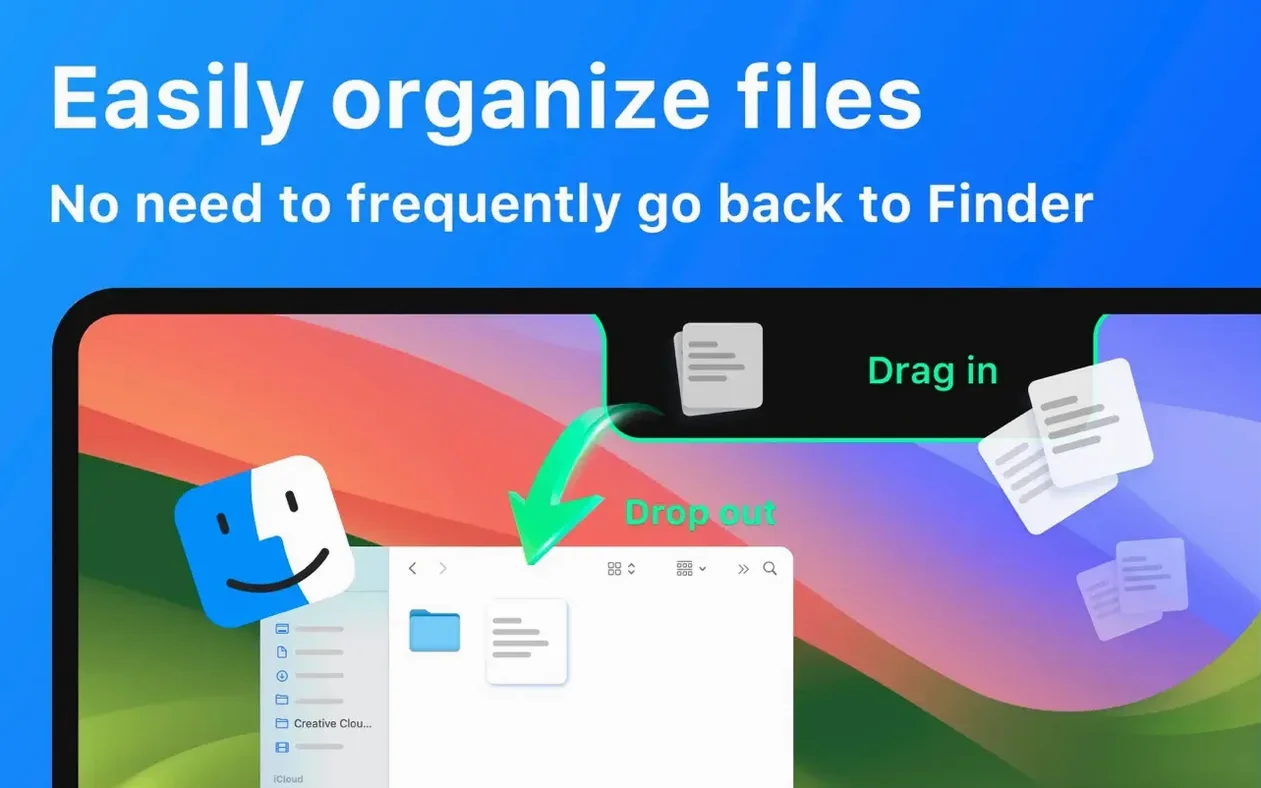

If you have used AirDrop on an iPhone, you know the drill: pick a file, tap share, and send it off. NotchBox brings that same drag‑and‑drop ease right up to the Mac notch. Toss a file onto the notch strip and it is ready to AirDrop without opening a new window.
The tool turns that small cutout into a live dashboard. It shows the date and time, upcoming calendar events, and your Wi‑Fi signal strength plus network speed at a glance. Spotify listeners can see what is playing and skip tracks without leaving their current app.
It runs on both Apple Silicon and Intel Macs as long as you are on macOS 13 or later. Everything lives in the notch area so your desktop stays clear, but the controls are always one glance away.
Say it is a Tuesday morning and you are pulling together a mood board. You have six images scattered across the desktop, a Spotify playlist running in the background, and a meeting starting in twenty minutes.
You grab the first photo and drag it up to the notch. NotchBox lights up with a subtle glow and a small thumbnail appears — the file is now parked in its temporary shelf. Repeat for the other five images; each one stacks neatly, visible as a tiny preview.
A quick click on the notch strip opens the expanded hub. You see the song title right there, the Wi‑Fi speed sitting at 412 Mbps, and the calendar peeking the 10 a.m. call. You tap the next‑track arrow without ever switching away from Finder.
Now you select three of the parked images, drag them onto the AirDrop icon inside the hub, and drop them onto a colleague’s MacBook in the next room. The transfer finishes in seconds. You close the hub, the shelf clears, and the desktop goes back to being just the desktop.
Later, when you need to set a quick timer for a tea steep, you click the notch, hit the countdown icon, type 3:00, and minimise it. The remaining time sits in the notch strip, counting down silently.
With version 1.1.71 the tool gained a noticeably lighter touch on the menu bar. Earlier builds would occasionally redraw the notch widgets when an external display was connected, but the current release handles display changes more gracefully — fewer flickers, quicker recovery.
Clipboard history access became more predictable as well. In past versions, long text strings sometimes truncated in the preview pop‑up; now they scroll fully. The calendar widget also tightened its sync timing, so an event added on your iPhone shows up in the notch strip within about fifteen seconds rather than the old forty‑second lag.
If you use Spotify, you might have noticed that album artwork now loads reliably even on metered hotspots — earlier builds would sometimes leave a blank square until Wi‑Fi returned.
Files slide off the notch without sticking. This usually happens when the app has not been granted Accessibility access. Open System Settings → Privacy & Security → Accessibility, find NotchBox, and toggle it on. After that the drop zone responds immediately.
The calendar shows no events. Check that NotchBox appears under System Settings → Privacy & Security → Calendars. If it is missing, a quick app restart after a notchbox download mac reinstall almost always adds it. Make sure your Mac calendar account is active and syncing.
Spotify controls are greyed out. The app links to the desktop Spotify client, not the web player. Open the Spotify desktop app first, then click the notch — the controls should light up within a couple of seconds.
Camera mirror stays black. Grant camera permission when prompted on first launch. If you missed it, head to System Settings → Privacy & Security → Camera and enable NotchBox. The mirror view needs that permission even to grab a single frame.
AirDrop misses nearby devices. Both Macs need AirDrop set to Everyone or Contacts Only (with each other in Contacts). If the target still does not appear, a quick Wi‑Fi and Bluetooth toggle off‑then‑on on both ends usually nudges the discovery.
Anyone grabbing a fresh notchbox download will find version 1.1.71 already includes these fixes, so the setup tends to be smoother than with earlier releases. If something still feels off, a visit to the app’s built‑in permissions checker — tucked under the gear icon in the hub — points straight to the missing toggle.
Good to know: the interface speaks 15 languages, including French, Japanese, and Arabic, so it slots into nearly any setup.
Yes, it connects to Spotify so you can see the current song and control playback right from the notch.
It supports both Intel 64‑bit and Apple Silicon Macs running macOS 13 or later.














Chat 0
Hop in or make an account to join the chat.
Quiet in here so far. If you have used this build, tell me what the install actually did.