
 ON1 Photo RAW
 Optimage
 OmniPlayer: MKV Video Player Pro
 Pacifist
 OmniGraffle Pro
 Paragon NTFS
 Parallels Desktop
 Paste
Paste

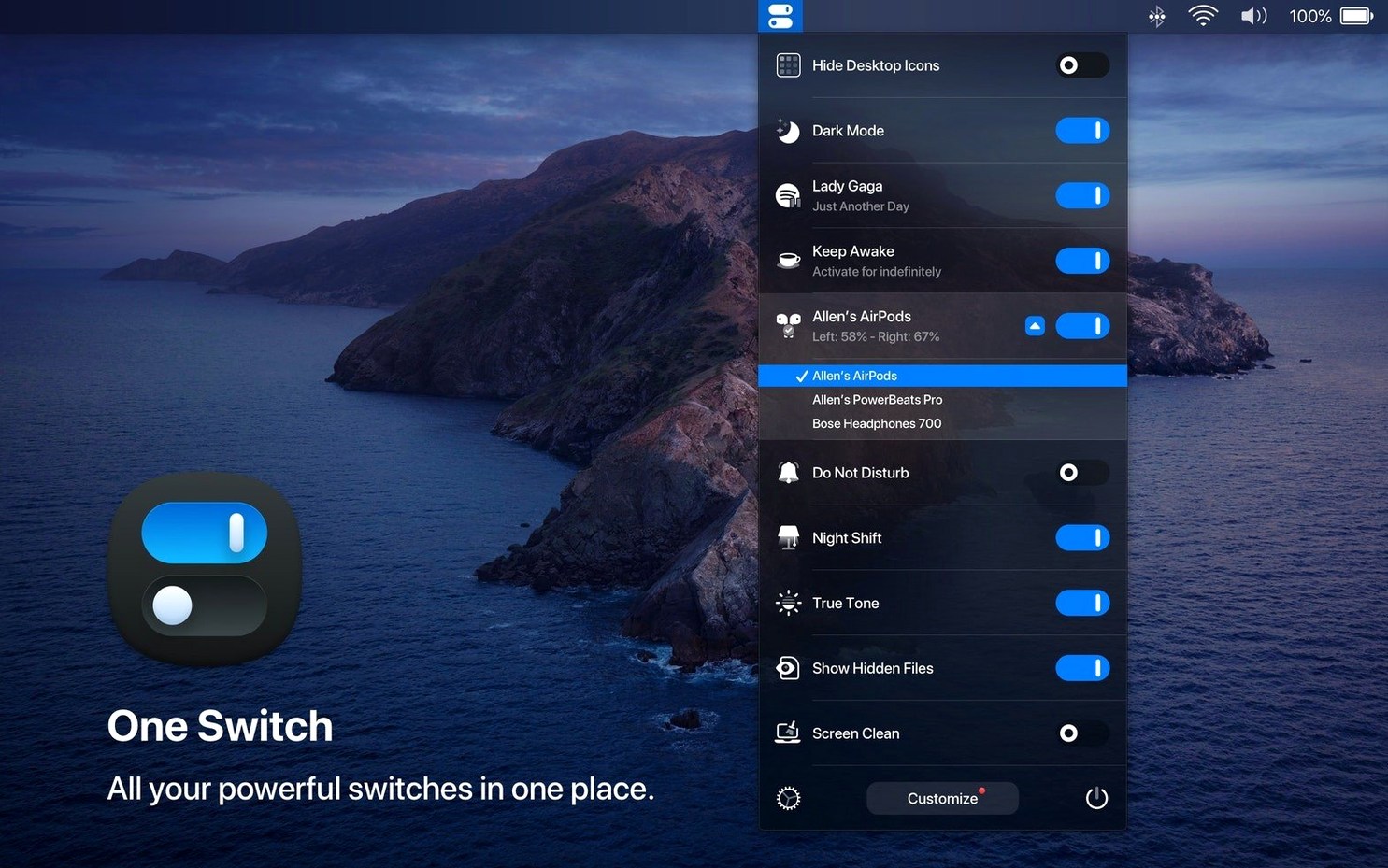
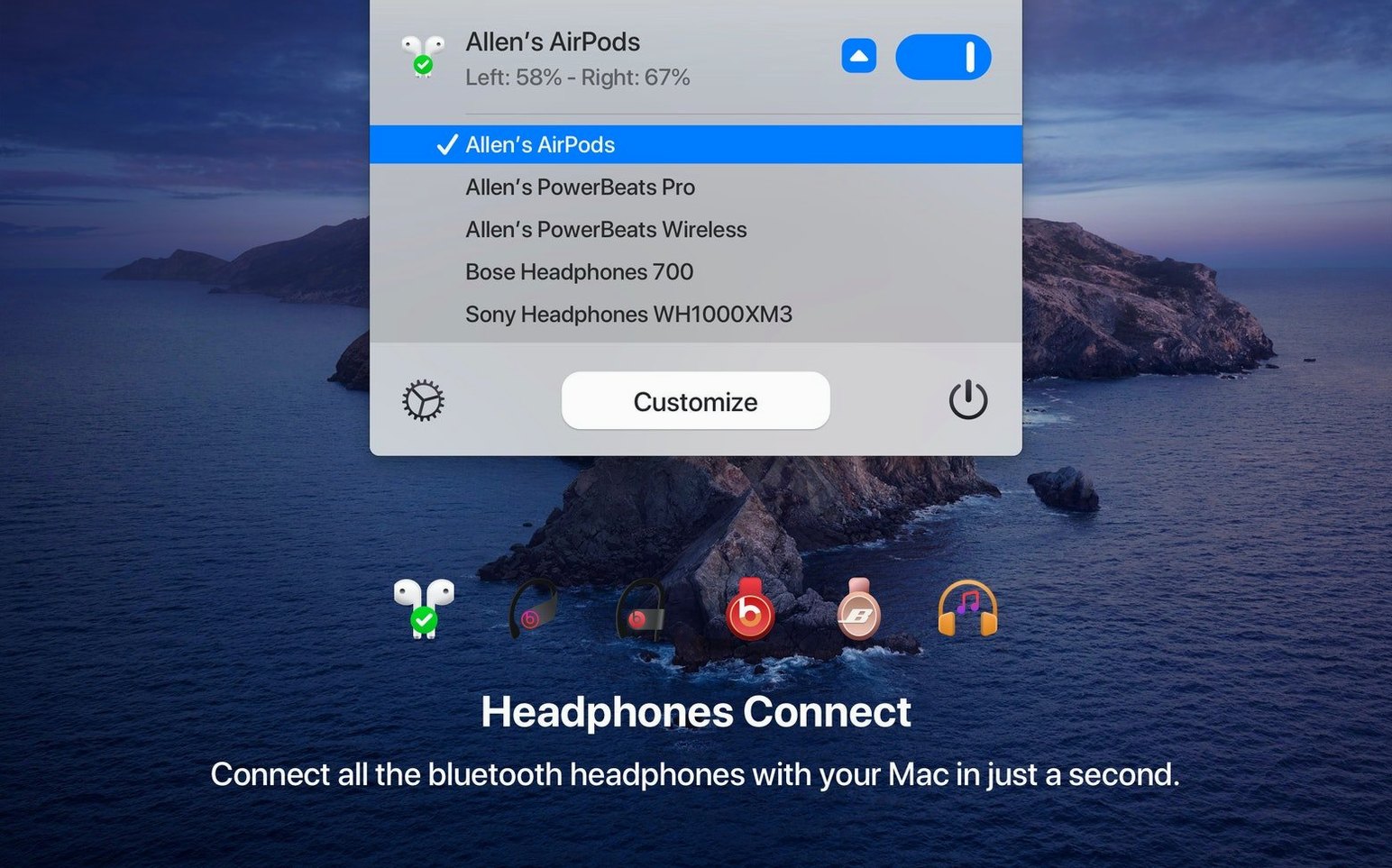
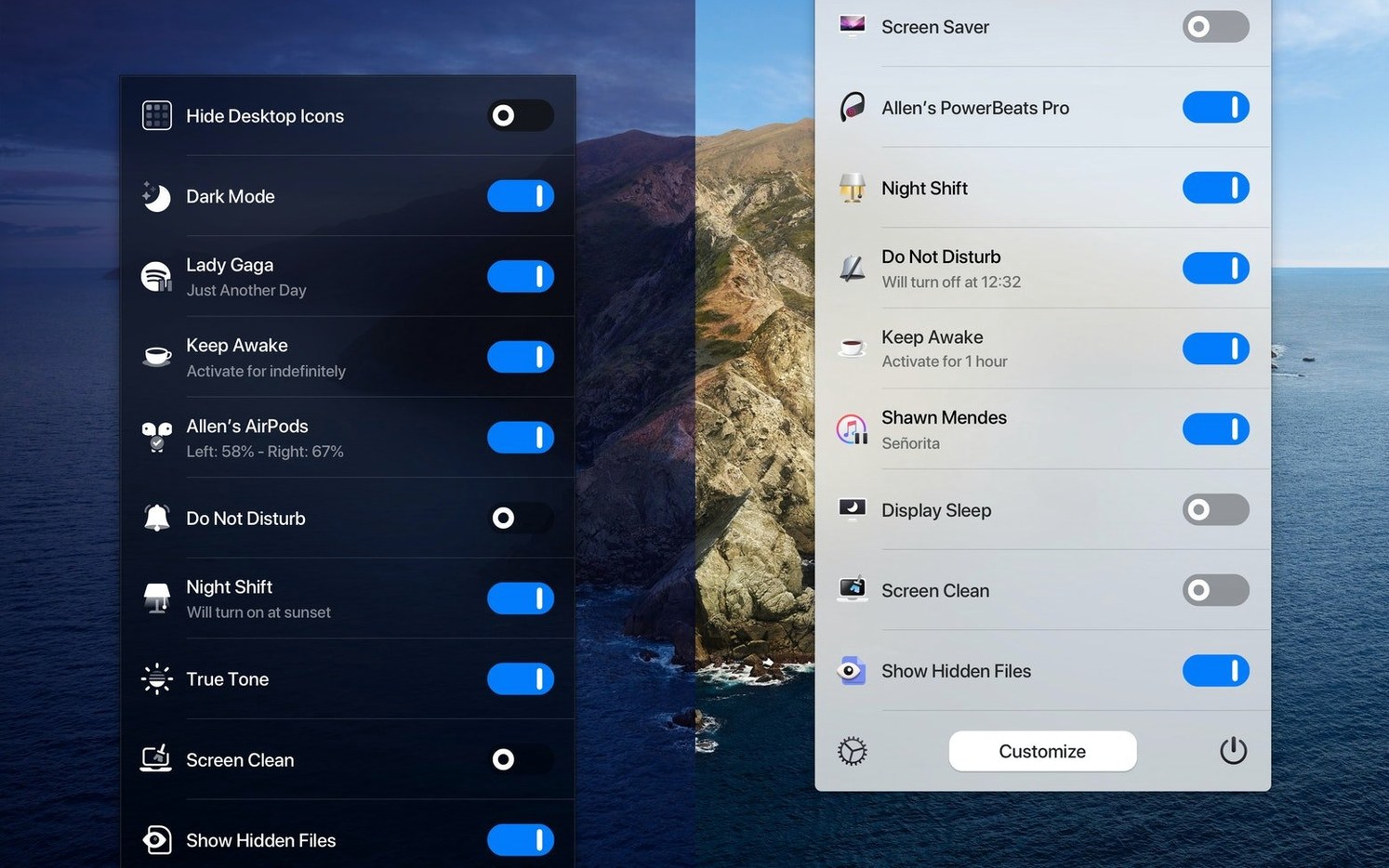
One Switch is a tiny menu bar app that turns a collection of Mac settings into fast, one-click toggles.
| Detail | Note |
|---|---|
| Developer | Fireball |
| Current version | 1.35.4 |
| Requirements | macOS 10.15, Apple Silicon & Intel |
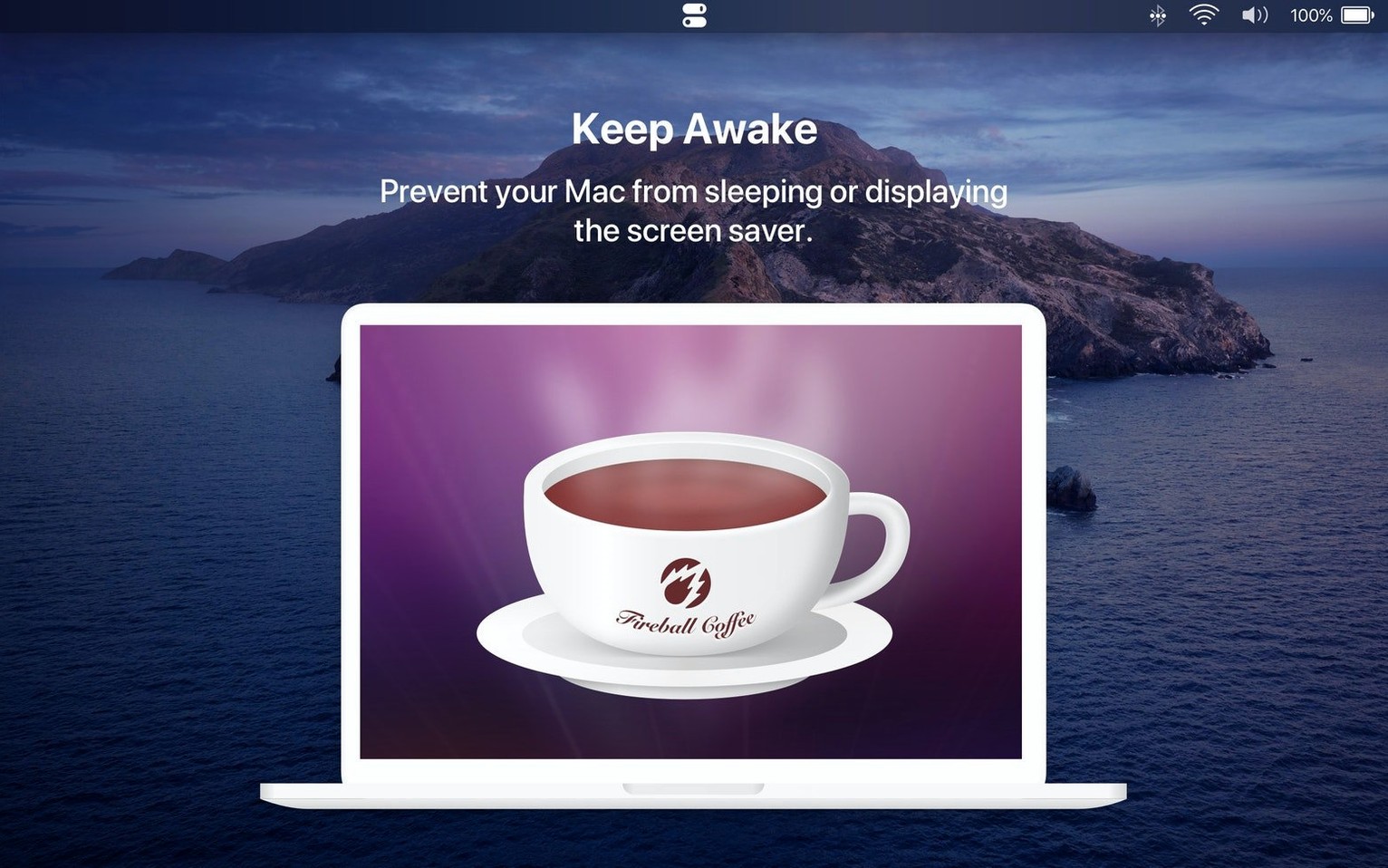
Think of it as a remote control for the switches you flip most. Instead of opening System Settings to toggle Dark Mode, you click the menu bar icon and pick from a clean list. You can hide desktop icons with one click, connect AirPods without opening Bluetooth menus, or keep the Mac awake for a presentation. The app handles seven switches at once, so you can mix and match what you need daily. Sleep scheduling is built in too—set a bedtime for your Mac and it will nod off without you. A handy extra is the automated appearance switch that moves between Light and Dark as the day goes on. It is a small tool that stays out of the way and saves you a surprising number of clicks each week.
Friday afternoons tend to get messy. A freelance illustrator we know keeps the menu bar tidy with One Switch. She arrives at her desk around 9, connects AirPods with one click from the menu bar drop‑down, then kills notifications so nothing pings during a client call. When the call wraps up, she turns on Do Not Disturb fully, hides the desktop icons that piled up during the week, and switches to Dark Mode for an hour of focused tablet work. Late in the day, she pulls up the screen saver with a single toggle while she makes coffee. No digging through System Settings, no remembering where Apple hid the Desktop & Dock pane this year. The routine is muscle memory now—four clicks, all from the same slim menu.
Version 1.35.4 arrived quietly and added a multilingual layer that makes the app feel native for a wider audience. German, Italian, Japanese, Korean, Portuguese, Russian, and Spanish are now supported, so the switches you see match the language your Mac is already set to. For a tool that lives entirely in the menu bar, that matters: the labels are short, and a mistranslated toggle would stick out every time you open it. The update did not touch the switch logic itself—Dark Mode, sleep, AirPods connection and the rest behave as before—but it rounds out the experience for multi‑language households and anyone who prefers working in a language other than English.
No. One Switch sits on top of macOS and sends the same commands you would trigger manually. It doesn’t remove or alter built‑in controls. If you open Control Centre or System Settings later, everything will be exactly where you left it. The app simply gives you a faster route to the switches you use most.
You pick which switches appear and disable the rest. The menu bar icon takes up about as much room as the clock, and the dropdown stays compact. If you only need a one switch app mac for Dark Mode and AirPods, you can pare the list down to two items and ignore the extras. On days when you need more, the full set of seven is a click away.
You set a pair of times—say 11:30 p.m. to sleep and 7 a.m. to wake—and the Mac follows that rhythm. It’s a soft off‑and‑on, not a forced shut‑down, so open documents and windows stay in place. If you are still working late, you can override it with a single toggle from the same menu. People who download one switch mac free often discover the scheduling feature days later and treat it as a quiet bonus.
The AirPods toggle connects your paired AirPods quickly, but One Switch isn’t a full switch audio converter mac utility. It won’t flip between a USB DAC and a set of speakers. If connecting AirPods is the main audio move you make each day, the one switch download covers that well. For multi‑output routing, you would still use the Sound pane or a dedicated audio tool.
Good to know: The automated Light/Dark schedule works without geolocation—you can set fixed times that suit your room lighting rather than relying on sunset data.














Chat 0
Hop in or make an account to join the chat.
Quiet in here so far. If you have used this build, tell me what the install actually did.