
 Jettison
 JustStream PRO
 iZotope Ozone
 Keyboard Maestro
 KeyCue
 KeyShot
 iStat Menus
 Klack
Klack


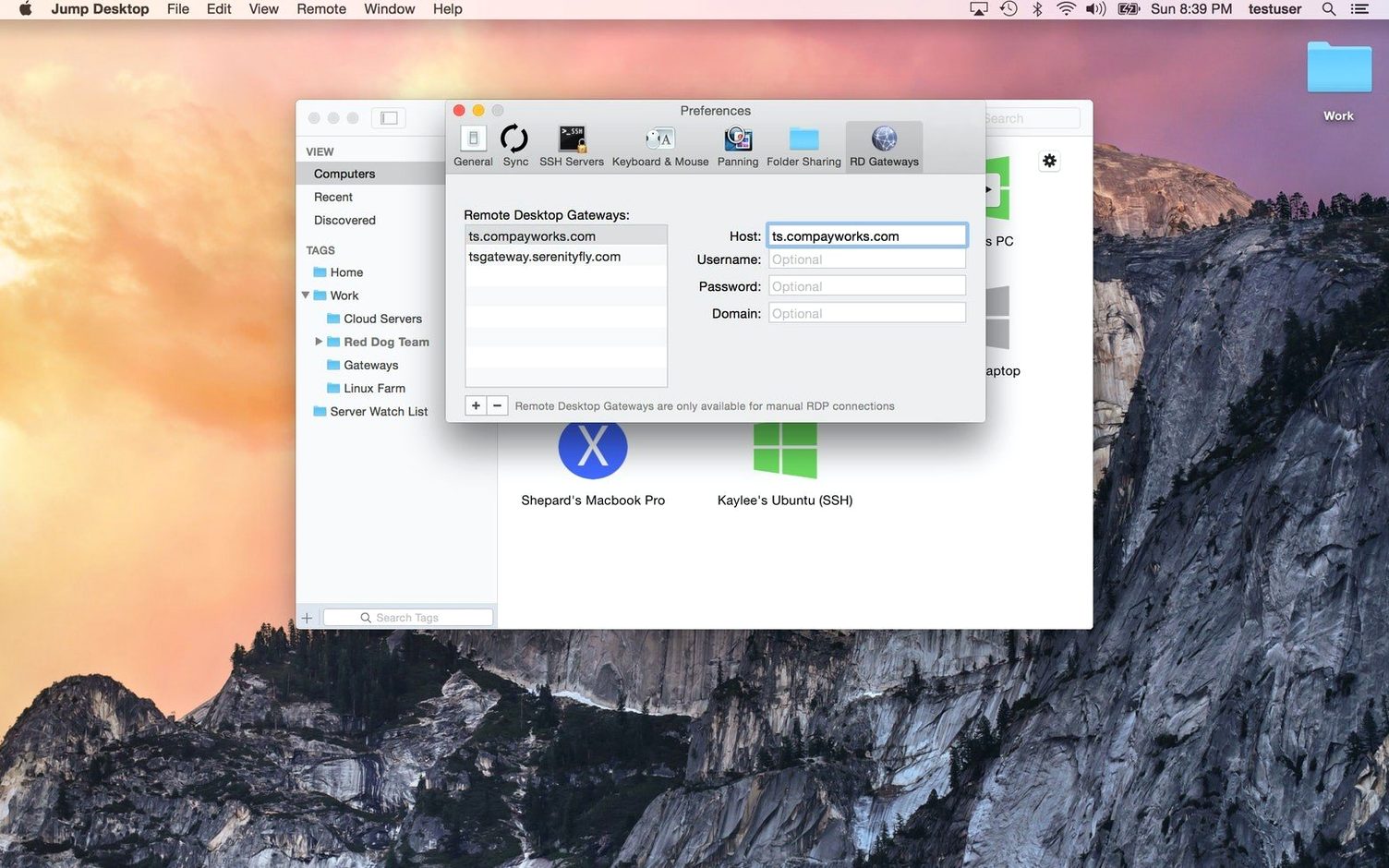
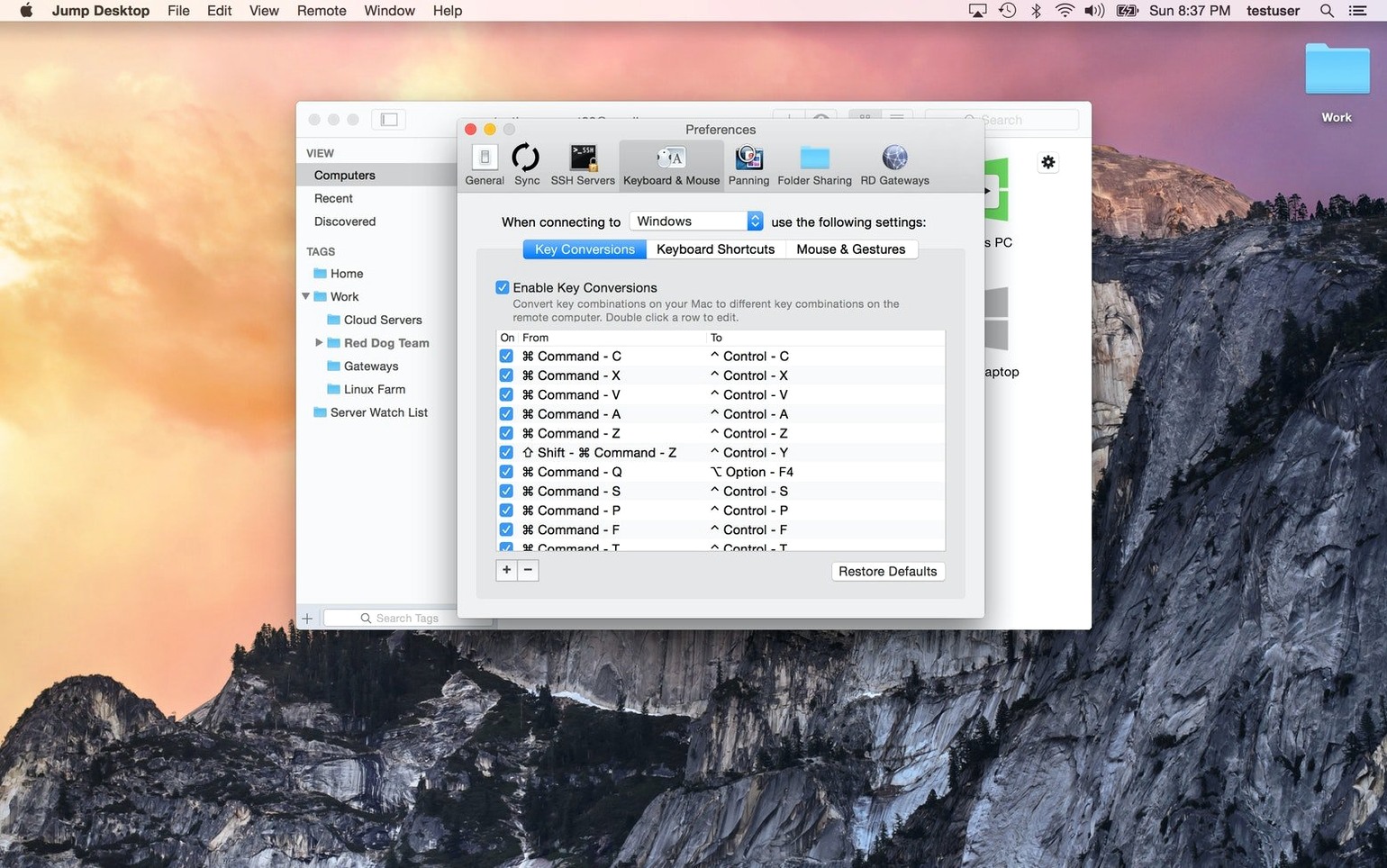
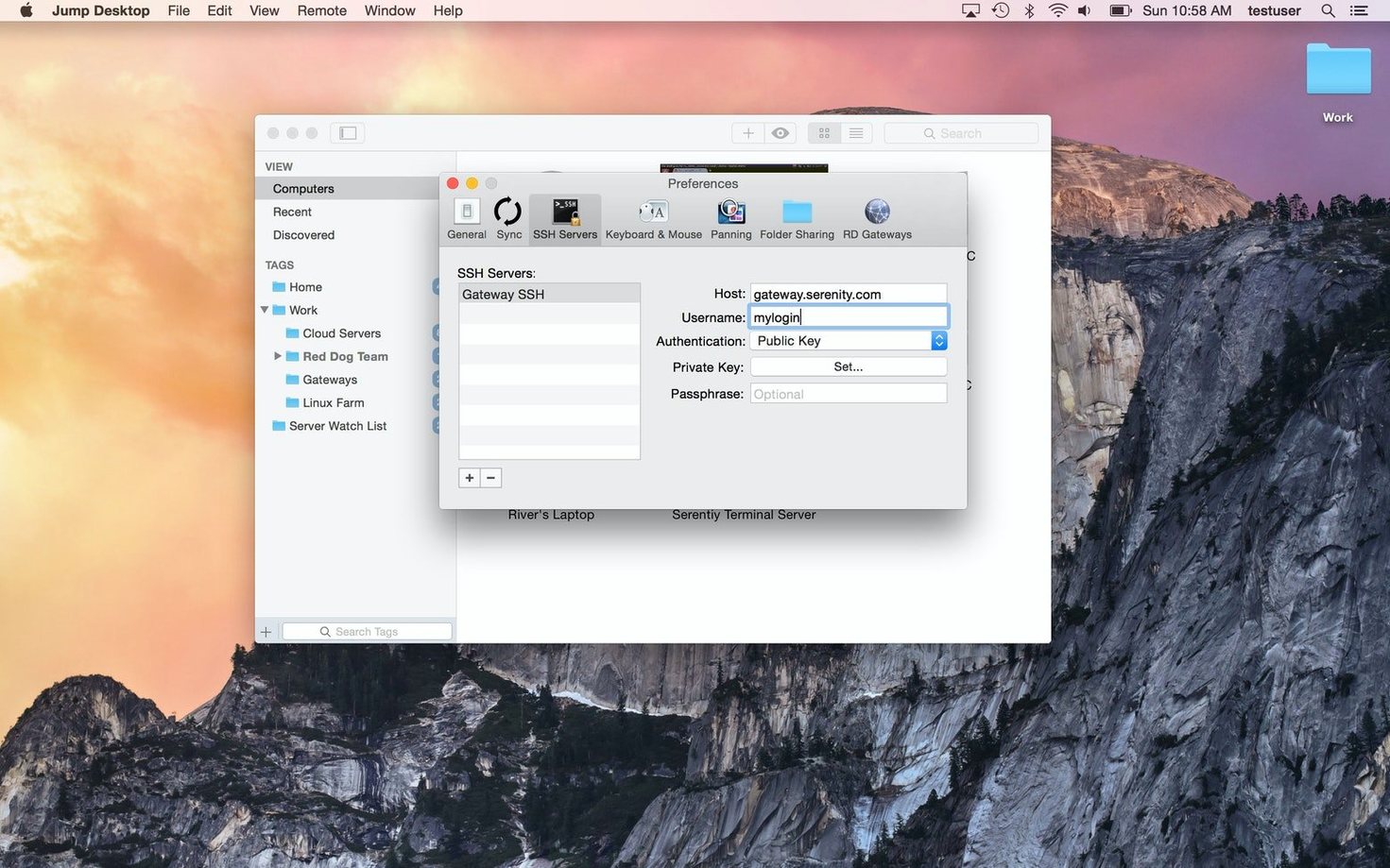
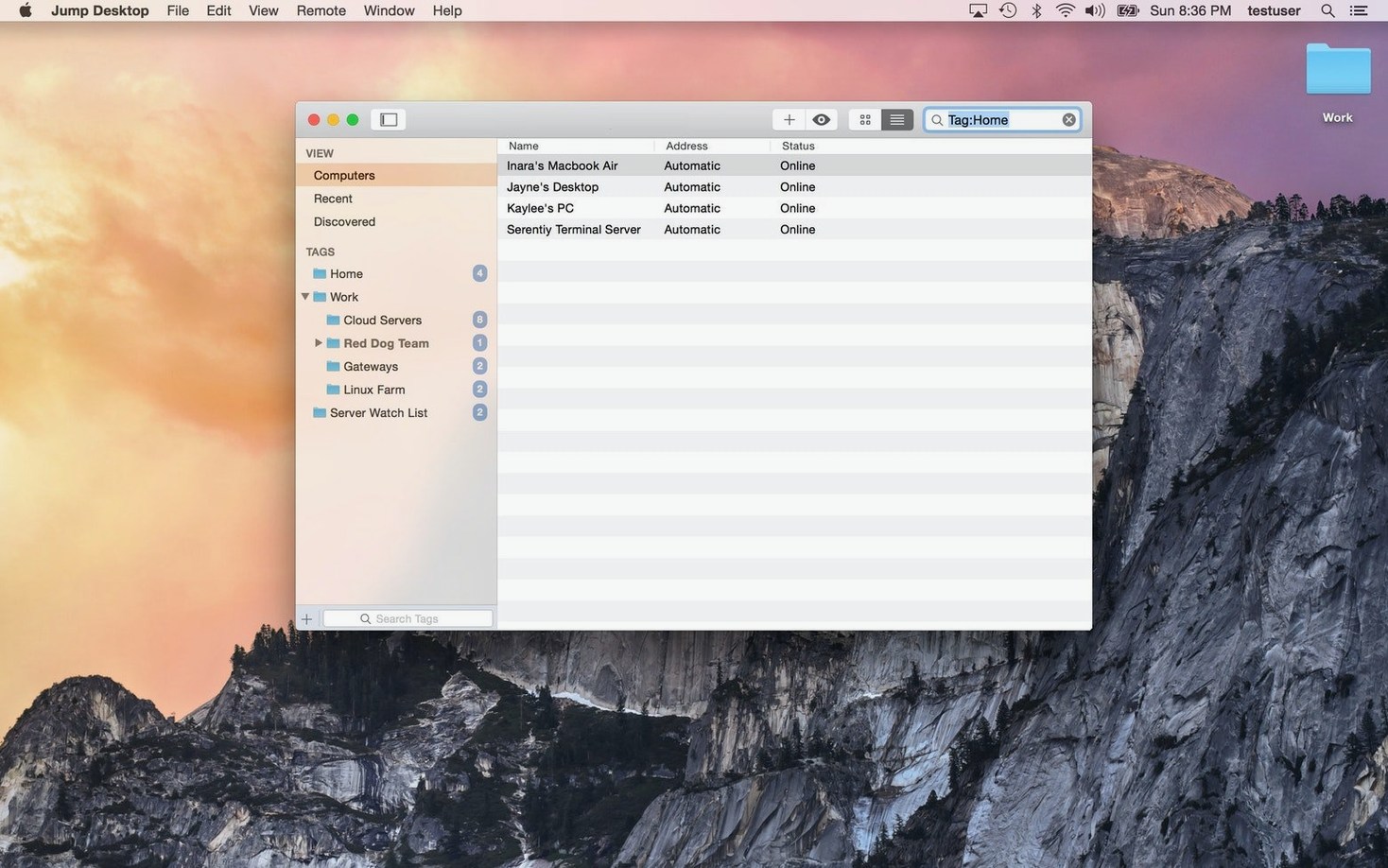
If you've ever used Screen Sharing on a Mac, Jump Desktop feels like that same idea with a passport. It connects to your office PC, a headless Mac mini at home, or any machine running RDP or VNC — then lets you work on it as though you're sitting right there. Clipboard sharing and keyboard remapping mean you're not fighting muscle memory between operating systems.
| What | Detail |
|---|---|
| Current version | 10.15.28 |
| macOS required | macOS 11 or later |
| Architecture | Apple Silicon & Intel |
| Connects to | Mac, PC, VNC, RDP |
Once you've installed the companion host on the target computer, the first things to try are fluid: copy a file from your local Mac and paste it onto the remote desktop, then remap a Windows shortcut to a Mac key you actually use. It's the small quality-of-life features that make a remote session feel less remote.
The first days with Jump Desktop can throw up a few speed bumps. Recognising them early saves you the frustration of thinking the app is laggy or broken when it's really just a setting or two.
Jump Desktop isn't a one-size-fits-all tool. Certain setups benefit far more than others.
Developers with a headless Mac mini build server. If you keep a Mac mini plugged into a router and nothing else, Jump Desktop becomes the monitor, keyboard and mouse. You can kick off Xcode builds from a coffee shop without lugging hardware around. The clipboard sharing means you copy a build log and paste it directly into your notes app on the local machine.
IT support staff juggling mixed OS environments. A help desk person who flips between a Mac laptop and Windows servers all day can store connections labelled by department — no more typing IP addresses into five different VNC clients. The per-connection settings remember which layout mapping to use, so a morning spent remoting into a Linux box and an afternoon on a Windows Server both feel natural.
Cross-platform households with one powerful PC. Someone with a light MacBook Air who occasionally needs a Windows-only CAD tool or a game stored on a beefy desktop at home will find the RDP engine handles graphics-heavy sessions better than generic VNC viewers. The fluid screen updates keep the experience closer to sitting at that desk than you'd expect.
Freelancers who bill by the hour across two machines. Keeping your work files on a home Mac while travelling with a lightweight laptop means you never split a project across two Downloads folders. Jump Desktop lets you open, edit and save files exactly where they live. No syncing, no duplicates, no "final-final-v3" filename creep.
A little early setup turns a competent remote desktop client into something you forget is running. These steps take ten minutes and pay back every session.
Yes. It connects to Macs, Windows PCs, and any server running VNC or RDP.
It does. The Mac version runs natively on both Apple Silicon and Intel machines.
Yes, you can send and receive data between the local device and the remote computer during a session.














Chat 0
Hop in or make an account to join the chat.
Quiet in here so far. If you have used this build, tell me what the install actually did.