
 iReal Pro
 iZotope Ozone
 Infuse Pro
 iMazing
 Jettison
 iExplorer

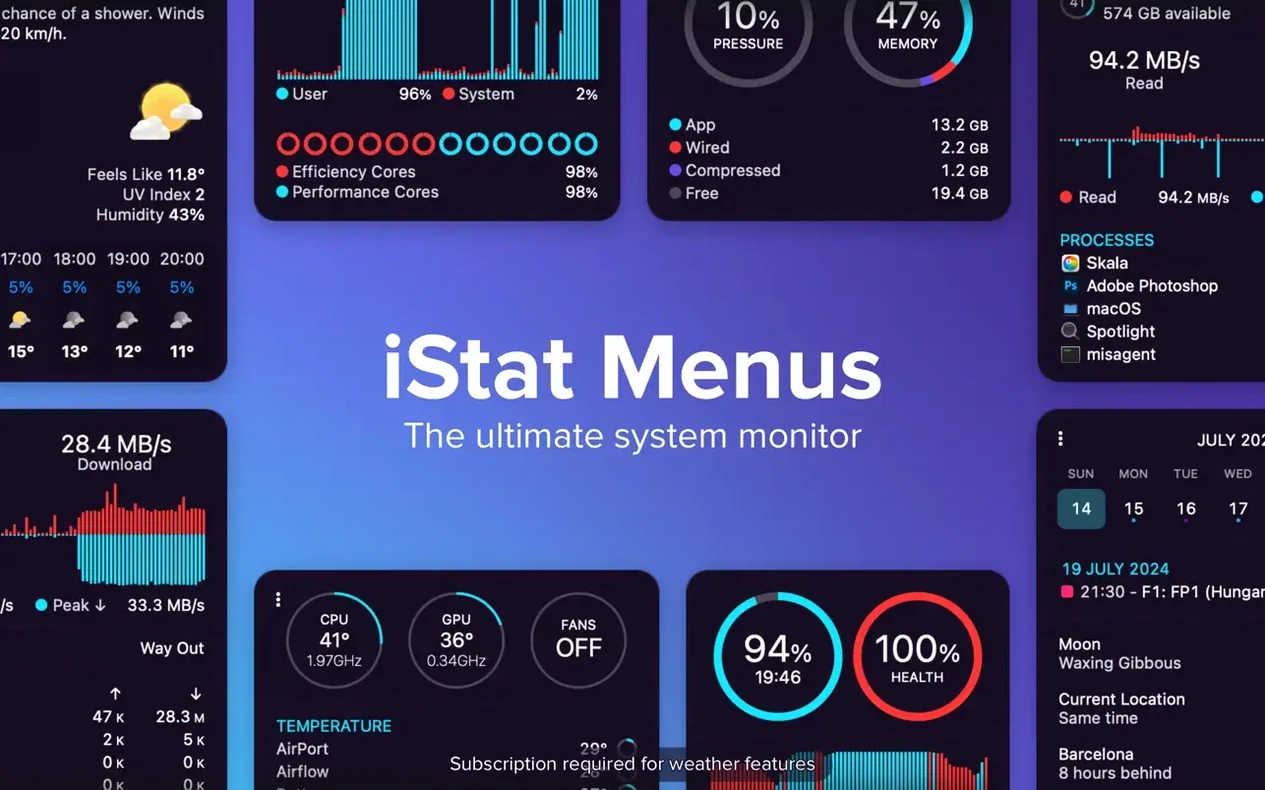
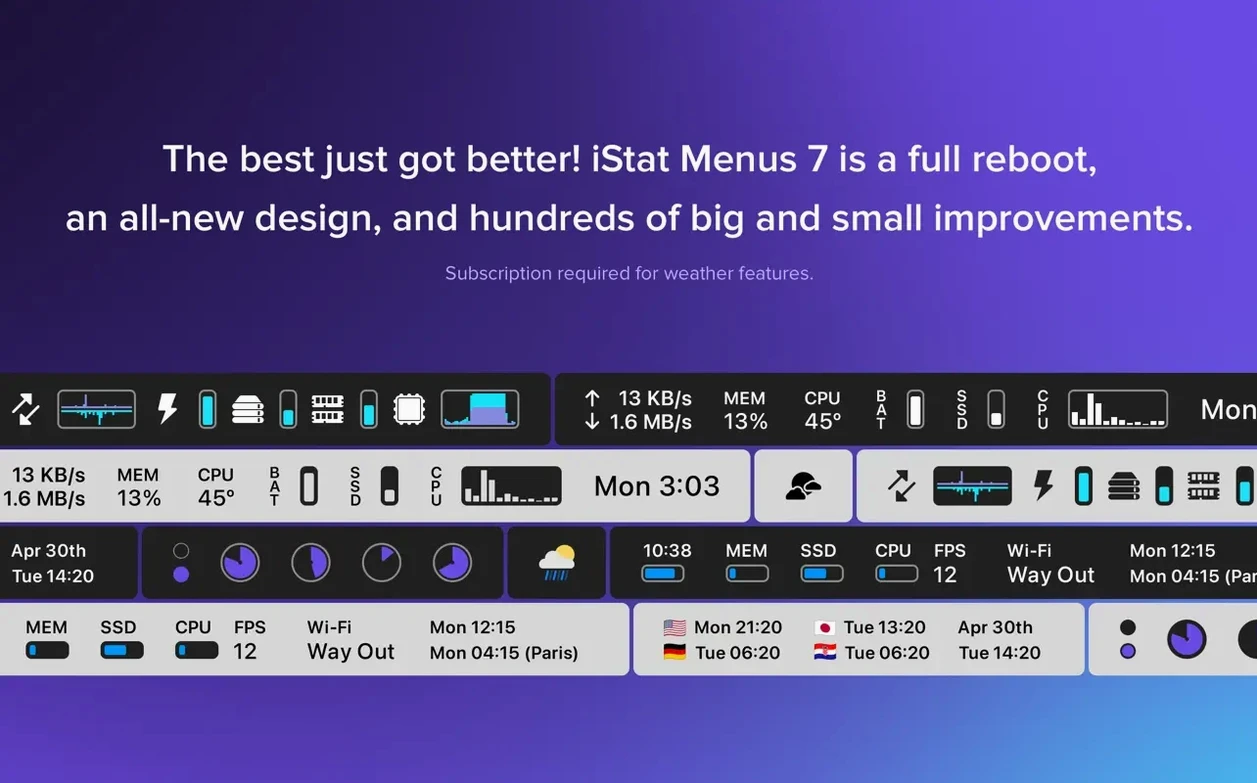
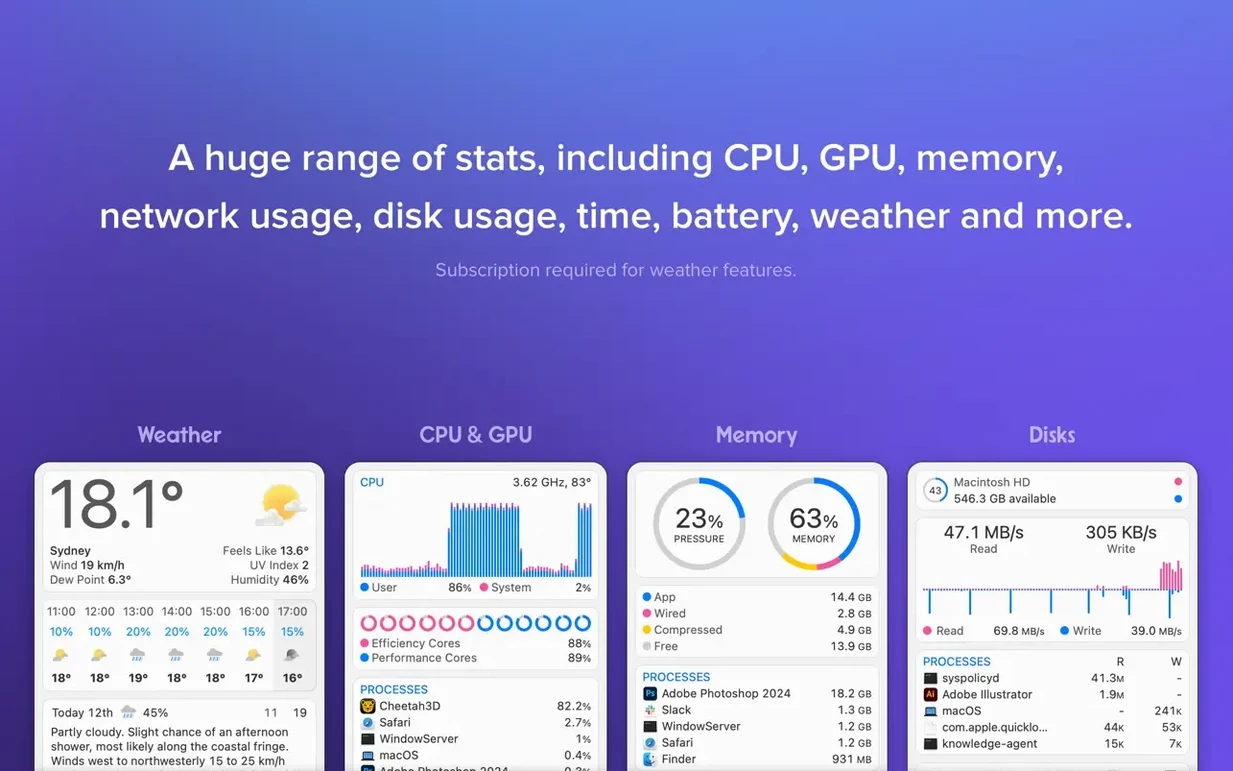
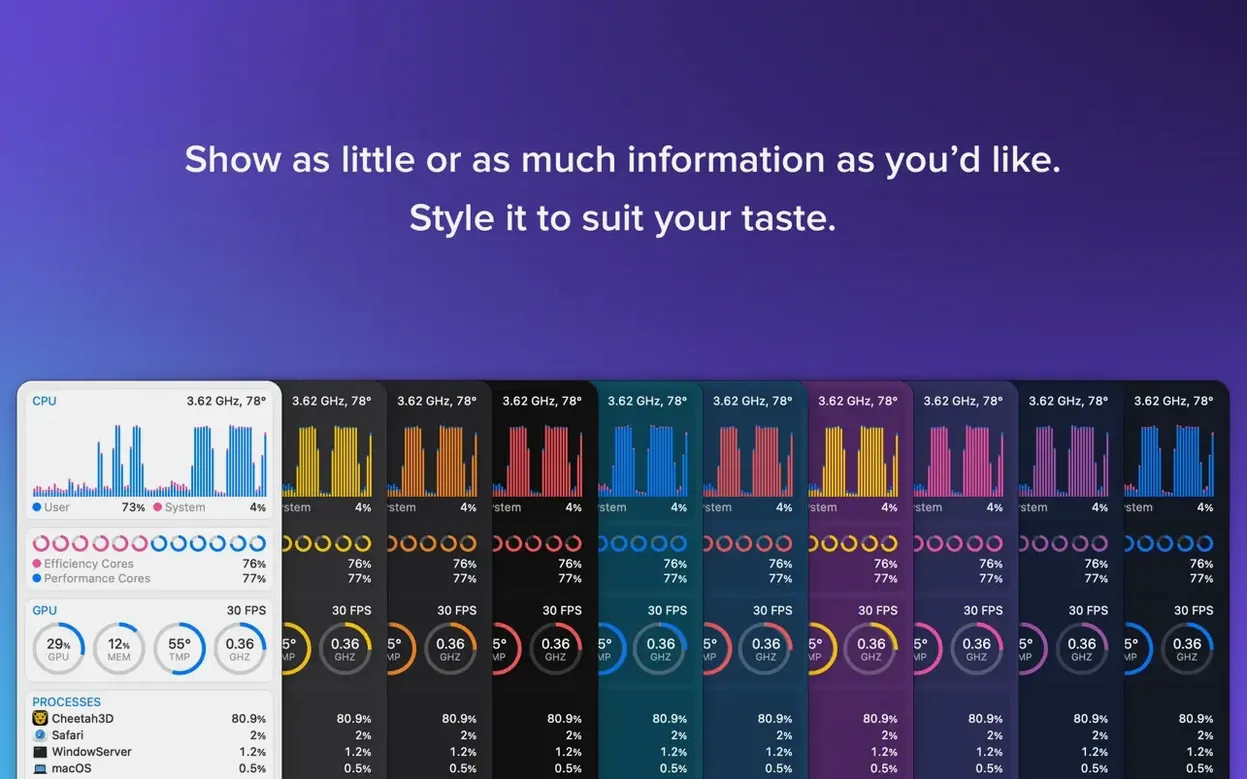
Combined CPU & GPU widget. Because sometimes you just need a snapshot, not a deep dive. I keep mine set to a compact graph that charts both processors in one slim line — helpful for spotting unexpected load without burning menu bar real estate.
The memory breakdown goes further than a simple pie chart, listing apps that are using memory most actively. Safari with a stack of tabs open? It’ll show up. It’s a quick way to decide what to quit when the swap file starts grumbling.
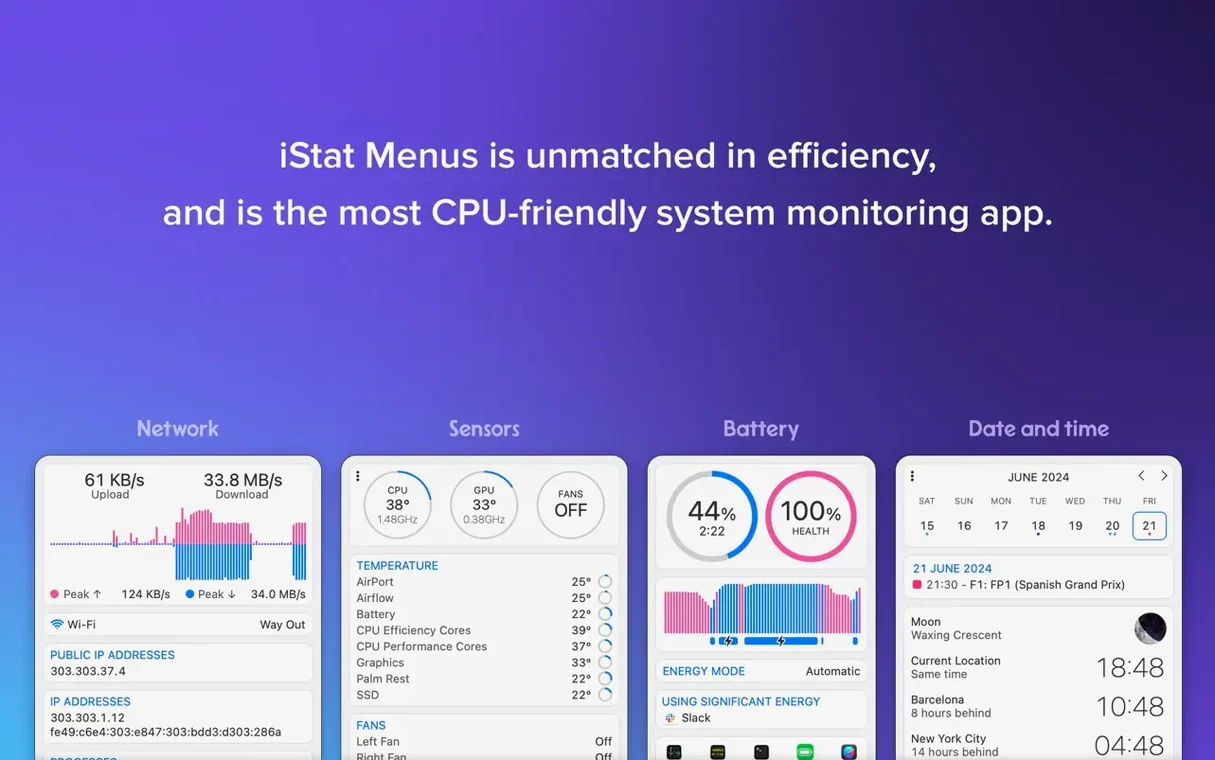
Network and disk activity sit quietly until you hover, then display live bytes-per-second graphs for each interface or volume. I find the disk read/write counters particularly useful when a large export is running in the background — no need to open Activity Monitor just to check whether your drive is still chewing.
The optional iStat Menus Helper enables temperature, fan speed, voltage and current readings, giving the sensors category some real detail. The latest update adds an Astronomy item too, with forecasts for seeing, transparency and cloud cover — a small extra that appeals to the long-exposure photographers and stargazers on a late shift.
Most monitoring tools feel heavy because they are heavy. iStat Menus keeps its footprint surprisingly light. On an Apple Silicon Mac, the combined CPU and GPU widget barely registers — I’ve seen it hover around 0.1–0.3% while polling every few seconds, and even with a full set of menu bar items active it rarely climbs above 1%. On Intel machines the numbers are slightly higher but still negligible for any Mac that meets the macOS 11 baseline.
Memory use sits in the 60–90 MB range with the helper running, which is less than a single Safari tab streaming video. Launch time is instant after the first cold start, and the app respects macOS power nap behaviour — it scales back polling when the machine is asleep or running on battery, so you aren’t burning wattage just to watch an idle CPU graph.
Stability has been uneventful over months of use. I’ve run it across several macOS point updates without a crash or a hung helper. The only hiccup I occasionally see is a sensor reading going blank after waking from deep sleep, and clicking the affected menu bar item usually wakes it back up. No kernel panics, no runaway log spam, no mystery battery drain. Whatever Bjango is doing in that helper, they’re keeping it tidy.
The 7.50 update added the Astronomy item, and at first glance that feels like a niche bolt-on. In practice it’s a neat quality-of-life touch for anyone who plans outdoor shoots, telescope sessions or even early-morning runs. The seeing, transparency and cloud cover forecasts appear right alongside the weather widget, so you don’t have to switch to a separate app to check whether the sky is cooperating.
Beyond the astronomy piece, recent builds have tightened the menu bar spacing and fixed a few redraw glitches that appeared with macOS dark mode transitions. The combined CPU & GPU graph, for example, used to flicker when switching colour schemes — that’s gone now. The network chart scaling also feels smarter; it adjusts the y-axis more gracefully when traffic spikes, instead of pinning the graph to the ceiling for ten seconds.
If you’ve been using an older build like istat menus 6, the jump to 7.50 brings noticeably better multi-monitor behaviour and proper notch-aware menu bar positioning on the 14- and 16-inch MacBook Pro models. If you do grab an iStat Menus torrent or an iStat Menus crack, just make sure the helper installs cleanly and you grant the required Accessibility permissions — the current build is solid once everything is set up right.
Does the helper run all the time? Yes, but it’s a lightweight background process that only wakes when the app polls for sensor data. You can disable individual sensor categories and the helper stops reading those entirely. If you never view temperatures or fan speeds, the helper effectively sleeps.
Will it clutter my menu bar on a smaller MacBook screen? Not if you configure it well. Each widget is optional and you can collapse multiple readings into a single compact item. The combined CPU & GPU graph is a good example — one slot covers two processors. You can also reorder items by Command-dragging them, which helps when the notch forces tough real-estate choices.
Is the weather widget accurate compared to dedicated apps? It pulls from the same data sources most weather apps use, and the seven-day forecast has matched my local conditions well enough for planning. The dew point and wind speed readings are handy bonuses if you’re a cyclist or runner deciding whether to head out.
What if I previously used an istat menus 6 download from years ago? The upgrade path is straightforward. Version 7.50 keeps the same layout logic, so your muscle memory transfers. The main new things to explore are the astronomy item and the refined colour palette for dark mode — nothing that requires relearning the tool.
The helper enables temperature, fan speed, voltage and current readings, which aren't available to standard menu bar apps without it.














Chat 0
Hop in or make an account to join the chat.
Quiet in here so far. If you have used this build, tell me what the install actually did.