
 Tenorshare UltData
 TG Pro
 Techtool Pro
 TablePlus
 System Dashboard Pro
 SwitchResX
 Swinsian
 SwiftServer - Monitoring & SSH


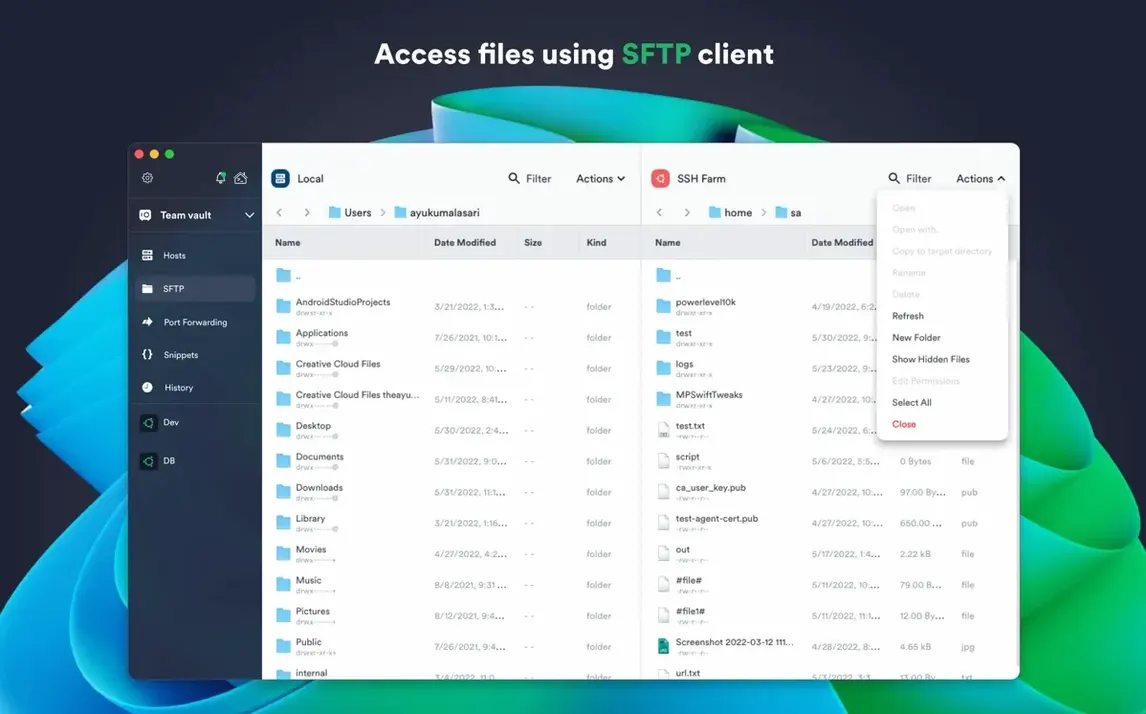
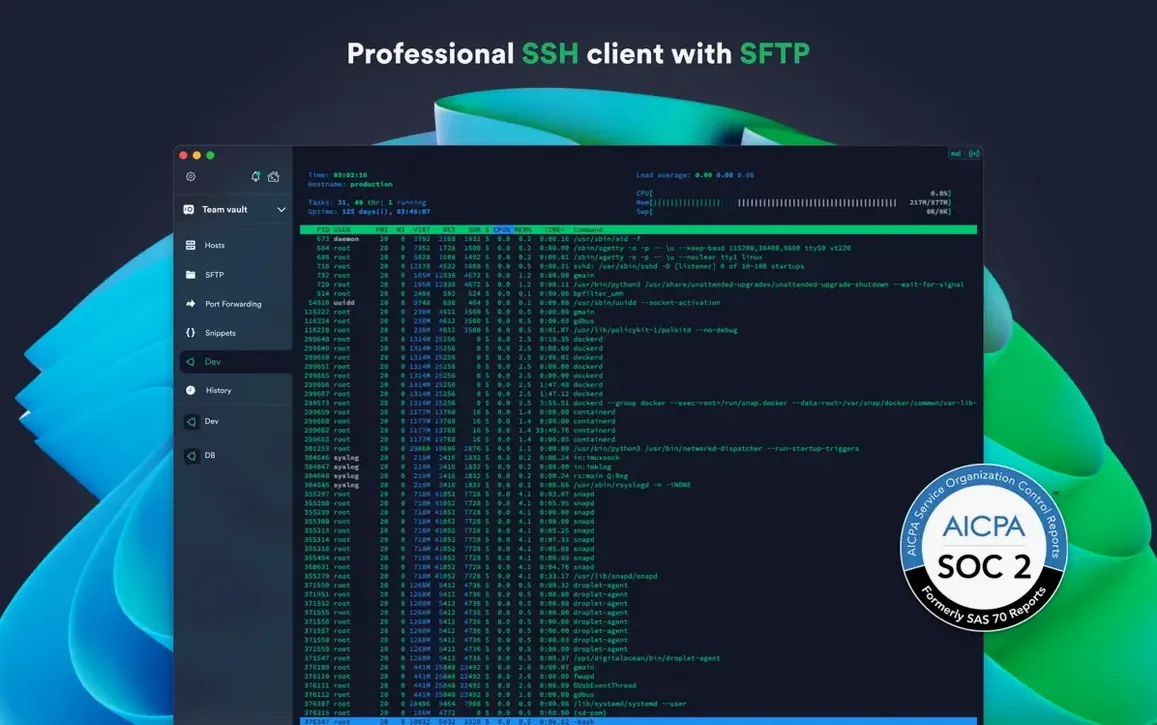
Version 9.35.4 doesn't shake things up. It lands with stability improvements — the kind of update you notice by what doesn't happen. No dropped connections mid-session, no odd beachballing when you switch between saved hosts. Just the same SSH client, a little harder to knock over.
What stayed the same matters more. Termius still acts as a hub for your remote shells across macOS, Windows, Linux, iOS and Android. You set up a connection once, then find it waiting on every device through encrypted cloud sync. Keys stay local thanks to SSH agent forwarding, even when you hop through proxy servers or jump hosts. ECDSA and ed25519 keys work alongside the chacha20-poly1305 cipher, so modern encryption isn't an afterthought.
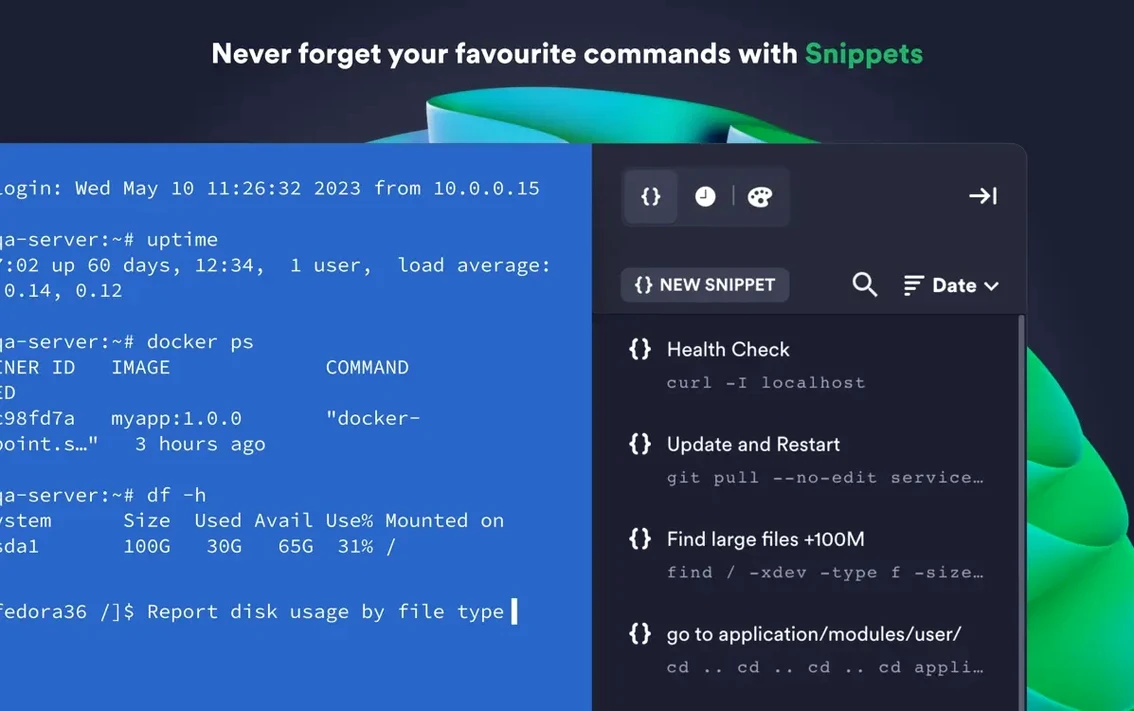
The snippet library remains the quiet time-saver. Frequently used commands and shell scripts sit one tap away, shared across your history so you aren't retyping the same long incantation on different machines. Setting custom environment variables per session keeps workflows tidy without cluttering your shell profile.
Say a staging box behind a bastion host needs a restart after a config push. Here's the Termius route, from blank slate to done.
Open the app and hit New Host. Give it a label — staging-nginx — and fill in the private IP. Before saving, expand Advanced and set the jump host to your bastion entry. Termius chains the connection for you; no manual -J flags to remember. Save the host.
Double-click the entry. The terminal opens inside the bastion's tunnel. Type your passphrase once; agent forwarding handles the second hop. Run your update script — or pick it from the snippet library if you saved it there — and watch the output. When the session ends, right-click the tab and choose Close. The whole hop unwinds without a dangling process.
If you do this weekly, save the sequence as a snippet named reboot-staging and pin it to the host. Next time it's two clicks.
A few details sit below the surface and stay easy to overlook.
{{host}} inserts the current host address automatically. Write a generic ping snippet once, then fire it from any session.On an M1 MacBook Air with a dozen saved hosts, Termius sits around 180–220 MB of memory with four active tabs — one local, three remote over SSH. CPU use stays flat during idle sessions. Opening a fresh SFTP pane adds maybe 30 MB, then releases it cleanly when you close the pane.
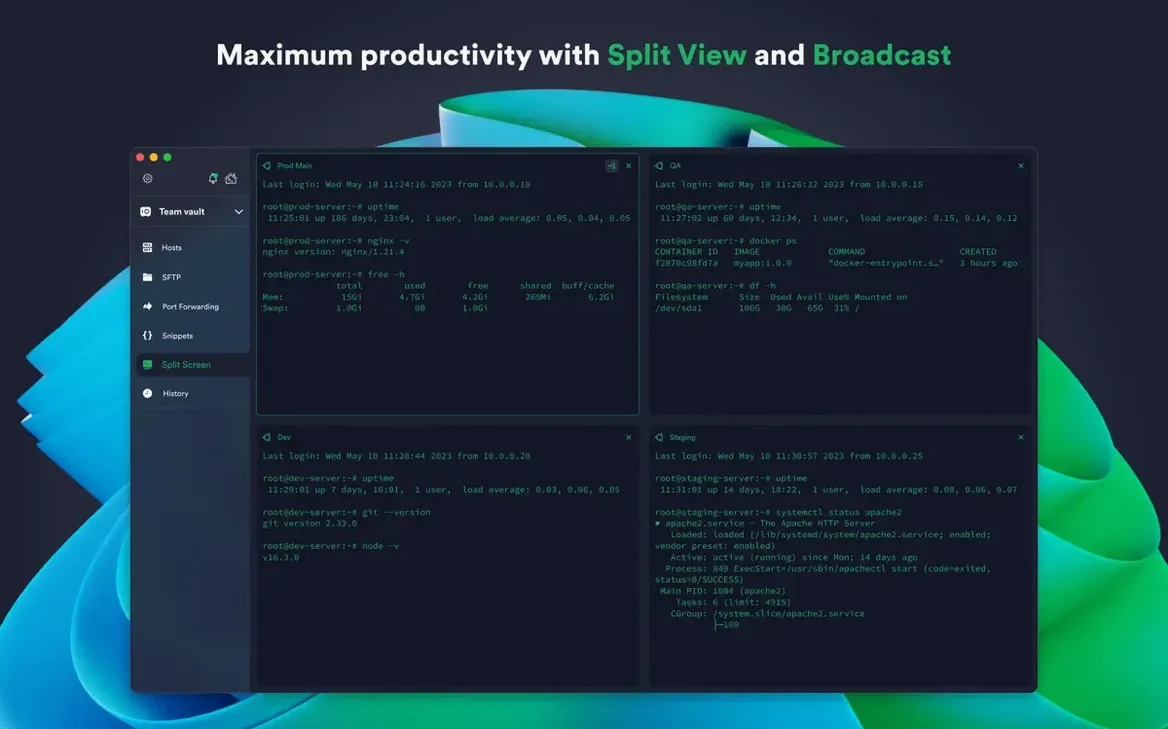
Scrolling through a long tail -f output feels smooth at the default scrollback. Even with split view and two panes streaming logs, the render keeps pace without tearing or lag. The 9.35.4 build seems to have tightened up tab switching; flipping between sessions no longer triggers a brief spinner, which earlier releases occasionally did on Apple Silicon.
One quirk: the app holds a persistent network heartbeat for cloud sync. That's a handful of kilobytes per minute — negligible on broadband, but worth knowing if you're tethered on a metered connection. You can pause sync from the sidebar without losing your local session state.
If you grabbed this release through a Termius torrent or a Termius crack Mac bundle, the local terminal and snippet library still work fine, and port forwarding and agent forwarding stay fully functional. To get the cloud sync heartbeat running, just confirm the sync layer can reach the signed-in service — a quick network check usually sorts it. Some users hunting a Termius Mac download outside the auto-updating channel end up on older builds — version 9.35.4 is worth seeking out for the tab-switching polish alone.
It's an SSH app that assumes you work from more than one desk, and version 9.35.4 keeps that promise without adding fuss.














Chat 0
Hop in or make an account to join the chat.
Quiet in here so far. If you have used this build, tell me what the install actually did.