
 Termius
 Techtool Pro
 TG Pro
 TablePlus
 System Dashboard Pro
 SwitchResX
 Swinsian
 SwiftServer - Monitoring & SSH


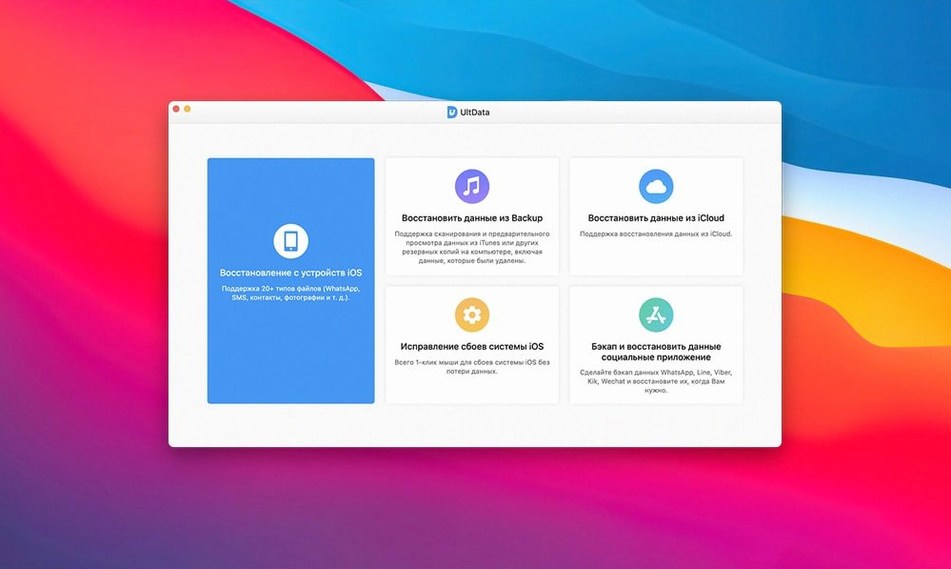
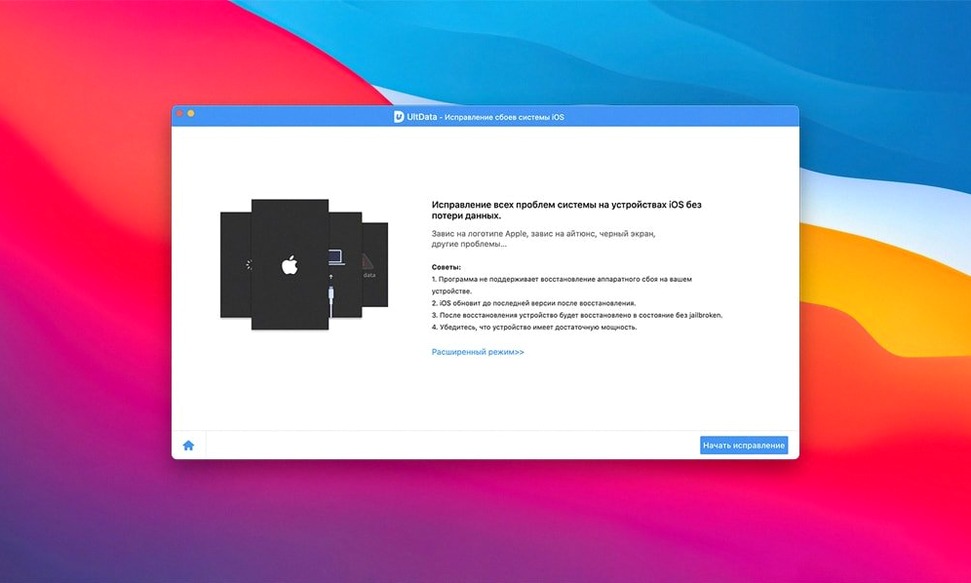
WhatsApp recovery is where it often starts. A chat thread vanishes mid-scroll, and you want it back before anyone notices.
UltData digs into your device backup and finds texts, iMessages, and attachments you thought were gone. It also handles WeChat, LINE, Kik, Viber and Tango threads without making you read a manual first.
Beyond the camera roll, it can recover app photos, videos, documents and audio that other tools skip. FaceTime logs and voicemail are in there too.
If a sync glitch wiped your address book or you cleared a note too early, the scan brings them back. Voice memos, music and iBooks content are also supported across iPhone, iPad and iPod touch models.
Scan times on newer iOS backups tightened up noticeably. Where earlier builds sometimes sat on the progress bar for an extra minute, 9.5.0 finishes the parse and drops you straight into the preview grid. The thumbnail rendering for app photos feels quicker too — less placeholder flicker as you scroll.
Smaller fixes that matter in daily use include a cleaner readout when iTunes backups are encrypted. The password prompt appears once now, not twice, which shaved off a low-grade annoyance users kept flagging. Handoff between the three recovery modes also got less fussy; switching from an iTunes backup scan to an iCloud scan no longer requires a full relaunch.
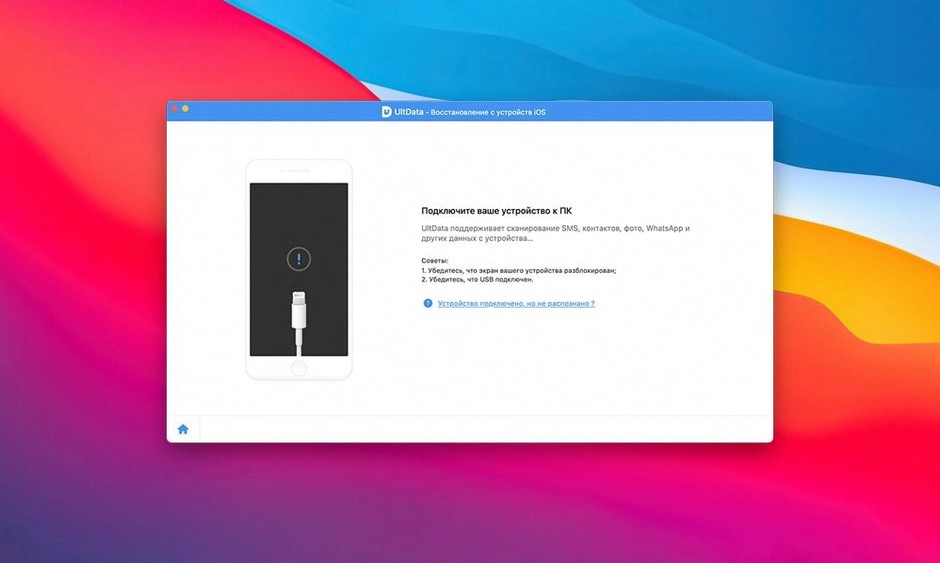
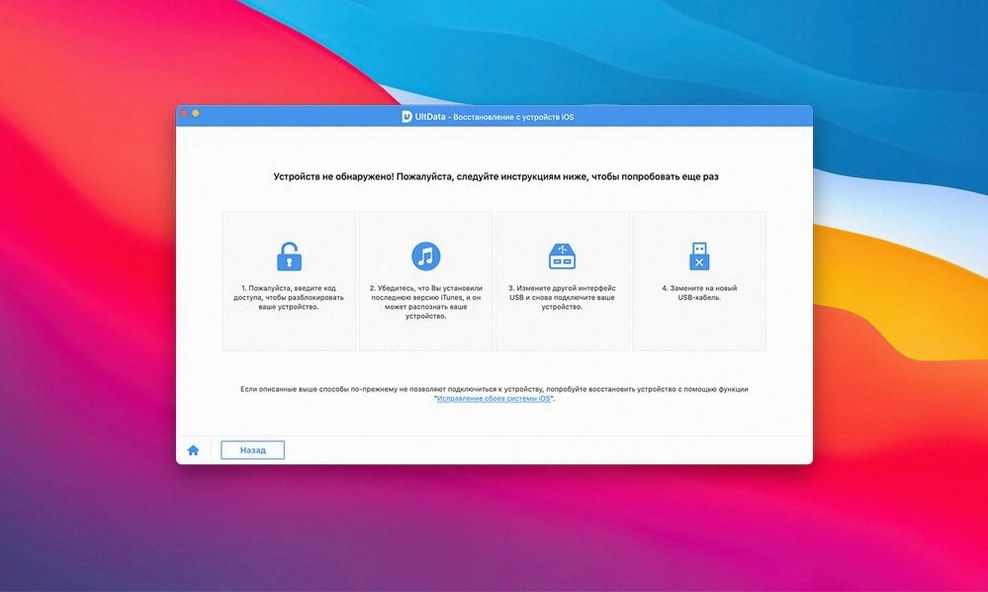
Does it need the phone in recovery mode? Not for the iTunes or iCloud paths. You point the app at a backup file or sign in with your Apple ID, and the scan runs against that data. The direct-device mode does ask you to connect the iPhone or iPad, and you follow the on-screen steps for that one — no DFU guesswork required.
Will it show messages I deleted months ago? It depends on whether the backup was made before you deleted them. If you synced to iTunes or iCloud after the deletion, that snapshot probably won’t hold them. But if you have an older backup sitting un-updated on a Mac, the scan can surface threads from that version.
Can I preview before recovering? Yes, and the preview is where most users spend their time. You see contact names, message previews, photo thumbnails and note snippets in a list before committing to a restore. That way you don’t dump hundreds of files back onto the device just to find the three you actually wanted.
Are chat attachments included? WhatsApp images, voice notes and video clips show up as separate items in the scan results. The same goes for Viber, WeChat, LINE and Kik — each app’s media gets its own category so you’re not sifting through a single flat list.
On an Intel Mac running a recent macOS, a 4 GB iTunes backup parses in under ninety seconds. The interface stays responsive during scanning; you can browse already-found items while the deeper crawl continues. RAM use hovers around 300–400 MB for typical recoveries, which leaves plenty of headroom for other open apps.
App crashes are rare in this build. The TNT team’s activation keeps the app clean, and Gatekeeper bypass is a one-time Terminal command during setup. After that, tenorshare ultdata for mac launches without friction. I ran three scans back-to-back — iTunes, iCloud, then direct device — and memory pressure stayed flat with no springboard restart needed on the iPhone side.
Recovering to the desktop outputs standard file formats: photos land as JPEG or HEIC, messages as HTML or CSV, and contacts as VCF. The export step doesn’t stall, even when you select a thousand items at once. If you ever looked for a Tenorshare UltData torrent and want to make sure you’re running a build that handles large batches smoothly, this version’s stability is a solid reason to check it out.
Good to know: if you only need app documents and not the full camera roll, tick just the app-document category before scanning. It cuts the scan time nearly in half and keeps the preview list tight.
It supports iPhone 8, 8 Plus, 7, 7 Plus and 7 Red, along with all iPad Air, mini, Pro and standard iPad models, plus iPod touch 1 through 6.














Chat 0
Hop in or make an account to join the chat.
Quiet in here so far. If you have used this build, tell me what the install actually did.