
 YT Saver
 SiteSucker Pro
 PullTube
 Musify
 iTubeGo
 iDownerGo
 HarborDrop
 Folx Pro


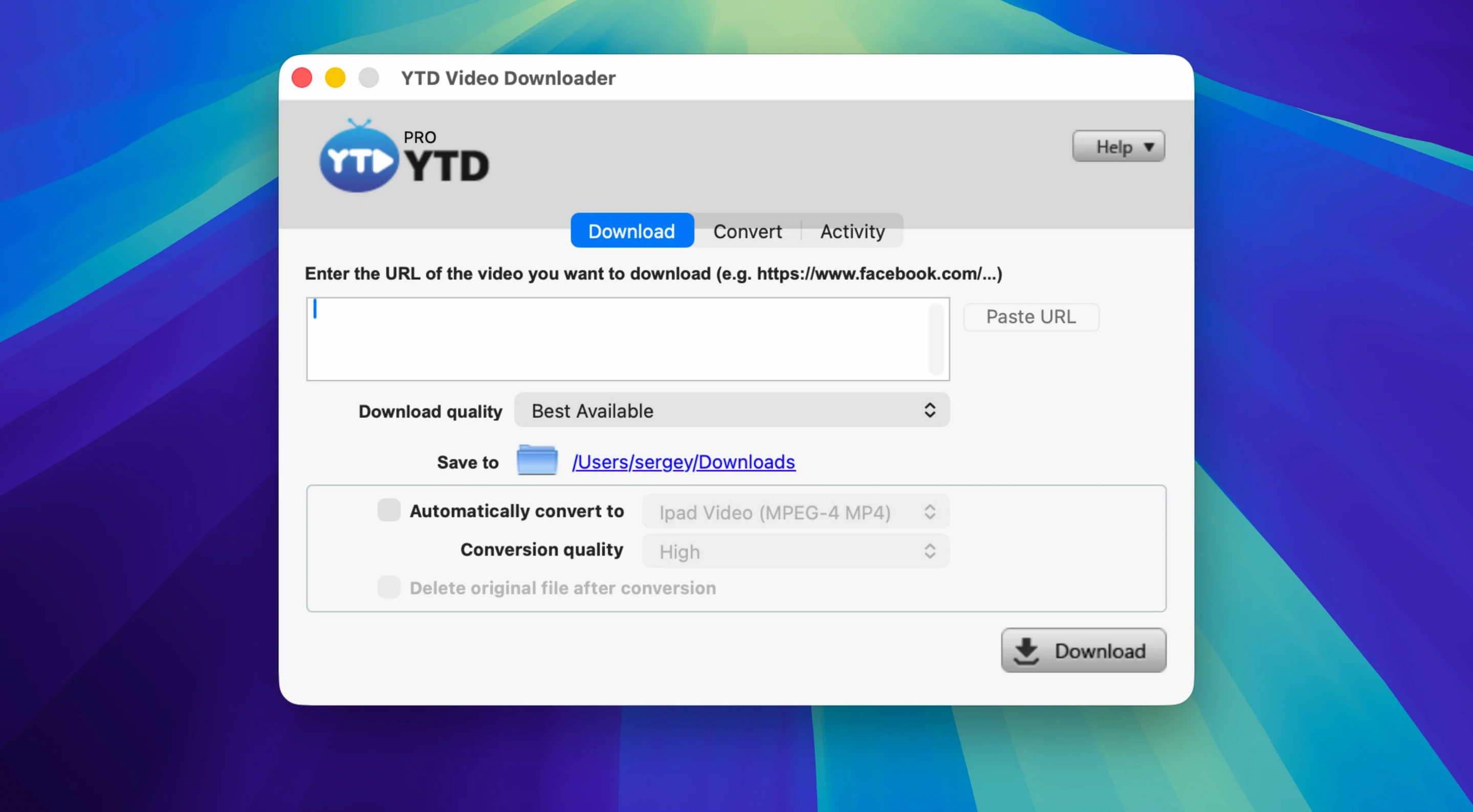
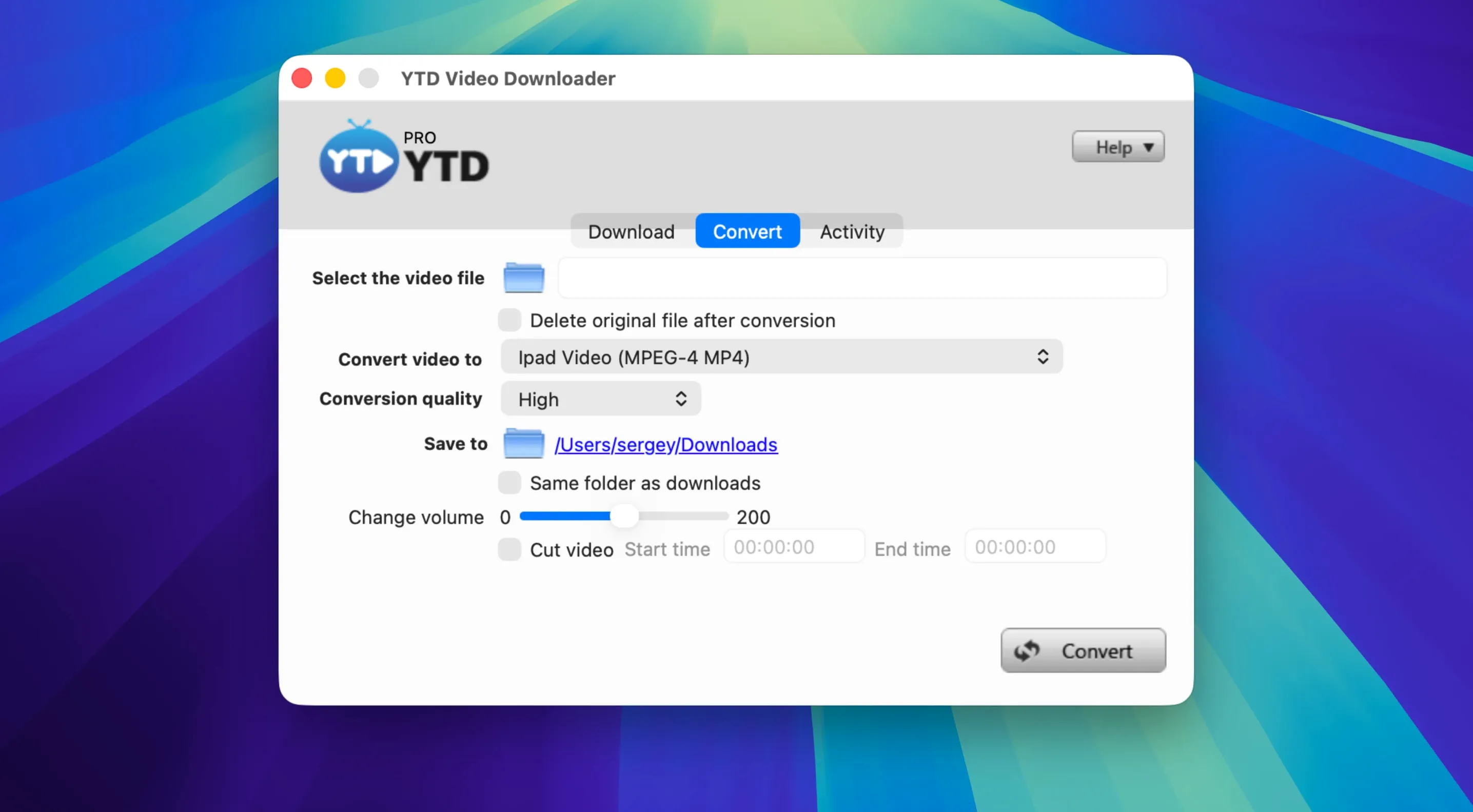
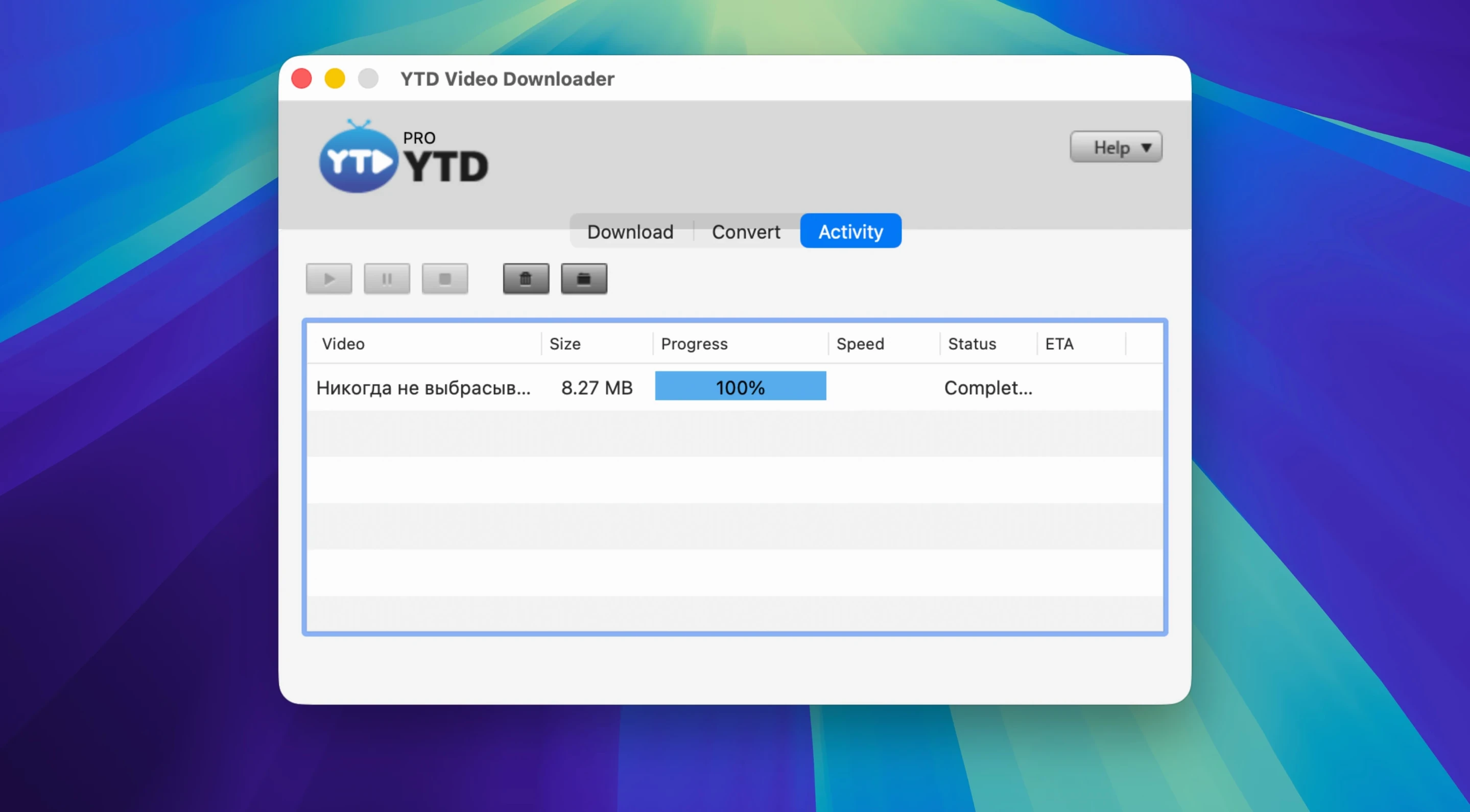
If you know 4K Video Downloader, you'll recognise the shape of YTD Video Downloader PRO—but its strengths sit in a few specific corners an experienced user will appreciate.
Playlist logic — one action grabs every clip in a playlist. The app resolves the queue without splitting it into separate jobs you have to babysit.
Pause and resume — downloads are checkpointed, so stopping mid-way through a large file doesn't mean starting over.
Audio-only extraction — convert a single video or an entire playlist straight to MP3 or AAC. No extra conversion step after the fact.
50+ platforms — beyond YouTube, it handles Vimeo, Dailymotion, Youku, Yahoo Video and a long tail of smaller sites. The parser handles most layouts without manual intervention.
Format switching — convert downloaded files into a handful of common video and audio formats without leaving the app.
On an older Intel Mac the app launches in about three seconds—no splash screen animation, no updater check holding the dock icon hostage. Once open, the main window stays responsive even with a dozen items queued. Memory use floats between 180 and 240 MB during active downloads; CPU sits low because the heavy lifting happens in short bursts per file.
Conversion is single-threaded by design. A 20-minute video transcoding to MP3 takes roughly the same wall-clock time the video would take to watch. That's not fast, but it's predictable, and the app never beachballs while it works. I've left it overnight chewing through a 40-video playlist and found it finished, no stalled jobs, no fan spin in the morning.
Network hiccups don't derail it either. Pull the ethernet cable mid-download and YTD waits, then picks up where it left off once the connection returns. The auto-retry is quiet—no dialog box to dismiss, just a status change in the queue.
The clipboard watcher is on by default, and it's the smartest thing to leave that way. Copy a video URL from Safari, switch back to YTD, and the link is already parsed. You skip the paste-and-analyse step entirely.
Set your output folder early. The default dumps everything into ~/Movies/YTD Video Downloader, which works, but pointing it at a folder you already use for media saves cleanup later. The preferences panel is one screen—no nested tabs to dig through.
For playlist-heavy users, turn on auto-numbering in the settings before your first big grab. It prepends track order to filenames, which keeps a 50-episode season in sequence when you play it back in Finder or a media player.
If you mainly want audio, lock the output format to MP3 or AAC in preferences rather than setting it per download. Saves a click every time and stops you accidentally downloading the full video when you only need the sound.
The parser updates in the background the same way other downloaders do—pattern matching that adapts to page structure changes. In practice, a video that's publicly playable in your browser will almost always resolve here. The rare failure shows a clear error in the queue rather than a cryptic crash, and re-copying the link usually sorts it.
It runs through Rosetta 2 without drama. The conversion speed doesn't benefit from the M-series media engines, so you're getting x86-translated performance. For short clips and audio extraction that's fine. For batch-converting long videos, an Apple Silicon-native tool would finish faster, but YTD gets there.
Browser add-ons live inside the sandbox of one browser and break when the store policy shifts. A standalone app handles the download and conversion pipeline locally, works across browsers, and doesn't log activity. If you regularly save from Twitter, LinkedIn, or Youku—sites where extensions often struggle—the app approach is less fragile.
Yes, when the source stream offers those tiers. The quality selector in the download dialog lists every resolution the site exposes, from 144p up to 2160p. Frame rate follows the source; you're not re-encoding on download, so a 60 fps stream lands as 60 fps.
Good to know: the app keeps no download history log. Once you clear the queue, there's no record of what URLs you've grabbed. For anyone privacy-conscious or working on a shared Mac, that's a deliberate design choice worth keeping in mind.
Yes. You can download every video in a playlist with a single action, or convert the whole playlist straight to MP3 or AAC.
It runs on Intel-based Macs with OS X 10.10 or later. It is a 64-bit Intel app, so Apple Silicon Macs need Rosetta 2.





Chat 0
Hop in or make an account to join the chat.
Quiet in here so far. If you have used this build, tell me what the install actually did.