
 PullTube
 iTubeGo
 iDownerGo
 SiteSucker Pro
 HarborDrop
 Folx Pro
 Downie
 YT Saver


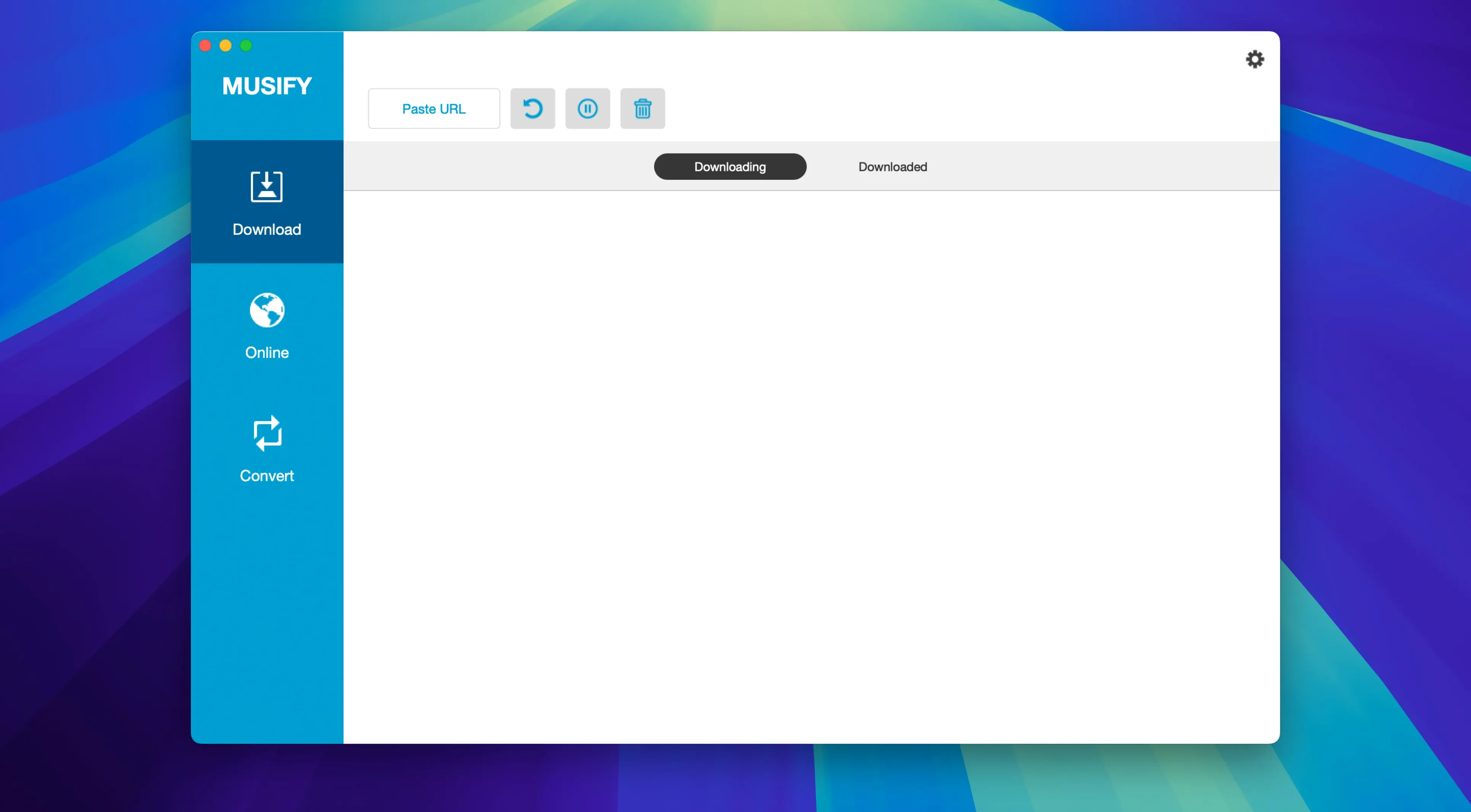
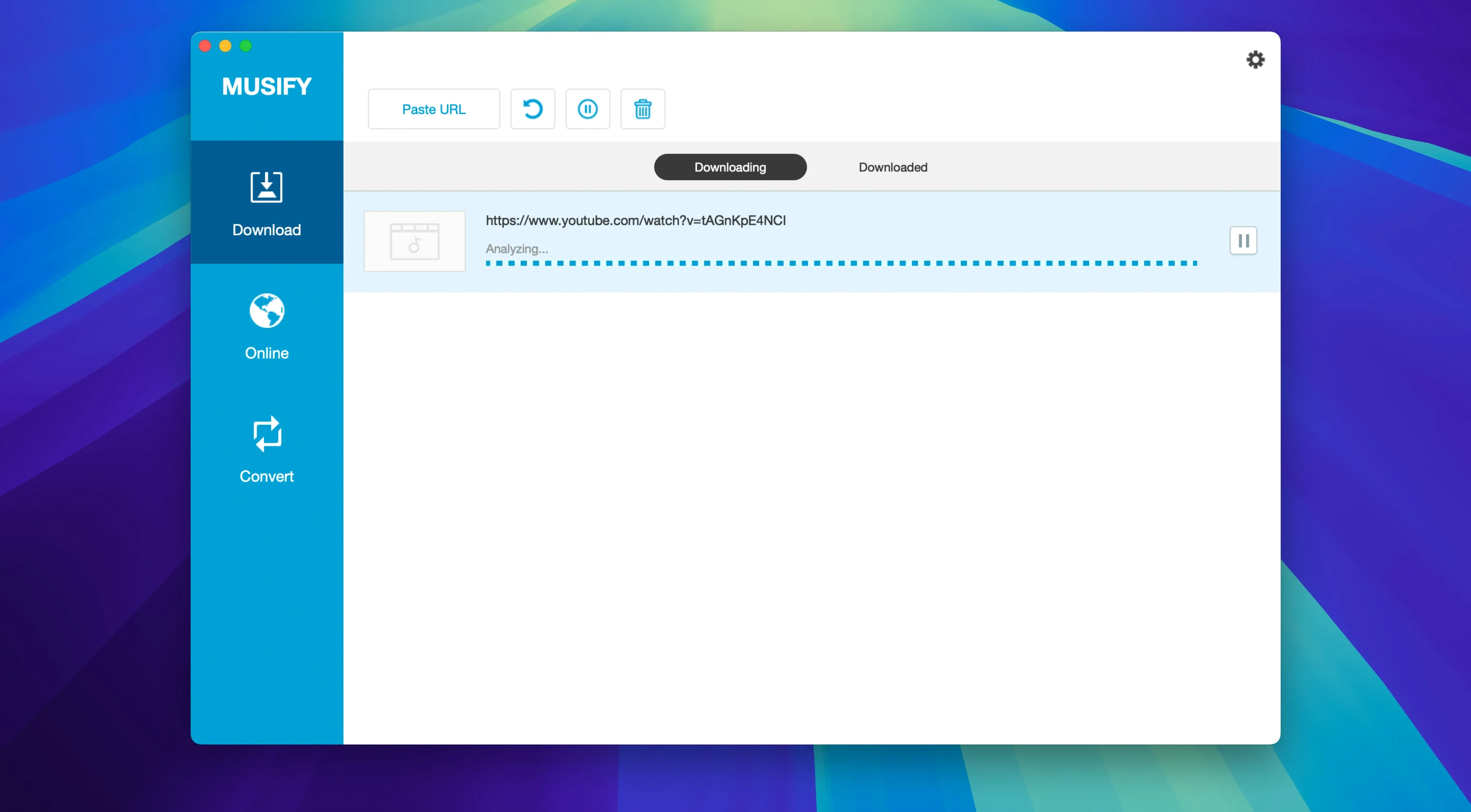
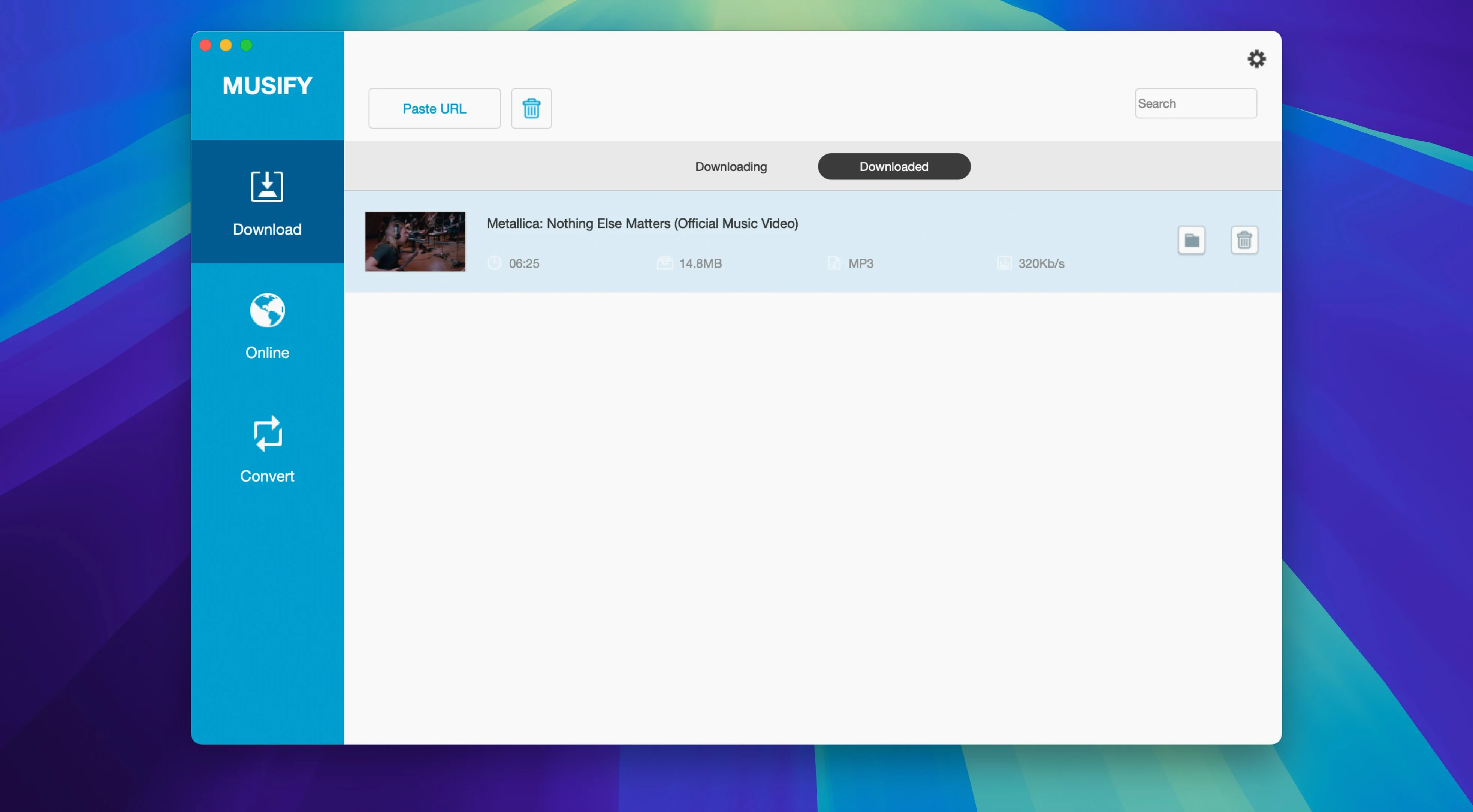
You probably have a go-to YouTube downloader already. Musify is the one you reach for when the job stops being a one-off clip and becomes a playlist, a whole artist’s discography, or a stack of files you need in a different format.
Musify lets you choose MP3, M4A or WAV before the download kicks off. That matters when you’re pulling from different sources — a Bandcamp WAV sits alongside a SoundCloud MP3 without a separate conversion step. Everything lands in one format, ready to drag into your library.
The biggest stumble: pasting a Spotify link before checking the track is actually available in Musify's region. Some tracks grey out depending on your IP — the app still queues the link, but nothing downloads. A quick pre-check saves confusion.
Another common one: converting a file, seeing the "Done" badge, and assuming it replaced the original. Musify never overwrites — it makes a new file alongside. Beginners tidy their source folder, then wonder where the converted copy went.
Watch the queue count, too. Dragging a massive YouTube playlist when you only wanted three tracks happens often. Musify grabs everything — there's no "pick from playlist" step. Paste carefully, or trim the URL parameters if the site supports it.
Start small. Grab a single SoundCloud track in MP3, then the same one in WAV. Play them side by side. That five-minute test tells you exactly how Musify handles the sources you care about and whether WAV is worth the disk space for your ears.
Set your output location early. Musify defaults to a folder inside your user directory, but pointing it at a folder synced with your phone cuts out a transfer step later. The app supports pushing to iOS and Android devices, but a synced folder is often quicker for daily use.
If you're pulling a fifty-track YouTube playlist, resist the urge to queue other downloads at the same time. Let the first batch finish, then check the filenames and metadata landed correctly. Adjust any settings, then queue the next. A two-minute check after the first run means you won't have fifty tracks named VIDEO_4421.mp3.





Chat 0
Hop in or make an account to join the chat.
Quiet in here so far. If you have used this build, tell me what the install actually did.