
 Ulysses
 VueScan Pro
 Typora
 Wolfram Mathematica
 Timemator
 XMind Pro
 Things
 Text Workflow


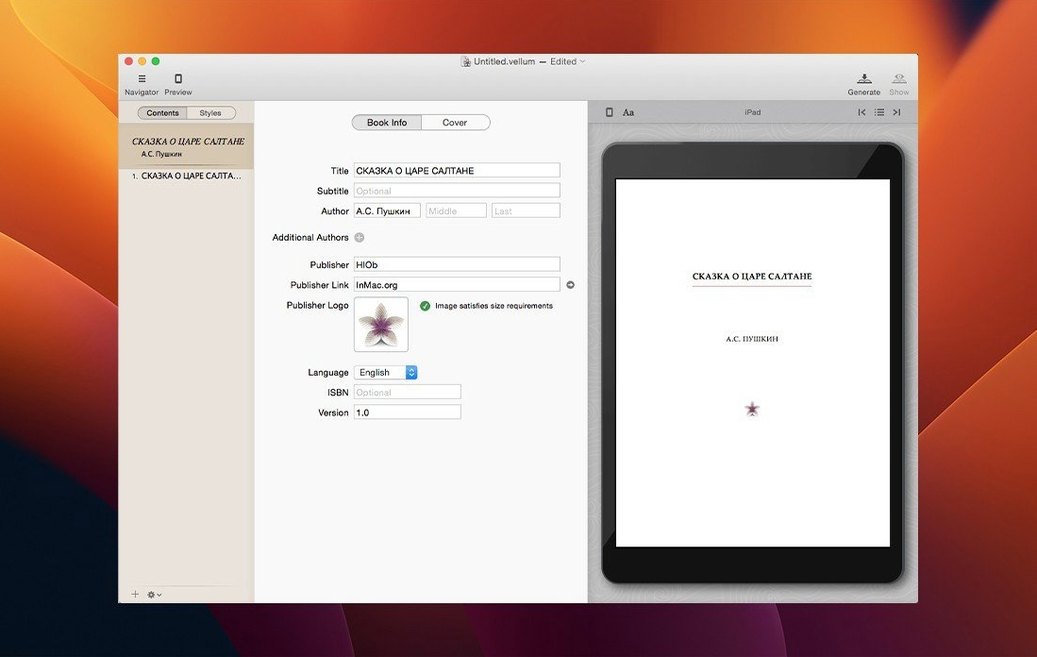
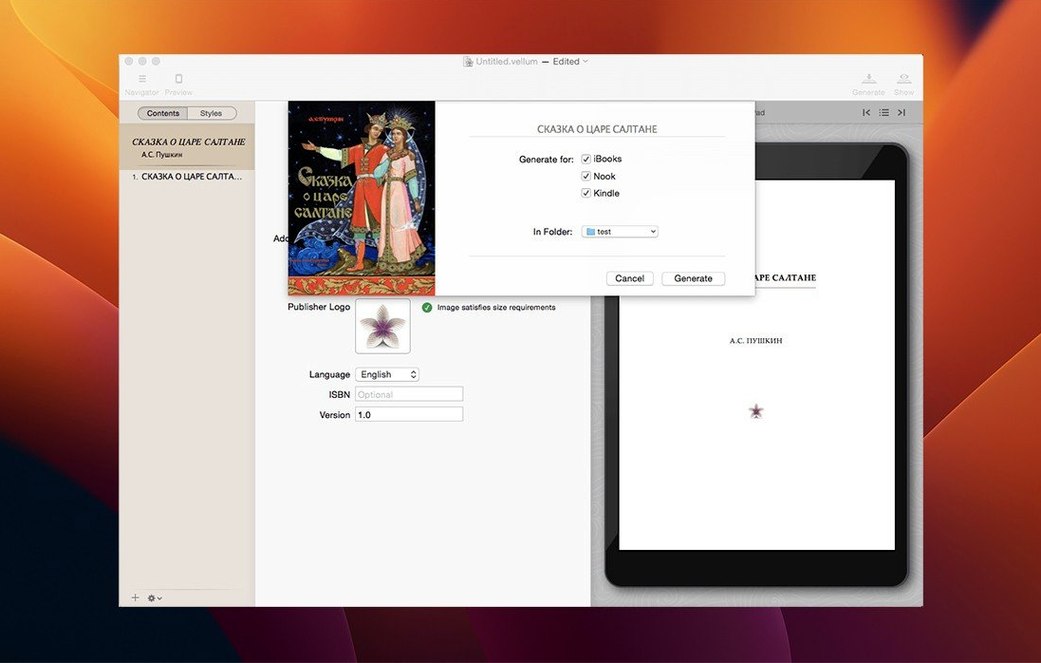
If you’ve ever wrestled with Word’s layout quirks, you’ll feel the difference straight away in Vellum. It handles the formatting so you can focus on how the final book looks.
Because Vellum is a native Mac app, everything feels responsive on both Apple silicon and Intel machines. It’s a straightforward way to get from a finished draft to a polished edition without learning page-layout software.
Getting a clean manuscript into Vellum is usually smooth, but a couple of things can trip you up early on. If your Word file imports as one giant block of text, the problem is almost always how the chapter headings were styled. Vellum looks for text formatted with Word's Heading 1 or Heading 2 styles to decide where a new chapter begins. Go back to your original document, apply those heading styles properly and re-import.
Another snag creeps in with images. A full-page photo can shift text onto extra pages in the print edition if the trim size and margins don't give it enough breathing room. The fix is quick: select the image in Vellum's navigator and tick the full-page option in the element settings. For inline illustrations, make sure the original file is at least 300 dpi at the size it appears on the page. The preview on a Retina display will show you instantly if something looks soft.
Sometimes a font you love on screen isn't embedded in the ebook you export. Kindle and Kobo both ignore custom fonts unless you embed them deliberately. Vellum lets you add font files per style, but stick to the built-in type choices if you want zero surprises across devices. The built-in sets have been tested on every major e-reader.
Imagine someone with a finished 90,000-word manuscript and a release date six weeks away. They want a Kindle edition and a 5.25 × 8-inch paperback from the same source, without hiring a formatter. The draft lands in Vellum and splits into thirty-six chapters. They flip through styles until they find one where the chapter headings feel right, then switch to the print preview. The running headers automatically show the author name on left pages and the book title on right pages. They spend an afternoon adding a dedication, an about-the-author spread and a copyright page using the built-in element picker. By evening they've exported a validated EPUB for Amazon and a print-ready PDF to send to their cover designer. The two editions match perfectly because both came from the same Vellum file.
On day one, spend ten minutes in the Styles panel before you commit to a look. Switch between Heading, Body and Ornament previews for each style. Some designs shine in romance fiction but feel wrong for a technical guide. The ornament preview is especially easy to overlook—little fleuron details at scene breaks set a tone you'll live with for the whole book.
Next, build a short test chapter and generate all three export formats straight away. Check the EPUB on an actual Kindle or the Kindle app, not just Vellum's preview. That quick test catches things like drop caps that render beautifully on an iPad but break on an older Paperwhite. Fixing one test chapter now saves re-exporting the whole manuscript later.
If you're doing a print edition, set your trim size early—changing it late can nudge widows and page breaks around in ways that are tedious to chase down. Vellum's spread balancing handles most of it, but a paragraph that looked tidy at 6 × 9 inches might leave a lonely single line at 5 × 8 inches. A quick pass through the page-by-page preview after a trim-size switch keeps things tidy.
Finally, lean on the Version History inside Vellum's file menu. Before any big styling experiment, save a named version. You can switch back in two clicks, which makes it safe to play with custom ornaments, pull quotes or a completely different heading font.
Yes, it generates print and ebook editions together from one project, with automatically adjusted page numbers and margins for print.
It outputs formatted files for Kindle, Kobo and Apple Books, so your book is ready for the major storefronts.













Chat 0
Hop in or make an account to join the chat.
Quiet in here so far. If you have used this build, tell me what the install actually did.