
 Typora
 Vellum
 VueScan Pro
 Timemator
 Things
 Wolfram Mathematica
 Text Workflow
 XMind Pro


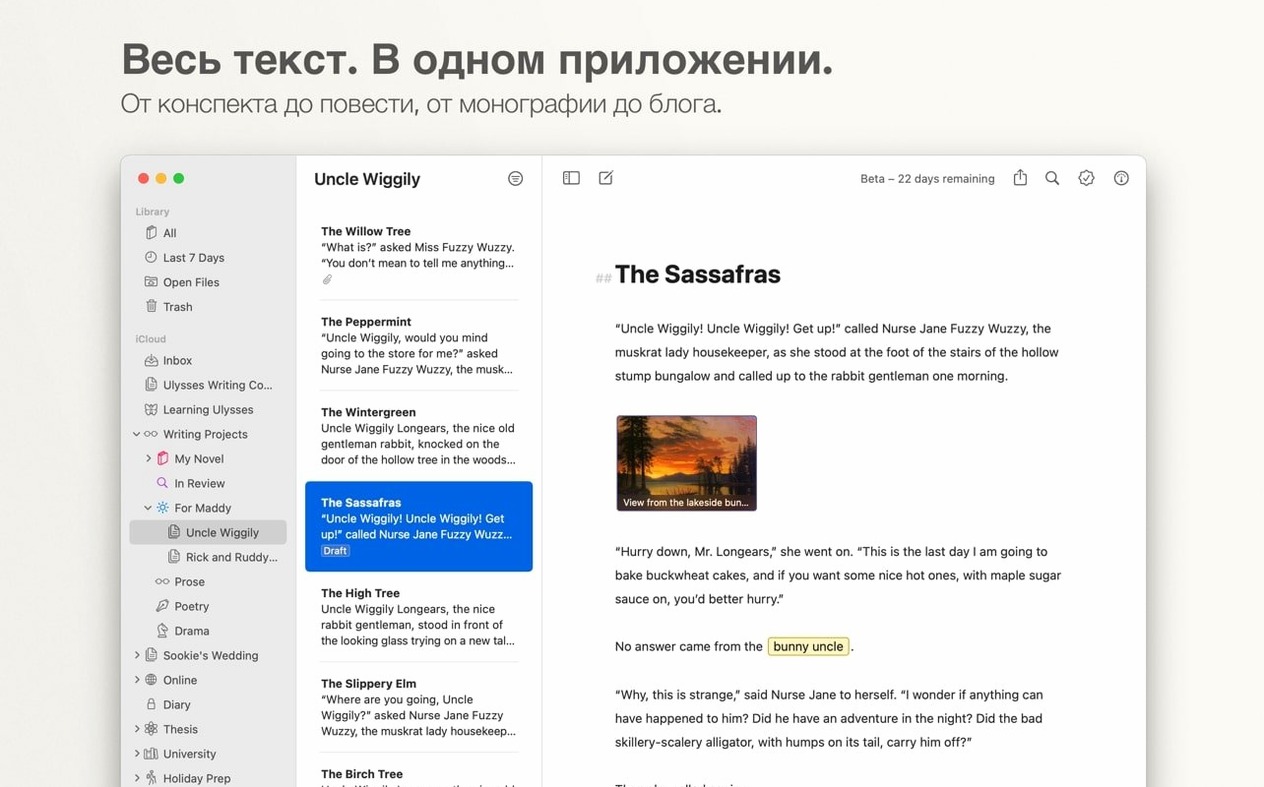
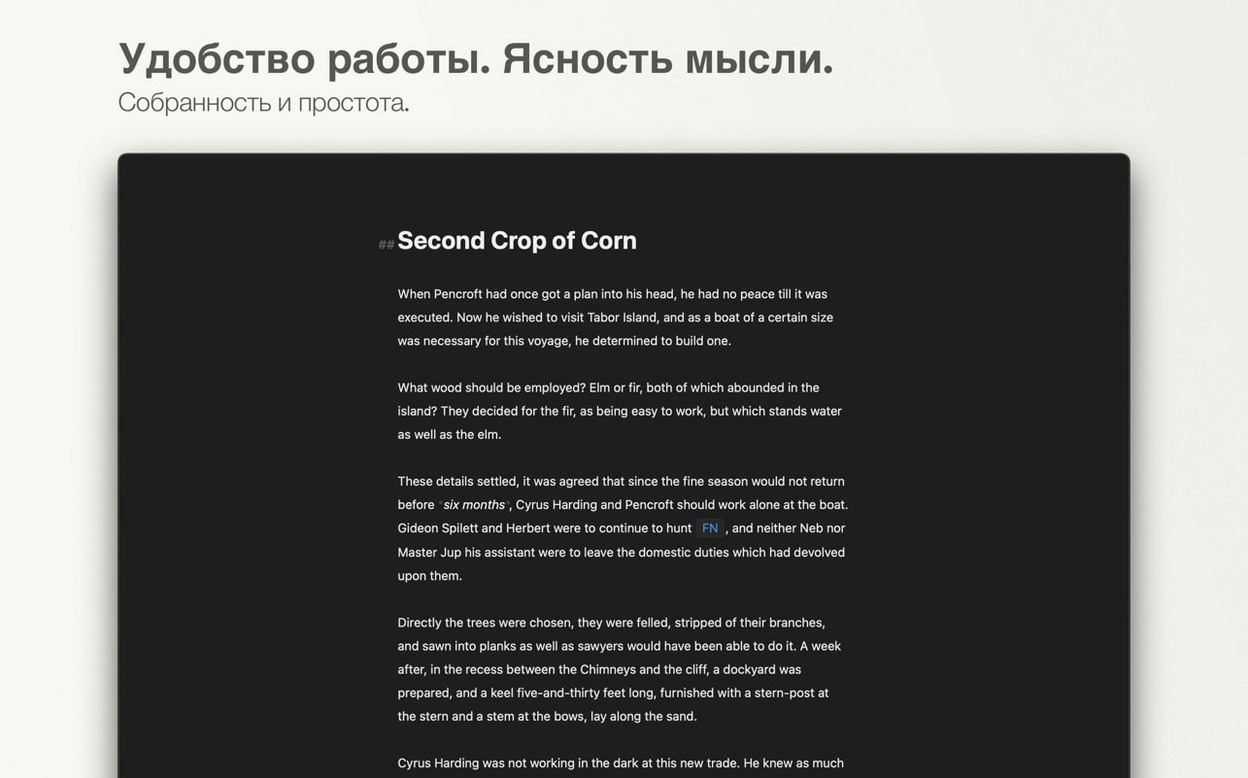
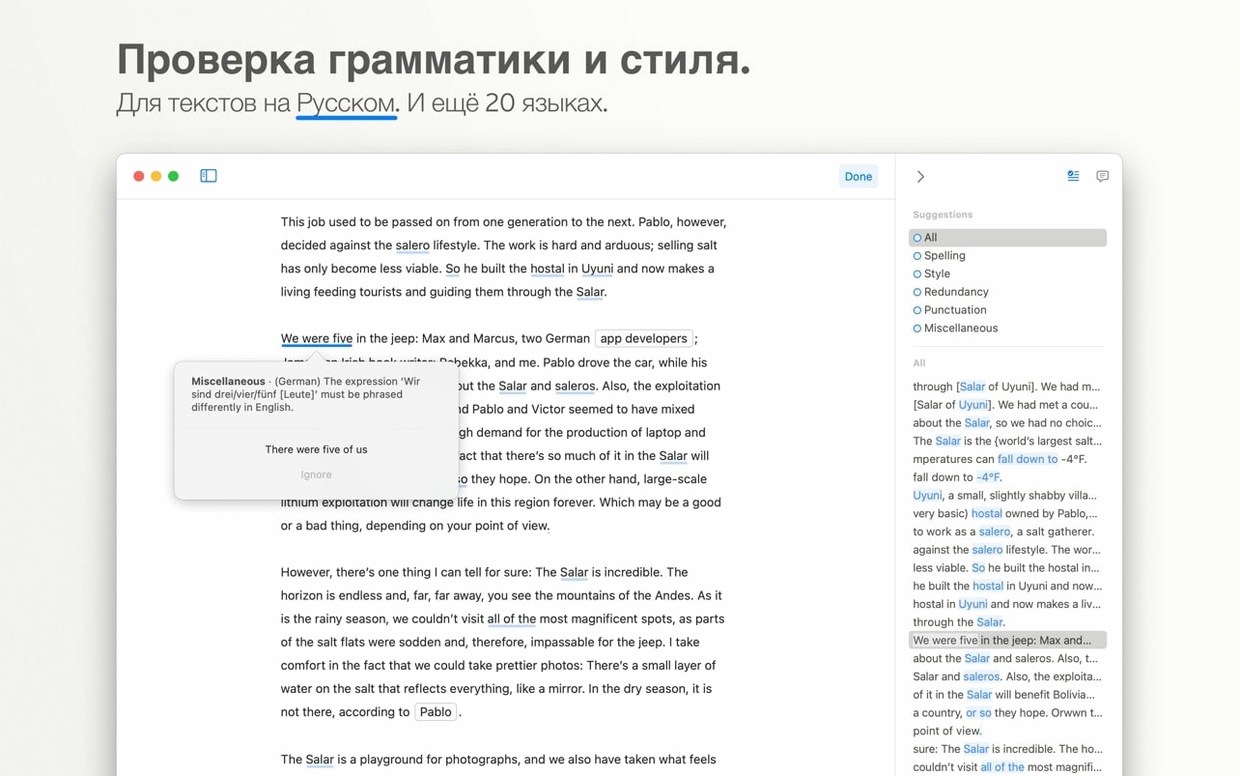
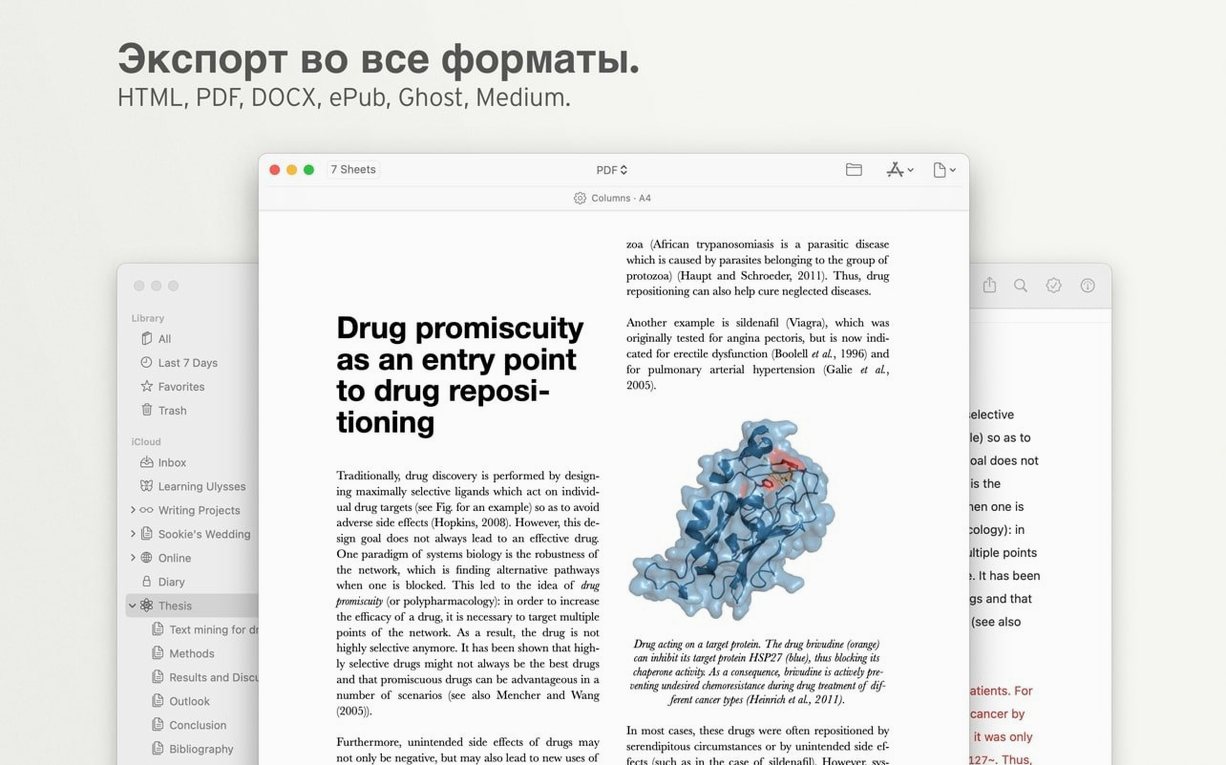
Most writing apps either get out of your way or help you stay organised — rarely both. Ulysses closes that gap by wrapping a clean Markdown editor inside a library that handles everything from first draft to published post, without the interface ever feeling crowded.
The app runs natively on Apple Silicon and 64‑bit Intel Macs, with an interface available in a dozen languages. The latest update tidies a layout quirk on smaller iPhones and squashes a rare hang on first launch.
Drop a few folders into the library straight away — even messy ones. Ulysses doesn't care about your old file names; it reads the text inside and makes everything searchable. That stack of half-finished blog posts and clipped research suddenly turns into something you can actually use.
Set a daily writing goal early, even if it's modest. The little progress circle in the toolbar feels surprisingly motivating once it starts filling up, and the app quietly tracks your streaks without nagging.
A handful of keystrokes save real time once they become habit. ⌘K turns any selected text into a link while the clipboard holds a URL — no dialog boxes. Swipe right on a sheet in the library to favourite it instantly. And holding ⌥ while dragging a paragraph reorders sections without cutting and pasting.
Type %% to drop a comment into your draft that won't appear in exports. Useful for leaving notes to yourself mid-flow, especially when you are juggling a few pieces at once.
Good to know: the WordPress preview pulls your site's actual theme, so what you see before hitting publish matches what readers get — no surprises with spacing or image alignment.
Yes. Ulysses uses iCloud to keep your entire library — groups, sheets, and attachments — up to date across Mac, iPad, and iPhone automatically.
It can. The app includes built-in WordPress publishing, so you can send a finished draft to your site without leaving the editor.












Chat 0
Hop in or make an account to join the chat.
Quiet in here so far. If you have used this build, tell me what the install actually did.