
 Ulysses
 Vellum
 VueScan Pro
 Timemator
 Things
 Text Workflow
 Wolfram Mathematica
 XMind Pro


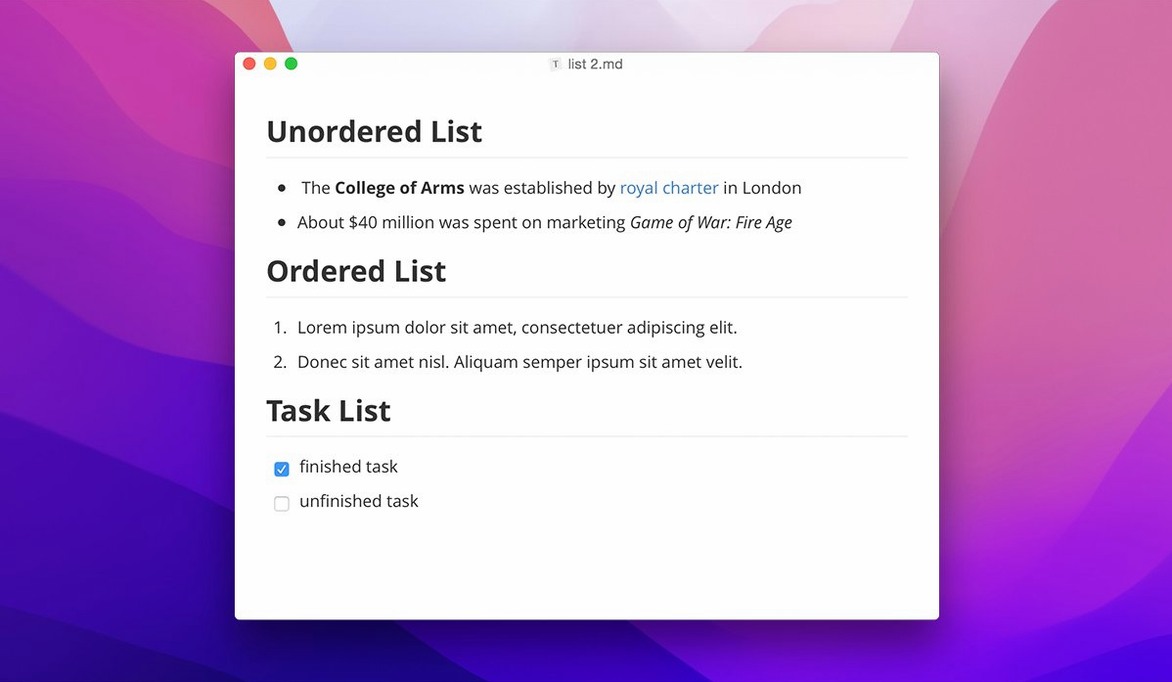
If you have ever toggled between a Markdown source pane and a preview pane in a code editor, Typora feels like the other half of that idea finally clicked into place. It removes the split view entirely. What you type in the editor window is the finished page — headings, bold, lists and images all render inline as you write. It is the same lightweight syntax you know, just presented without the scaffolding.
This makes it a natural companion to tools you already use. Draft meeting notes or a readme file here, then drop the .md file straight into a GitHub repo or a Slack message. The live preview means you read it back with full formatting, not raw hash symbols. Custom CSS themes let you tune the reading and writing environment to match your desktop, so a dark-mode note looks right next to your other Mac apps.
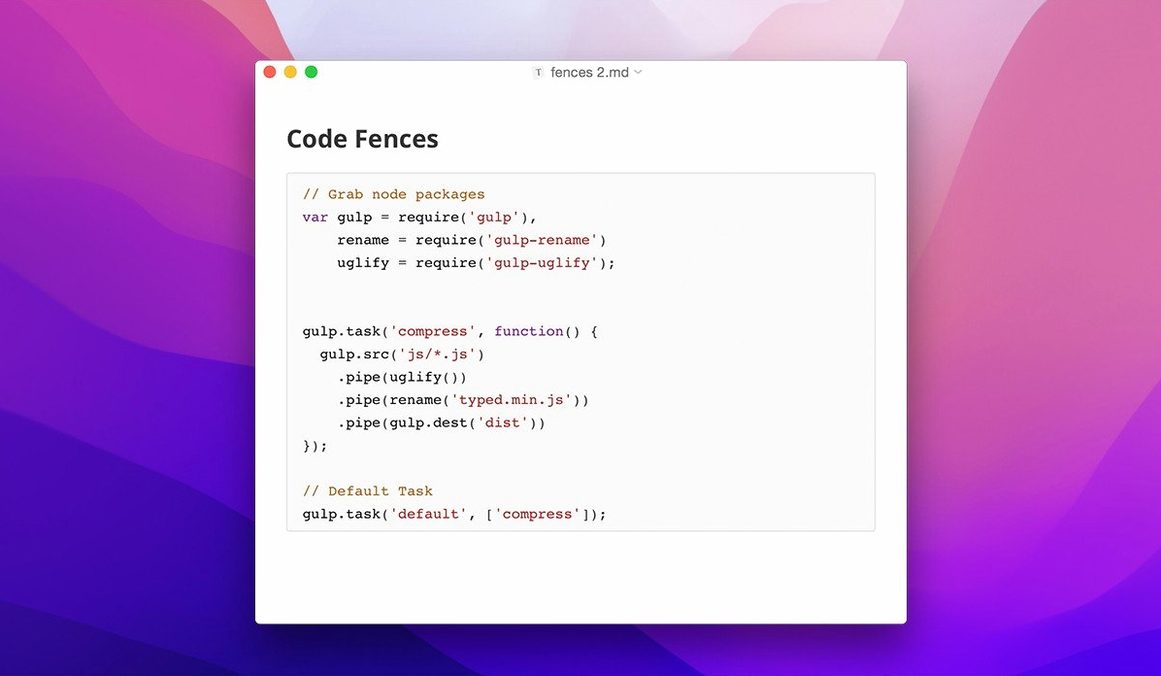
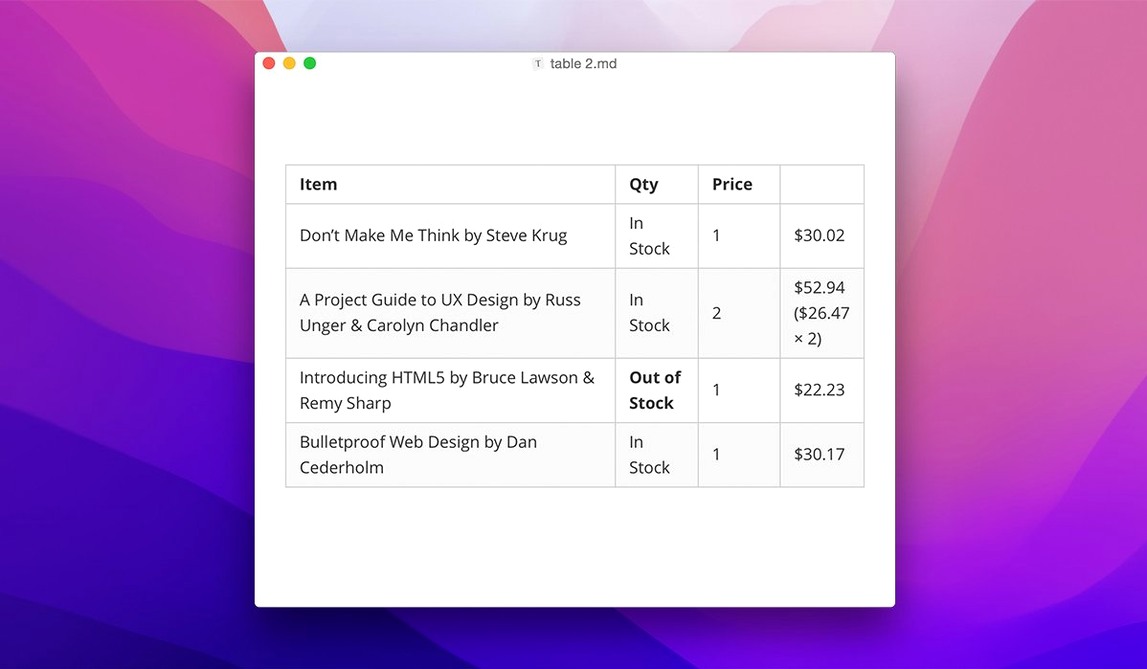
Under the hood, it handles the full Markdown toolkit: tables that grow as you tab through cells, code fences with syntax highlighting, LaTeX for equations, and an auto-generated table of contents for longer documents. Version 1.14 added keyboard navigation in the file tree and a context-menu approach to settings, which keeps the workspace tidy.
It runs on macOS 10.13.6 and later, with native support for both Intel and Apple Silicon Macs. The interface comes in over thirty languages, from Arabic to Japanese.
A PhD candidate juggling chapters, citations and LaTeX equations spends most of the day in a reference manager and a word processor. Moving the drafting step into Typora removes one layer of friction. She keeps each chapter as a separate .md file inside a folder that Typora opens as a workspace. The built-in outline view gives her a clickable map of headings, so jumping from the methodology section to a footnote-laden discussion takes one tap. Inline LaTeX means she types $$E=mc^2$$ and sees the rendered equation immediately — no compile step, no preview toggle.
When her supervisor asks for a print-ready draft, she uses the export panel to produce a clean PDF. The table-of-contents block updates automatically as she shuffles sections. For the final submission she exports to Word, opens it in Pages, and applies the university template. Typora handles the heavy lifting of structure and math rendering; the word processor only polishes the margins.
A few tweaks early on make the editor feel like yours, not a generic workspace. Open the preferences panel from the menu bar and visit these spots first.
.yml configs, .csv data or images you need to reference. The file tree then mirrors Finder more closely.Does Typora work on an M1 or M2 Mac? Yes, it runs natively on Apple Silicon. The download includes a universal binary that covers ARM and Intel Macs, so you get full speed without Rosetta on newer machines. The minimum requirement is macOS 10.13.6, which covers Macs from late 2013 onward.
Can I open and edit existing Markdown files from other editors? Absolutely. Point Typora at any folder full of .md files and it picks them up. It reads standard Markdown syntax, so notes written in Obsidian, VS Code or iA Writer open with formatting intact. The live preview just hides the raw markup; the underlying file stays plain text.
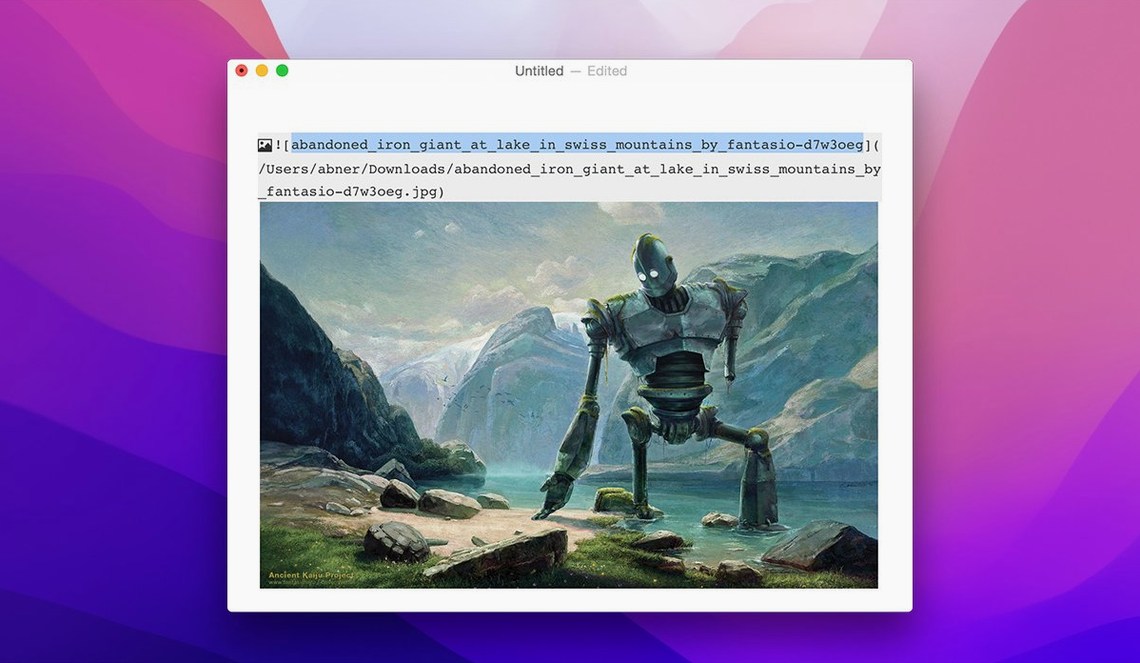
What happens to my images and attachments? When you drag an image into the editor, Typora copies it into a subfolder relative to the open document. You can set that folder name in preferences — assets or media, for example. The Markdown link points to the relative path, so the document stays portable across machines.
Is there a distraction-free writing mode? The default interface is already minimal, but you can hide the sidebar and switch to Typewriter mode for a single-column view. Combined with a dark theme, it is close to a full-screen writing environment. Press Shift+Cmd+L to toggle the sidebar, then Cmd+Shift+F for full screen.










Chat 0
Hop in or make an account to join the chat.
Quiet in here so far. If you have used this build, tell me what the install actually did.