
 Things
 Timemator
 Typora
 Ulysses
 Vellum
 SimpleMind Pro
 VueScan Pro
 Scrivener


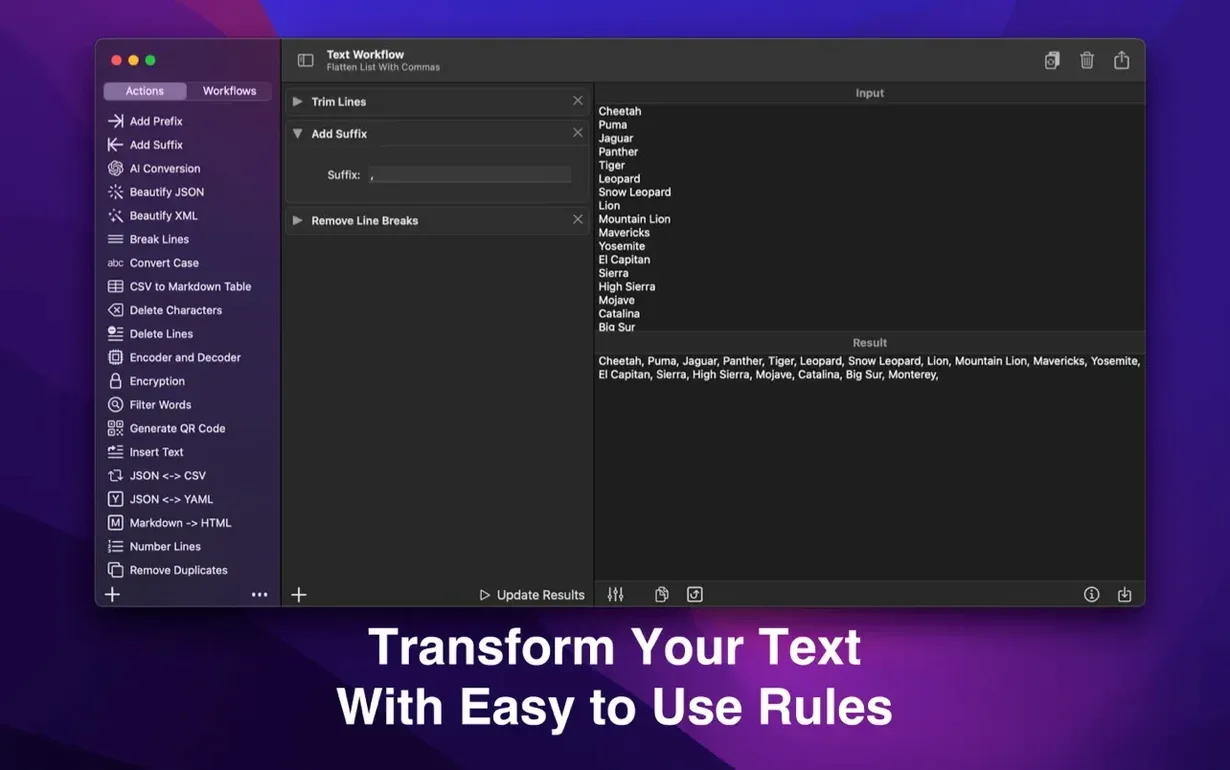
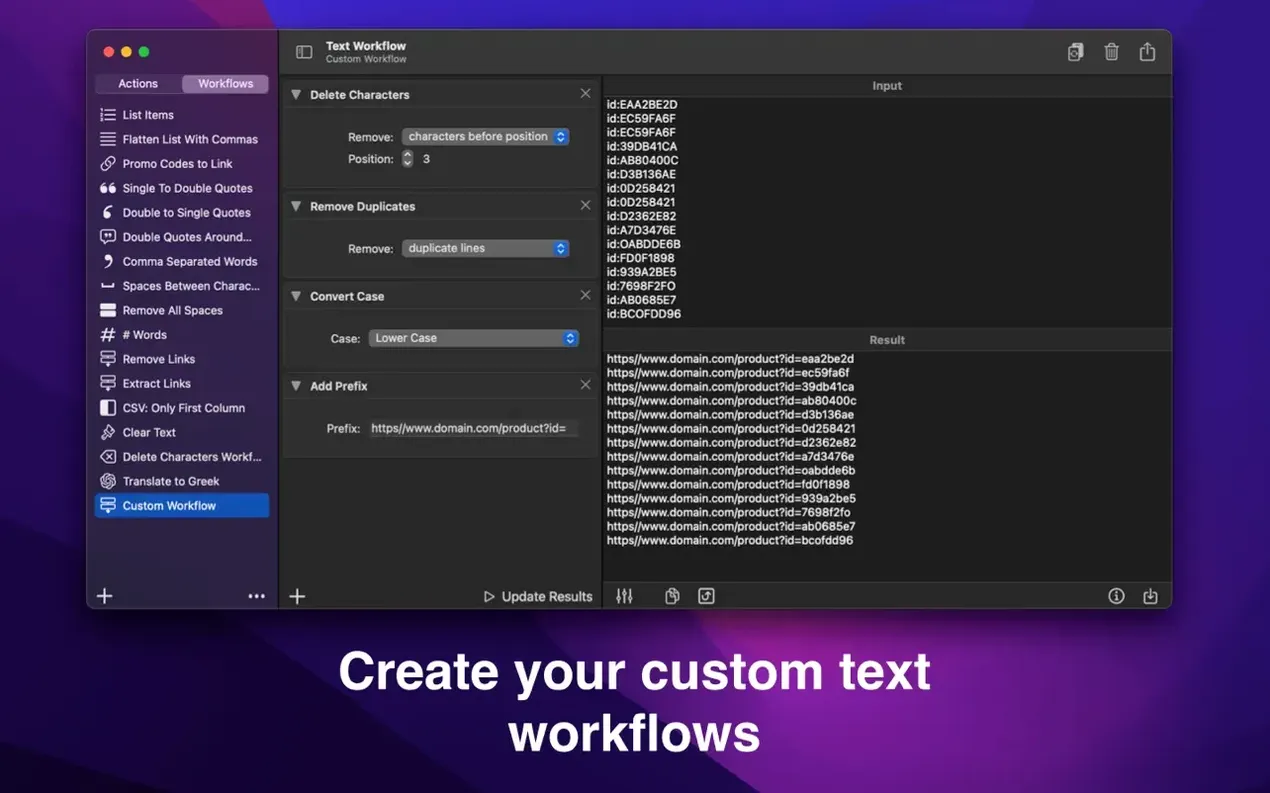
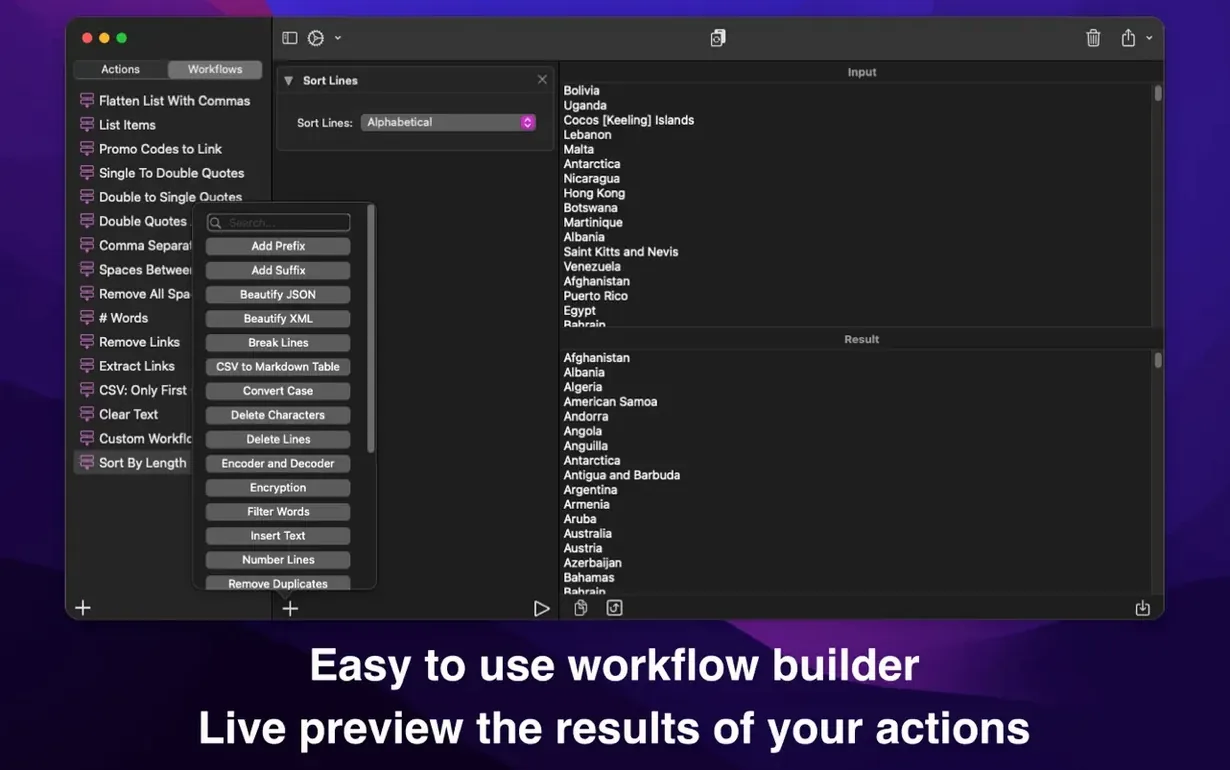
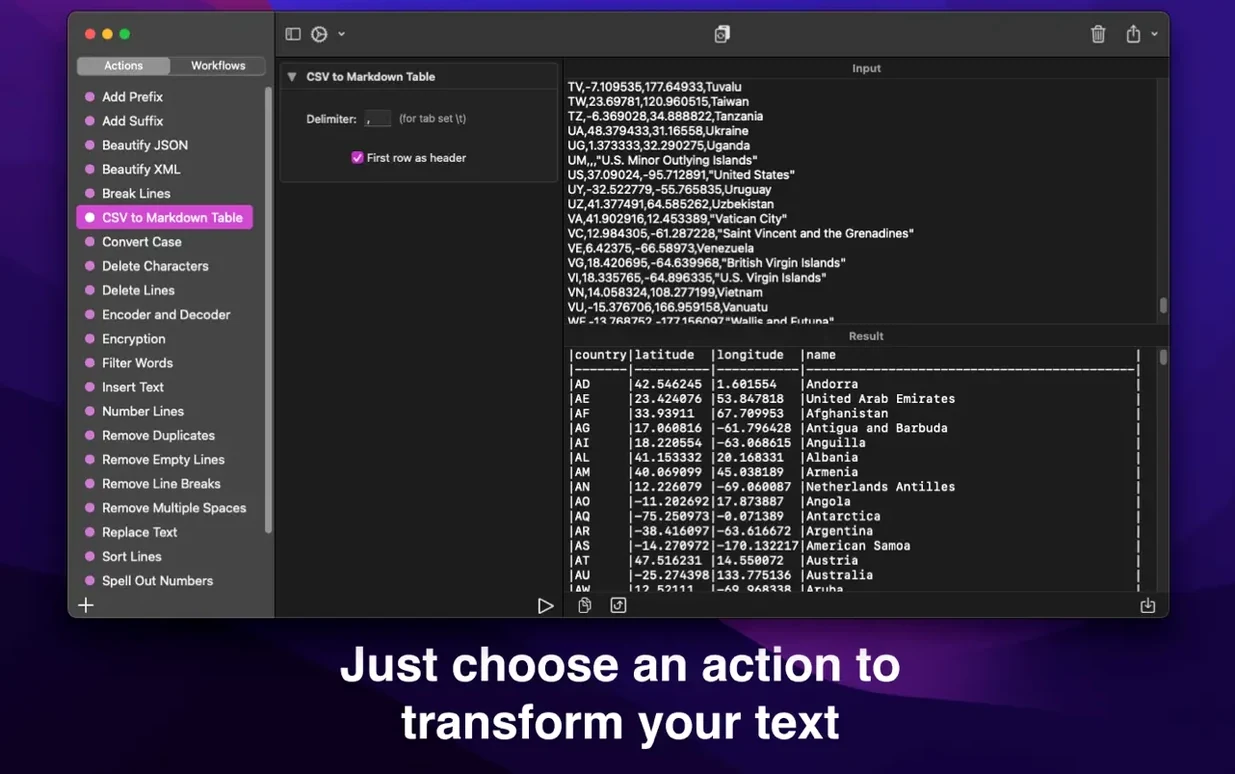
Text Workflow suits anyone who handles data dumps, messy CSVs, or chat transcripts and finds themselves reaching for the same find-and-replace recipes every week. The app lets you build a chain of actions once, save it, and run it with a click next time.
Imagine a log file with timestamps you don't need. You drag the text in, then add a 'Remove characters by position' action to strip the first 14 characters from each line. Next, you drop in 'Remove lines containing' and set it to delete any line with the word 'DEBUG'. The two-step chain trims the noise in seconds. You save it as 'Clean server log' and the workflow syncs via iCloud to your iPhone, ready for the next batch.
Each action is a tile you reorder by dragging. You might follow a 'Trim lines' step with 'Change case – title case' for a set of book titles, then finish with 'Insert text – before each word' to add a bullet character. The preview updates live, so you catch mistakes before committing. Beyond tidy-ups, there are tools for JSON formatting, password-based encryption, and statistics that count characters, words and lines—handy when you're sizing up a dataset before you shape it.
The 2.9.0 release tightened up a few edges that used to slow you down. The live preview now keeps pace with longer text blocks—pasting a 20,000‑word manuscript no longer makes the window stutter. The action tile drag feels snappier too, with a subtle highlight that confirms where a step will land before you let go.
Two small additions changed how I set up repeat jobs. You can now duplicate an existing workflow from the saved list, which means tweaking a variant for a slightly different CSV format takes seconds instead of rebuilding the whole chain. The second is a ‘clear all’ button inside the workflow editor—trivial on paper, but a relief when you want to start fresh without closing and reopening the app.
Sync reliability improved as well. Workflows that sat open on both Mac and iPhone used to need a manual nudge; now they appear on the other device within a breath of saving.
TextSoap is the heavyweight here. It ships with dozens of pre‑built cleaners and a rule engine that learns patterns, which suits people who scrub email threads and web clippings daily. Text Workflow feels lighter—no built‑in rules, just your own chains—so it’s quicker to grasp if you already know what you want to remove or insert.
BBEdit’s text factory sits at the other end of the spectrum. It runs multi‑step transformations on files without opening them, which is perfect for batch processing folders of HTML. But setting up a factory lives in a separate dialog, whereas Text Workflow keeps every step visible and reorderable on one screen. For one‑off transformations you want to watch unfold, the tile‑based approach wins.
Then there’s Plain Text Pro, a menu bar utility for quick case changes and line sorting. It handles single‑step jobs fast, but the moment you need to combine ‘remove empty lines’ with ‘add prefix’ and ‘sort by length’, you’re copying text between tools. Text Workflow sits in the middle—more flexible than a menu bar helper, less complex than a full automation suite, and synced to your phone without extra setup.
Version 3.0.0 shifts the focus from full workflows to quick, single actions you can trigger anywhere.
Yes, you can save any chain of actions as a workflow and apply it again with one click.
It does—one of the built-in actions reformats messy JSON into readable, indented text.













Chat 0
Hop in or make an account to join the chat.
Quiet in here so far. If you have used this build, tell me what the install actually did.