
 LookAway
 iBarcoder
 iA Writer
 GraphPad Prism
 GoodNotes
 Microsoft Excel
 Microsoft Office
 Microsoft Outlook


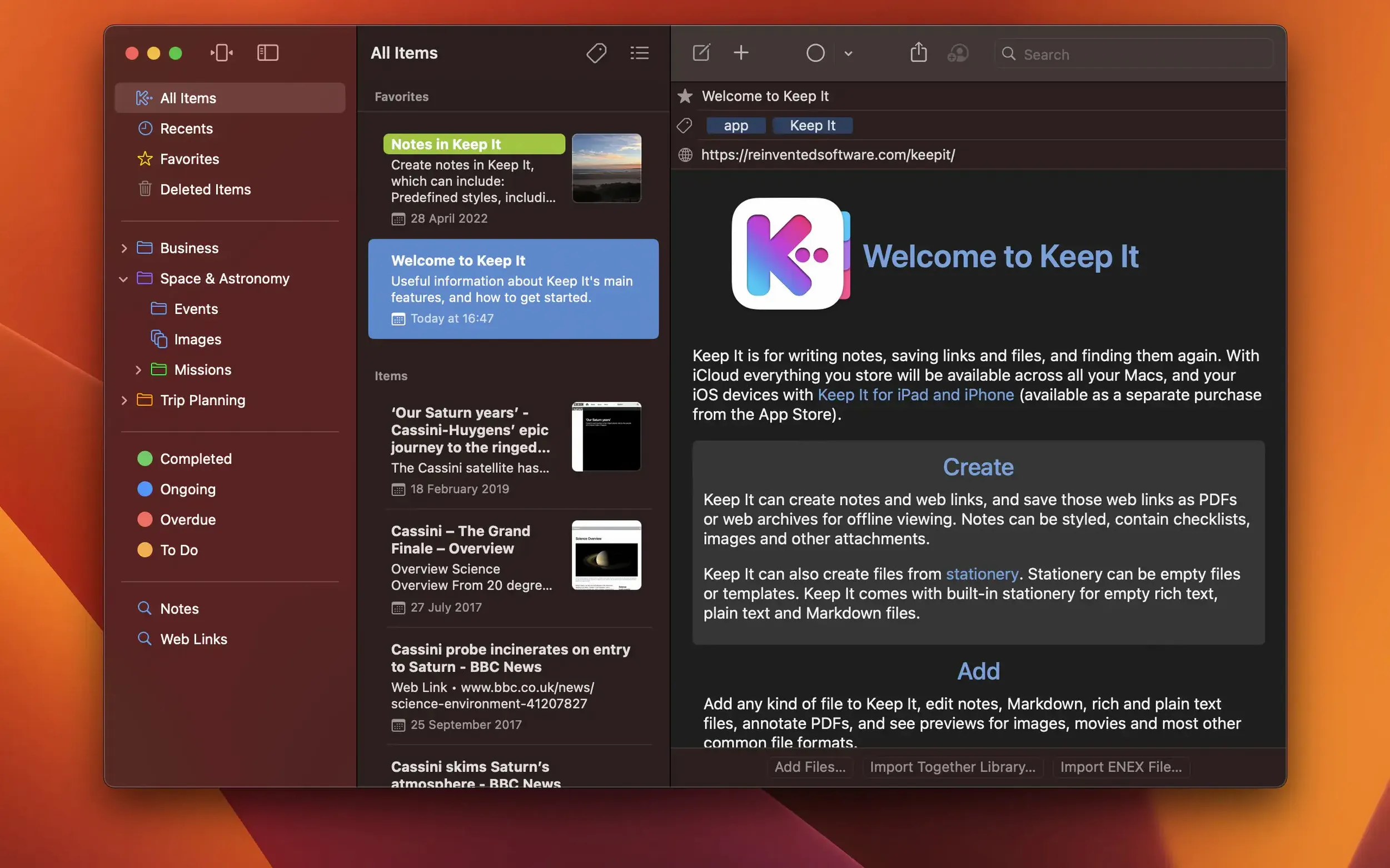
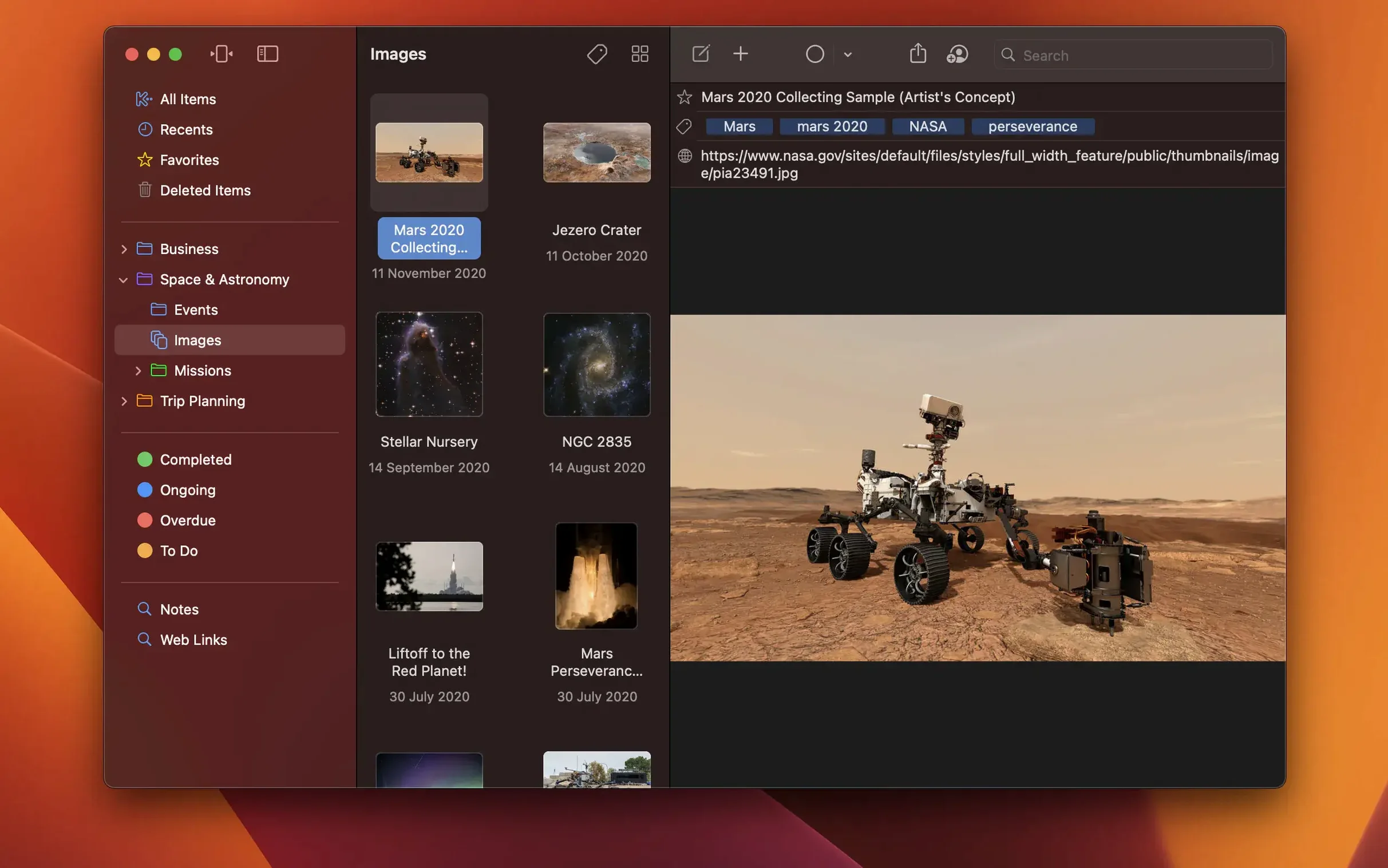
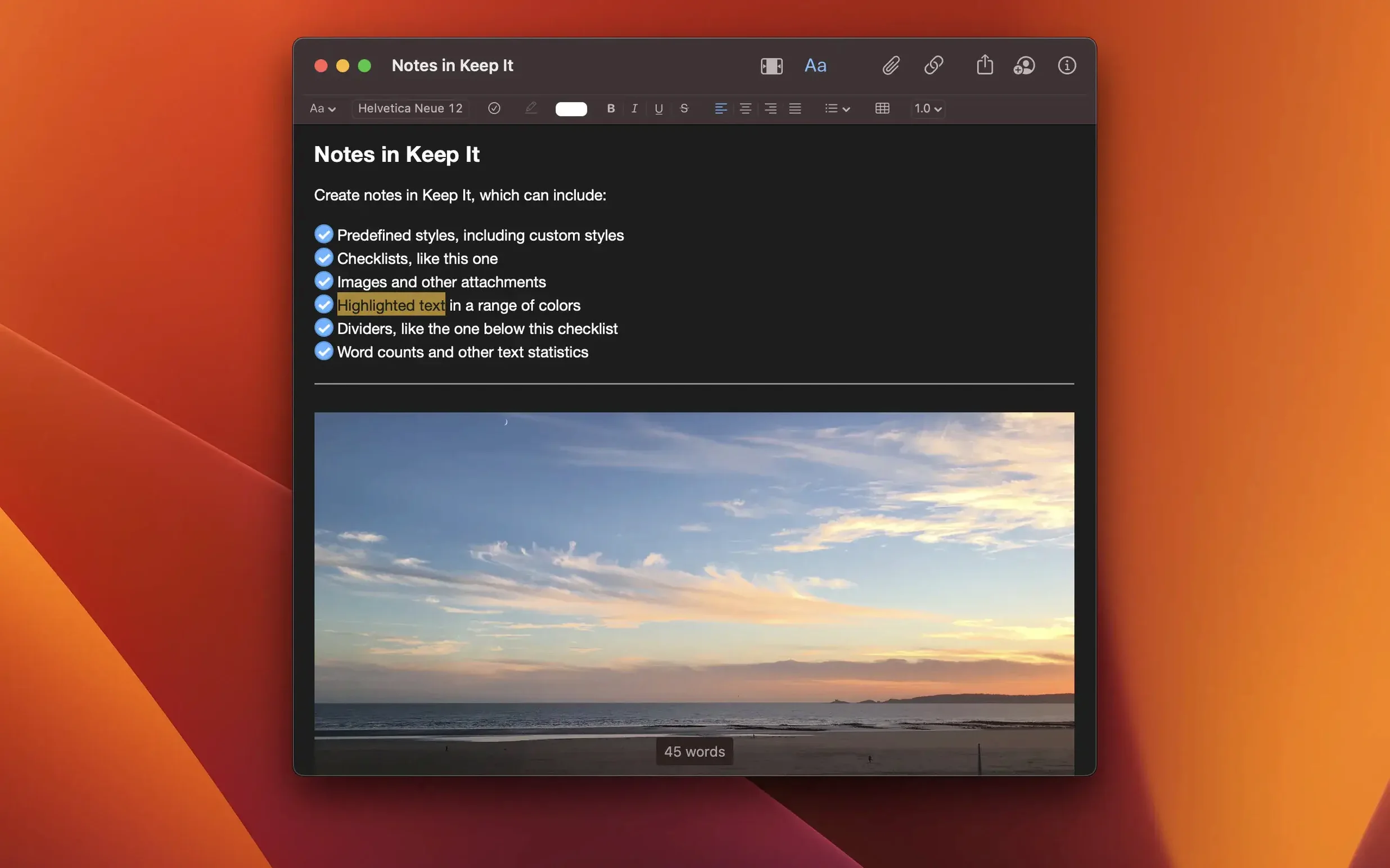
If you’ve ever wished Apple Notes handled folders more like the Finder, Keep It sits neatly in that gap. It’s a notebook and document organiser that treats everything you save — notes, web links, images, PDFs — as visible files on your Mac.
Items live as regular files and folders you can browse in Finder. Tags, labels, and bundles give you extra layers of organisation without locking your data inside a database.
Yes. Search reads the contents of most documents and can recognise text in scanned PDFs and images. Suggestions appear as you type, and you can save any search for later.
Drag and drop works from anywhere. You can also use the Share extension or bring in web links, checklists, and attachments directly inside a note.
People who think in files and folders, not just streams of notes, seem to settle in fastest. If you already organise projects in Finder — screenshots, PDFs, rough text files — Keep It mirrors that shape instead of asking you to learn a new one.
Researchers who save dozens of web links per session often mention the link-to-note conversion. A captured page can become an editable note without copy-paste acrobatics. Designers and writers who rely on a visual map of their assets also gravitate toward the bundle system, where one image can sit in a moodboard bundle and a client folder at the same time.
The iCloud sharing works best for small teams or a single person switching between a Mac and an iPad. Shared top-level folders mean a partner can drop in reference material without cluttering your personal library. Mac users who already lean on Spotlight and Time Machine get a quiet bonus: files inside Keep It aren’t hidden away, so backups and system-wide search just work.
A few touches are easy to glide past. In compact mode the sidebar disappears and the window shrinks to a single column — handy when you’re writing on a laptop screen and want nothing but the note. You can toggle it from the View menu.
Stationery is another quiet feature. Save a note or file as a template, and new items start with your layout, boilerplate text, or checklist structure already in place. If you send the same kind of report each week, it saves a surprising number of clicks.
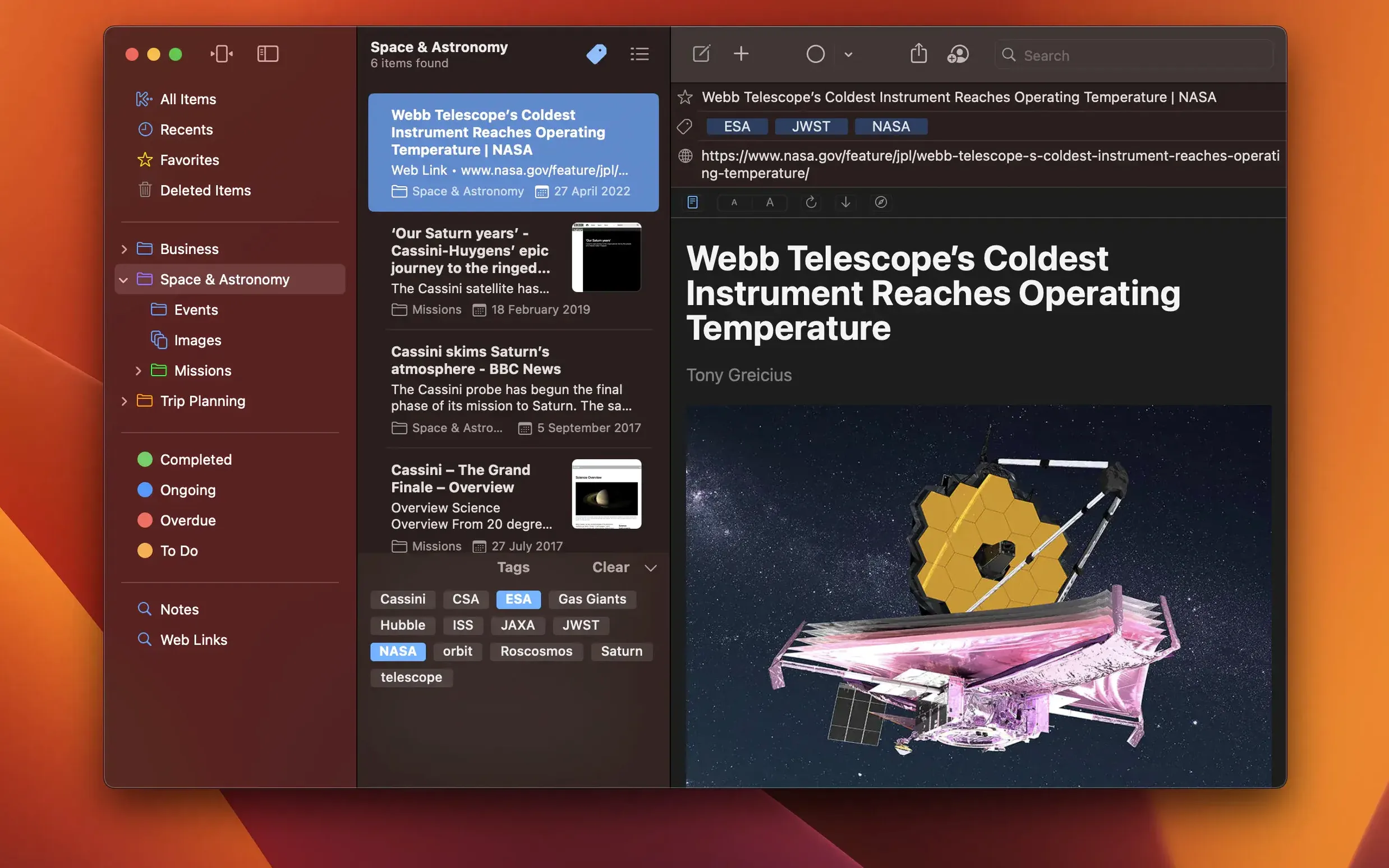
The tag filter combines with search more cleverly than the interface lets on. After you run a search, you can still apply a tag filter to narrow results without starting over. Saved searches then remember the whole combination. For anyone who regularly grabs a keep it for mac download and uses it across devices, setting up a few saved searches early makes the daily grab-and-go feel much lighter.
Items you delete hang around for 30 days before they’re removed permanently, so a quick slip doesn’t cost you anything. And because the library is just a folder on your Mac, you can point Time Machine at it without extra setup.
It integrates with Spotlight, Time Machine, AppleScript, and Shortcuts. A compact single-column mode is there if you prefer a leaner window.
A bundle is a collection you can add any item to, and the same item can belong to multiple bundles at once — it's a flexible way to group things without duplicating files.













Chat 0
Hop in or make an account to join the chat.
Quiet in here so far. If you have used this build, tell me what the install actually did.