
 Microsoft Excel
 Microsoft Outlook
 Microsoft PowerPoint
 Microsoft Word
 LookAway
 Nitro PDF Pro
 Keep It
 OmniPlan Pro


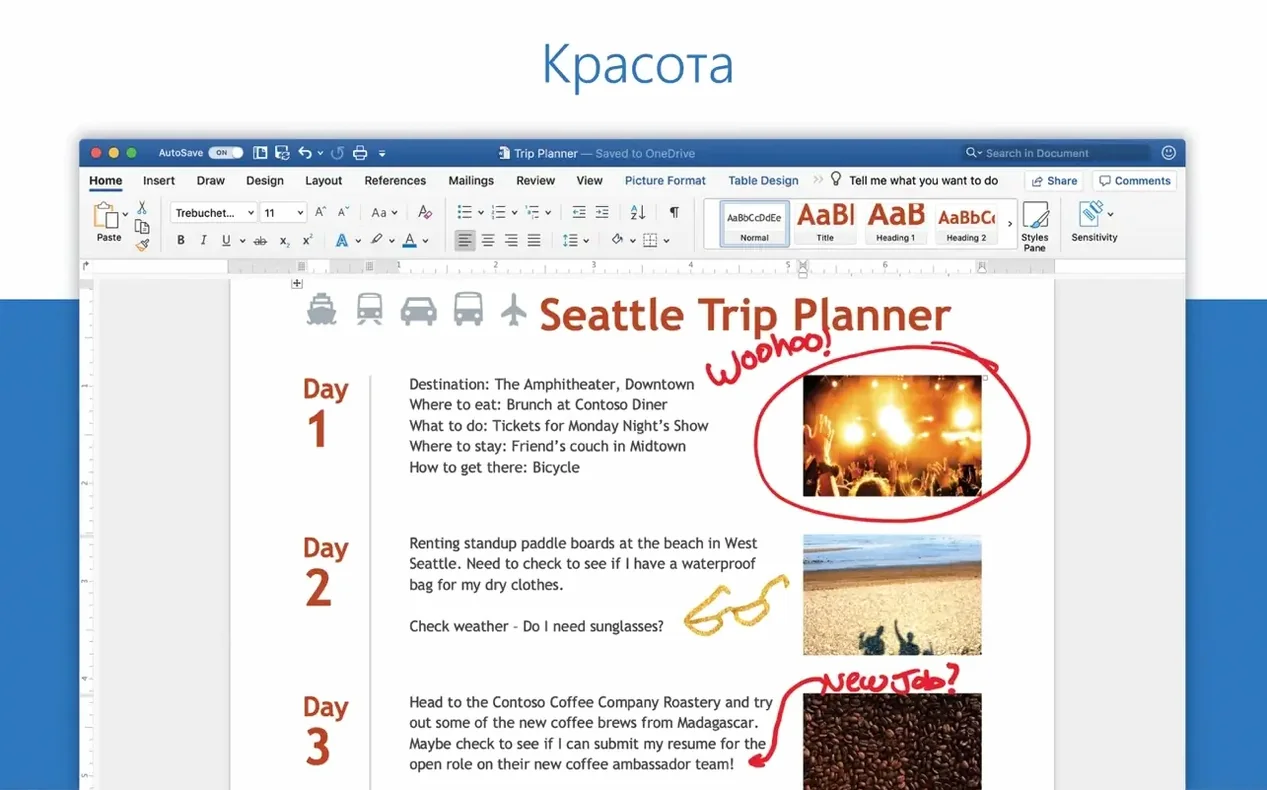
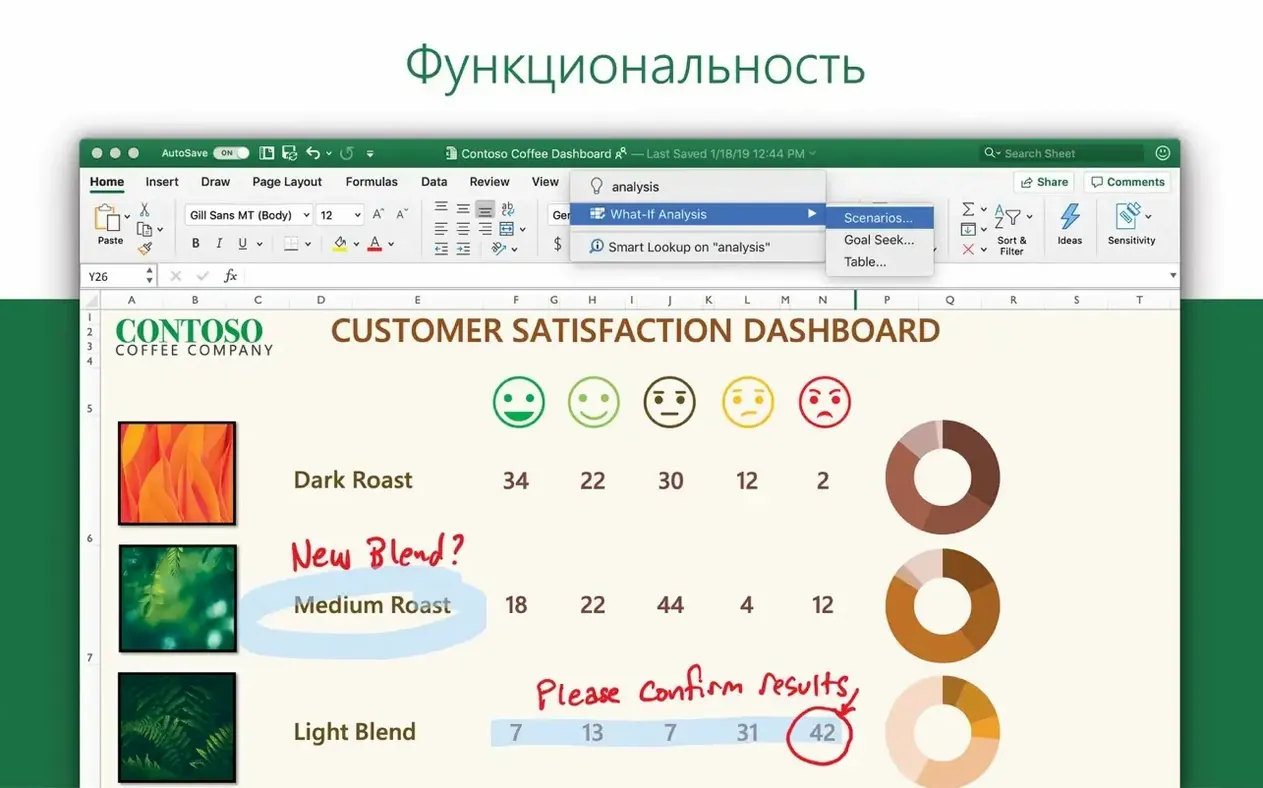
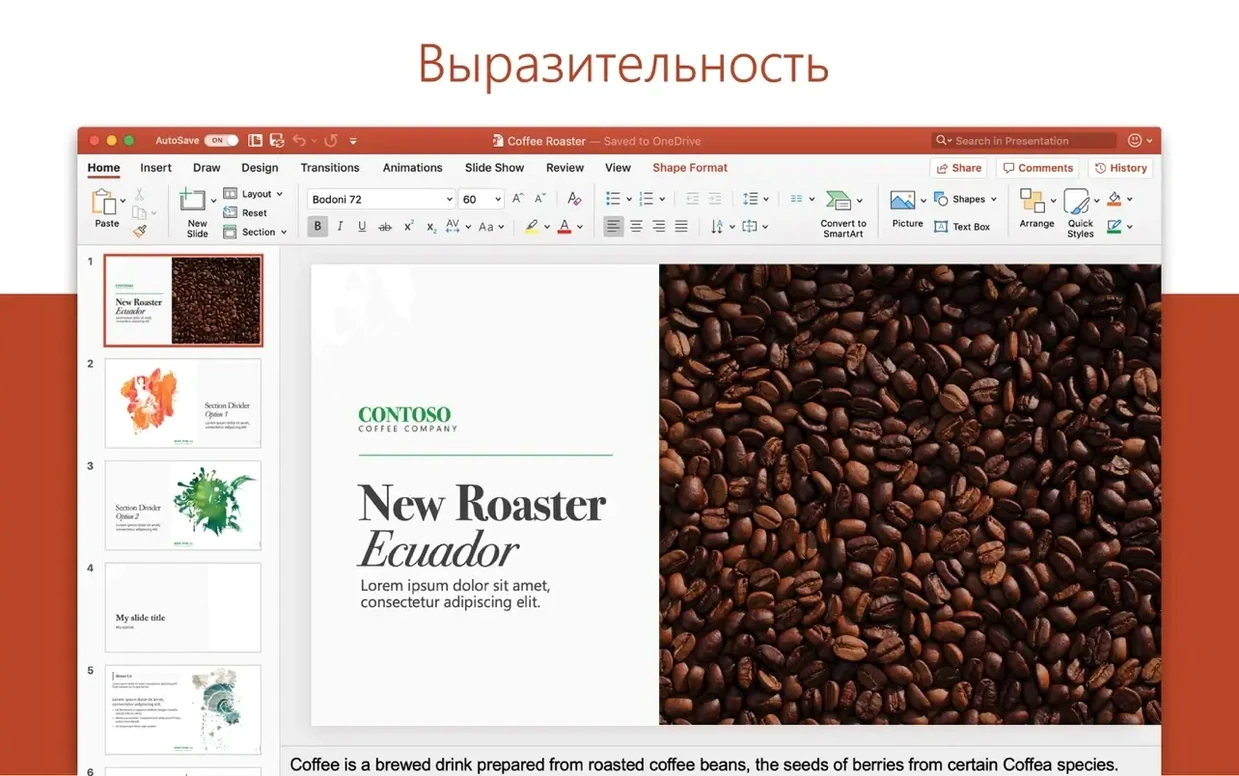
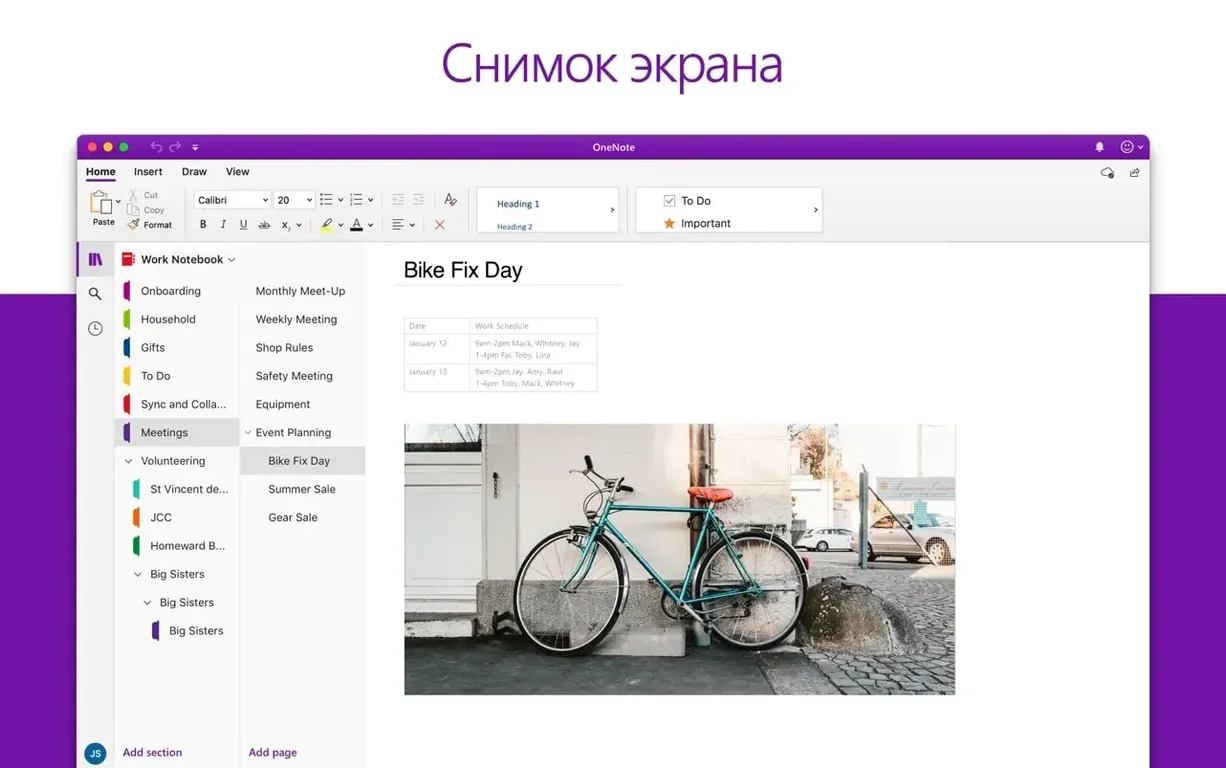
Version 16.93 landed as a unified build for Word, Excel, PowerPoint, Outlook and OneNote — no feature fanfare, just the steady 16.x rhythm shared by Microsoft 365, Office LTSC 2024 and Office LTSC 2021.
You need macOS 13 or later and a 64-bit Intel or Apple Silicon machine. The whole suite and every standalone app package dropped 32‑bit support a while ago, so older systems are out.
Word handles documents, Excel runs spreadsheets, PowerPoint builds slides, Outlook corrals email and calendars, OneNote catches notes, and OneDrive links it all for shared editing.
A handful of defaults are worth undoing straight after install. In Word, head to Preferences > Edit and turn off “Show document tooltips on hover” — it clears the pop-ups that follow your cursor over tracked changes. While you are there, tick “Match font with keyboard” if you cycle through typefaces often. Excel users should open Preferences > General and set “Sheets in new workbook” to 1 unless you routinely need three blank grids. PowerPoint benefits from Preferences > Save and checking “Embed fonts in the file” — your slides will look the same on every Mac. Outlook’s default reading pane is set to right; swap it to bottom under Organize > Reading Pane for a cleaner thread view that feels closer to Apple Mail. And in OneNote, switch the default font from Calibri 11 to something you actually enjoy staring at for hours.
Anyone who bounces between a MacBook and a colleague’s Windows laptop will feel right at home — formatting and layout hold steady across platforms without those tiny page-break surprises. People deep in corporate review chains lean on Word’s tracked changes and Excel’s threaded comments daily; the desktop Mac apps handle heavy comment threads more smoothly than any web editor. Design-conscious presenters get the most out of PowerPoint’s 3D model support and the in-app icon library, which cuts the time spent hunting for matching vector assets. Students juggling lecture notes, PDF handouts and group projects tend to live inside OneNote’s tabbed notebooks, and the OneDrive sync means a lost laptop doesn’t mean lost work. If you only open a .docx twice a year, the suite is probably overkill — but for regular cross-format work it still sets the pace.
Apple’s Pages, Numbers and Keynote feel faster on first launch and their iCloud sync is practically invisible, but they stumble the moment a file travels outside the Apple ecosystem. Complex Excel formulas, pivot tables and conditional formatting often arrive scrambled in Numbers. PowerPoint’s motion camera effects and embedded 3D models go flat in Keynote, which still favours its own cinematic transitions. LibreOffice handles the same file formats for free and its Calc module holds up well with large data sets, though the interface remains distinctly un‑Mac and collaboration features rely on third‑party connectors. OnlyOffice aims for a tighter ribbon layout and better .docx fidelity than LibreOffice; it is quick and cross‑platform, but its Mac build lacks Outlook-calendar integration and large‑team co‑authoring still routes through its cloud portal rather than a native OneDrive handshake. Office sits in the middle of those extremes — heavier on disk, but the only one that bundles mail, notes and real‑time shared cursors in a single desktop launcher.
Cmd+D fills down and Cmd+R fills right — faster than dragging the little corner handle across a hundred rows.Cmd+Shift+D duplicates a slide instantly, keeping its layout and contents intact.Cmd+Shift+M drops you into a new message from any view, no mouse needed.Option while clicking a bullet or numbered list to select just that tier without grabbing the whole list.OneDrive’s “Files On‑Demand” toggle lives under Preferences > Turn on Files On‑Demand; leave it on and cloud‑only placeholders barely touch your SSD. When you need a local copy for a flight, right‑click any folder and pick “Always keep on this device.”
Office LTSC for Mac follows the same 16.x versioning as the Microsoft 365 subscription build, so feature parity arrives in lockstep even if you are on a volume licence. The updater — Microsoft AutoUpdate — can be set to check weekly and install silently; find it in the Applications folder rather than inside an Office app.
PowerPoint brings layouts, 3D models and motion camera effects. OneDrive keeps real‑time collaboration tidy inside Word, Excel and PowerPoint without leaving the app.
Office version 16.93 requires macOS 13 or later. Both Intel and Apple Silicon Macs are supported, but the software is 64‑bit only.
You get Word, Excel, PowerPoint, Outlook, OneNote and OneDrive for Mac. Each one installs as a separate app.













Chat 0
Hop in or make an account to join the chat.
Quiet in here so far. If you have used this build, tell me what the install actually did.