
 Microsoft PowerPoint
 Microsoft Outlook
 Microsoft Office
 Microsoft Excel
 LookAway
 Nitro PDF Pro
 OmniPlan Pro
 OmniReader Pro


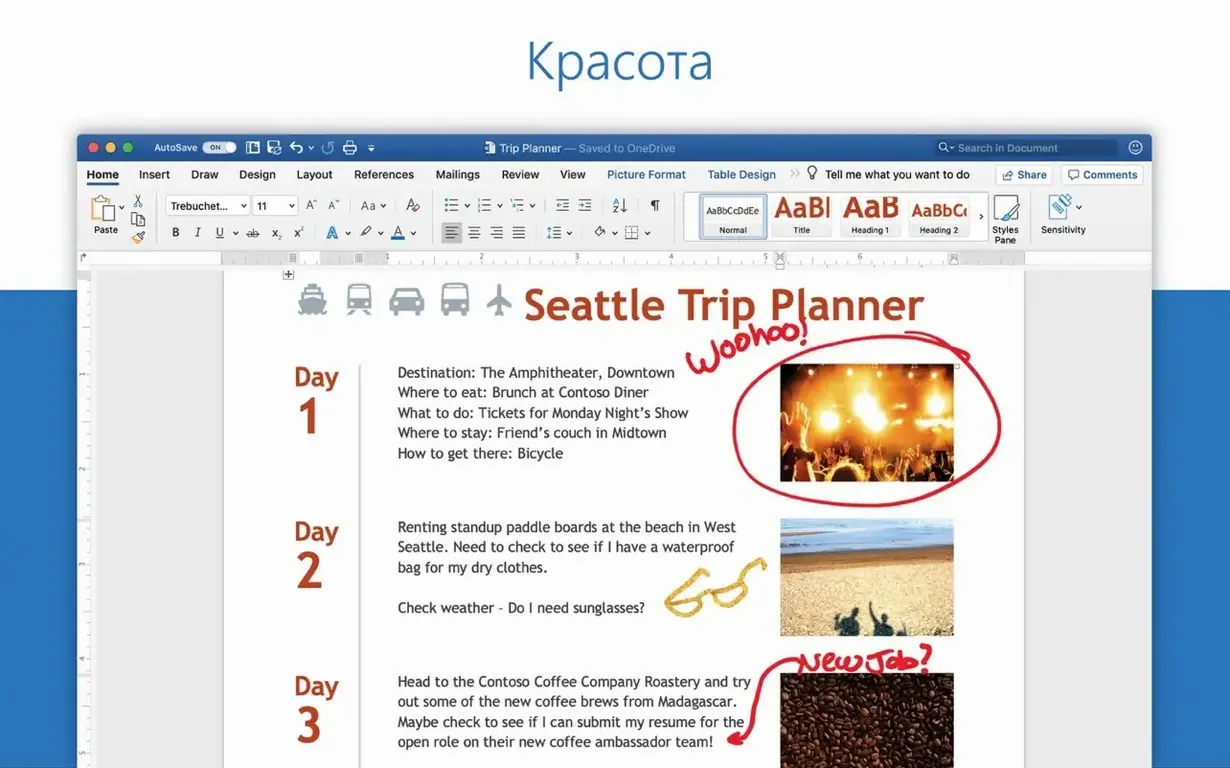
If you've used Notes or TextEdit for quick drafts, Word is where those documents grow up — the same idea, but built for long reports, letters, and anything that needs real formatting. It comes with Office 2024 for Mac.
Word processor — creates, edits, views, and shares text documents.
Who it's for — anyone who works with documents, from students to office teams.
Included in — Office 2024 for Mac and Microsoft 365.
Document types — letters, essays, flyers, reports, forms.
Email integration — open and edit documents attached to email messages.
Current version — 16.93, listed in the Office for Mac release notes.
Word doesn't sit in a bubble. Drop an image onto your desktop and pull it straight into a document — the macOS drag-and-drop system handles it without fuss. The share button in the toolbar hooks into Mail, Messages and AirDrop, so sending a draft to a colleague takes two clicks instead of hunting through Finder.
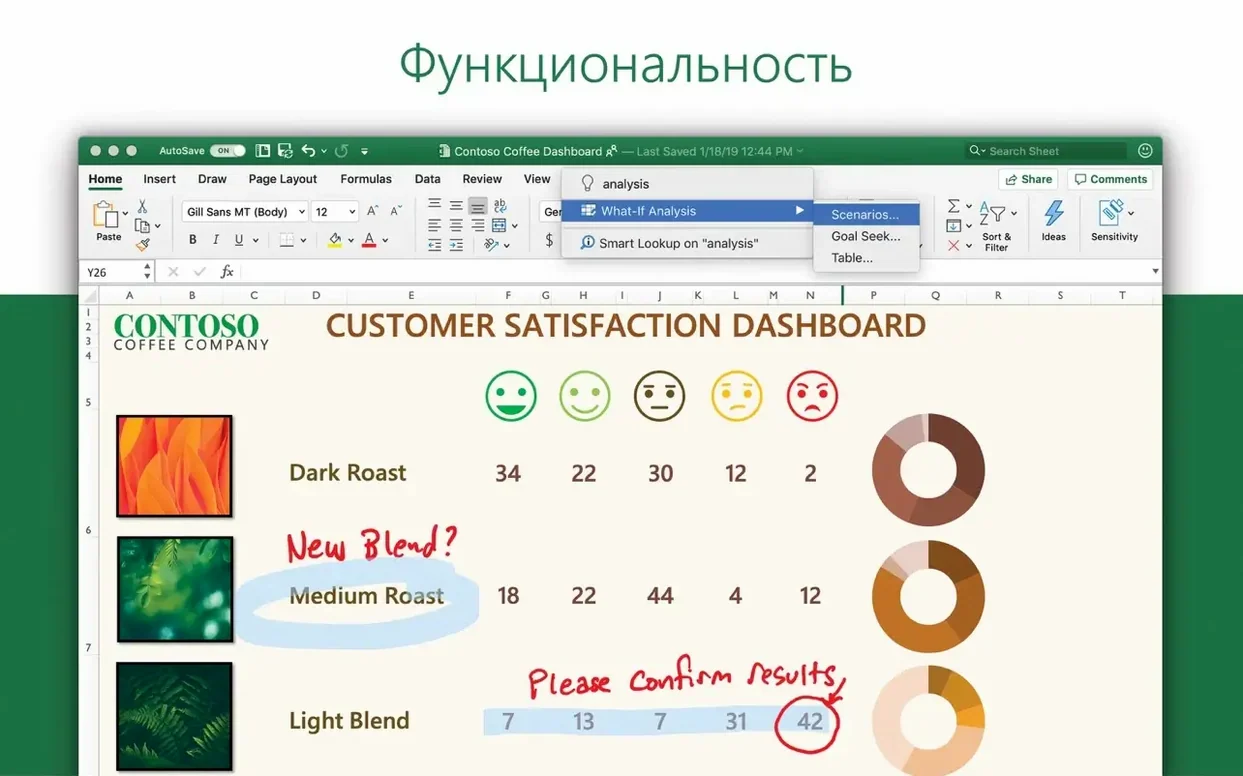
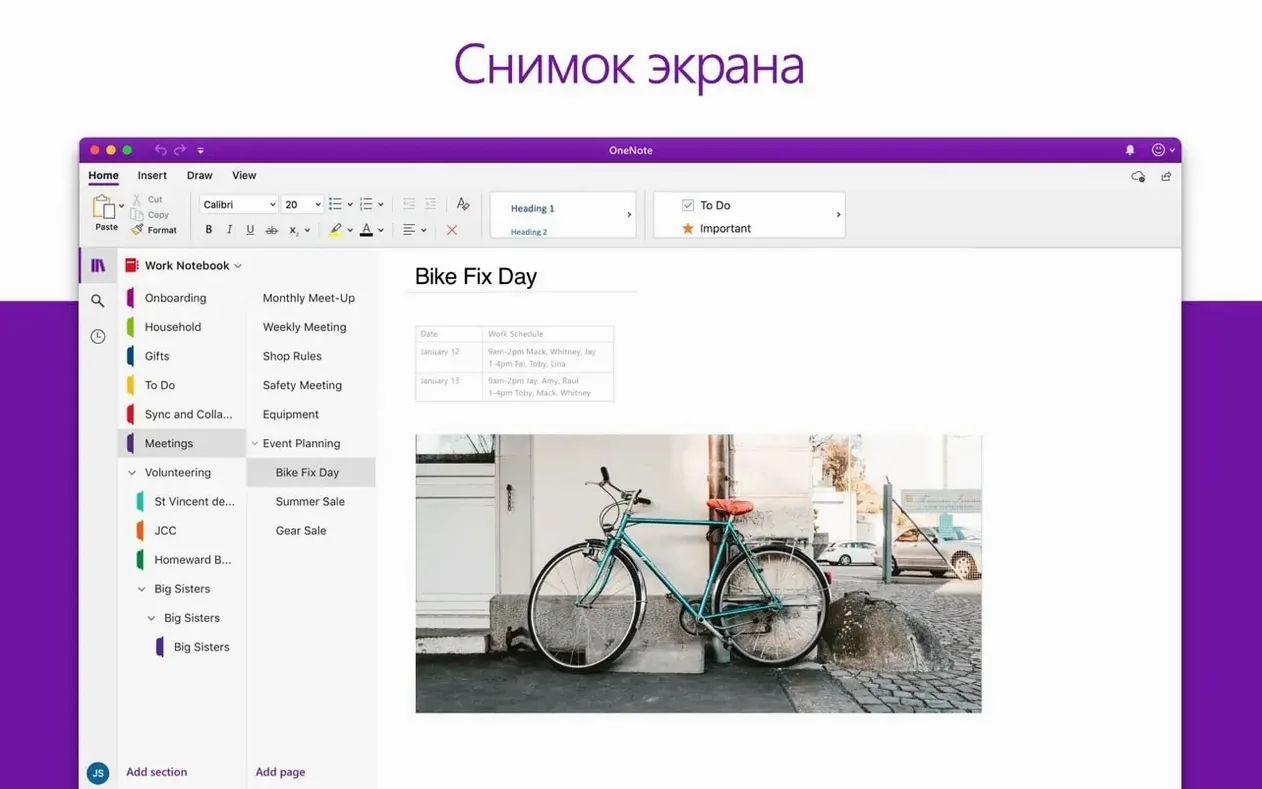
With Excel, paste a table and Word keeps the formatting. Charts from Excel can be embedded, and when the source spreadsheet changes, the chart in your document updates too. Outlook ties in at the attachment level: open a .docx from an email, edit it, hit reply, and the revised file attaches itself. OneNote users can pull meeting notes into a Word report by copying from one window and pasting into the other — the text lands with its basic structure intact.
macOS features like Spotlight search index Word documents automatically, so typing a phrase from page 12 can pull up the file without opening it first. Quick Look (tap the spacebar on any .docx in Finder) shows a preview without launching the full app. And if you use Focus modes, Word respects them — no pop-up alerts during a writing session set to Do Not Disturb.
Even a polished word processor throws up the occasional hiccup. Here are the ones people run into most, and what to do about them.
Editing equations feels off. The 16.93 update specifically addressed a bug where equation editing might not work as expected. If you still hit trouble, switch to Linear mode (in the Equation Tools tab), make your edit, then switch back to Professional. That often sidesteps the glitch while Microsoft irons out the rest.
Fonts look different on a colleague's machine. This happens when the document uses a font the other Mac doesn't have installed. Stick to fonts that ship with macOS — like Helvetica Neue, Georgia or Menlo — for documents that will travel. In File > Options > Save, tick "Embed fonts in the file" for extra insurance.
AutoUpdate keeps prompting at awkward times. Microsoft AutoUpdate runs on its own schedule. Open MAU from the Help menu, select "Check for Updates," then set it to a weekly check instead of daily. Updates still arrive — just with fewer interruptions.
Pasting text brings weird formatting. Use Edit > Paste and Match Style (or Option-Shift-Command-V) instead of plain Paste. It strips the source formatting and lets your document's styles take over. Once you build the muscle memory for that shortcut, it saves endless cleanup.
Large documents scroll slowly. Split the file into sections and work in Draft view (View > Draft). Draft view skips rendering headers, footers and page edges, which lightens the load on older Macs.
Don't try to learn everything at once. Pick a handful of habits that pay off immediately.
Set your default font on day one. Open the Format > Font dialog, choose the font and size you want, then click "Default" at the bottom. Every new document starts with your choice instead of Calibri 11. You can always switch per document later.
Create a template from a document you already like. Got a report with perfect margins, heading styles and a cover page? Save it as a template (File > Save as Template) and it appears in the template chooser for every new project. A small upfront investment that cuts formatting time to nearly zero on repeat tasks.
Pin frequently used files. In the File > Open Recent list, hover over a document and click the pin icon. Pinned files stay at the top regardless of what else you open — handy when juggling three or four active projects.
Learn exactly two keyboard shortcuts beyond Copy and Paste. Command-Shift-N opens the Styles pane. Command-Option-C copies formatting, and Command-Option-V pastes it. Together they let you style a document without touching the mouse.
Turn on "Always create backup copy." In Word > Preferences > Save, check the box. Word saves a duplicate in the same folder with "Backup of" prepended. It's not a replacement for Time Machine, but it has rescued plenty of people from an accidental overwrite.
Use Read Mode for proofreading long texts. View > Read Mode strips the interface down to a clean, scrollable column. Less visual noise means you catch typos that hide among toolbars and rulers.
The 16.93 releases in January 2025 were maintenance updates, but they fixed a few things that had been quietly annoying users. The January 14 release brought general quality and performance improvements — the kind that show up as faster launch times and smoother scrolling through image-heavy documents. The January 28 follow-up (16.93.2) tackled the equation editor bug directly.
Over the last few point releases, Microsoft has been tightening how Word handles collaboration caching. Documents with tracked changes now sync their change history more reliably between Macs, which matters if you switch between a desktop and a laptop during the day. The ribbon customisation also sticks better — custom tabs you set up are less likely to vanish after an update.
One quiet improvement: Word's memory use when handling large .docx files with embedded media has been inching downward. It's not flashy, but on an 8 GB MacBook Air it's the difference between smooth typing and a spinning beach ball.
Mac support — runs on Apple Silicon and Intel Macs.
Yes, Word is one of the Office apps in the Office 2024 package for Mac, alongside Excel, PowerPoint, Outlook, and OneNote.











Chat 0
Hop in or make an account to join the chat.
Quiet in here so far. If you have used this build, tell me what the install actually did.