
 Microsoft Office
 Microsoft Outlook
 Microsoft PowerPoint
 Microsoft Word
 LookAway
 Nitro PDF Pro
 Keep It
 OmniPlan Pro


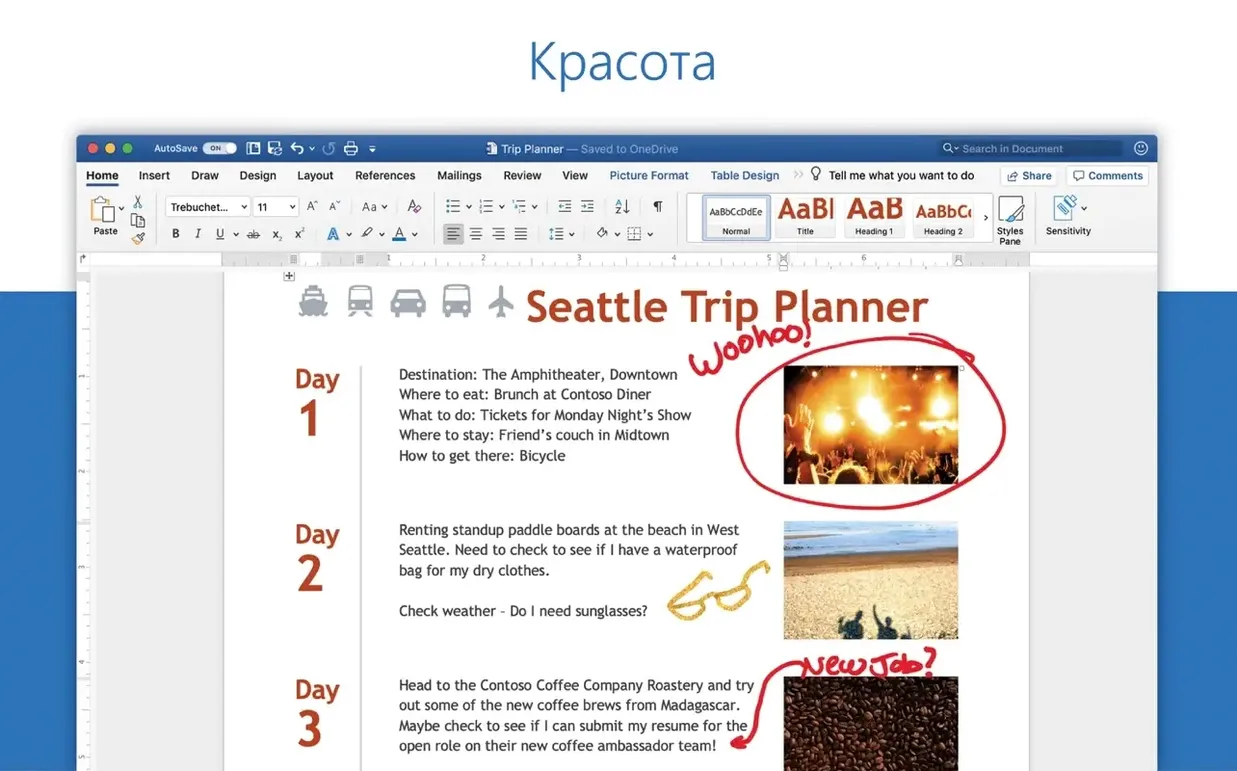
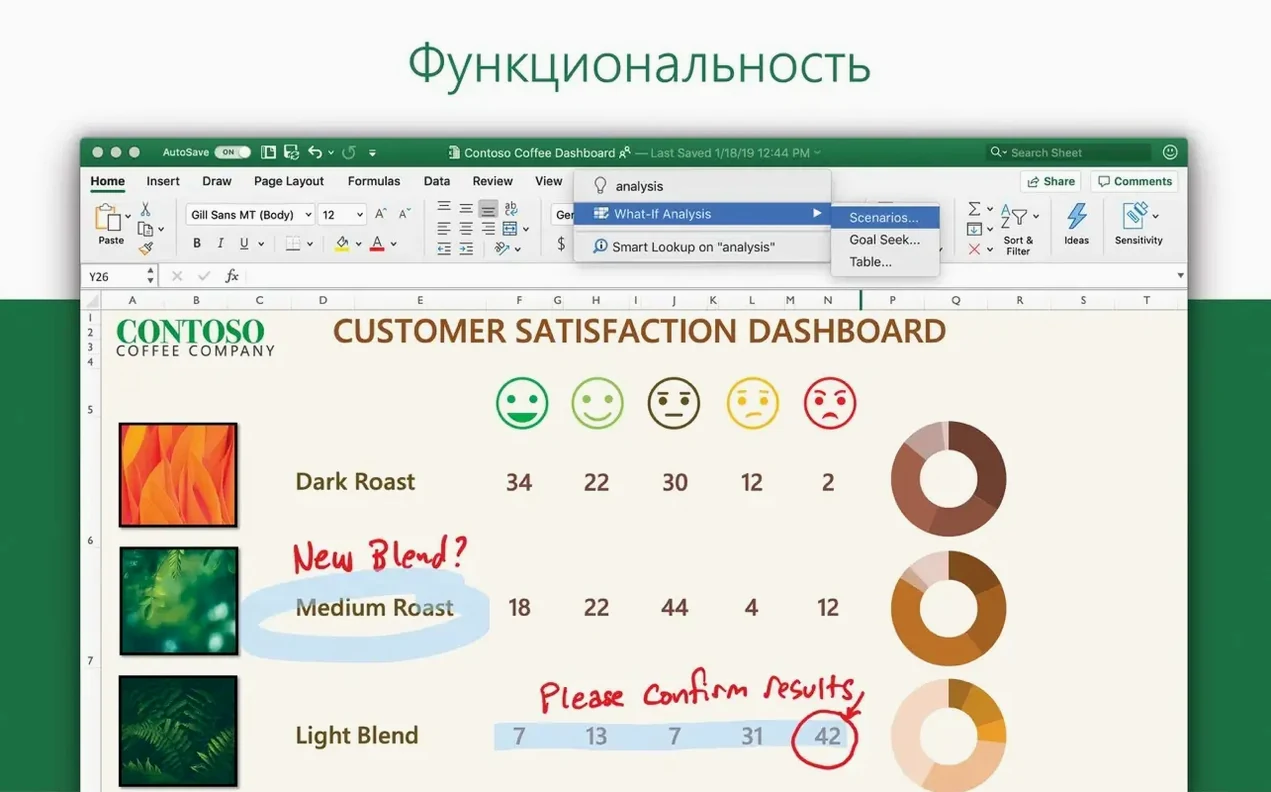
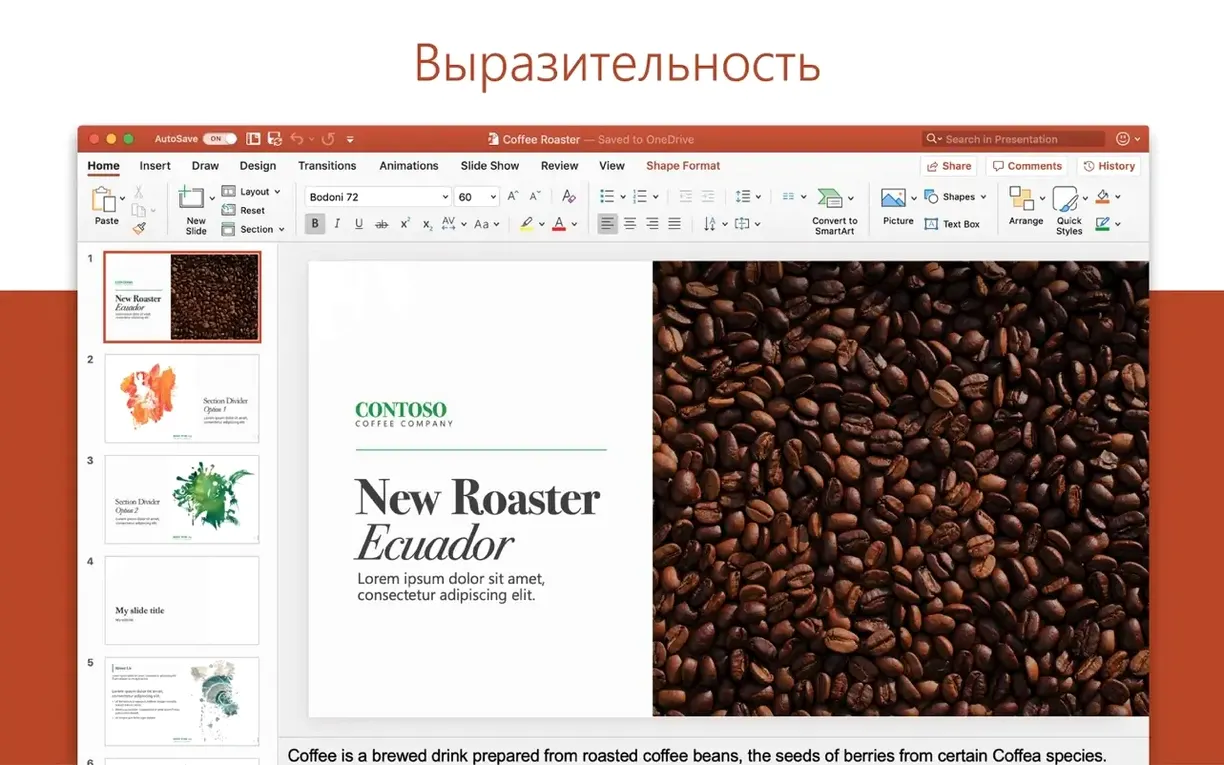

Numbers has its charms, but the moment you need to share a workbook outside a tight Mac circle, the friction starts. Excel steps in as the common language—the files you send look the same on a colleague’s desktop, your accountant’s old laptop, and your MacBook.
Version 16.93 brings new chart types and an Ideas pane that scans your data for trends, saving you the first few rounds of trial and error. It runs natively on both Apple Silicon and Intel Macs, so there is no translation layer getting in the way during a heavy sort or a recalculation across thousands of rows.
Interface support covers twenty languages—from Japanese to Czech—which helps if you bounce between regions or collaborate with a multilingual team. The app expects macOS 13 or later, keeping it in line with the rest of the Microsoft 365 suite on a Mac.
If you already live in Word and PowerPoint, Excel slots into that same rhythm. The toolbar feels familiar, the shortcuts carry over, and OneNote sits one click away when a spreadsheet spawns a to-do list.
A junior accountant on a Friday deadline knows the exact flavour of dread that comes with a mangled P&L template. The client sent over a workbook with merged cells that refuse to sum, dates formatted as text, and a column of numbers imported from an old excel 2016 para mac build that still stores trailing spaces. Coffee goes cold while you hunt the culprit.
Excel’s Ideas pane—new in 16.93—cuts that loop short. Select the messy table, click Ideas on the Home tab, and the sidebar surfaces the outliers first. The same tool flags the three rows where region is blank and the grand total row that someone hard-coded instead of summing. It won’t fix the merge-and-centre crime scene, but it hands you a map of where the bodies are buried before you click a single formula.
For the merge issue, Unmerge Cells under the Format menu is the fast out. Then highlight the gap, tap =, hit the up arrow, and press Control-Return to fill the blanks in one go—no drag-and-pray.
Excel buries its best moves in muscle memory. A few worth stealing from the old hands:
A1 to $A$1, A$1, $A1, and back. Saves typing dollar signs manually.The Quick Access Toolbar sits above the ribbon and deserves a few custom buttons. Right-click any ribbon command—Freeze Panes, Sort A-Z, Clear Formats—and pick Add to Quick Access Toolbar. The toolbar then responds to Option + 1 through 9 for its first nine items, so your top nine moves never need the mouse.
A fresh excel download macbook install often trips on the same pebbles. Here is what to check before you assume the app is misbehaving.
This usually means the cell or the whole sheet is in Show Formulas mode. Tap Control + ` (the grave accent, left of 1 on most keyboards). If the column was pre-formatted as Text before you typed the formula, switch it to General, then re-enter the formula—F2, Return is enough to nudge it.
Excel leaves behind owner files (prefixed with ~$) when it closes unexpectedly. They are invisible in Finder by default. Use Command + Shift + . (period) to toggle hidden files inside the folder, then delete the ghost lock file. The workbook opens normally after that.
Graphics-heavy workbooks with embedded images or thousands of conditional formatting rules can choke the renderer. Turn off Hardware graphics acceleration under Preferences > General, or switch to Normal view from Page Layout view. Splitting data across tabs instead of one endless sheet also keeps scrolling snappy.
AutoSave needs the file to live in OneDrive or SharePoint. If your team uses a local network folder, co-authoring won’t light up. Save a copy to OneDrive, then share from there. The status bar shows who else is in the document and which cell they are editing.
Imagine a budget review on a Tuesday morning. You open the workbook from OneDrive—Excel picks up right where you left off, zoom level and active cell intact. The first thing you do is hit Command + S out of habit, even though AutoSave is on. Old habits die hard.
The sheet tracks quarterly spend across six departments. You need to pull out the marketing line and compare it to the same quarter last year. Instead of scrolling, you press Command + F, type “Marketing”, and jump straight there. A quick Control + Space selects the column, then Command + C grabs it.
You paste the data onto a fresh tab with Control + Option + V > Values—no formatting baggage. A few rows need a running total, so you type =SUM(, select the range with the arrow keys, close the bracket, and press Return. The formula auto-fills down because the range is inside a table. One less thing to check.
Ideas catches a spike in November that you did not spot. A double-click on the insight card drops a trend chart onto the sheet. You tweak the chart style from the Design tab, then copy-paste it into an email draft for the finance director. The whole detour—find, extract, analyse, visualise, share—takes under four minutes.
Before closing, you freeze the top row with View > Freeze Panes > Freeze Top Row and set the print area to the summary block only. The workbook is ready for the afternoon stand-up without a second round of tidying.
Right after an excel torrent or package install, a few setup moves pay off down the line.
Good to know: Excel’s “Open Recent” list respects the files you actually work with, not just the last ones opened. Pinning a workbook—hover and click the pin icon—keeps it at the top even after a week of other projects. Useful for the monthly report you touch every thirty days.
Yes, version 16.93 runs natively on both ARM (Apple Silicon) and 64-bit x86 architectures.













Chat 0
Hop in or make an account to join the chat.
Quiet in here so far. If you have used this build, tell me what the install actually did.