Version 13.3.1 lands as a maintenance update, keeping the toolset sharp for anyone handling contracts, scans or forms daily.
Mark up and annotate
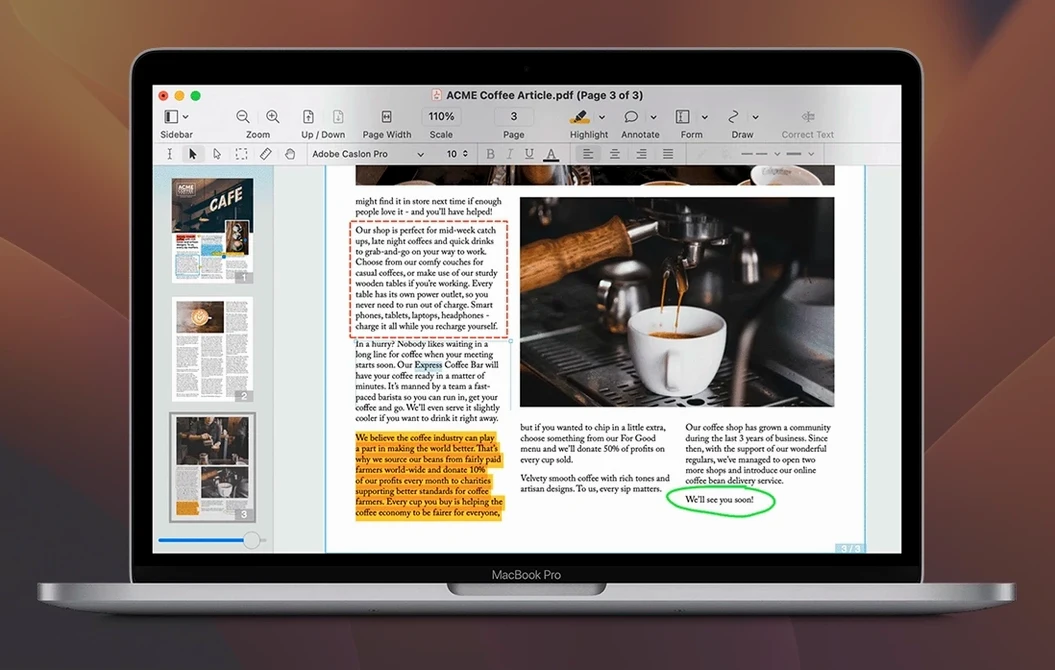
Highlight, underline and strikethrough text with tools that feel native to the Mac. The markup palette stays out of your way until you need it.
Turn scans into searchable text
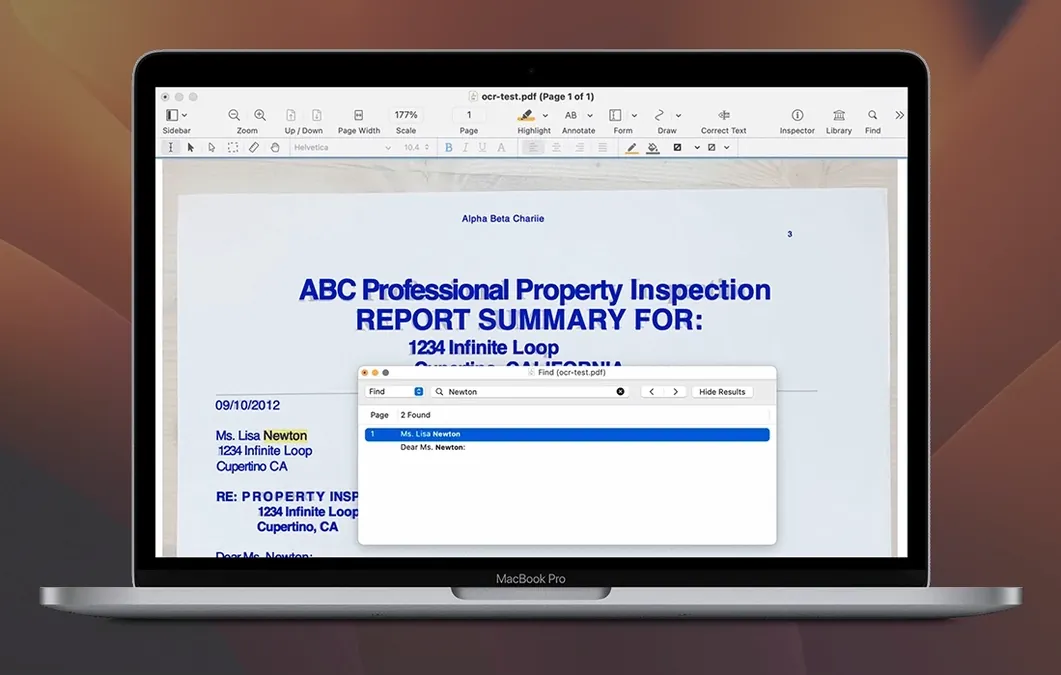
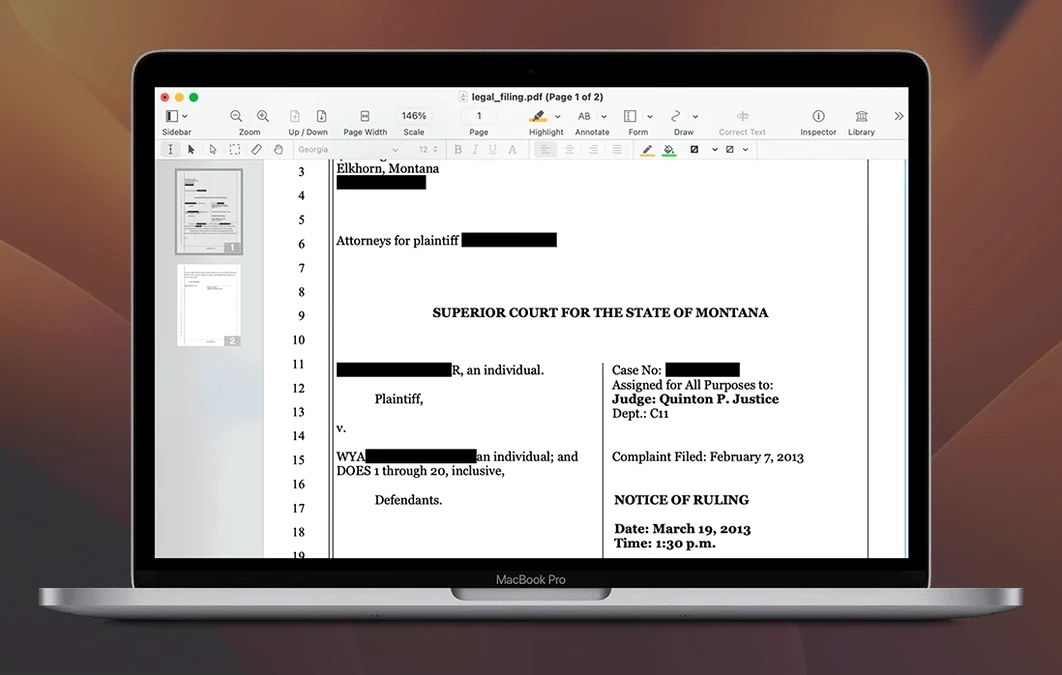
OCR kicks in for scanned documents, making static pages fully searchable and selectable. It also powers redaction, so you can scrub sensitive details permanently.
Export and share
Send a PDF straight into Word, Excel or PowerPoint without losing layout. You can also merge related files into a single portfolio or convert a full website into a multi-page PDF with hyperlinks intact.
Walk through a contract clean‑up
Here is a realistic flow for a scanned supplier agreement that needs edits, a signature and a clean export — all without leaving the app.
- Open the scanned PDF. Nitro detects it is an image‑only page and offers OCR. Accept it; the text layer appears in under ten seconds on a typical page.
- Run a quick visual check. Switch to the Edit tool and tap any text block — the OCR‑built layer is already editable. Fix two misread dates in the payment clause.
- Redact the old bank details. Select the Redact tool, draw a rectangle over the account number and click Apply. The data is scrubbed permanently, not just hidden behind a black box.
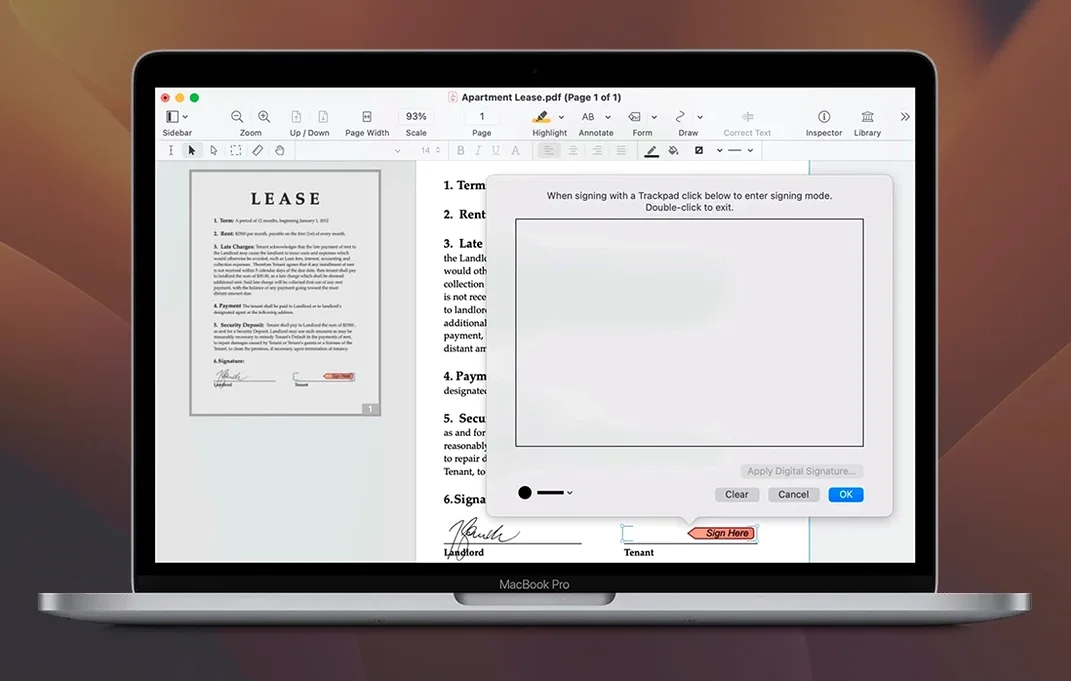
- Add your signature. Drag a scanned signature image from Finder onto the signature line, then resize it by pulling the corner handles. The image snaps into the PDF’s image layer and stays moveable.
- Fill the counterparty details. Click any form field, type the name and address, then tab through the remaining fields. The tab order follows the form’s logical structure.
- Export to Word for the client’s records. Choose File > Export > Microsoft Word. The exported .docx keeps the two‑column layout and the typeface; you only need to nudge one margin.
Fit it into your Mac workflow
Nitro plays nicely with other tools you already use, largely because it respects standard Mac file handling.
- Finder Quick Actions. Select a pile of PDFs in Finder, right‑click and choose Quick Actions > Create PDF. Nitro picks up the merged result and you can add a table of contents from its sidebar straight away.
- Mail and Messages. The share button uses the macOS share sheet, so you can fire an annotated contract to a client without saving a copy first. Nitro attaches the current state of the document, annotations included.
- Preview’s best habits. If you already use Preview for quick looks, Nitro sits alongside it comfortably. Open a PDF in Preview for a fast read, then right‑click and choose Open with Nitro when you need editable text blocks or redaction.
- Spotlight. Once OCR has run, the text layer is indexed. A week later, searching the supplier name in Spotlight surfaces the contract even if the file name was vague.
Rich text columns survive the clipboard
A few touches that are easy to overlook but repay you on a busy afternoon.
- Copy rich text with columns. Select two newspaper‑style columns in a PDF, copy, and paste into Pages. The column structure holds, and the font carries across — no re‑formatting.
- Audio annotations. Hold the mic button in the comment toolbar, speak a quick note, and release. The recording attaches to that spot in the PDF. Handy for feedback on a layout where typing feels slow.
- Editable table of contents. Once you merge multiple files into a portfolio, open the Portfolio sidebar and drag entries to reorder the TOC. The digital binder updates instantly.
- Website to multi‑page PDF. Paste a URL into File > Create PDF from Website. Nitro grabs all linked pages one level deep and preserves hyperlinks. Useful for archiving a supplier’s terms page before negotiations begin.
- Attachment pane. The paperclip icon reveals files embedded in the PDF. You can extract a spreadsheet that was attached to an invoice without combing through email threads.
Good to know: when you need to pull the same edit across dozens of files, batch processing applies OCR, redaction or export in one pass — a quiet time‑saver that sits in the Tools menu.
Good to know: batch processing handles repetitive tasks across multiple files at once.

 OmniPlan Pro
 OmniReader Pro
 PDF Expert
 PDF Reader Pro
 PDFelement Pro
 Microsoft Word
 Microsoft PowerPoint
 Microsoft Outlook














Chat 0
Hop in or make an account to join the chat.
Quiet in here so far. If you have used this build, tell me what the install actually did.