
 PDF Reader Pro
 PDF Expert
 OmniReader Pro
 OmniPlan Pro
 QuickBooks Mac Plus
 Nitro PDF Pro
 Scrivener
 Microsoft Word


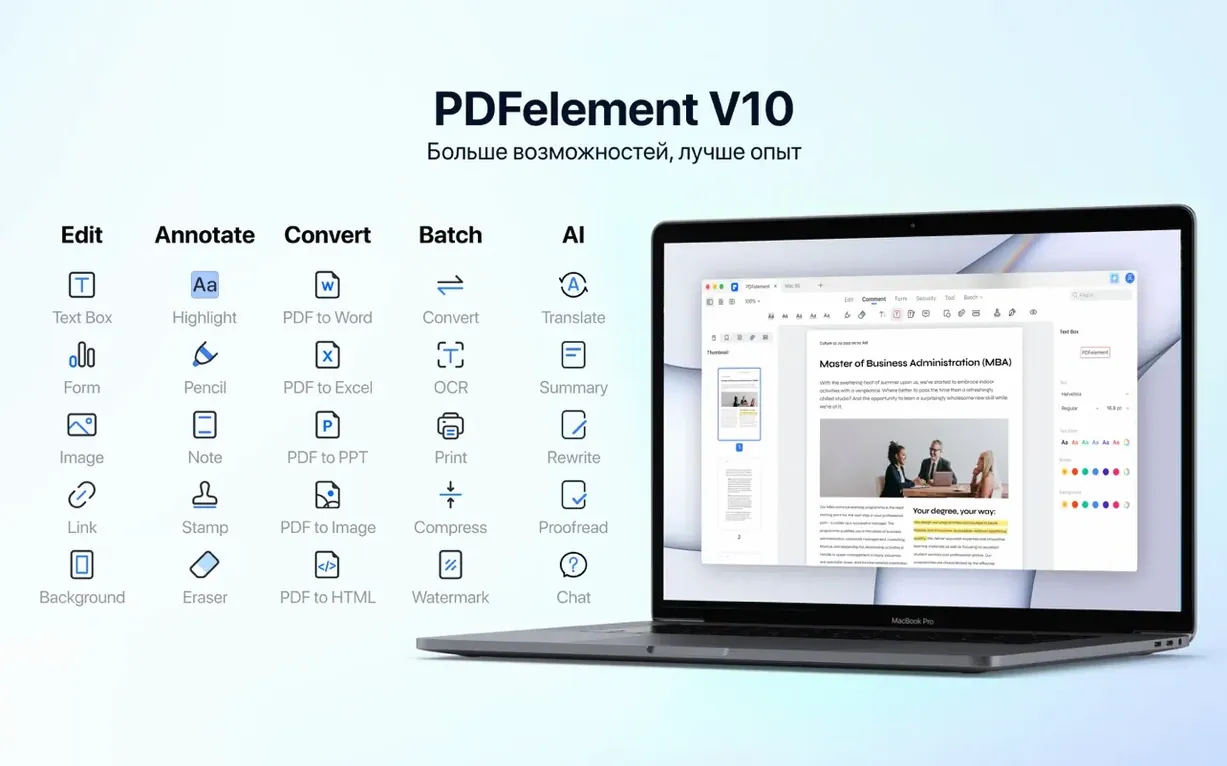
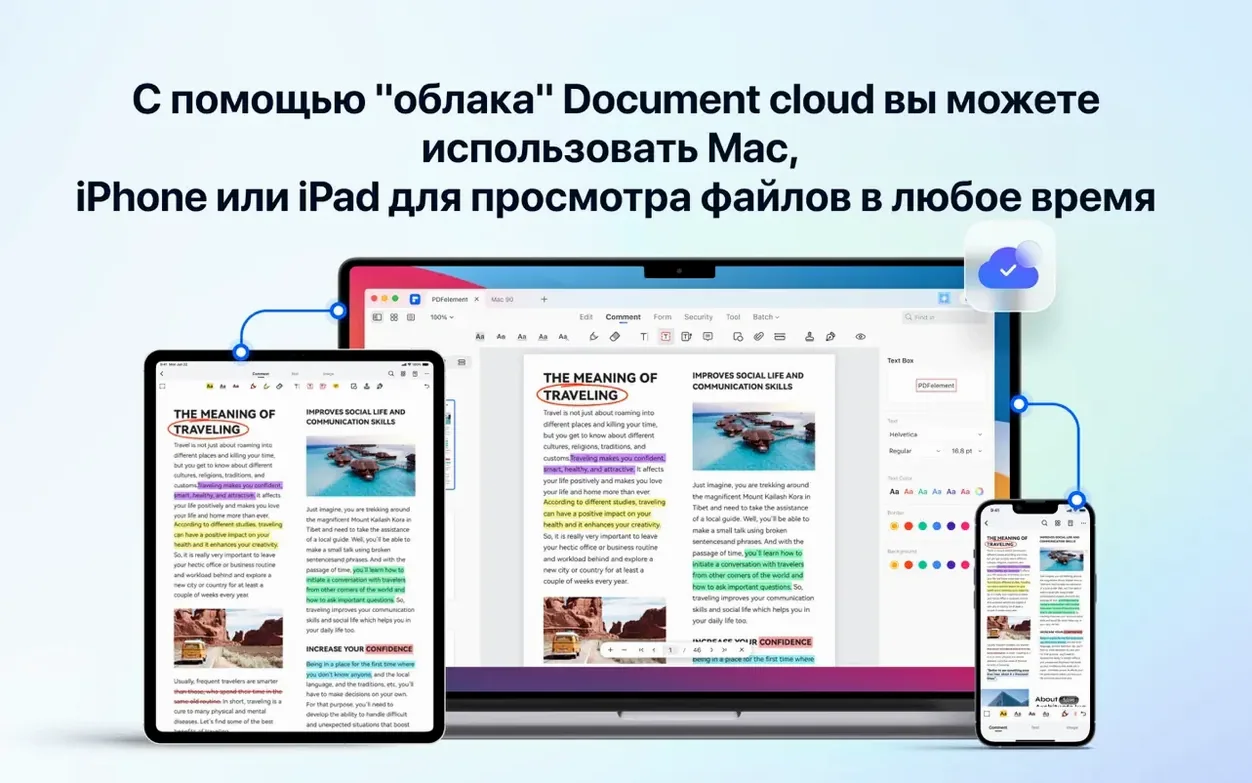
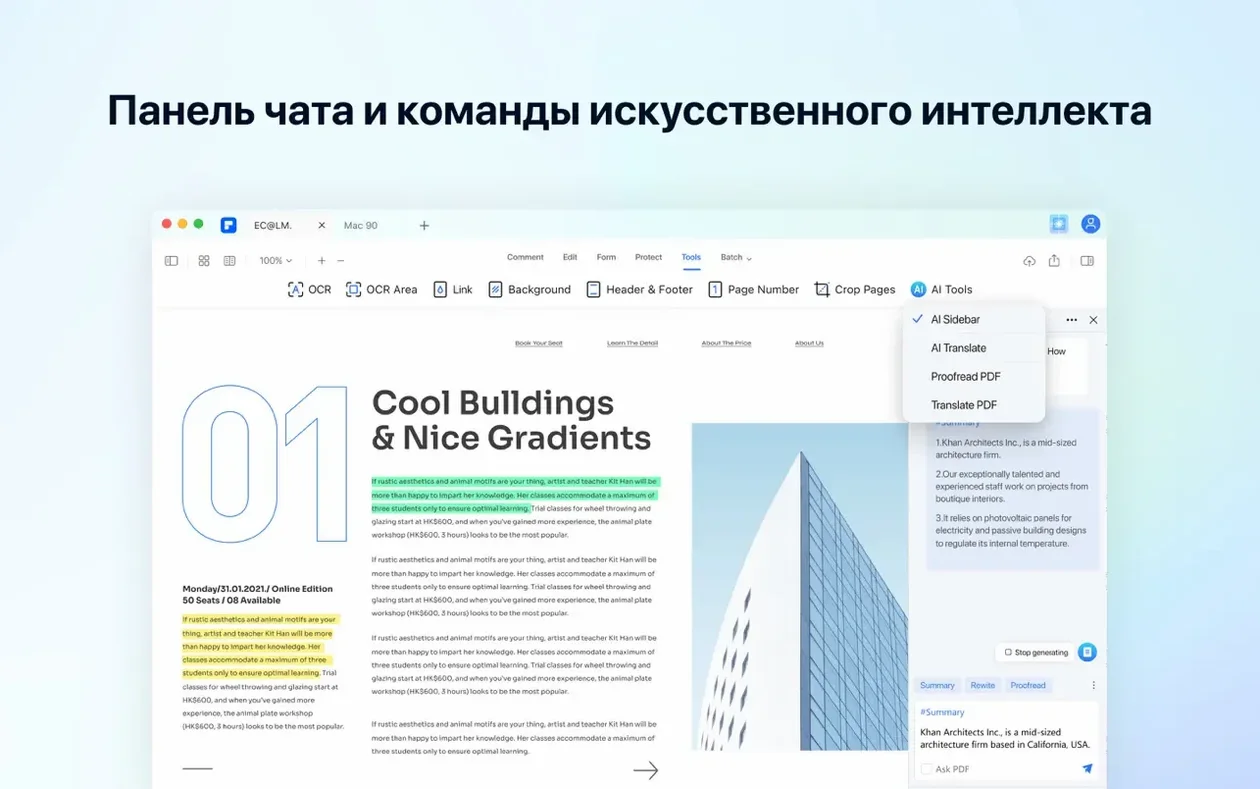
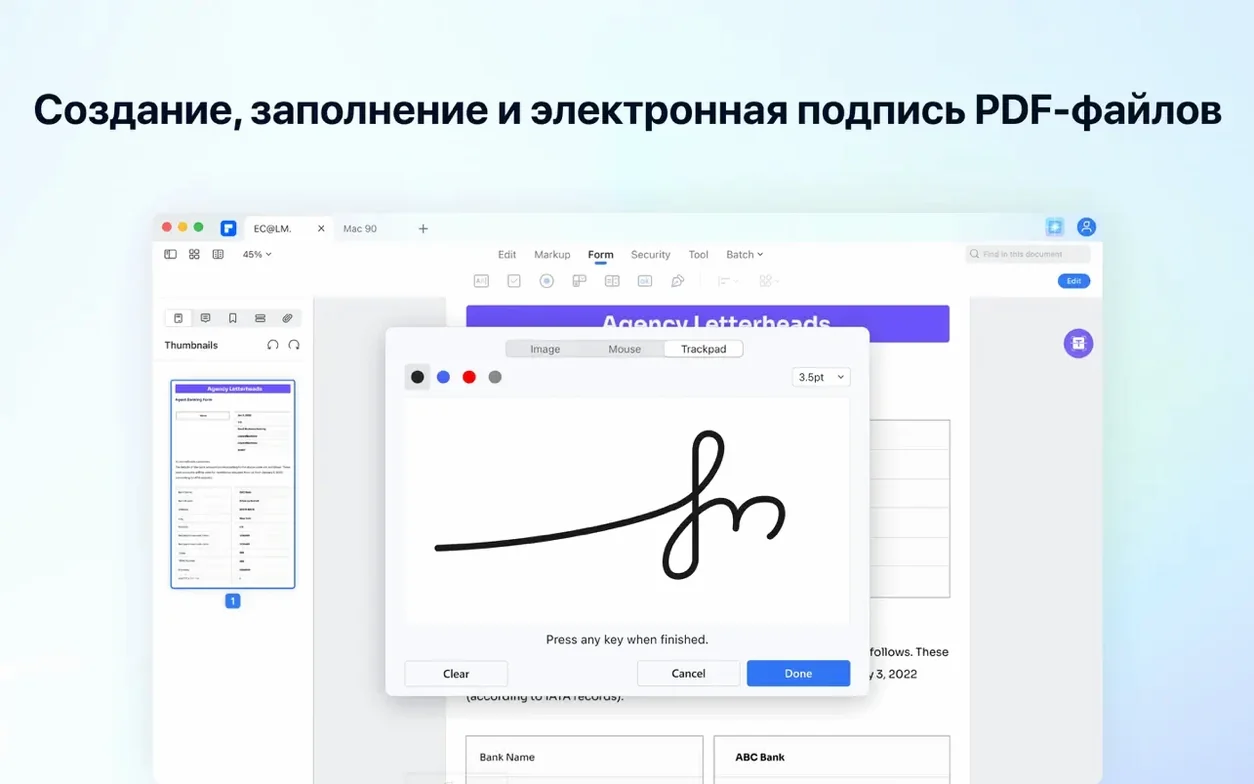
If you’ve ever nudged text in a Word doc and called it a day, PDFelement gives you that same directness inside a PDF. The Mac version handles editing, conversion, OCR, annotation and signing, with AI tools for summarising and translating layered on top.
At a glance: Edit text and images right on the page • Batch-convert files • AI tools for summaries and translations
Open any PDF and click the text you want to change. The toolbar switches to a familiar formatting set — font, size, colour and alignment — so you can fix a date or reword a paragraph without touching the original source file.
Drop in a scanned contract or a photo of meeting notes and run OCR. PDFelement recognises text across 29 languages and overlays a clean, searchable layer while keeping the original look of the page.
Ten invoices that need to be Word files? Add them to the batch tool, pick the output format, and let it run. It handles large sets without making you open each file individually.
Good to know: The AI sidebar can shorten a long section, explain a technical paragraph, or answer questions about a document without leaving the app.












Chat 0
Hop in or make an account to join the chat.
Quiet in here so far. If you have used this build, tell me what the install actually did.