
 PDFelement Pro
 PDF Reader Pro
 PDF Expert
 Scrivener
 OmniReader Pro
 SimpleMind Pro
 OmniPlan Pro
 Nitro PDF Pro


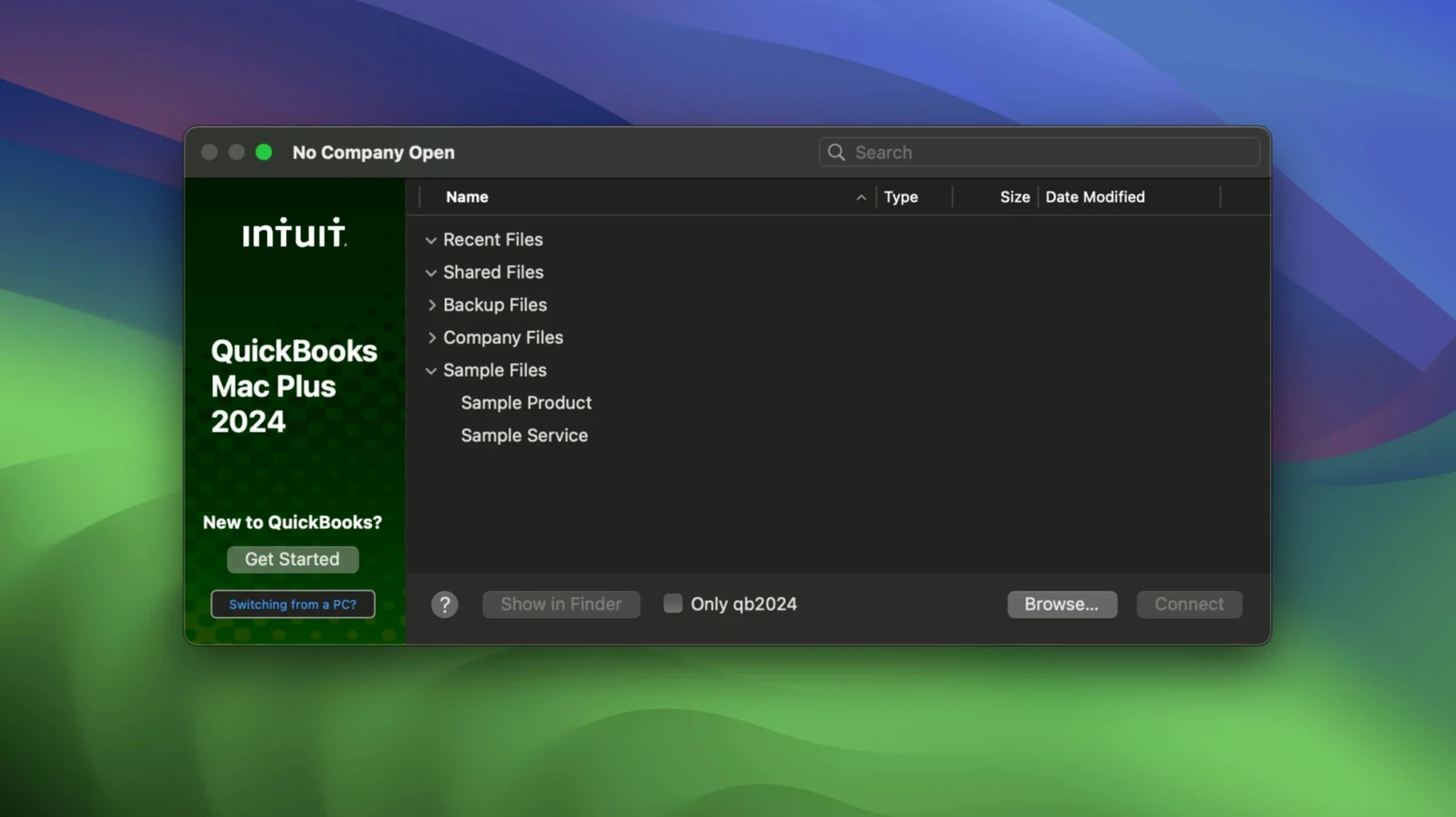
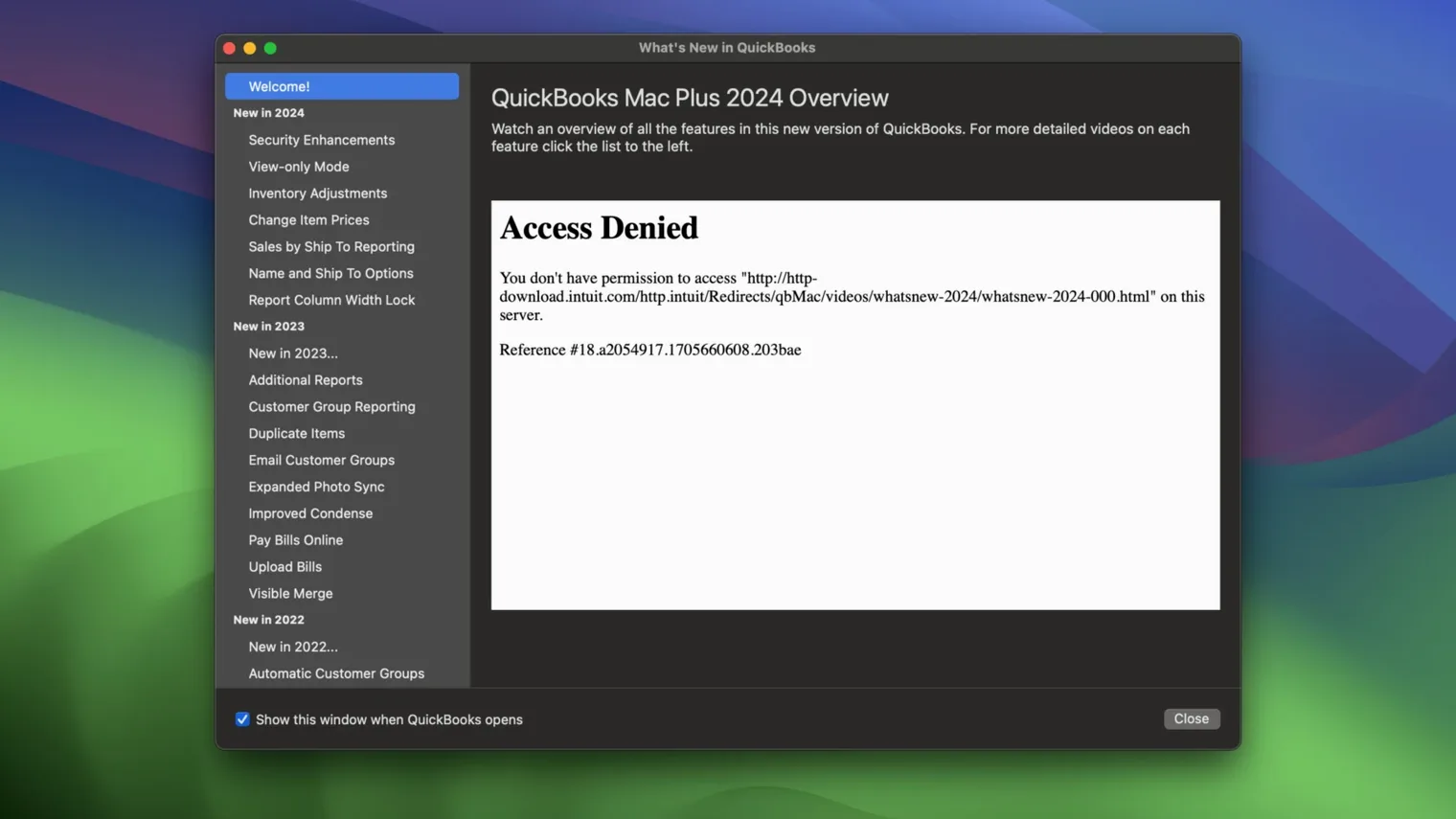
It runs on any Mac with macOS 12 Monterey or newer, including Apple Silicon and Intel machines. English is the interface language, and the current build is 23.1.9.R10 Plus.
A dashboard that lays out income, expenses, paid invoices and recent activity at a glance. It’s the daily pulse of the business, no digging required.
Enter your products and services into the inventory tool and it tracks quantities and costs in real time. When you create an invoice, the item details and tax calculate automatically so the numbers stay clean.
Yes, you can connect your bank accounts to pull in transactions and match them against what you’ve recorded. Expenses and income flow into detailed reports that show exactly where the money is moving.
New users often jump straight into invoicing before setting up their chart of accounts. It works, but the reports turn messy fast. Spend ten minutes mapping out your income and expense categories first.
Another slip is ignoring the bank connection reconciliation step. The app imports transactions, sure, but if you don't match them against existing entries, you end up with duplicates that inflate your numbers. Tick them off weekly, not monthly.
People also treat the inventory tool as optional when they sell physical goods. They type item names manually on every invoice instead of building the product list once. That leads to inconsistent descriptions and no quantity tracking — which makes stock counts a guessing game come tax time.
A quiet one: ignoring the backup location setting that R10 introduced. The default backup folder is fine until you need to find a file from three months ago on a different drive. Set a company-specific location from day one.
Mornings usually start with the dashboard. I open the company file and scan the income and expense bars — anything spike overnight? A quick glance at the unpaid invoices widget tells me who's overdue by how many days.
Next I head to the banking section. The app has pulled in overnight transactions from the linked business account. I match the coffee supplier payment against the bill I entered last week, then mark three client deposits against their invoices. One transaction looks unfamiliar — I flag it for the accountant and move on.
Mid-morning, a new order comes in. I open the inventory list, confirm we have stock, and create an invoice from the product entry. The tax calculates based on the customer's location; I don't touch a thing. I email the invoice straight from the app and the status flips to "sent."
Before lunch, I snap a photo of a receipt for printer ink. The receipt capture tool stores it against the office supplies expense account. No paper pile on my desk.
Late afternoon I run a 90-day projection report. It pulls actuals and scheduled invoices to show what the cash position looks like through March. I export it as a PDF for a call with my bookkeeper, then trigger a manual backup to the company-specific folder I set up in January.
Claire handles books for three small shops. On Tuesday she sits down with the café owner's QuickBooks file. The owner has been entering sales all week but hasn't touched the bank feeds.
Claire connects the café's business account and lets the app download two weeks of transactions. She matches the coffee bean wholesaler payment, the milk supplier direct debit and the point-of-sale settlement deposits. Three transactions remain unmatched — she opens the receipt images the owner uploaded and finds the matching hardware store run for a replacement grinder. She creates the expense entry and links it.
She then opens the inventory module. The owner added "oat milk" as a product but never entered a cost. Claire pulls the supplier invoice, fills in the unit cost and lets the app recalculate margins on last week's sales. The gross profit report suddenly looks accurate.
Before wrapping up, she checks the payroll figures the owner prepped. The tax calculations match what the ATO portal expects. She prints the summary report, leaves a sticky note about the missing supplier contact in the vendor list, and closes the file. The whole session took under an hour.
Yes, QuickBooks Mac Plus supports automatic tax calculation on invoices and transactions so you don’t have to work out the rates manually each time.
Absolutely. You can create and send professional invoices directly, and the system ties them into your income tracking and reporting.
Intuit distributes QuickBooks Mac Plus as a commercial app; looking for a quickbooks torrent or quickbooks for mac free download with crack usually leads to outdated or unsafe files that can’t connect to live banking.












Chat 0
Hop in or make an account to join the chat.
Quiet in here so far. If you have used this build, tell me what the install actually did.