
 HackHub - Ultimate Hacker Simulator
 Guns, Gore & Cannoli 2
 Hearts of Iron IV
 Grey Hack
 Hello Kitty Island Adventure
 Heroes of Might and Magic 4: Complete
 Grand Theft Auto 2
 Heroes of Might and Magic III HD Horn of The Abyss


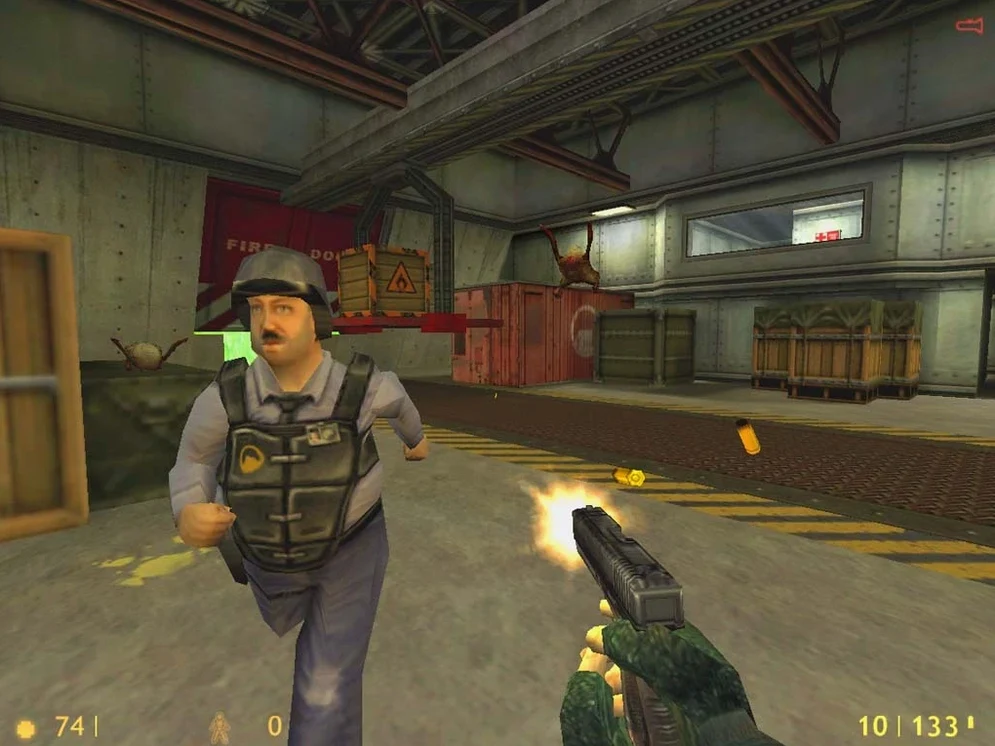
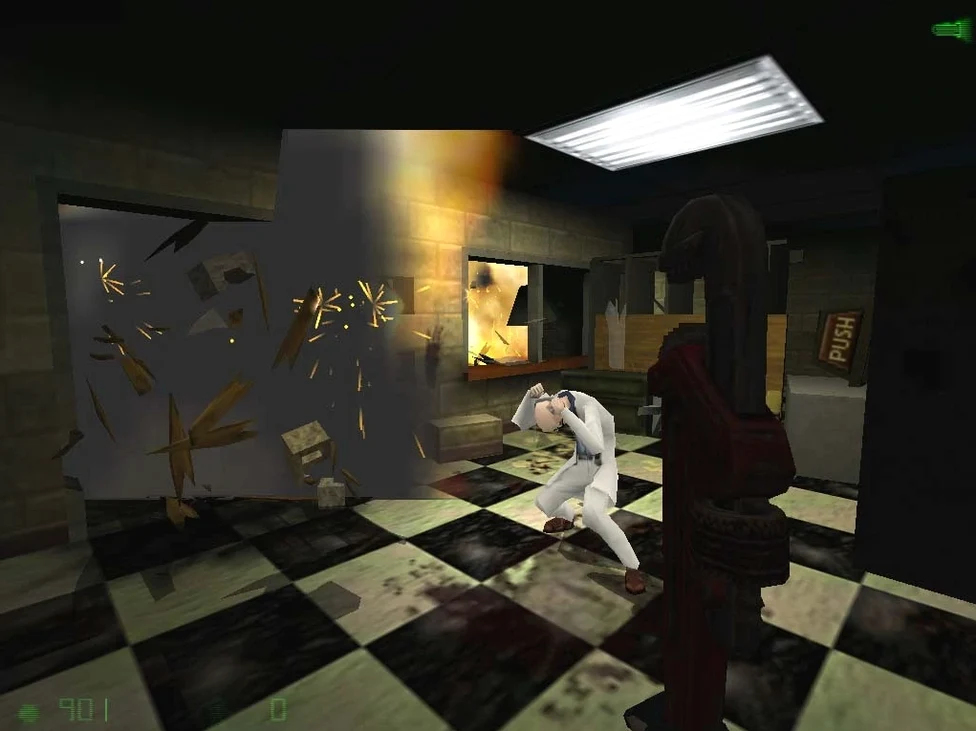
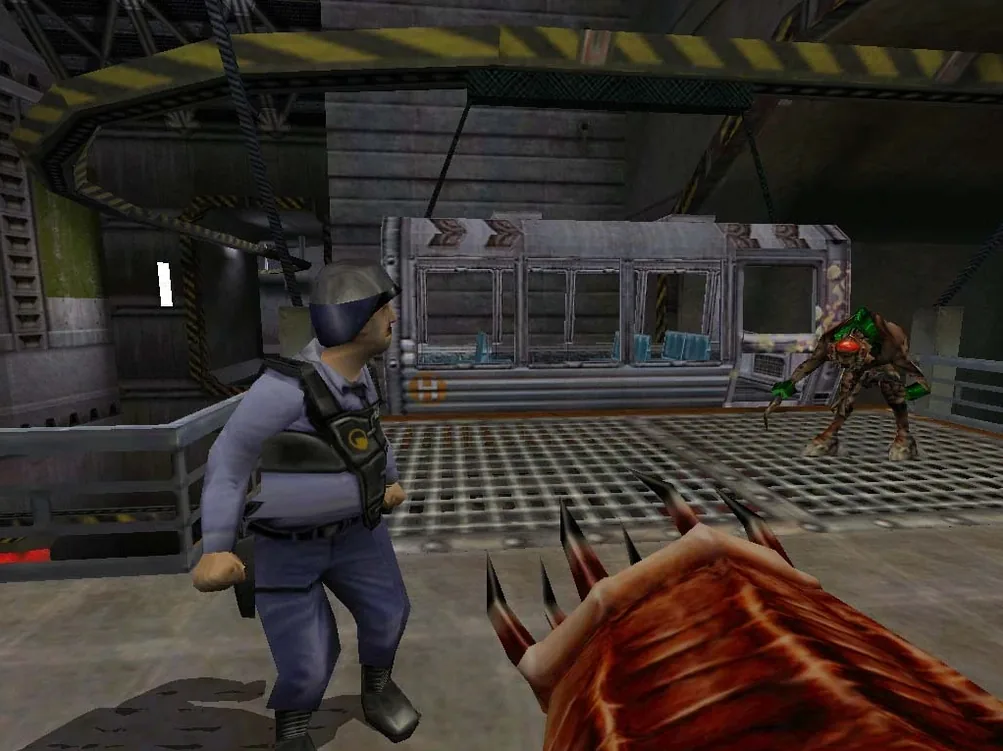
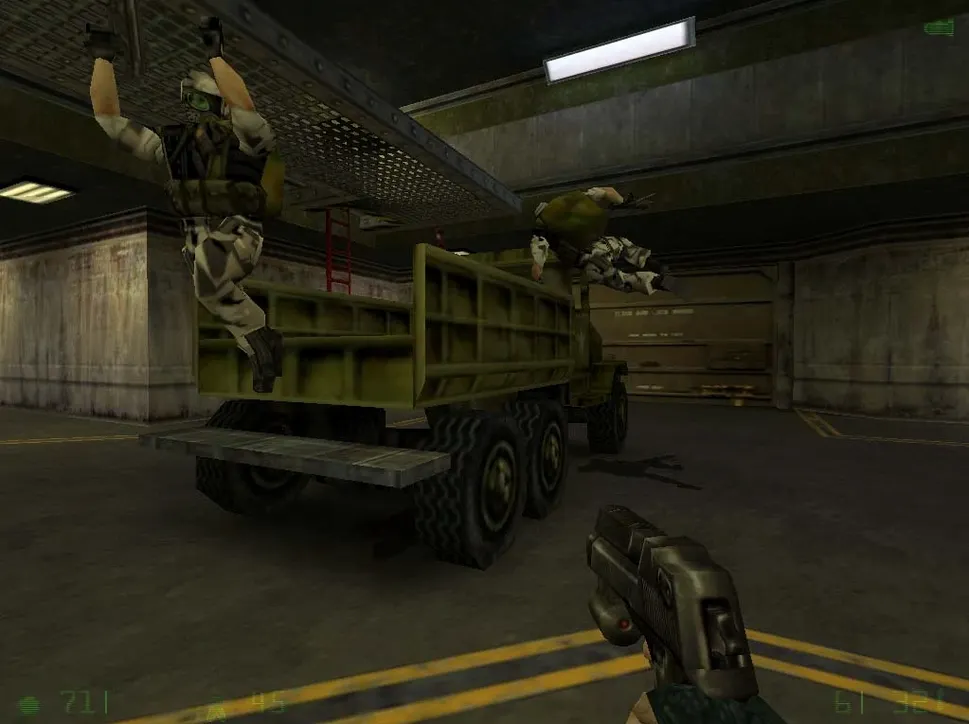
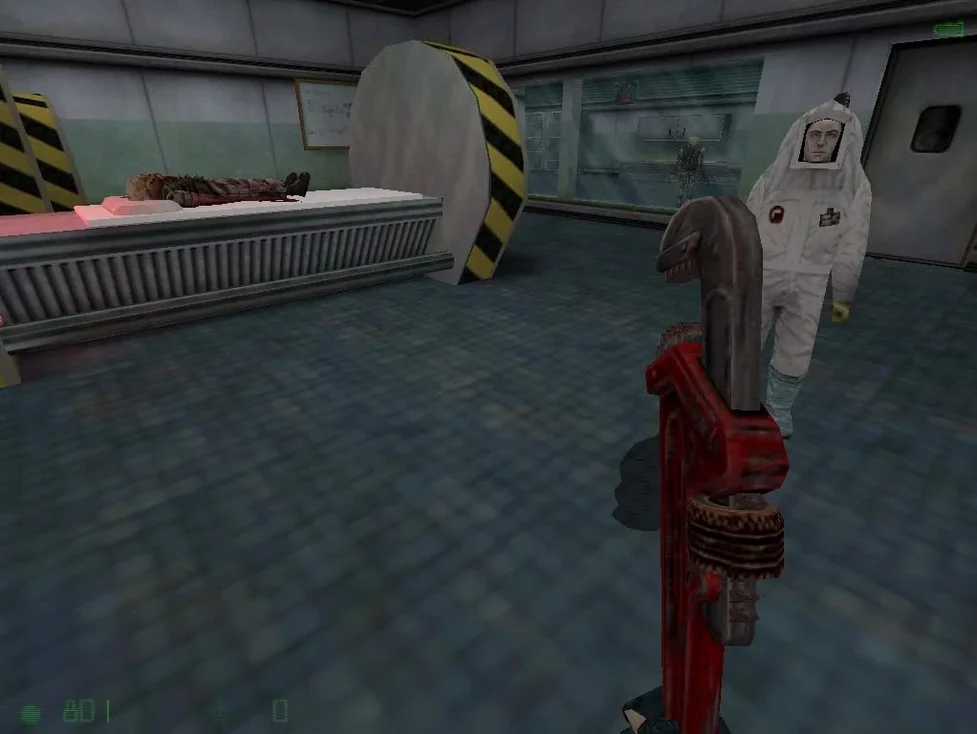
Players who found Gordon Freeman’s silent-scientist journey a little too lonely often click with Opposing Force. You play as Corporal Adrian Shephard — a soldier sent into the Black Mesa Research Facility, only to find that the real threat isn't what command told you to expect.
Perspective — A military lens on the same disaster. You see the crisis from outside the science team, with squad chatter and mission objectives instead of lone exploration.
Weapon set — Gear tailored to a soldier. The arsenal includes a barnacle grapple, a spore launcher and familiar firearms with a more tactical feel than the original.
Pacing — Combat encounters are denser. If you enjoy gunfights more than physics puzzles, this expansion leans in your direction.
Who might skip it — Players who prefer atmospheric wandering or dislike scripted squadmates may find the tighter focus less absorbing. It is a classic expansion that assumes you want a sharper edge, not a deeper silence.
Good to know: Gearbox Software built this as the first official Half-Life expansion. It earned a Game of the Year award from the Academy of Interactive Arts and Sciences, and the current build supports both Russian and English voice languages.
Three expansions sit on the same shelf, and each feeds a different appetite.
Opposing Force gives you squad chatter and heavier firepower. The barnacle grapple alone changes how you move through Black Mesa — vertical spaces become shortcuts, not just scenery. Enemy variety spikes early and rarely lets up. If the original Half-Life felt like a thriller, this is more of a combat film.
Blue Shift takes the opposite lane. You play a security guard with no special training, fewer weapons and a quieter path through the facility. It is shorter and more intimate — ideal if you want backstory, not a body count.
Half-Life 2: Episode One launched years later with physics-driven encounters and Alyx at your side. The tech leap is obvious, but it trades the claustrophobic labs for city streets. Opposing Force stays underground, inside the original crisis, and fans who crave that tighter, darker setting often return here first.
You will likely want to remap quick-save early. The game throws grouped enemies at you, and the default autosave spacing can feel punishing after a long firefight. Tapping quick-save becomes instinct, so give it a key that fits your hand.
The spore launcher looks odd at first. Try it on clustered targets in corridors — the splash behaves differently from grenades and can clear a tight choke point without exposing you to return fire.
If you are running the half-life opposing force mac full version through Xash3D, keep the save path handy. Press Command-Shift-G in Finder and paste /Users/your_user/Library/Application Support/Xash3D FWGS/gearbox/SAVE after swapping in your account name. Backing up that folder once a session avoids losing progress if the engine hiccups.
When the launch error appears, locate the Fix file inside the disk image and run it before relaunching. It resolves the issue cleanly on both Intel and Apple Silicon Macs.














Chat 0
Hop in or make an account to join the chat.
Quiet in here so far. If you have used this build, tell me what the install actually did.