
 Hello Kitty Island Adventure
 Heroes of Might and Magic 4: Complete
 HackHub - Ultimate Hacker Simulator
 Heroes of Might and Magic III HD Horn of The Abyss
 Guns, Gore & Cannoli 2
 Grey Hack
 House Flipper
 Grand Theft Auto 2


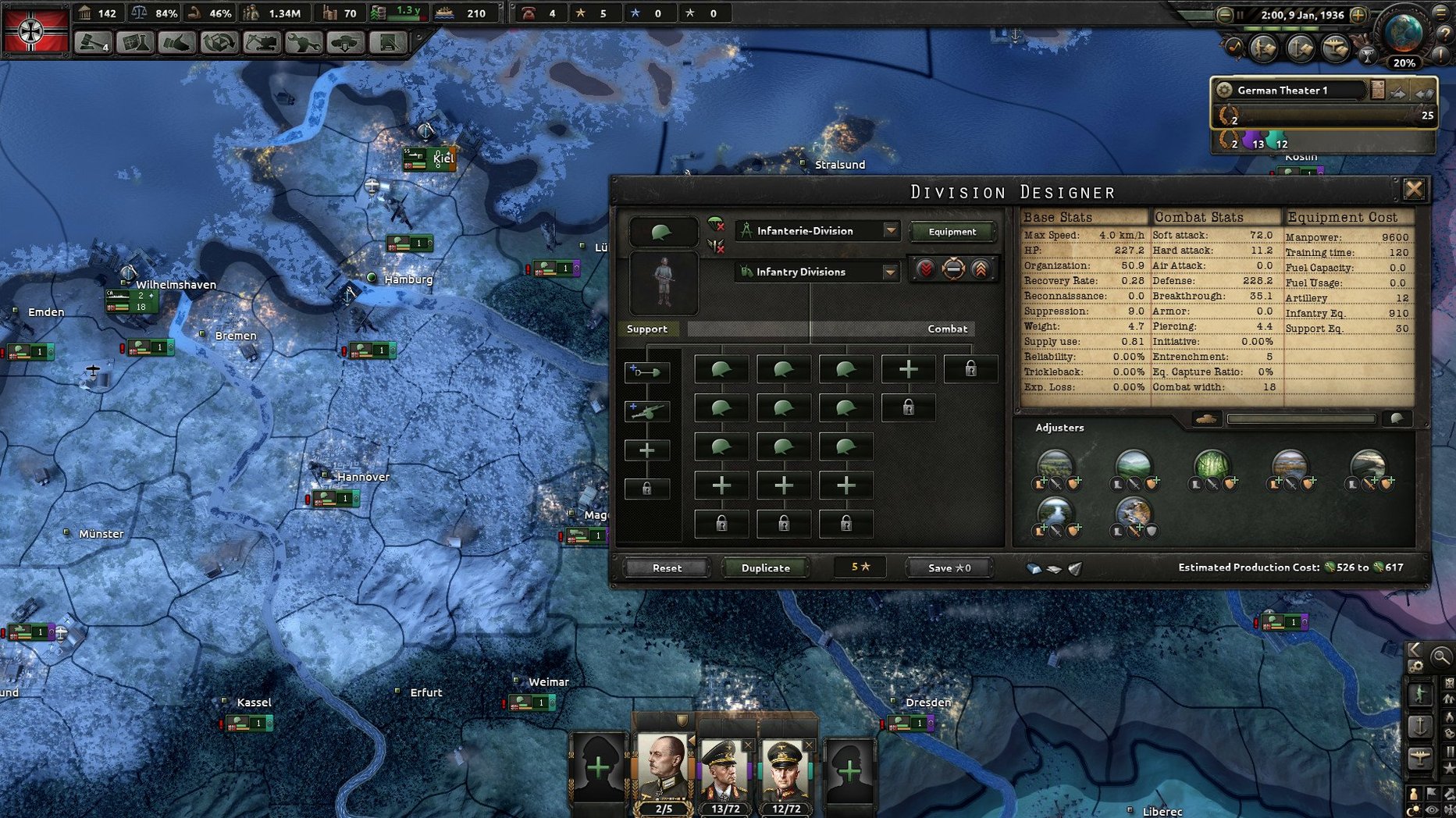
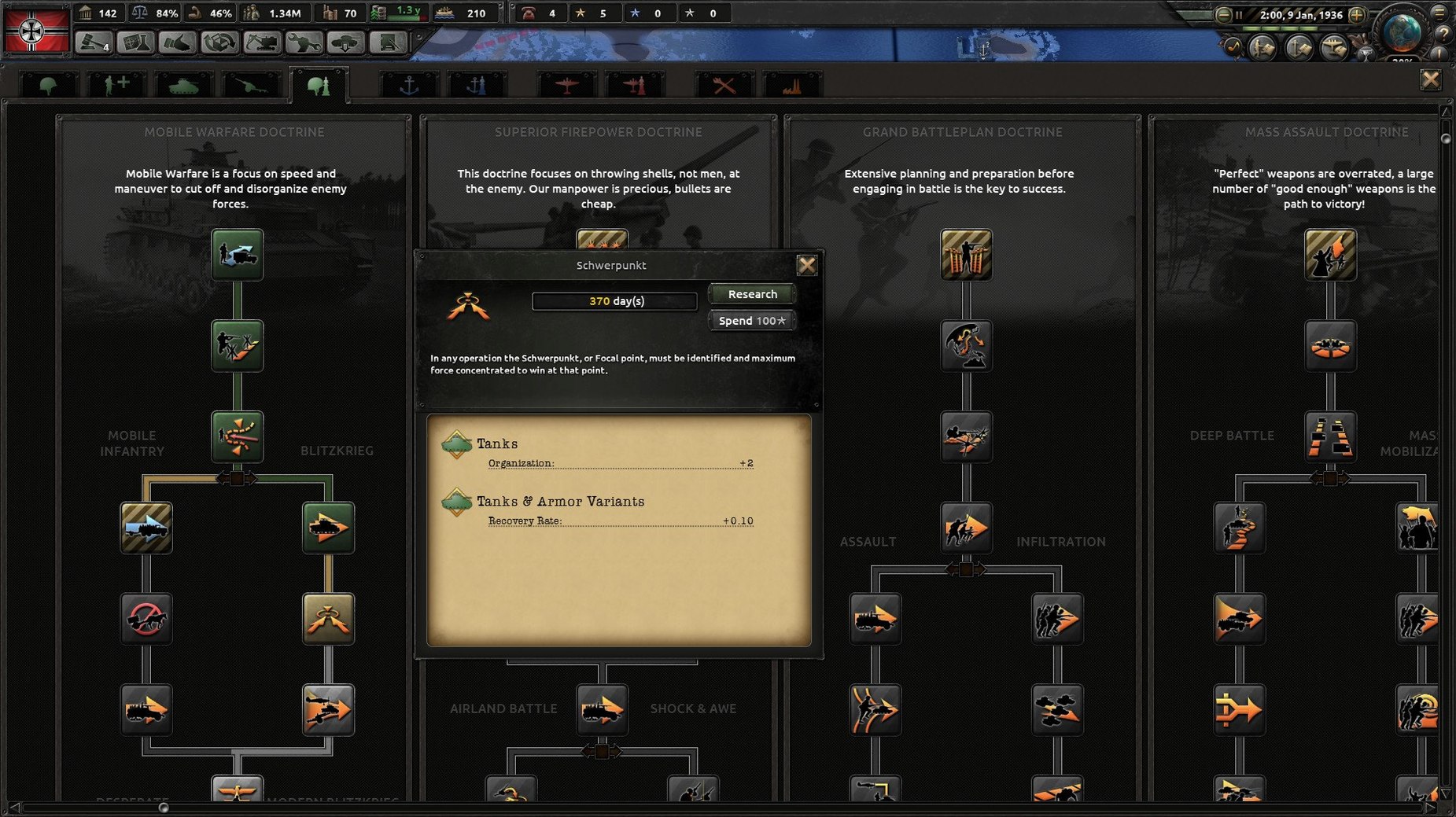
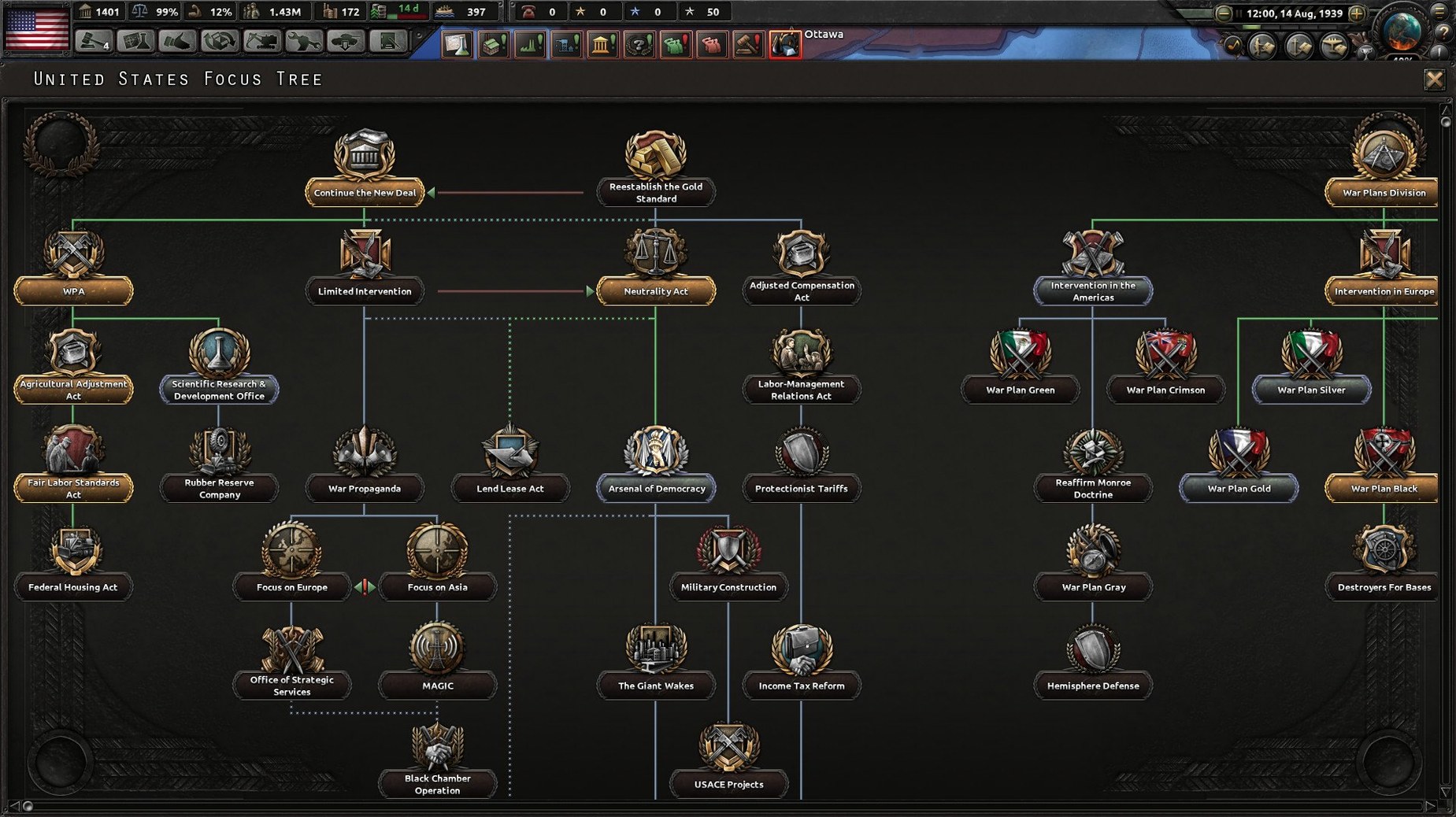
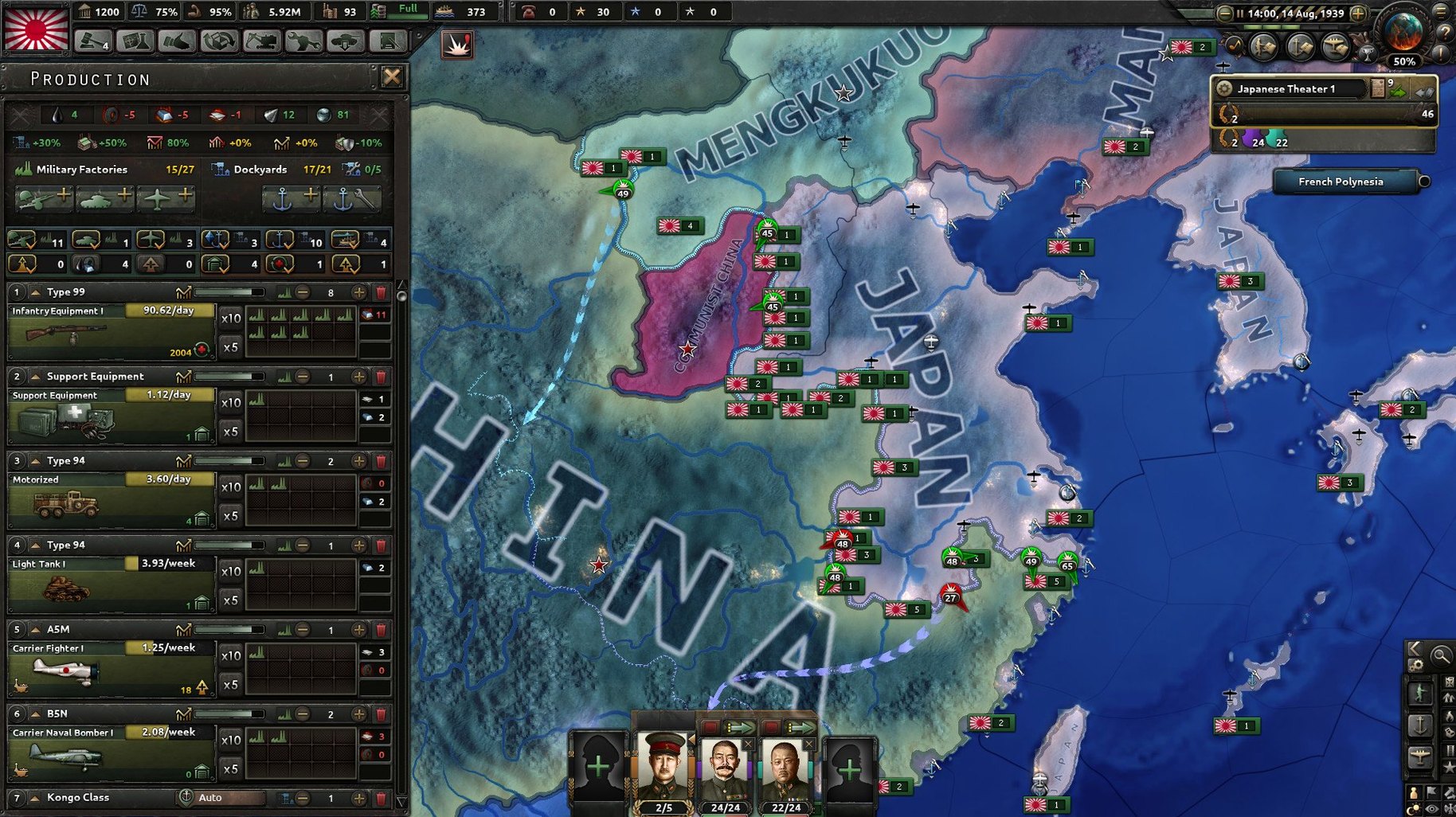
Hearts of Iron IV is a grand strategy game that puts you in command of any nation during World War II.
You spend most of your time watching the world clock tick forward. Pause often. Adjust factory output when stockpiles run low. Redraw a front line that is starting to buckle. Assign an air wing to a new region. The game rewards small, deliberate choices that ripple out over months of in-game time. No two playthroughs feel the same because every nation starts with different strengths, neighbours and historical pressures.
On a Mac mini M4 the game feels snappy through the early and mid-campaign. The clock ticks along at speed five without noticeable hitching, even with a few dozen divisions on the move. Late-game slowdown arrives once the major factions field hundreds of units, but that is the simulation load, not the Mac build — you will see it on any machine. Memory use sits around 2.5–3 GB during a typical 1939 start, creeping higher after 1943 when every nation has sprawling production queues and air wings up. No crashes in a week of daily sessions, and the Rosetta 2 translation layer handles the x86 binary without drama.
One quirk worth knowing: the launcher can take a few extra seconds to appear after you run the dowser file. That is normal. Do not double-click it again or you will end up with two launcher windows fighting each other.
The game drops you in deep. A sensible first move is picking a nation with some breathing room — Brazil, Sweden or Canada — so you can learn the production and research tabs without a border war kicking off in 1938. Spend your first hour in the technology screen reading tooltips rather than rushing to the front. The naval system is famously opaque; leave it alone until you are comfortable with land combat. Turn historical AI focuses off only when you fancy chaos. For now, let the AI follow its script so you can predict roughly what is coming.
Change the language via the launcher before your first real campaign. The dowser app lives inside the game bundle at Contents > Game, and the dropdown in its settings panel covers eight interface languages. No voiceovers to worry about — the soundtrack is instrumental only. Restart the game after switching, otherwise some tooltips will show the previous language for a session.
A few things trip people up early on. The build is solid, but Paradox games have their habits.
Launcher does not open. Check that you dragged the game folder from the disk image to Applications. Running it directly from the mounted image can confuse the file paths. If the launcher still stalls, open System Settings, go to Privacy & Security and look for a blocked prompt — macOS sometimes flags the x86 binary on first run.
Game is in the wrong language after changing it. The launcher setting only takes effect when you launch through dowser, not by opening the game bundle directly. Make a habit of starting every session from the launcher.
Frame rate tanks during war declarations. This is the AI recalculating its production and front-line assignments all at once. Pause the game, let the engine catch its breath for a few seconds, then unpause. It clears up fast.
Save files disappear. The game writes saves to ~/Documents/Paradox Interactive/Hearts of Iron IV/save games. If you ever move the application folder, the path stays the same — saves are not kept inside the bundle. If you play across multiple Mac user accounts, each one gets its own save folder, so switch accounts carefully.
People searching for a Hearts of Iron IV torrent often find builds that already include the Australia secret path and the Siam and Indonesia late-game content added in 1.19.3. A clean install from the disk image here activates all of that from the start, so you can dive right in without hunting down patches separately.
The game is not a battery-friendly title. On a MacBook you will want the charger plugged in. The CPU sits at a steady moderate load during peacetime and spikes hard when wars kick off and the AI recalculates front lines. Closing other heavy apps — especially browsers with dozens of tabs — makes a real difference to late-game speed. The fan on an Air model will spin up; that is expected behaviour, not a problem.
If you are coming from a Hearts of Iron IV torrent that lagged on the map zoom, this build handles map scrolling smoothly. The key is letting the launcher set the correct rendering backend for your machine on first launch. You do not need to tweak ini files unless you are pushing a 4K display on an older Intel Mac, in which case dropping the resolution one notch in the game settings brings frame times back in line.
The game interface supports Russian, English, German, Spanish, Polish, Portuguese, French and Japanese.
The listed architecture is Intel only, so it runs via Rosetta 2 on Apple Silicon Macs.













Chat 0
Hop in or make an account to join the chat.
Quiet in here so far. If you have used this build, tell me what the install actually did.