
 Heroes of Might and Magic 4: Complete
 Hello Kitty Island Adventure
 Hearts of Iron IV
 House Flipper
 Hytale
 Half-Life Opposing Force
 HackHub - Ultimate Hacker Simulator
 Guns, Gore & Cannoli 2

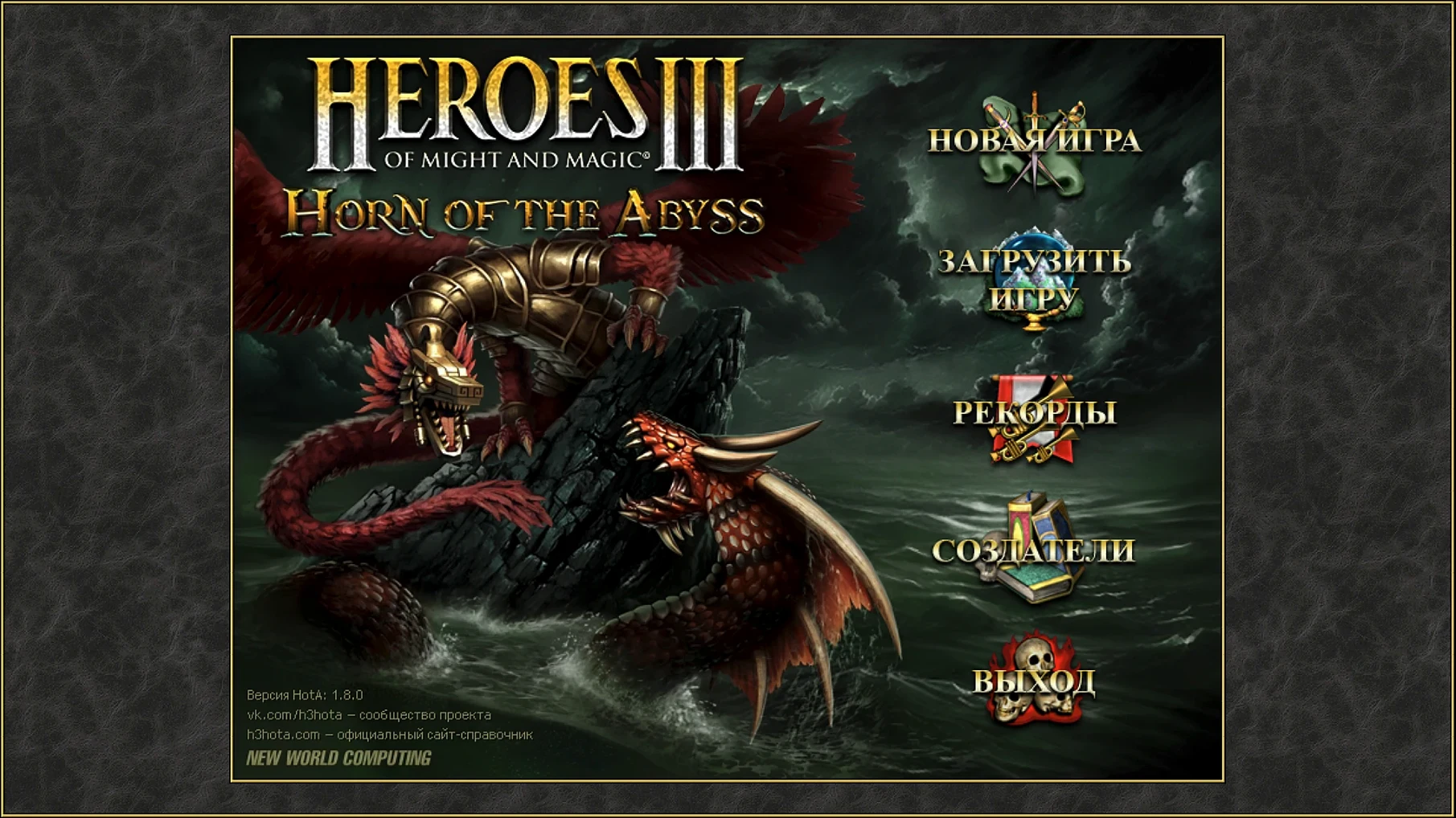
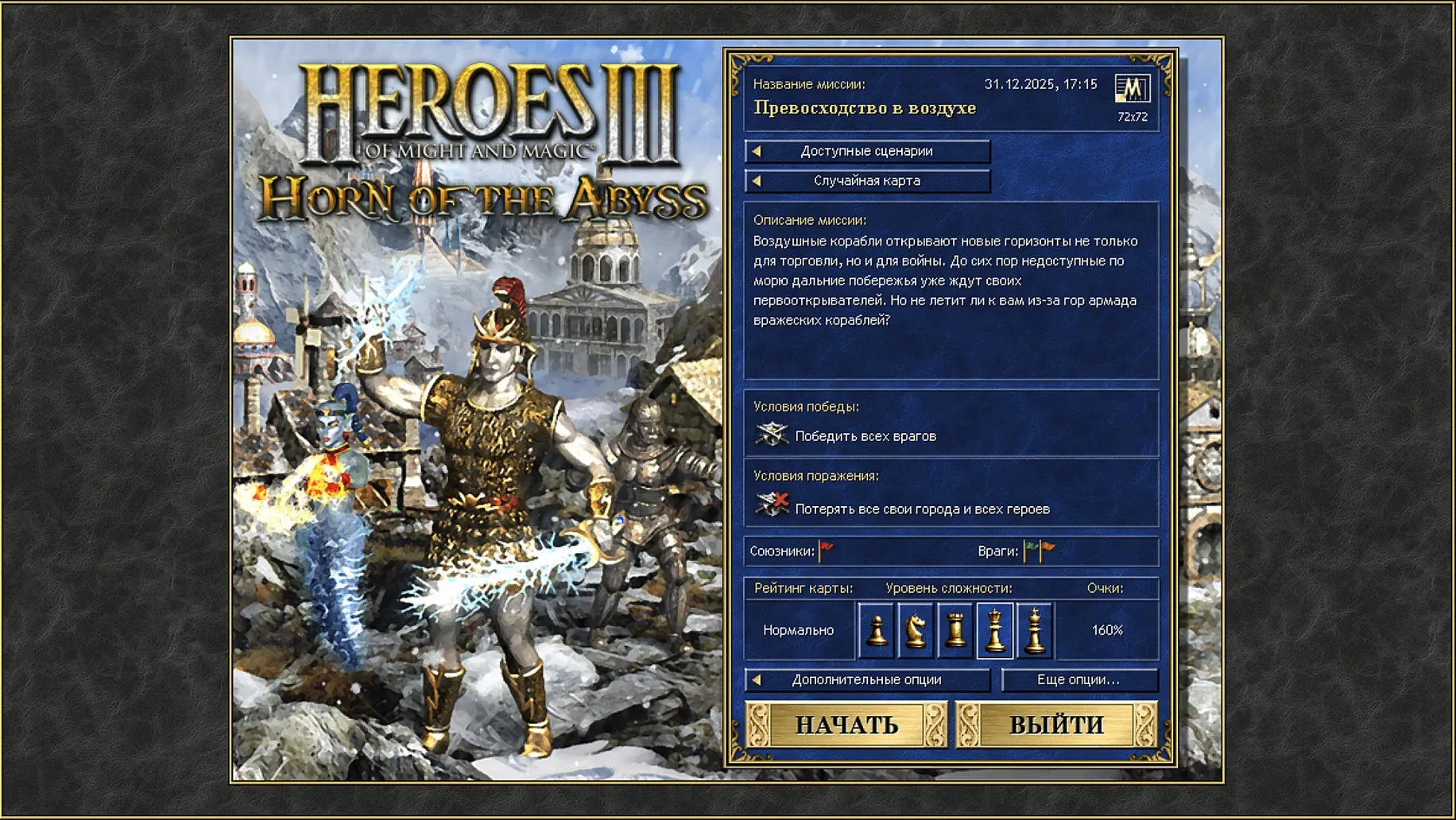
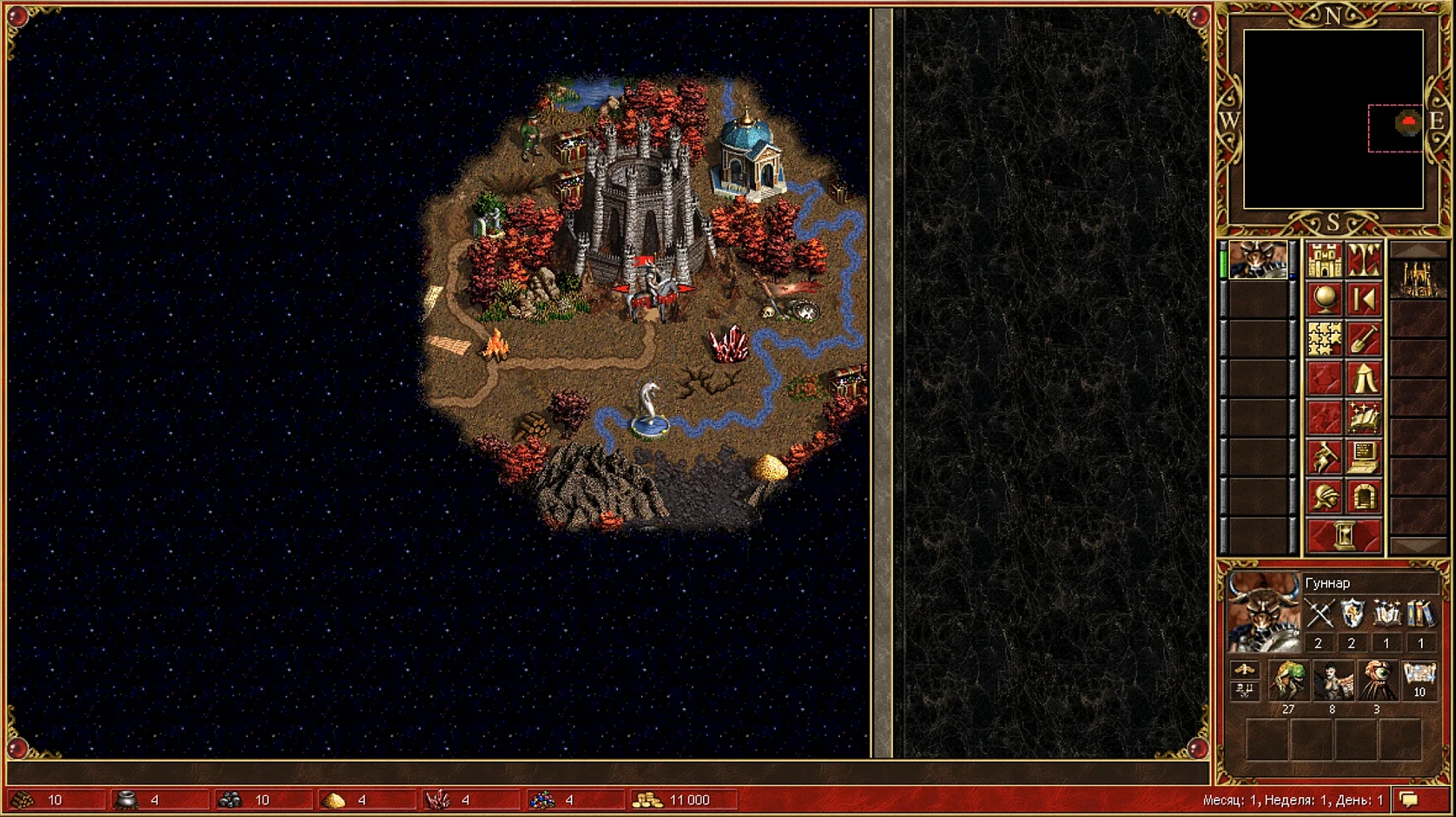
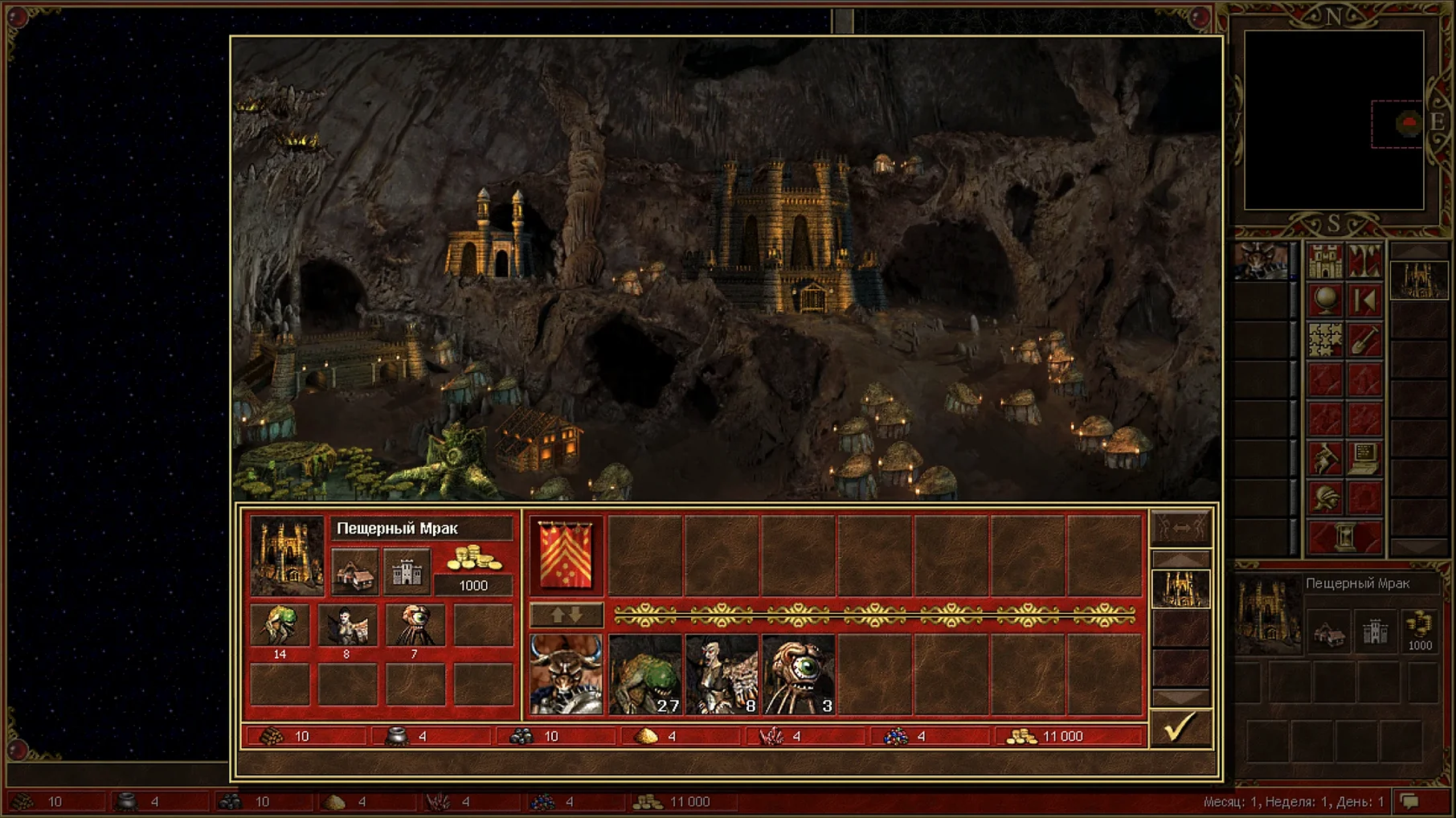
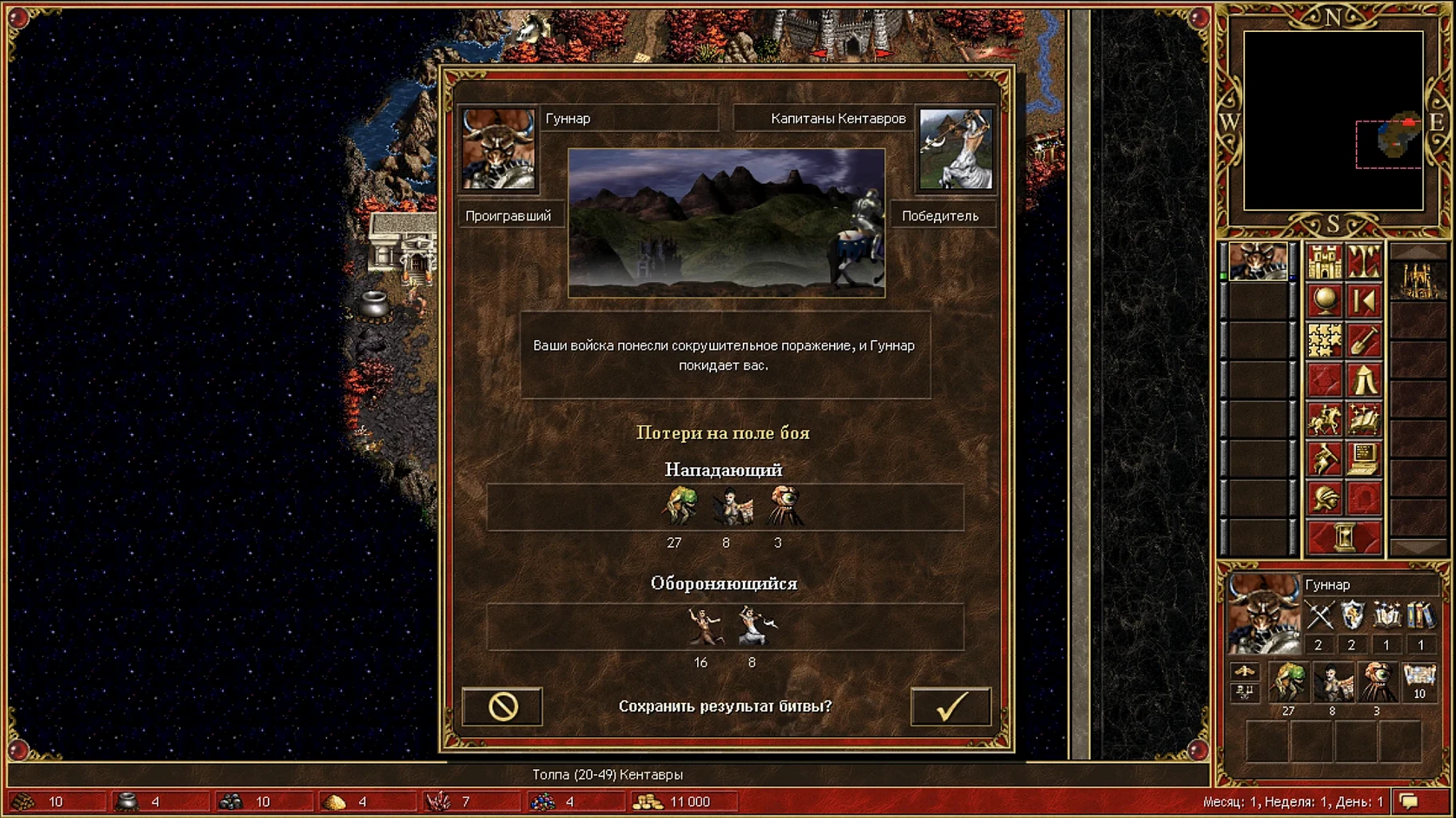
At a glance: 800x600 is gone. This package bumps the classic to any modern screen size and layers in the Horn of the Abyss expansion, all wrapped in a single Mac app.
| Detail | Info |
|---|---|
| Included | HoMM 3 Complete + HD Mod + Horn of the Abyss |
| Languages | English, Russian |
| Mac support | Apple Silicon & Intel 64-bit |
Minute to minute, you're doing the same thing that made the original a touchstone: capturing mines, building creature dwellings in your towns, and chaining heroes across the adventure map to deliver fresh troops to the front. A Monday starts with a quick scan of your kingdom—upgrade that Rampart to a Castle for grand elves, or push for wyverns in a Fortress town. By midweek you’re flagging windmills and water wheels, gathering the resources to buy out your creature pool before Sunday’s refresh. The HD Mod means all this happens in crisp, full-screen clarity instead of a cramped window, and Horn of the Abyss slips in a new pirate-themed faction with its own line-up of units and tactics to master. Battles play out on a hex grid where creature speed, retaliation mechanics, and hero spell books turn a stack of archangels into a puzzle you solve one lightning bolt at a time. Optional bug fixes from the mod smooth over quirks the original shipped with, so your necromancy percentages and pathfinding behave the way they should.
Good to know: Save files live inside the app bundle under the SharedSupport prefix path—handy if you ever need to back them up manually.
Open the HD Launcher before you start a campaign. Switch the renderer from the default to OpenGL if the map scroll feels choppy—it often gives smoother frame pacing on Apple Silicon. Tick the box for ‘Fix.Cosmetic’ under the Tweaks tab; it cleans up minor sprite offsets without altering gameplay. The CPU patch toggle is off by default but stops the game from pinning a single core, which keeps your Mac cooler during marathon sieges.
Run the Fix file located inside the original disk image. It patches the package and resolves the launch error.














Chat 0
Hop in or make an account to join the chat.
Quiet in here so far. If you have used this build, tell me what the install actually did.