
 Grand Theft Auto 2
 Grey Hack
 Frostpunk
 Frostpunk 2
 Guns, Gore & Cannoli 2
 HackHub - Ultimate Hacker Simulator
 Football Manager 2026
 Hearts of Iron IV


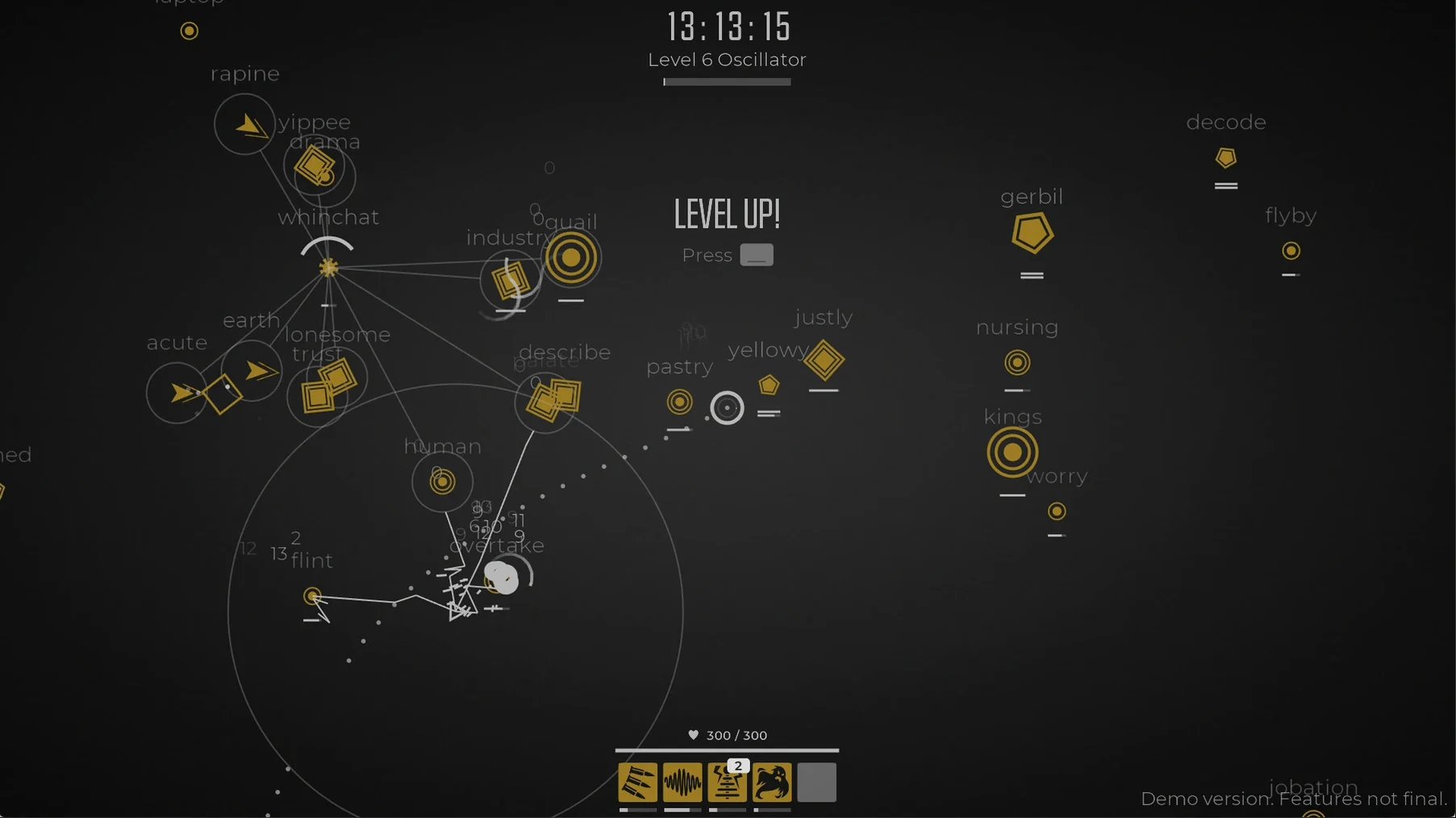
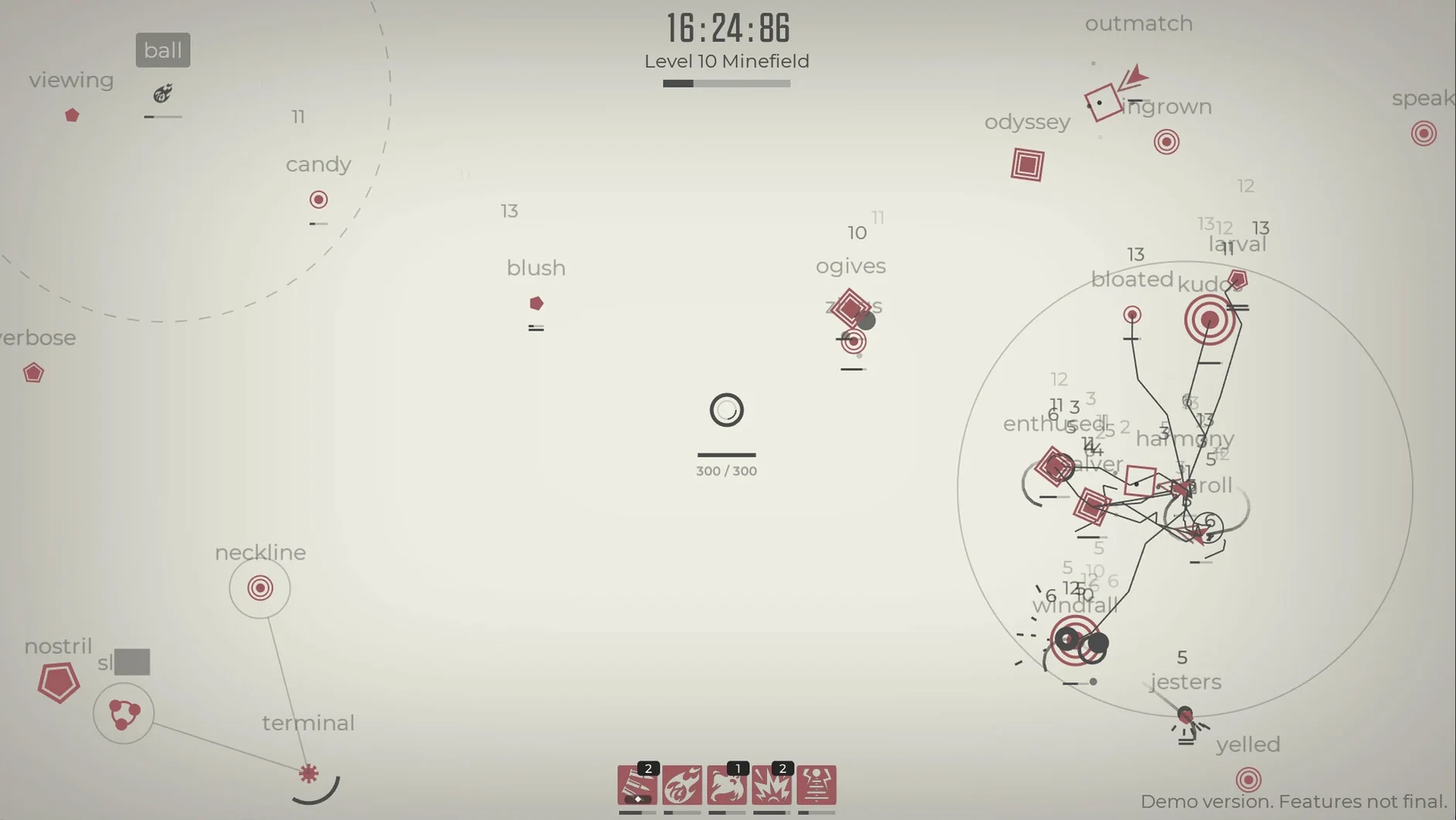
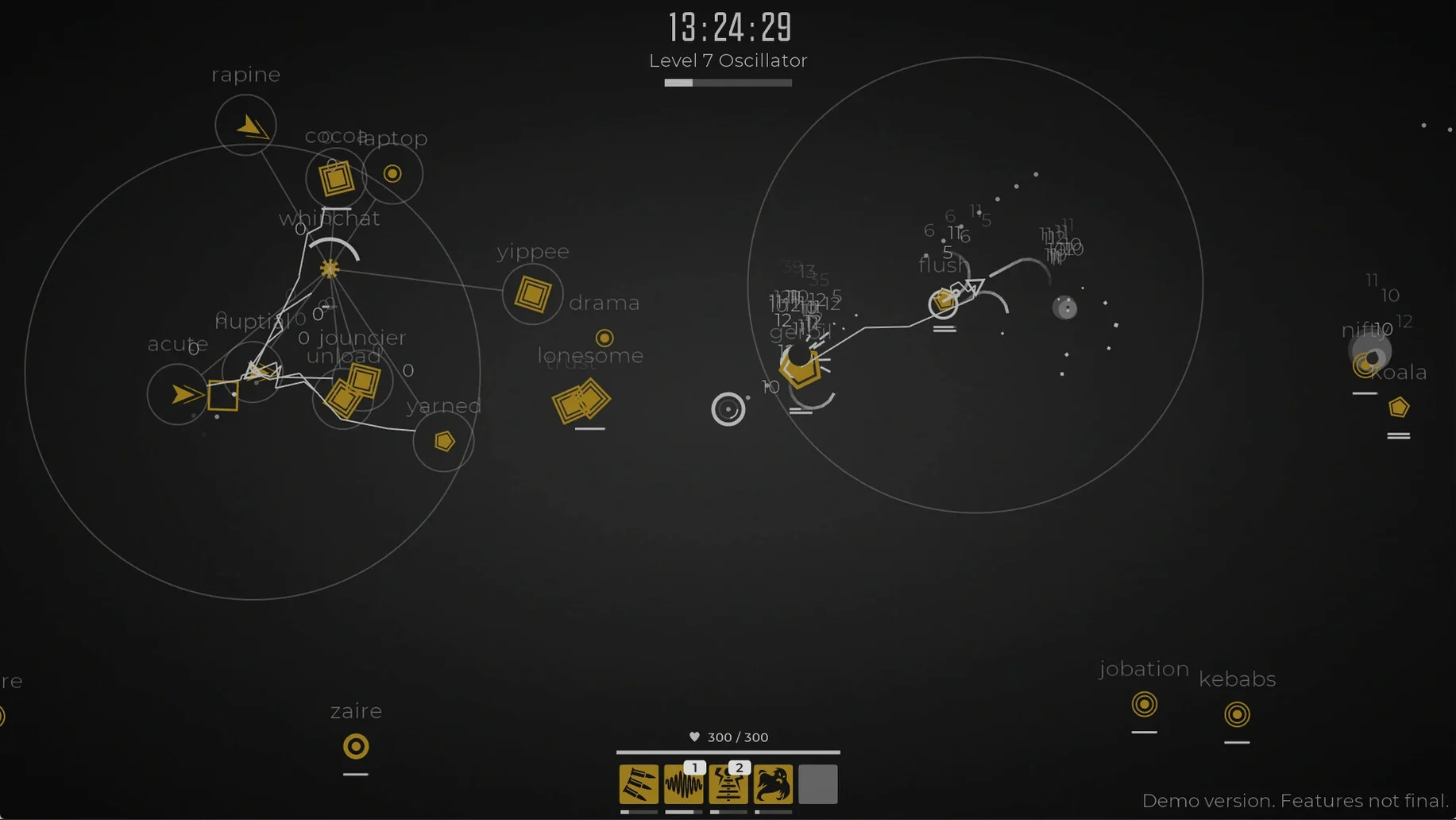
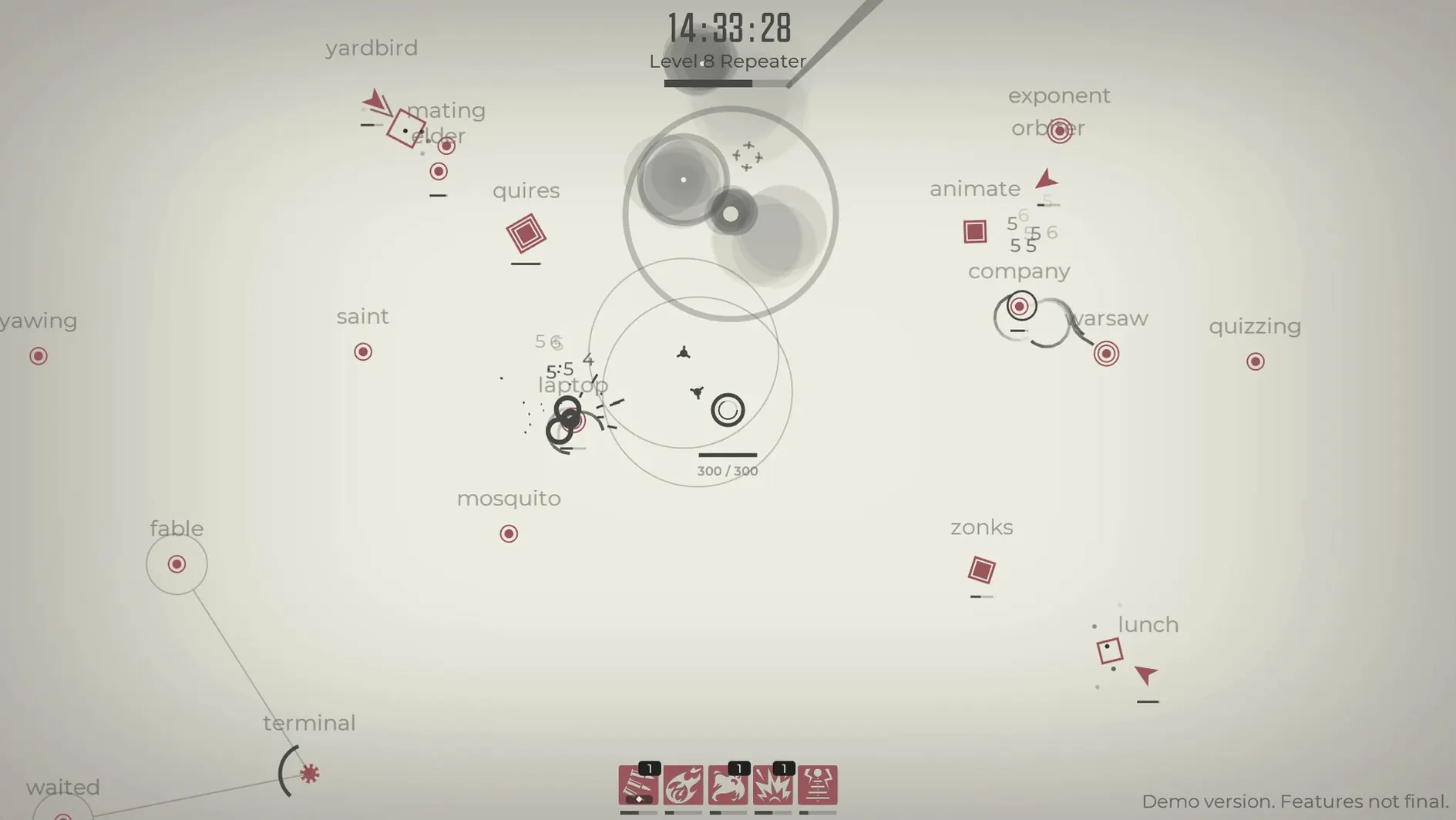
Glyphica runs on Apple Silicon and Intel Macs. It was tested on macOS Tahoe with a 2024 M4 Mac mini. The interface comes in ten languages, including English, German, Japanese, French, Spanish and Turkish.
The game layers typing mechanics over a horde survival structure. An original music track pushes the pace as waves get denser and commands grow longer. Character progression resets on death, so every run asks you to adapt to the upgrades you find rather than grind toward a fixed loadout. It is less about words per minute and more about staying calm when the screen fills up.
Here is a walkthrough of a clean start, assuming you launch the game fresh and want a build that balances reach and recovery.
Not at all. Glyphica is a single-player game that runs entirely offline once installed. No login, no leaderboard polling, no background data. The music and enemy waves are all local.
The early waves act as a gentle on-ramp. Commands are short, enemies are slow, and the roguelite structure means you are expected to lose runs while learning. There is no penalty for restarting, and the upgrade pool is large enough that you rarely see the same build twice. If you can type at a casual chat pace, you can reach the mid-game.
The build includes both ARM and 64‑bit x86 binaries, so Intel machines are supported natively. Performance on older Intel Macs stays smooth because the visual style is minimalist — there are no heavy particle effects or 3D models to bog down the GPU.
You might spot copies floating around, but the version here is the complete 2026.08.21 build, tested on macOS Tahoe. You get all ten interface languages and the full upgrade pool without any missing assets or broken audio that sometimes accompany repacked files.
It is a single-player roguelite typing survival game where you fend off waves of enemies by typing commands.
Yes. You build upgrades through hundreds of combinations during each run, but progression resets when you die.













Chat 0
Hop in or make an account to join the chat.
Quiet in here so far. If you have used this build, tell me what the install actually did.