
 No Man’s Sky
 Northgard
 Nova Roma
 Old World
 Outlanders
 Oxygen Not Included
 Palworld
 Paralives

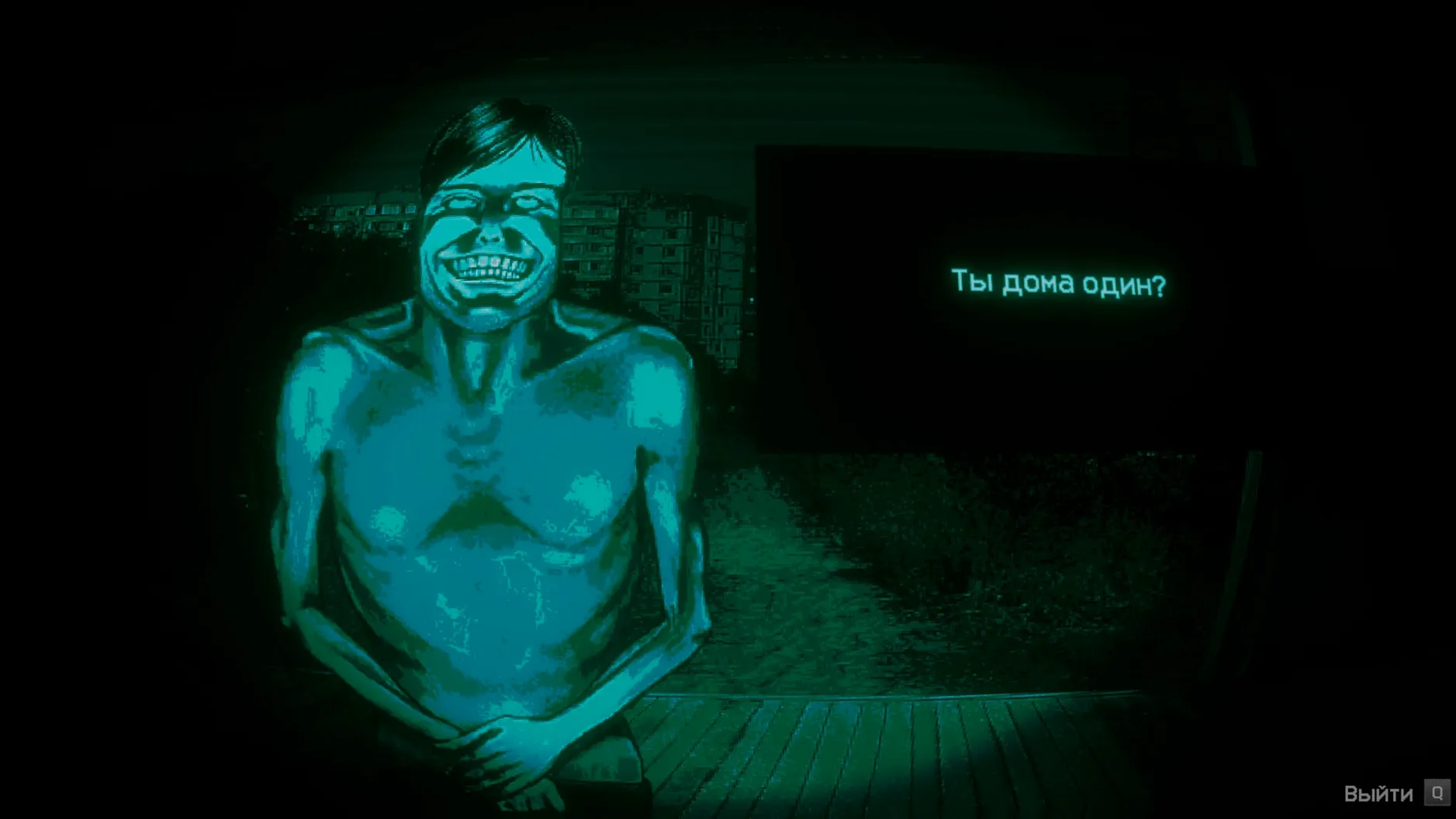
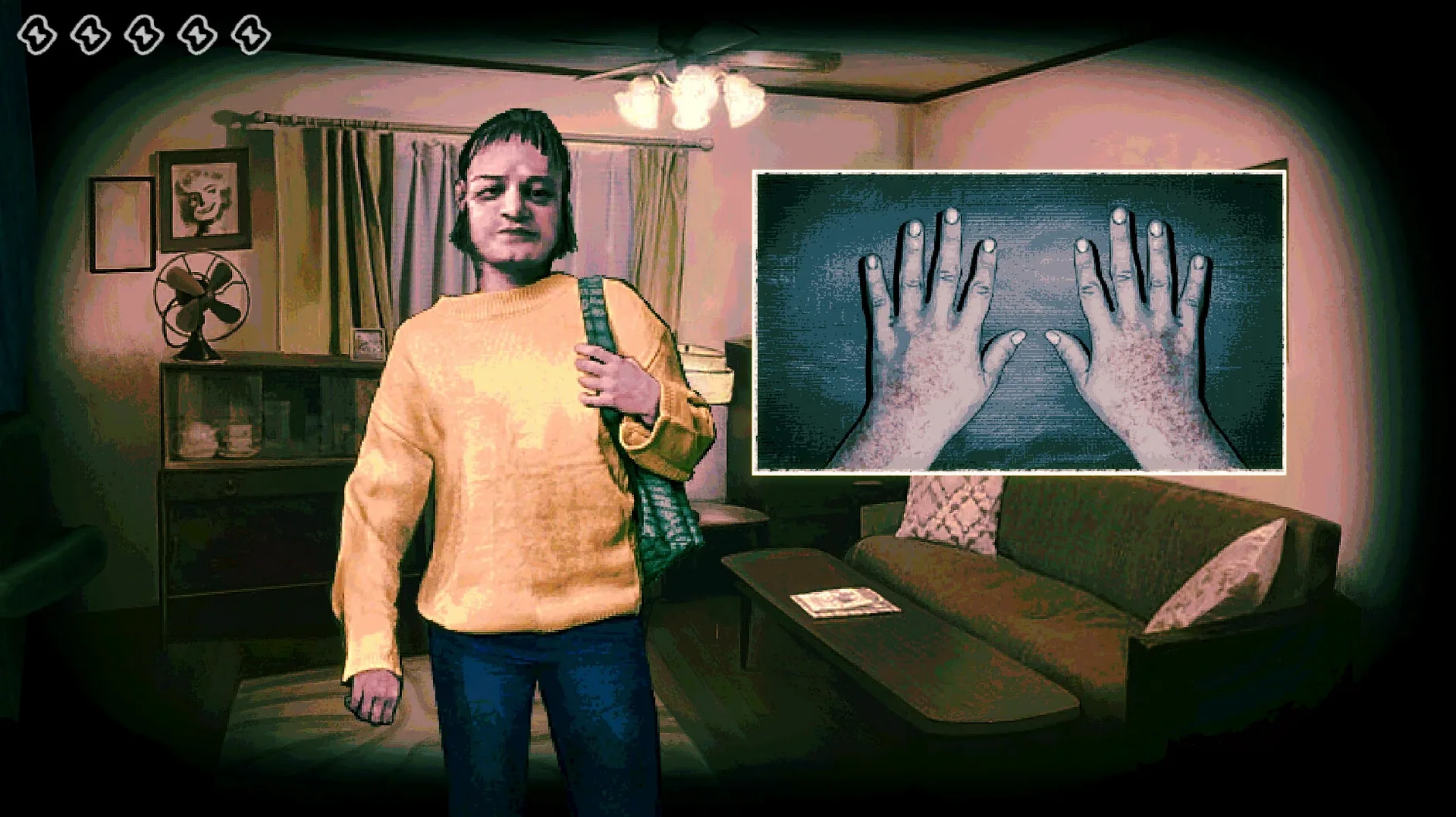
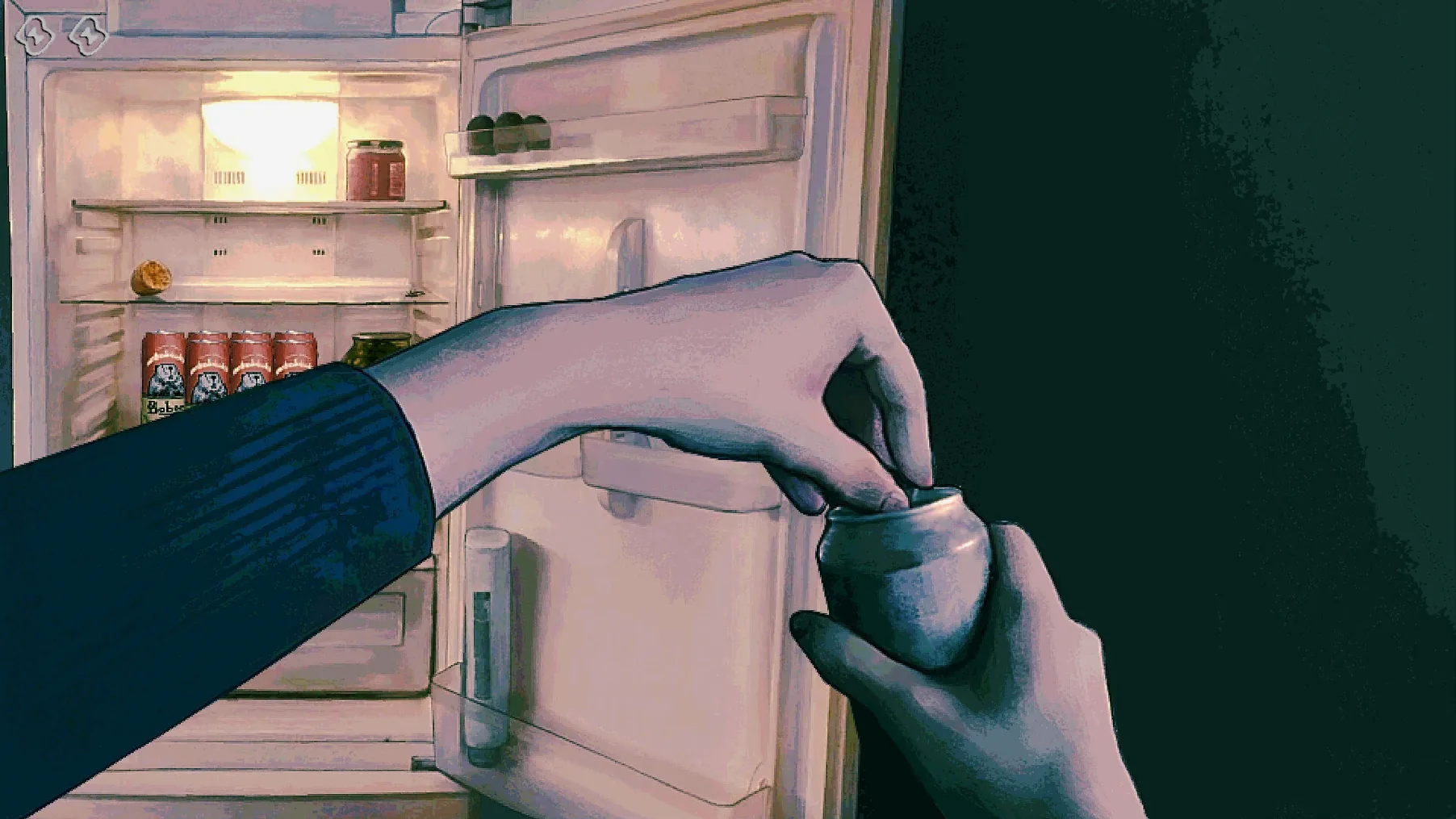
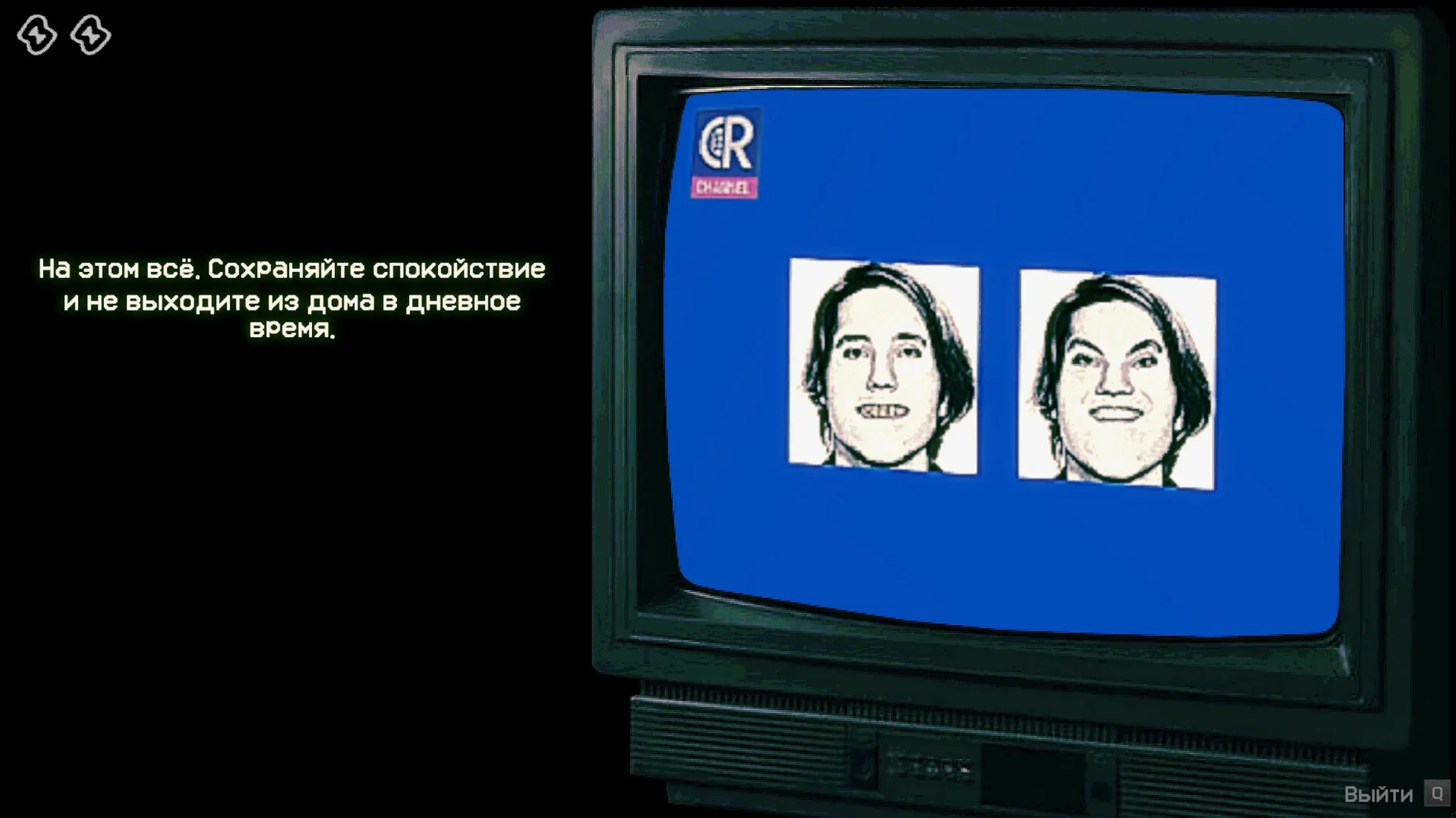
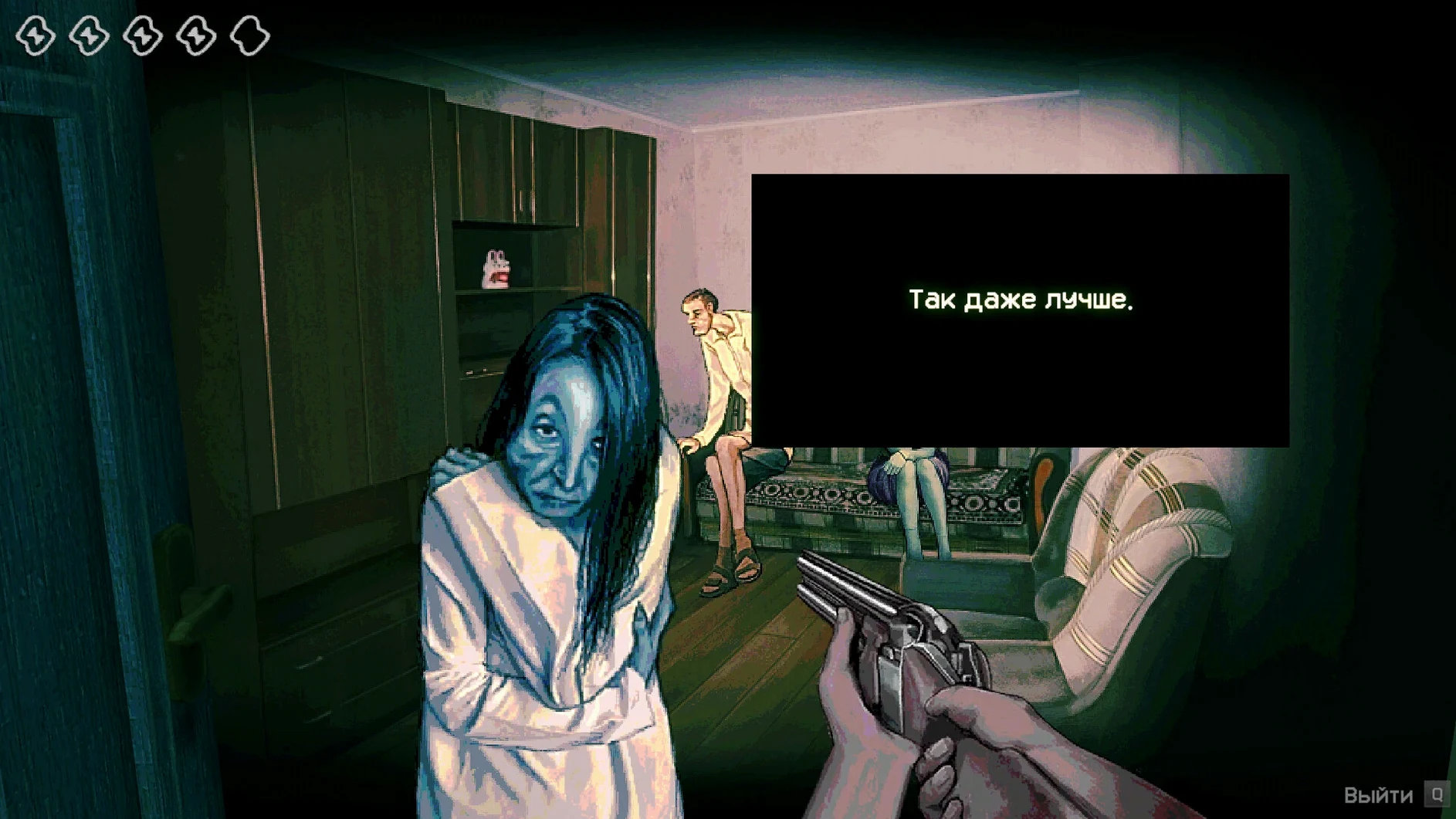
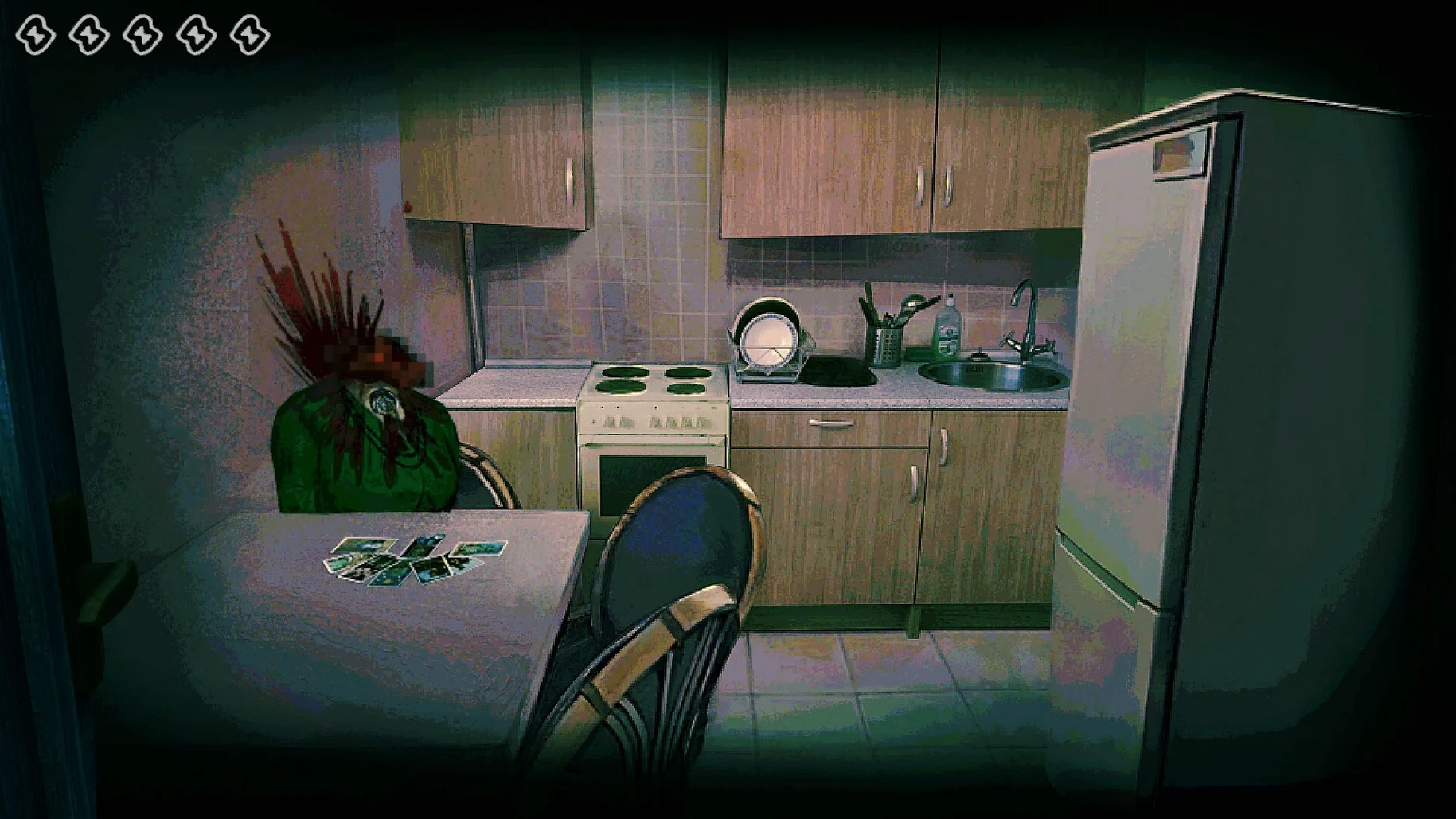
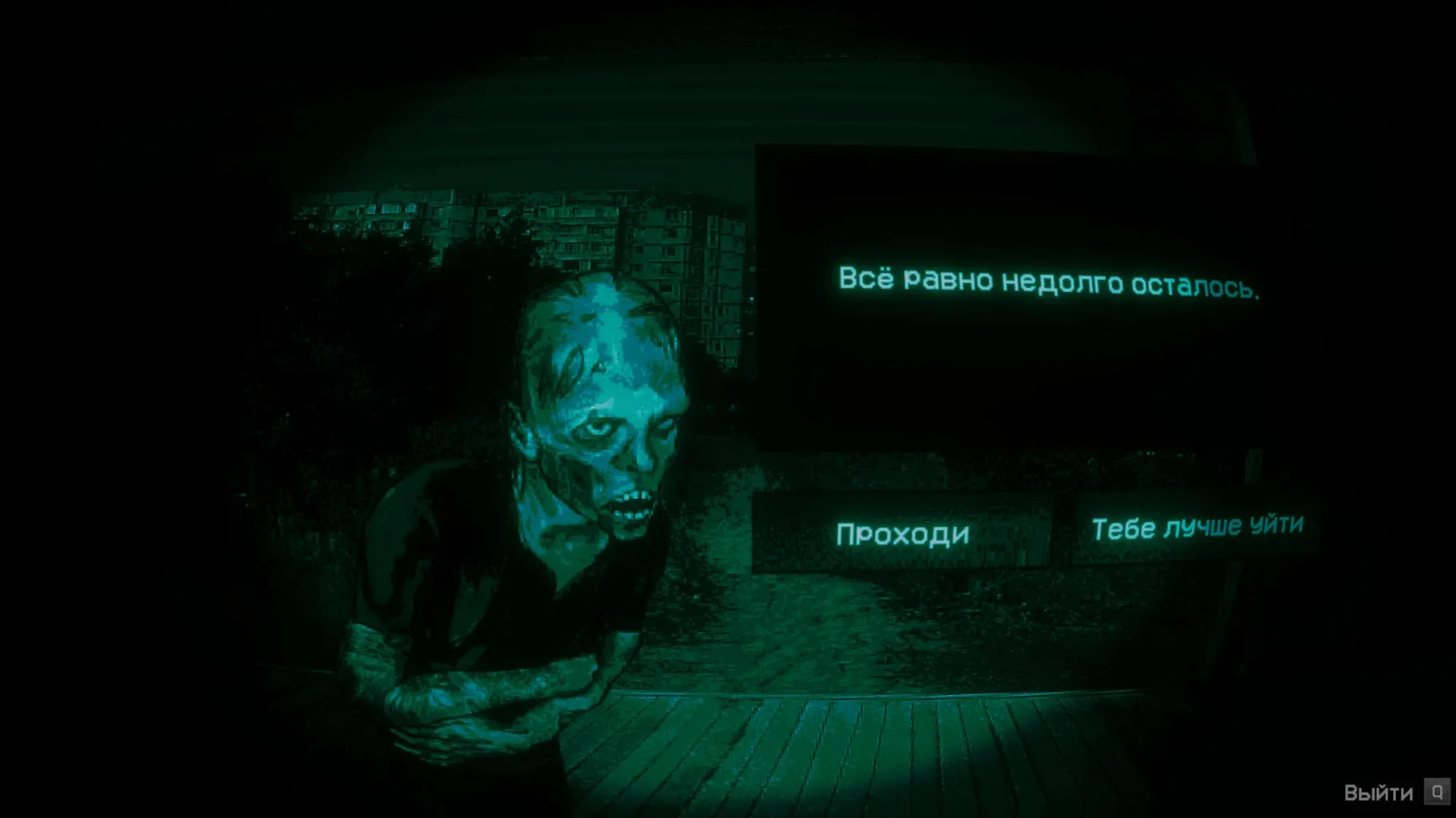
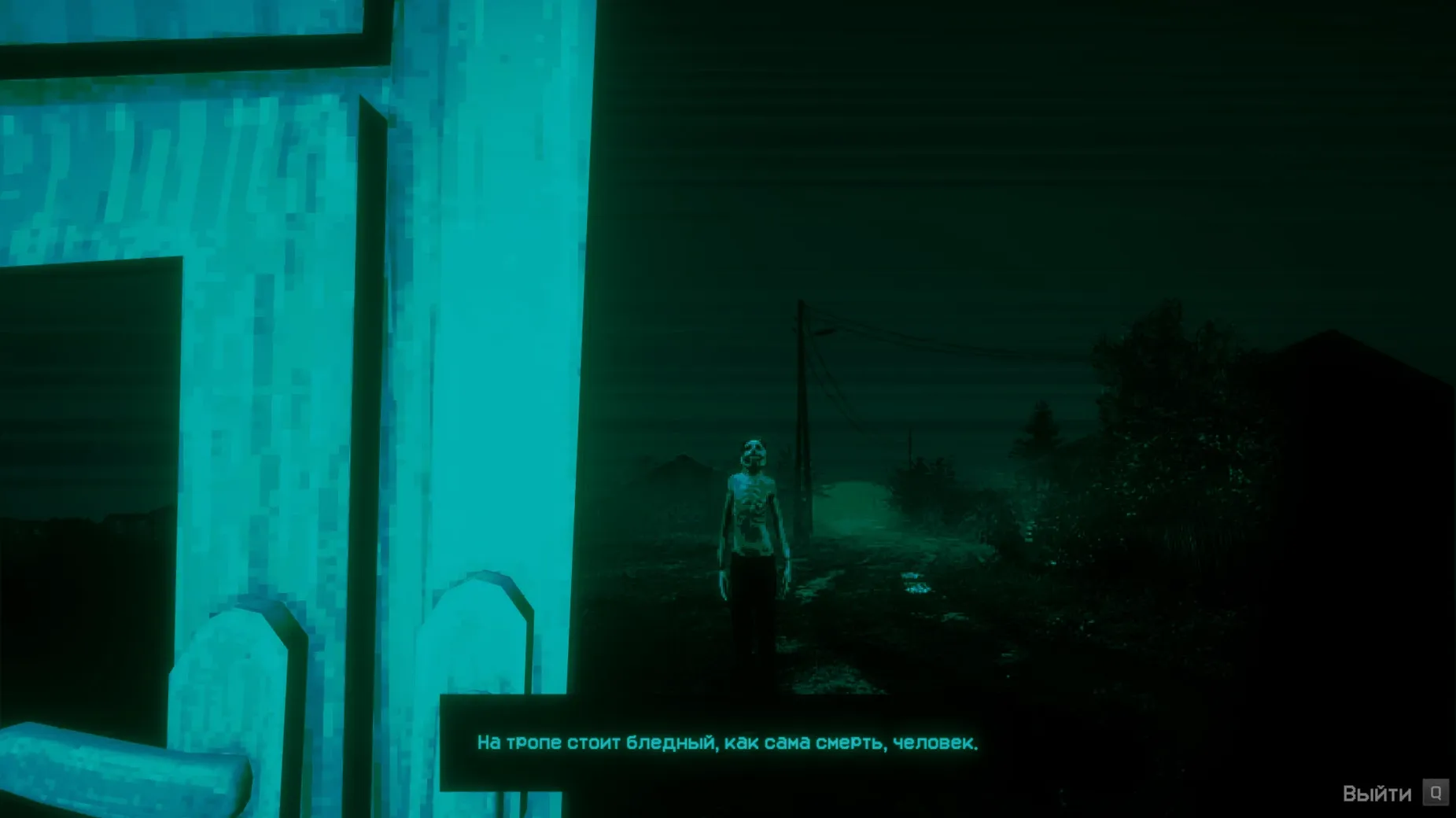
The Power Check tool sits cold in your hand. A crack splits the sky outside and someone is knocking. No, I'm Not a Human puts you behind a makeshift checkpoint during the end of the world, where every decision carries a permanent weight. You let a Visitor in, or you take them out.
Players who enjoy slow-burn psychological pressure over jump scares. The horror comes from conversation and consequence. If you liked the interrogation tension in Papers, Please but wanted a darker, more personal dread, this will click.
Anyone chasing action or clear win conditions. There is no combat, no escape sequence — just you, a line of desperate people, and a growing knot in your stomach. The pixel-art style and dialogue-heavy pacing won't suit players after instant adrenaline.
A figure appears at your door. You question them, scan their face with the Power Check tool, and then decide. Hesitate too long and the tension spikes. A single wrong call can haunt you for the rest of the night.
Yes. This build is packaged for ARM Macs and runs through Wineskin. The first launch must be in English, after which you can switch to Russian or nine other languages in the settings.
You settle in as the sun dips below a bruised horizon. The generator hums somewhere behind the cabin and the first knock sounds heavier than it should. You pull up the Power Check tool — a chunky handheld scanner that flickers with static — and motion the figure closer.
A man in a dust-caked coat stares through the peephole. You ask his name. He gives it. You ask where he came from. He points east, towards the column of smoke that wasn't there an hour ago. His answers feel hollow, but not quite wrong. The Power Check wavers between green and amber. You let him in. The bolt slides shut and the quiet feels different now. You just hope you read him right.
Three more come that hour. A woman clutching a photograph. A teenager who won't stop blinking. An old man who recites a poem unprompted. Each time, the scanner gives you a squint of data and leaves the rest to instinct. No, I'm Not a Human fills the gaps between knocks with wind, distant screams, and the low crackle of a radio that never brings good news.
By midnight, your logbook is a mess of crossed-out names and question marks. You start second-guessing the ones you let through. That's the game settling into your bones — nothing jumps at you, but the dread never loosens its grip.
Mid-session, a storm drives a wave of people to your door. You have maybe two minutes to process five strangers. The workflow that gets you through it clean looks like this:
Run this loop five times in a row and the rhythm becomes almost meditative. Right up until you get two red scans back to back and hear scratching on the back wall.
On an M4 Mac mini, the Wineskin wrapper stays out of the way. Load times from Launchpad to the title screen hover around six seconds. Scene transitions — from the checkpoint interior to the brief outdoor vignettes — are clean, with no stutter or dropped frames at 60 Hz. The pixel-art aesthetic means the GPU barely wakes up; memory pressure stays low even with a browser and music app running behind it.
I played a two-hour session without a single crash or audio dropout. The only quirk worth noting: if the game throws a launch error, the Fix file inside the disk image resolves it in under a minute. The save files live inside the app bundle under the Steam/RUNE/427410/remote path, so backing up your progress is a quick drag-and-drop affair.
Thermals are a non-issue. The fan never spun up, and the chassis stayed room-temperature throughout. That makes it a solid pick for long nights where you want the horror to come from the story, not from your Mac wheezing under the desk.













Chat 0
Hop in or make an account to join the chat.
Quiet in here so far. If you have used this build, tell me what the install actually did.