
 No, I'm Not a Human
 Northgard
 Nova Roma
 Old World
 Outlanders
 Oxygen Not Included
 Palworld
 Paralives

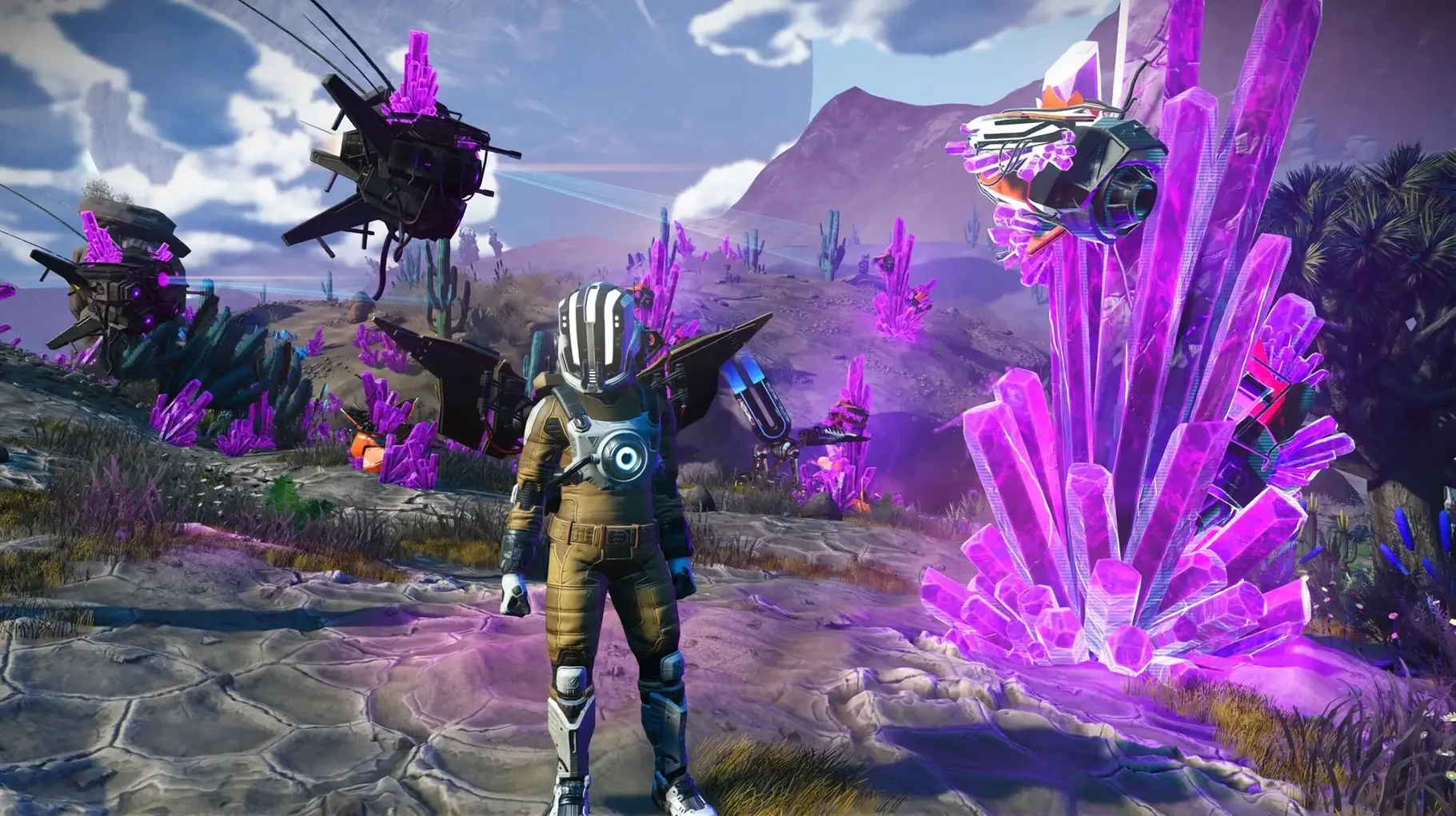
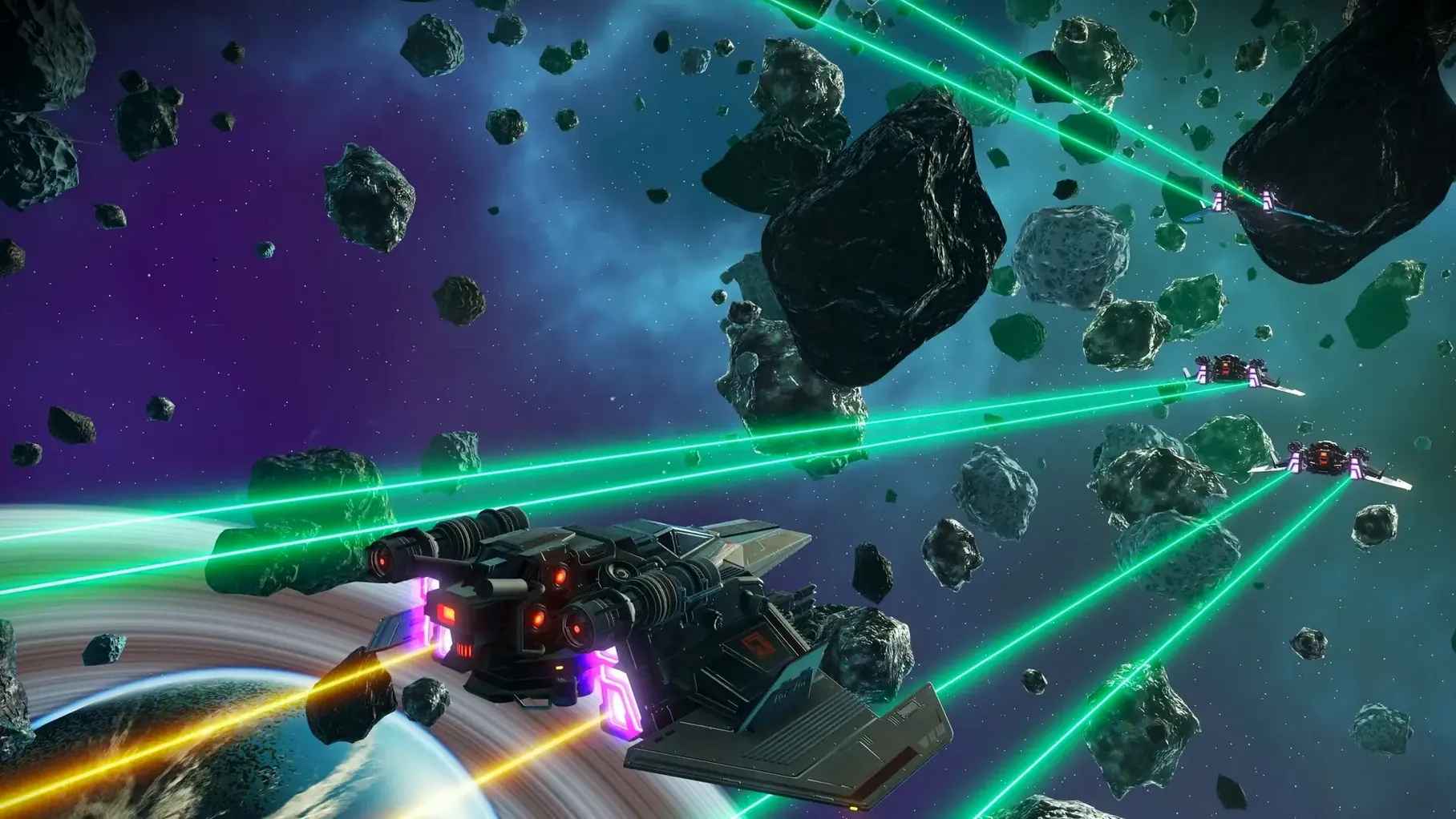
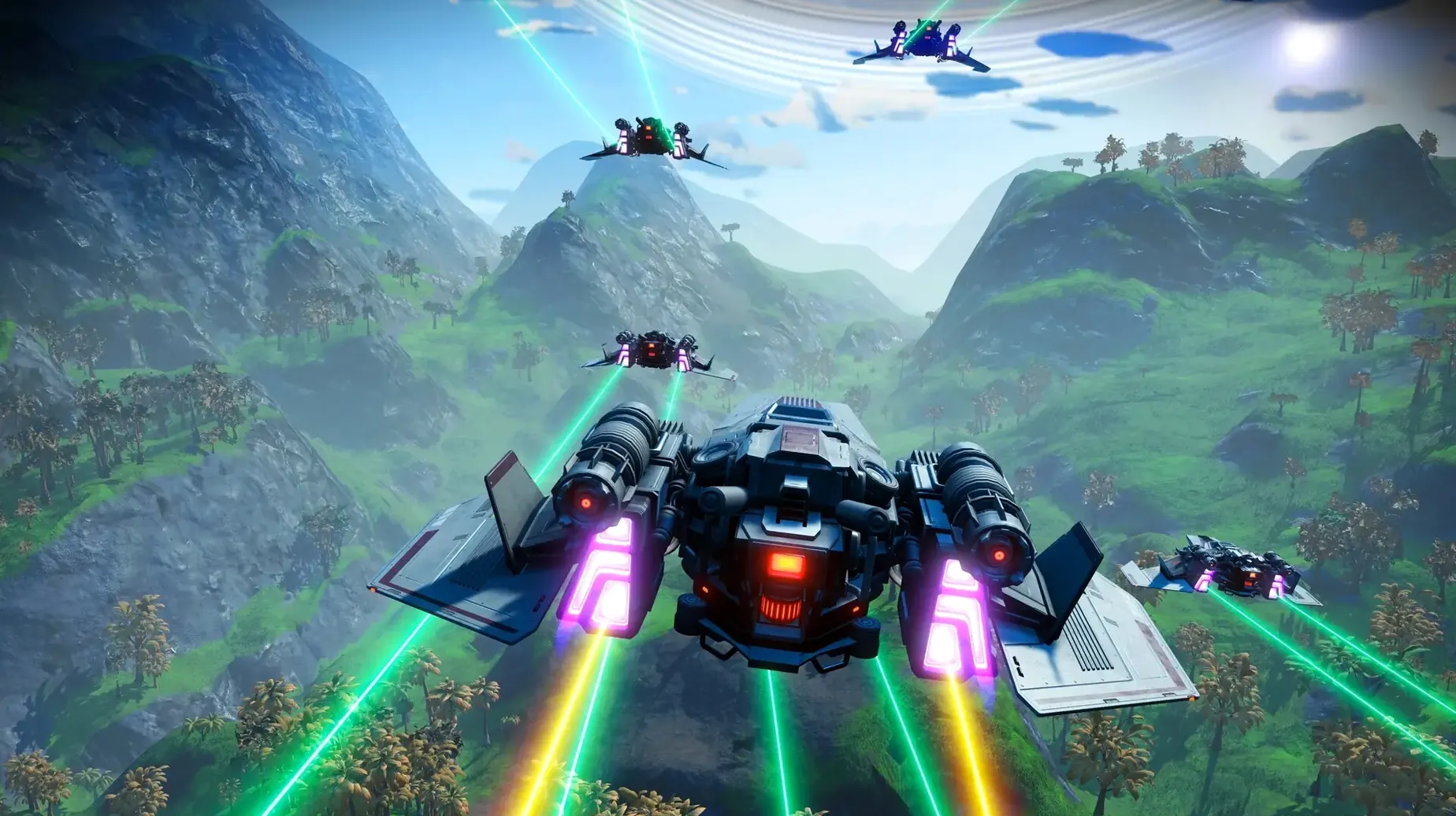
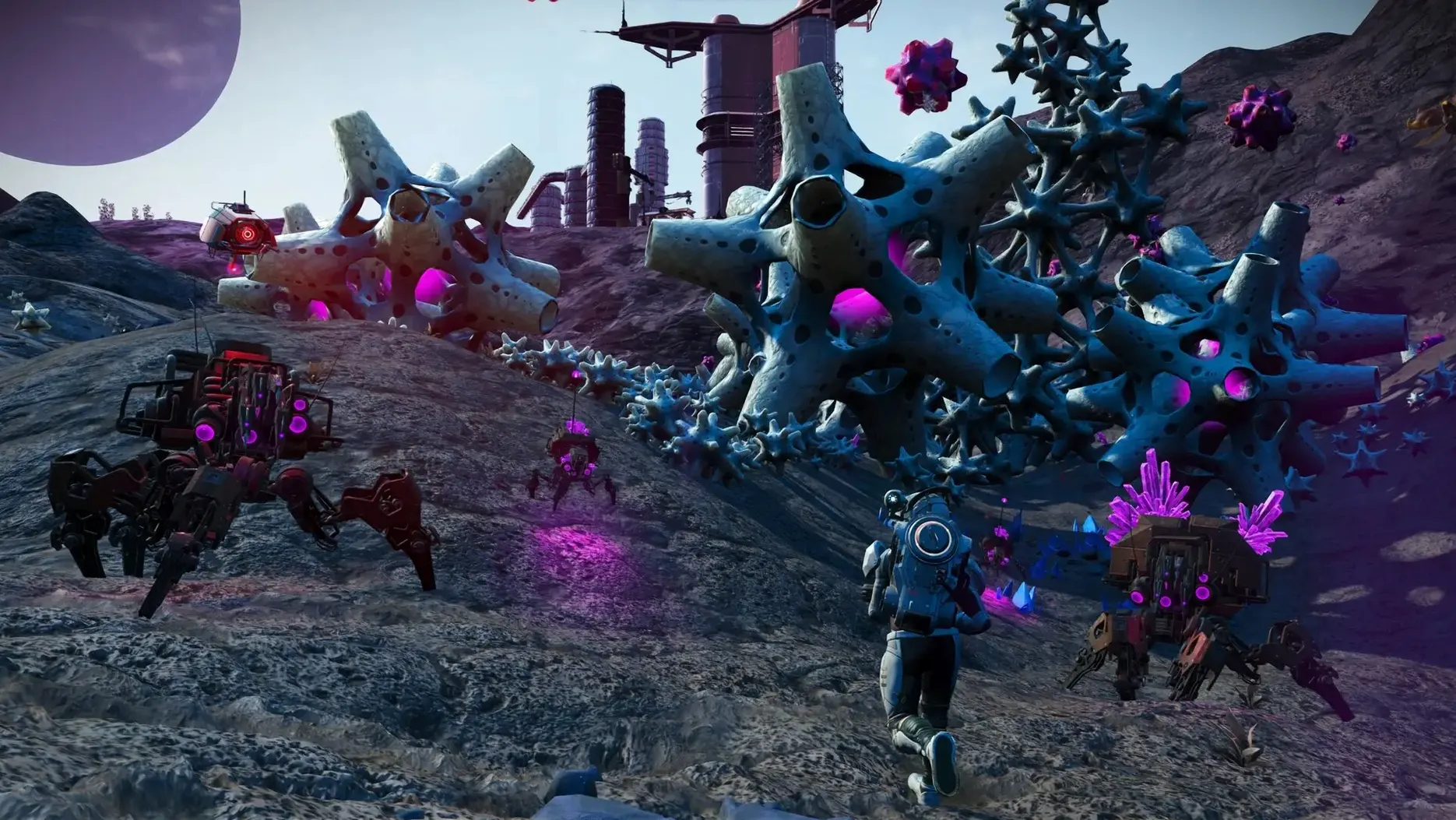
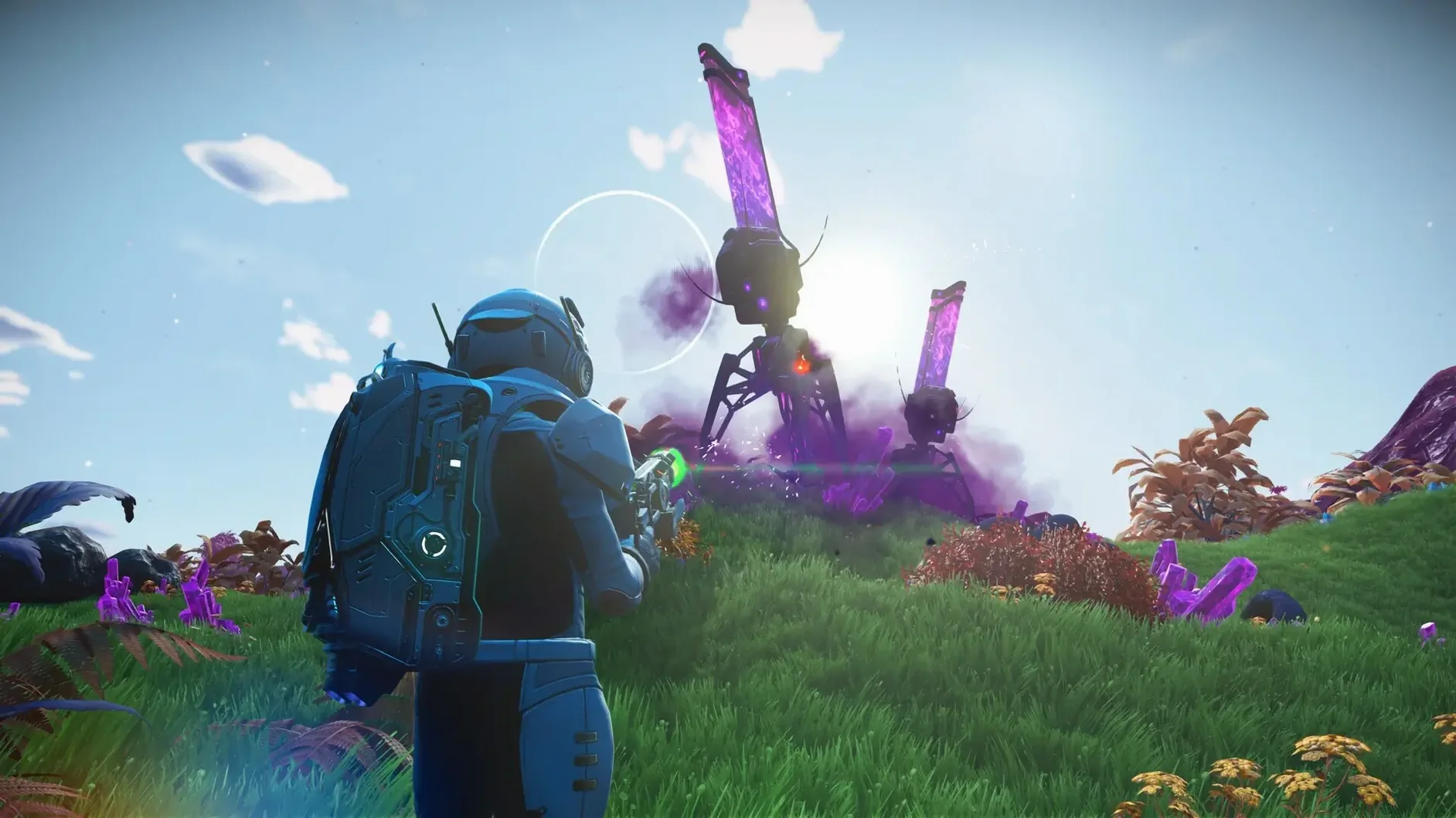
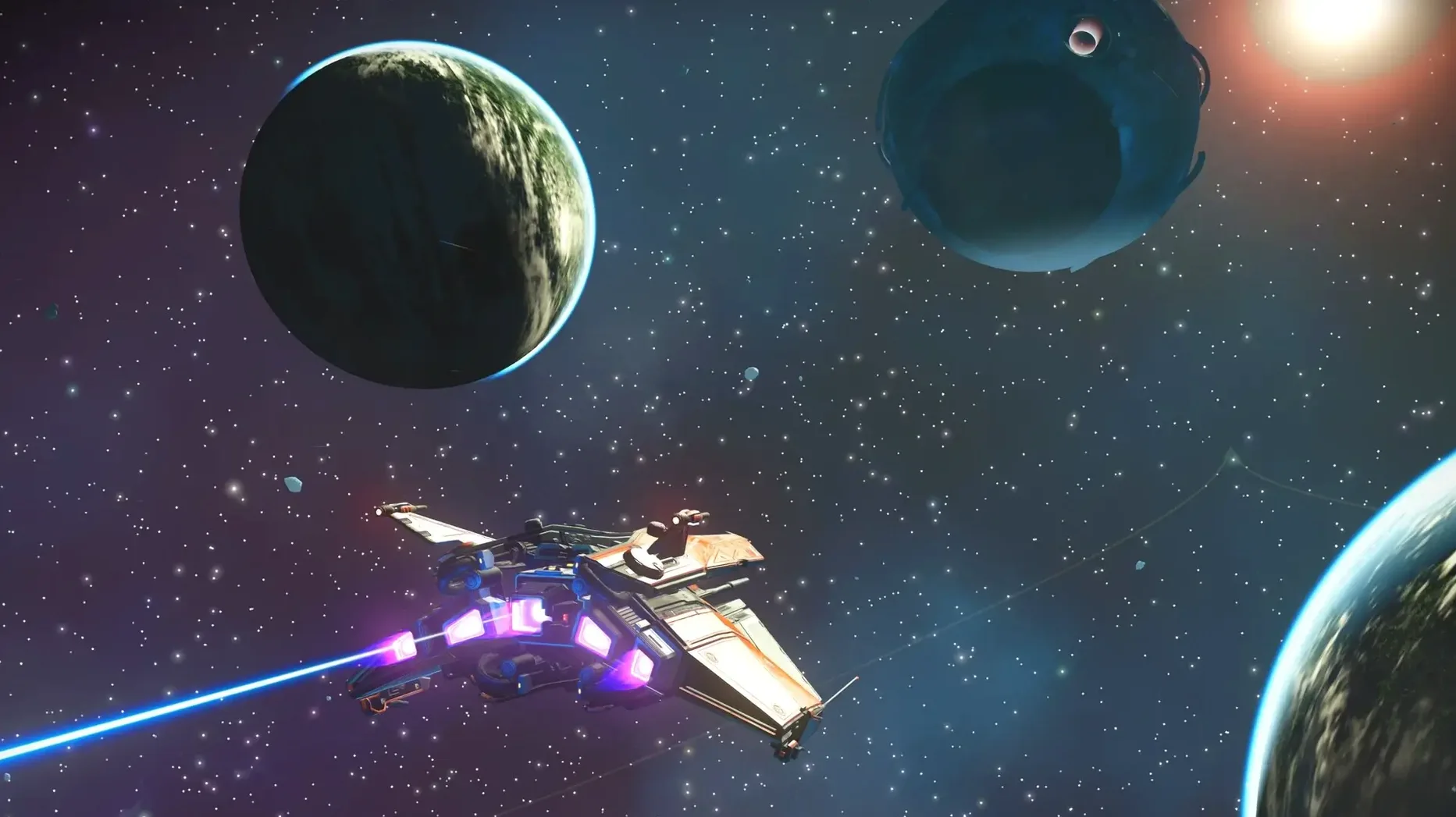
You warp into a new system and spot a planet ringed by violet clouds. Without a single loading screen, you guide your ship from the cold vacuum of space down through the atmosphere, landing in a forest of bioluminescent flora no one has ever catalogued before.
Explorers who love setting their own goals. The joy comes from naming undiscovered worlds and seeing your finds appear on the shared galactic map for other travellers to stumble across later.
The freedom to switch between roles keeps things fresh. One session you might be a trader hauling rare resources between star systems; the next, a pirate hunting cargo ships, or simply a photographer documenting alien sunsets.
Players who prefer tight, directed narratives with a clear ending. The game gives you tools and a universe, then steps back — your motivation has to come from curiosity and the upgrades you want for your suit, multi-tool and ship.
Mac users who treat games as creative escapes rather than scoreboards tend to sink deepest into this universe. If you already spend evenings tinkering with photo editors or 3D tools, the procedural engine here scratches a similar itch — every planet is a seed waiting to be uncovered.
Players returning after a long break benefit enormously from the Cosmos update. Hello Games rebuilt the Mac rendering pipeline around Metal and Apple silicon, so machines that previously struggled with the port now hold steady frame rates even during atmospheric entry. That alone brings back the crowd who tried it once and bounced off performance hiccups.
Base builders who enjoy and share their work also thrive. The cross‑play support means your clifftop observatory on a radioactive moon is visible to friends on other platforms. It turns solo architecture into a quiet multiplayer thread.
Completionists hunting a tight 20‑hour arc may drift away, but anyone who finds comfort in wandering — hopping between trading posts, learning alien vocabularies word by word — will stay for hundreds of hours.
You load your save and wake up inside the cramped cockpit of a fighter you salvaged three systems ago. The star light slants through the canopy; outside, a freighter drifts with its cargo pods blinking.
First decision: check the galaxy map. A neighbouring system shows a planet with activated indium — valuable, but the sentinel rating is aggressive. You mark it anyway and pulse‑jump towards the space station to offload yesterday’s haul of ancient bones first.
At the station, you trade with a Korvax merchant, picking up two hyperdrive upgrade modules and a stack of ion batteries. While your ship refuels in the landing bay, you accept a quick mission from the mission agent — scan four minerals on a nearby scorched world. Easy credits.
Back in the cockpit, you aim for the indium planet. The descent is smooth; violet clouds part to reveal jagged rock formations and heat‑shimmer lakes. You land on a ridge, hop out, and immediately hear the sentinel drone hum. Your multi‑tool mining beam bites into an indium deposit while you keep one eye on the threat indicator. Three mineral scans tick off the mission. A storm warning flashes — you sprint back to the ship, launch, and punch through the atmosphere with seconds to spare.
The session closes on your freighter bridge. You debrief by sorting inventory, queuing up frigate expeditions, and naming the system before you log off. Tomorrow, another star.
The default control layout works for most, but a handful of tweaks make Mac play feel snappier:
Good to know: the Metal‑based renderer defaults to quality mode. If you are on an M2 or M3 MacBook Air without a fan, try performance mode during long play sessions — it keeps the chassis cooler with barely a visual drop.













Chat 0
Hop in or make an account to join the chat.
Quiet in here so far. If you have used this build, tell me what the install actually did.