
 7 Days To Die
 Age of Empires II: Definitive Edition
 Angry Birds Reloaded
 Assassin's Creed Shadows
 Astral Ascent
 ATOM RPG: Trudograd
 Baldur's Gate 3
 Batman: Arkham City - Game of the Year Edition
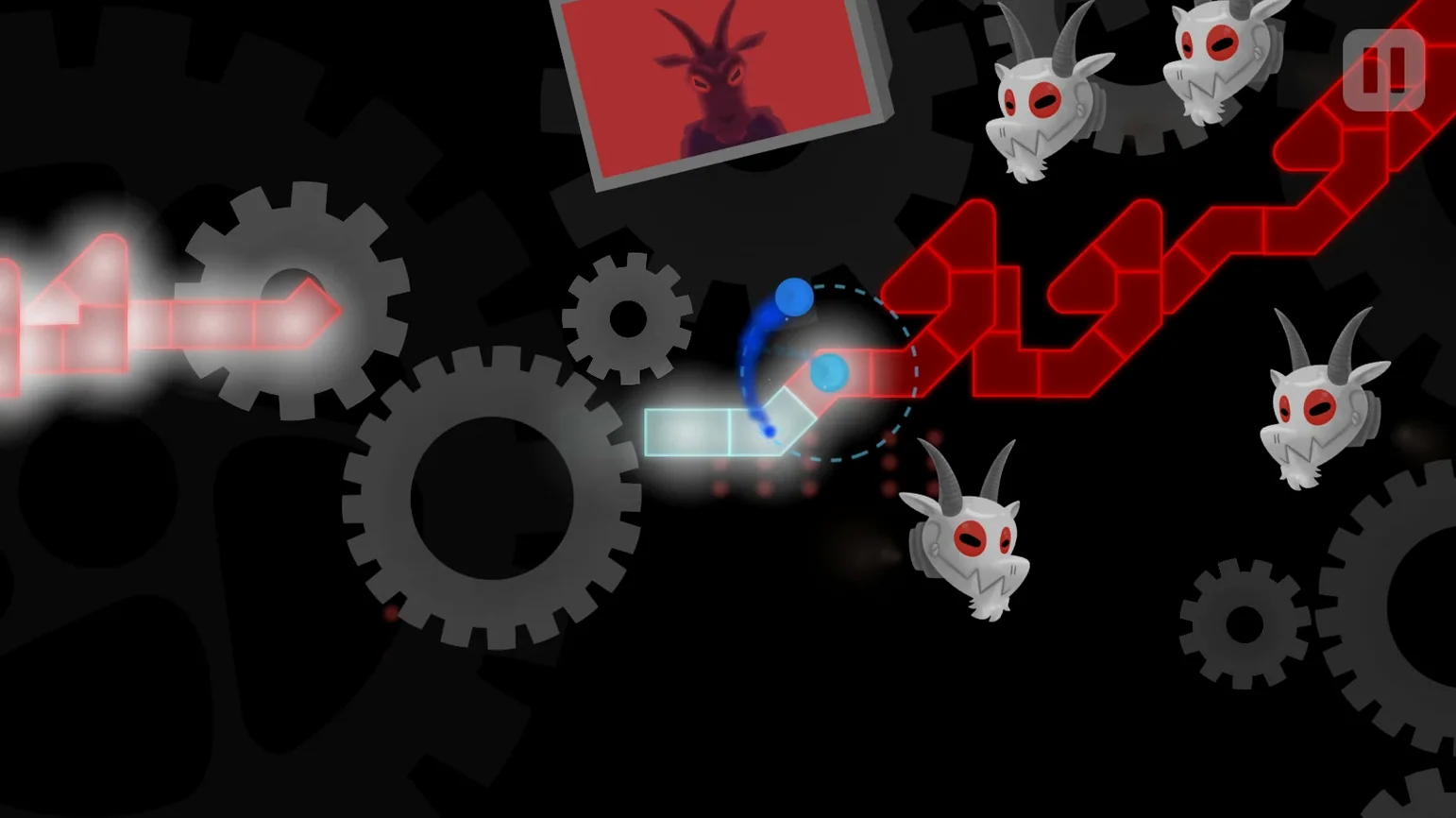
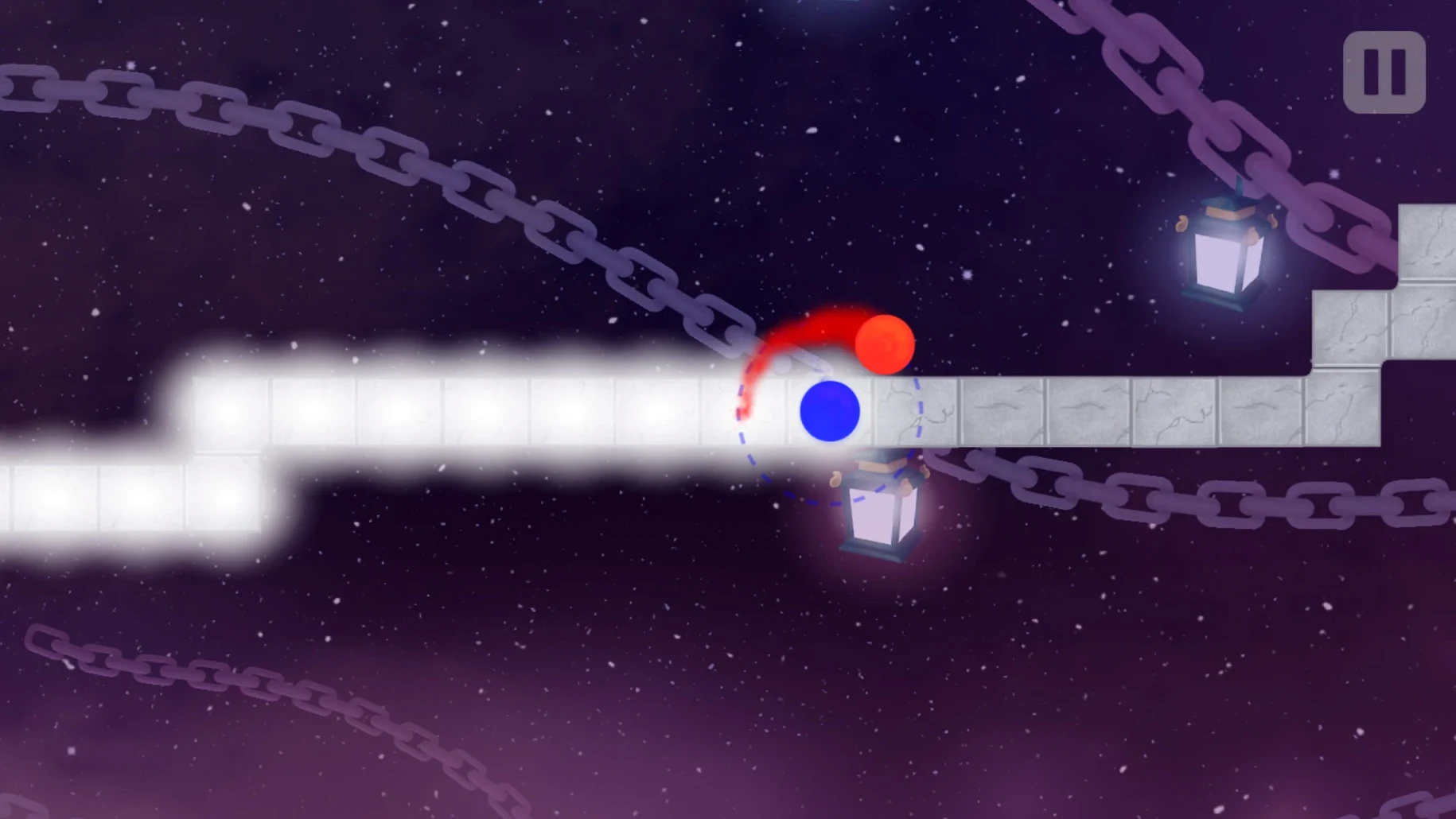
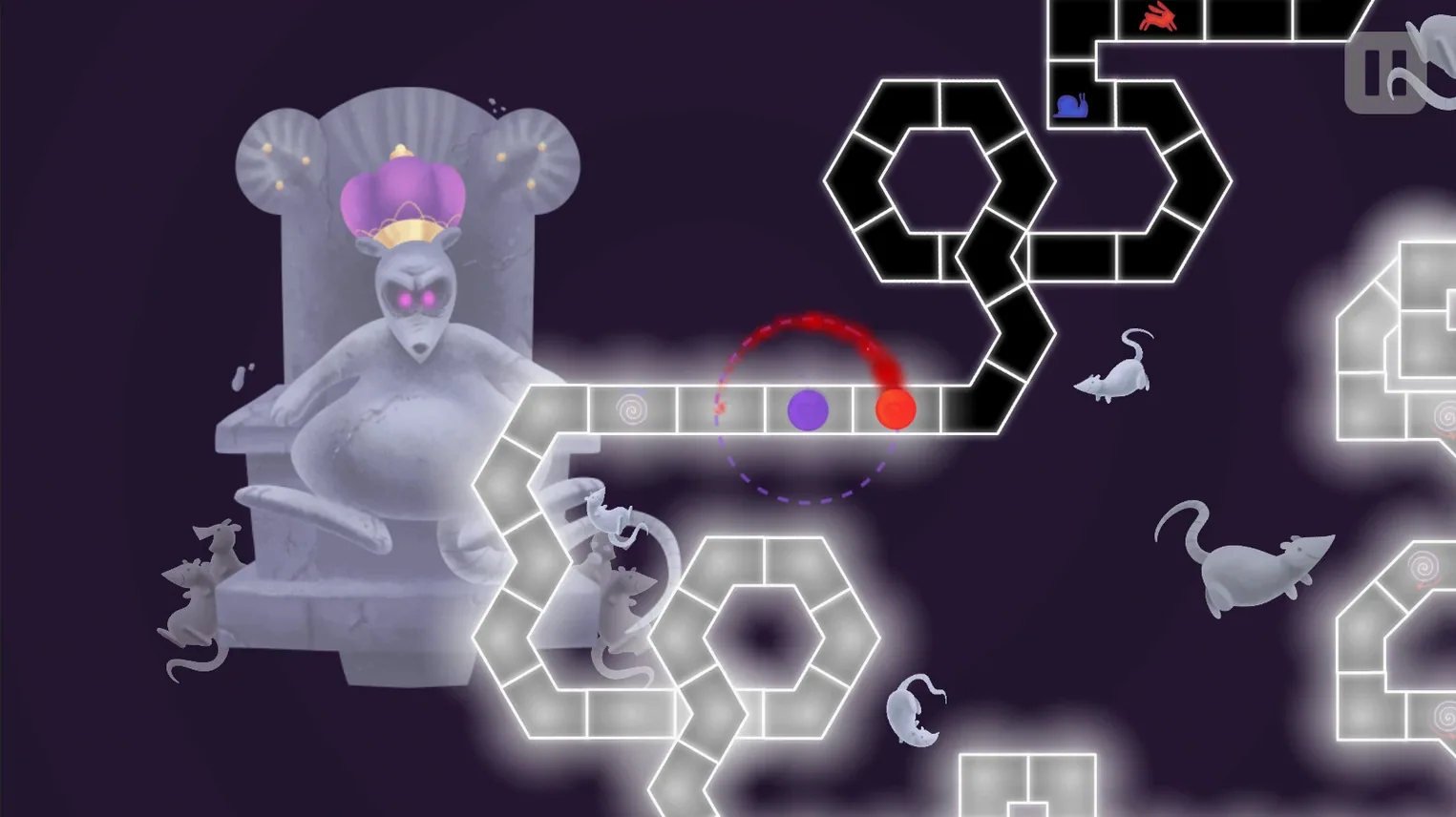
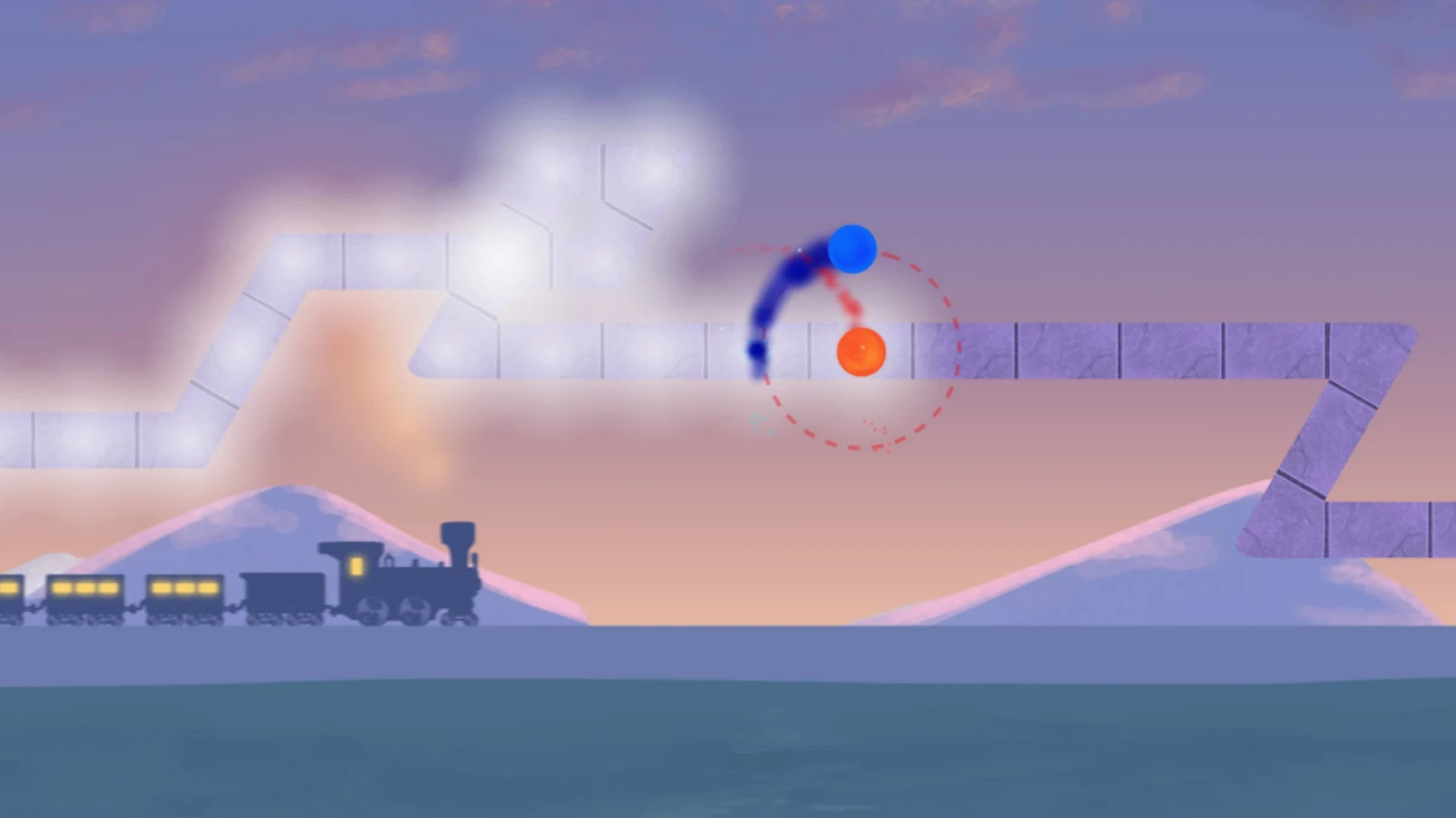
You press a single key on each beat. A pair of orbiting planets rolls along a winding path, and every tile under them is a note. Miss one and you feel it instantly—the rhythm breaks, the track stutters. That is the core loop of A Dance of Fire and Ice.
The game wraps this simple tap-to-the-beat idea in a clean, space-themed look. Each stage shifts the musical genre and the landscape. One moment you are tracing a line through a neon sky to a pulsing electronic track, the next you are navigating a hand-drawn world set to something closer to folk. Every pattern teaches its own rhythm, and the difficulty climbs without ever asking you to press more than that one button.
Beyond the built-in stages, the toolbox is generous. Steam Workshop integration means a stream of custom levels is always available. If the timing feels slightly off on your setup, you can tweak the calibration manually while a track plays. An automatic calibration option is there too, for a quick starting point. Version 3.3.1 runs on Apple Silicon and Intel Macs, with interface support across fifteen languages including English, Japanese, German and Simplified Chinese.
Calibration lives or dies by your hardware. Head straight into the settings before your first stage and run the automatic calibration — it takes seconds and saves frustration. After that, tap along to a level you know and nudge the manual offset by a few milliseconds if the visual flash feels ahead of or behind the beat. Trust your ears over your eyes here; the audio engine is tight and rarely drifts.
Also worth a look: disable screen shake if the orbiting planets distract you during dense patterns. Some players find the motion blur on faster tracks pulls focus away from the incoming tiles. Turning it off makes the grid easier to read.
The most common trap is watching the line instead of listening. New players stare at the spinning planets, waiting for the exact moment they touch a tile, and end up tapping late. The game rewards internalising the beat, so let the music lead and treat the visuals as a backup.
Another early stumble is gripping the keyboard too rigidly. A stiff wrist makes fast triplet sections nearly impossible. Keep your hand loose and imagine bouncing a ball rather than hammering a nail. And don't marathon difficult levels — twenty minutes of focused practice on a tricky pattern sticks better than an hour of frustrated repetition.
The macOS build is tested on a Mac mini 2024 M4 and macOS Tahoe, supporting both Apple Silicon and Intel chips.
Yes, the game supports Steam Workshop custom levels, so you can play an endless supply of community-made tracks.
You can adjust the calibration manually on the fly, or use the automatic calibration to get a quick baseline.














Chat 0
Hop in or make an account to join the chat.
Quiet in here so far. If you have used this build, tell me what the install actually did.