BestFreeTemplates Mac apps and games, at a glance
Ages of Conflict: World War Simulator tile

Download Ages of Conflict: World War Simulator for macOS

Games

Grab it · 103 MB
ages of conflict world war simulator torrent macos running on macOS
Working in Ages of Conflict: World War Simulator, step 2
Working in Ages of Conflict: World War Simulator, step 3
Working in Ages of Conflict: World War Simulator, step 4
Ages of Conflict: World War Simulator dialog 5
Ages of Conflict: World War Simulator dialog 6

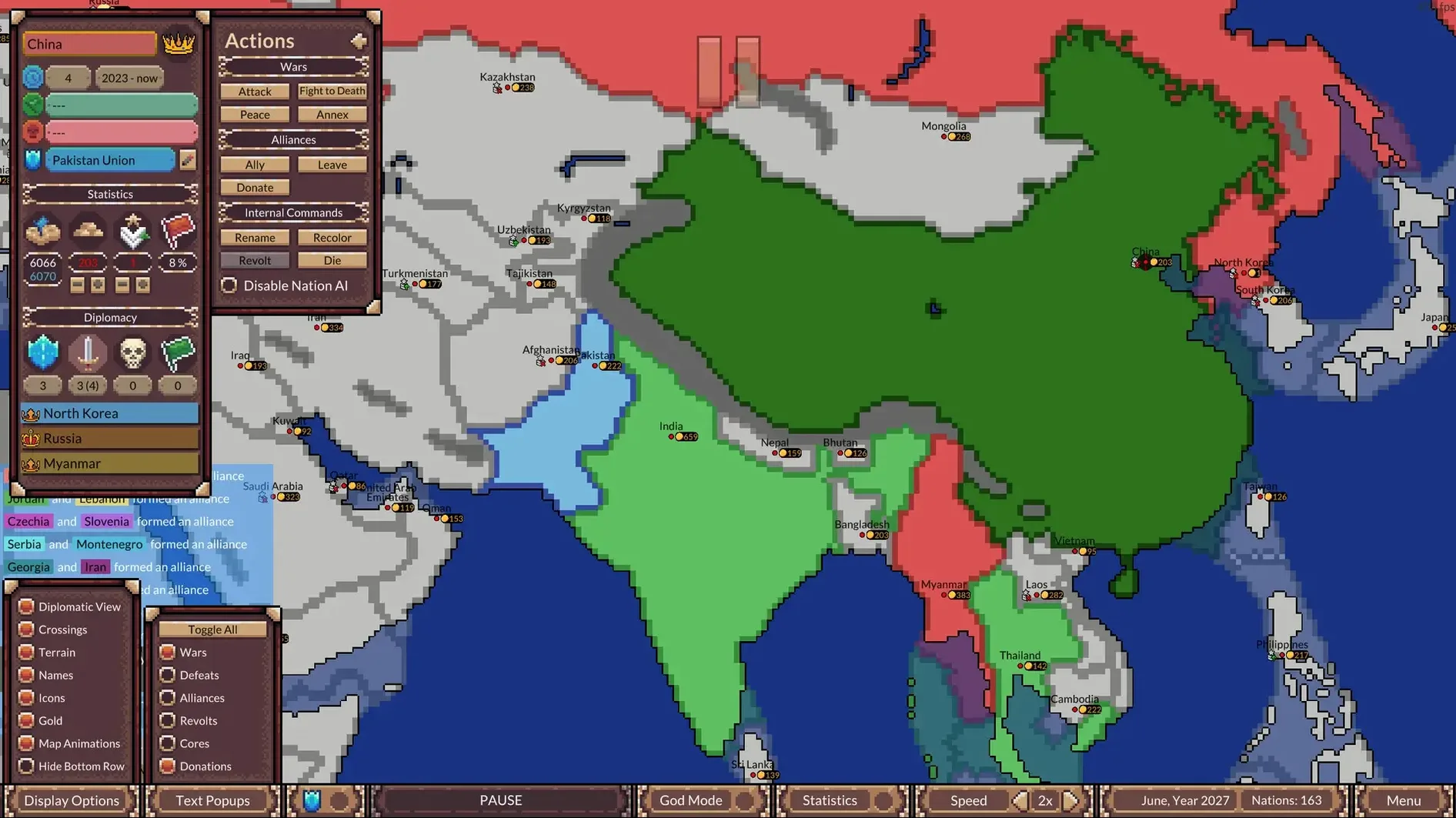
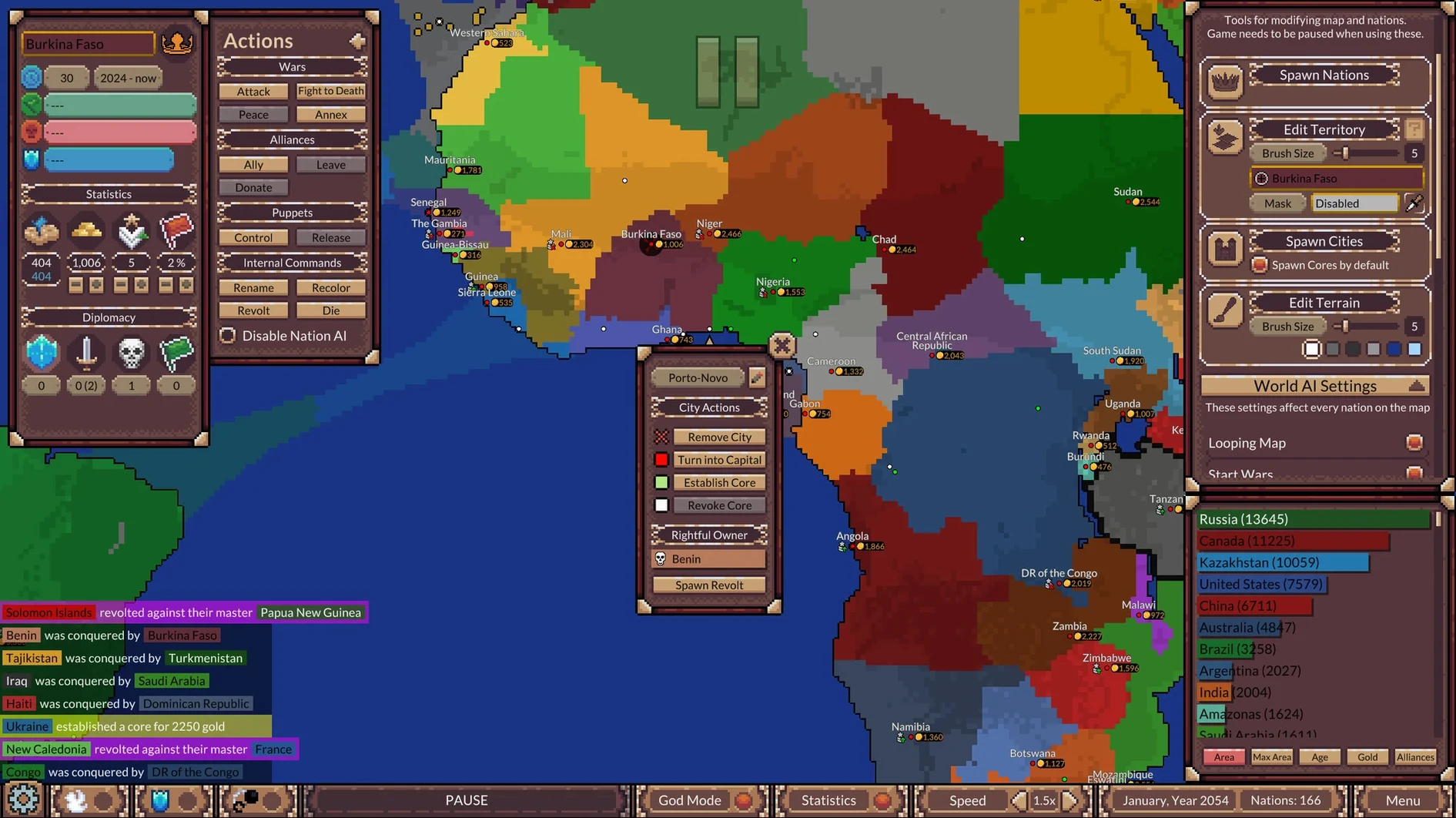
It runs on any recent Mac, Intel or Apple Silicon — you mount the disk image, drag the app across and you're in. Ages of Conflict is a hands-off world simulator, not a strategy game you command. You set up a map, maybe nudge things with God Mode, then watch AI nations form alliances, spark rebellions or grind each other down over centuries.

  • Who'll enjoy it — map nerds who lose an hour tweaking borders just to see what happens. You'll like it if you want a screensaver with geopolitics, or you get a kick out of loading other players' scenarios and watching chaos unfold.
  • Also fits — anyone who treats games like ant farms. God Mode lets you force truces, pick fights or make nations ally, so you steer without micromanaging.
  • Not for — people wanting deep diplomacy trees, tech research or victory conditions. There are no win states, no economy to balance.
  • Also not for — players who need a goal. The fun is in the emergent stories, not conquering a map.

Version 4.5.1 adds a nice visual touch: big nation names now stretch and curve across landmasses, and you can tweak unit flag size to keep the screen readable. The interface speaks nine languages including French, Turkish and Polish, so it's easy to hand to someone who doesn't game in English.

Drag a time‑lapse into Keynote or Discord

It plays nicely with screen recording — chuck it on a second monitor while you work, tap Shift-⌘-5 to grab a time‑lapse of a thousand‑year border shift, then drop the clip into Keynote or a Discord thread. The scenario files are plain folders you can zip and share over AirDrop or iMessage, so passing a custom setup to a friend is quick. macOS’s built‑in colour filters in Accessibility help if the default flag palettes bleed together on your panel.

Sketch a grudge and an early alliance

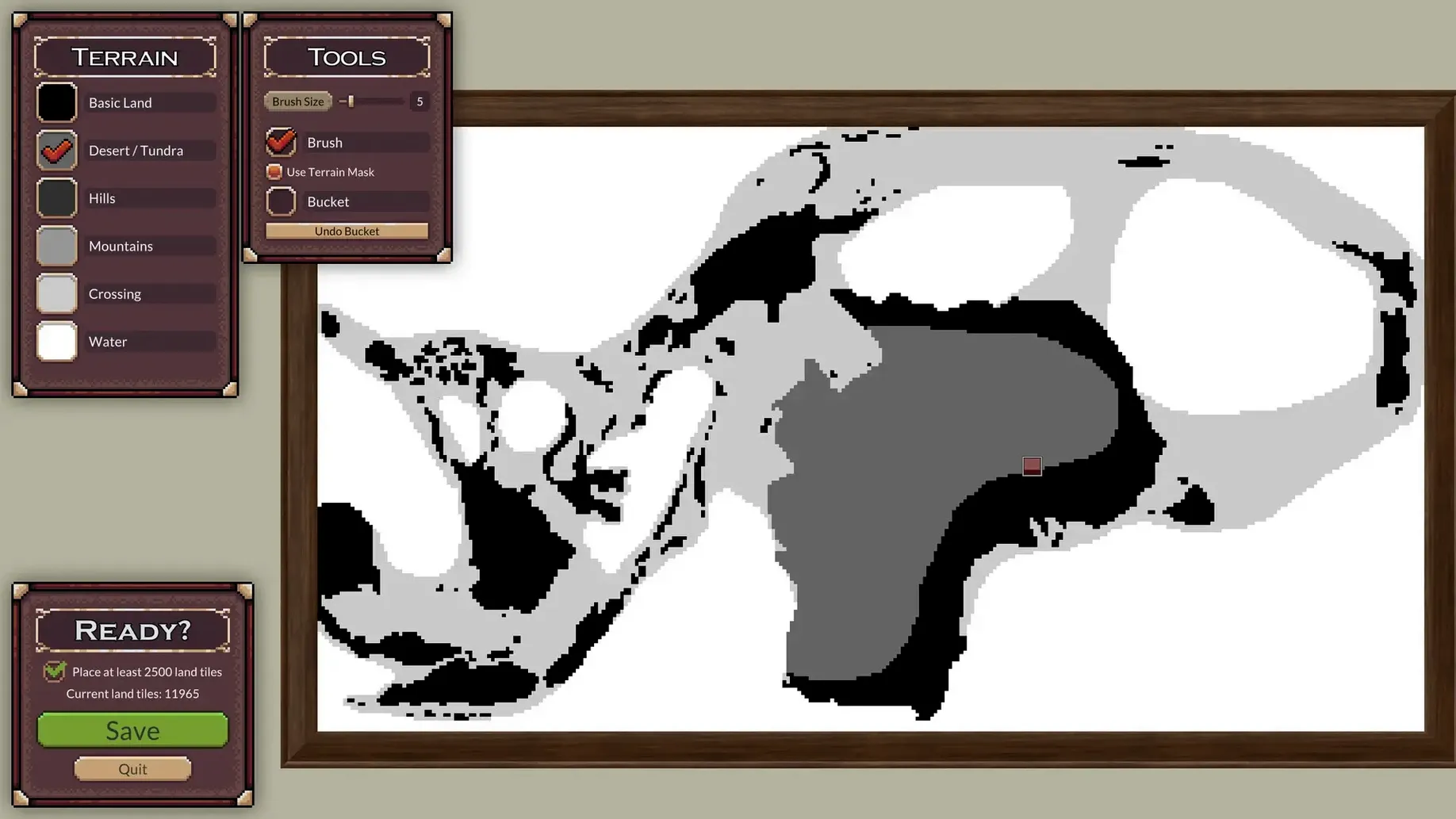
  1. Open the scenario editor and sketch a continent with three lopsided landmasses.
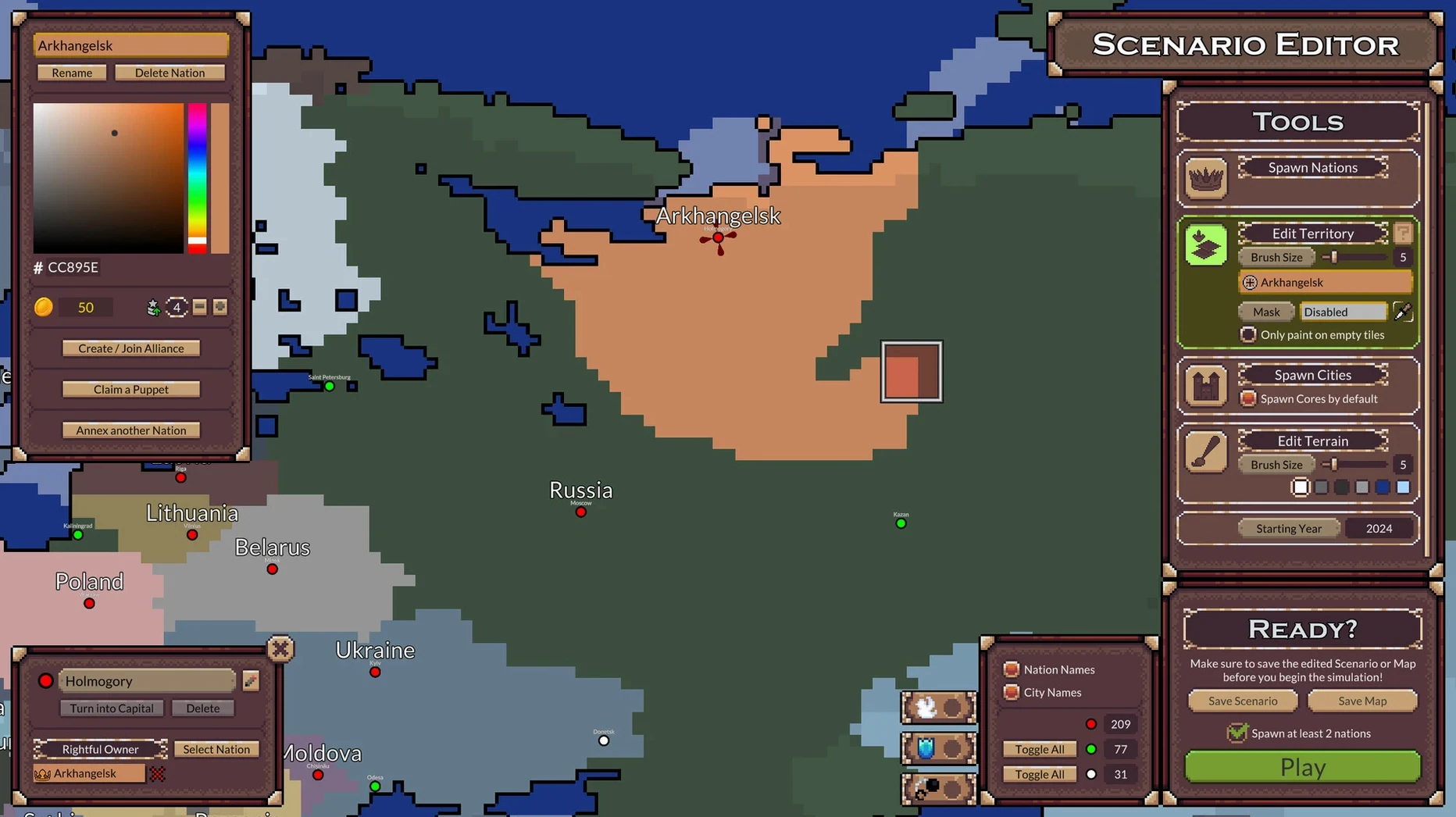
  2. Sprinkle six nations across the map — give two an old grudge by placing their capitals close, then tick the alliance box for a pair on the smaller island.
  3. Hit play and watch the first century tick by. The island allies merge quietly; the mainland rivals are already skirmishing.
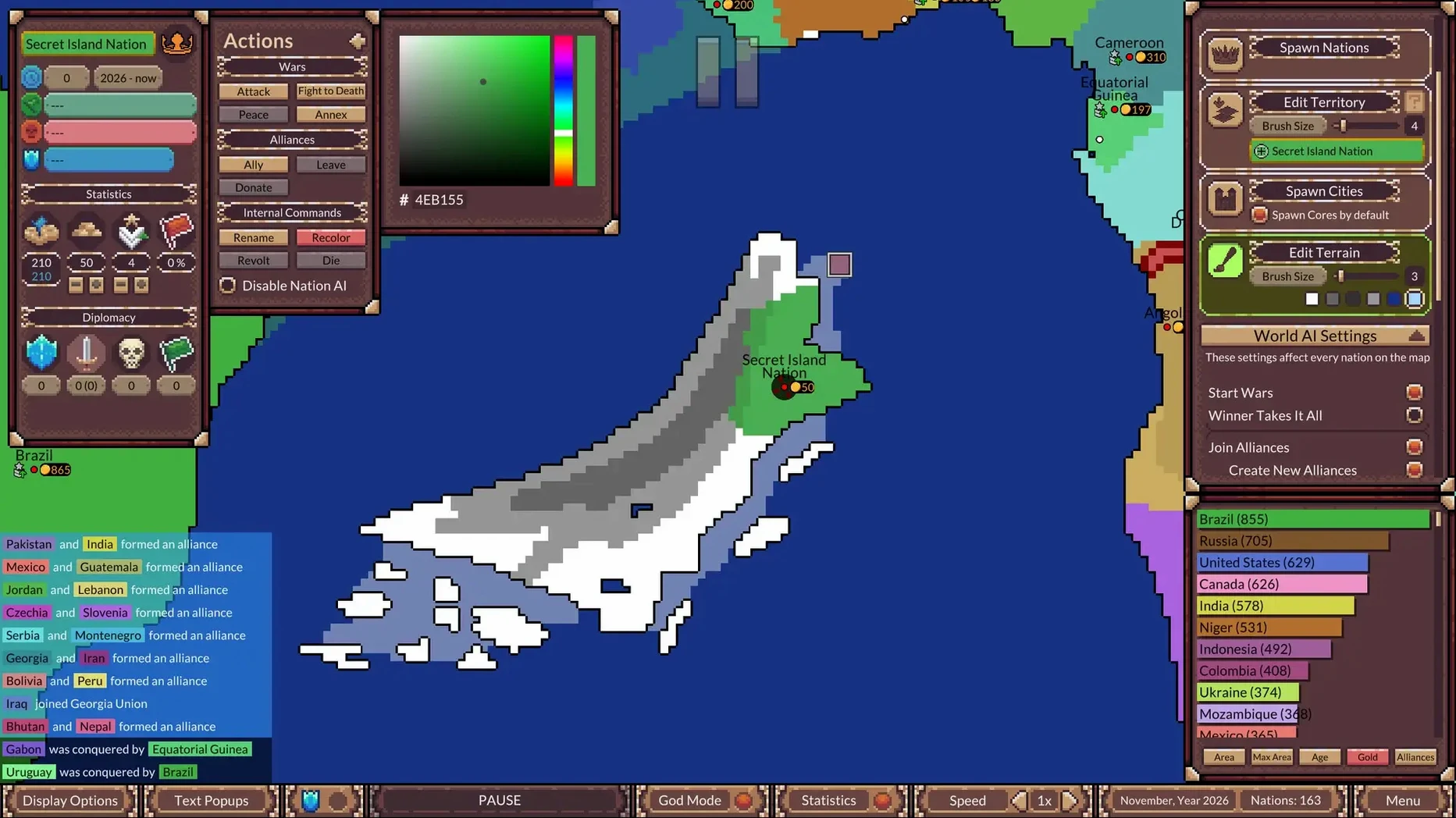
  4. Switch to God Mode around year 400. Rename a crumbling empire to something silly, force a truce between two exhausted neighbours, then nudge a stable kingdom into a rebellion just to see the splinter colour spread.
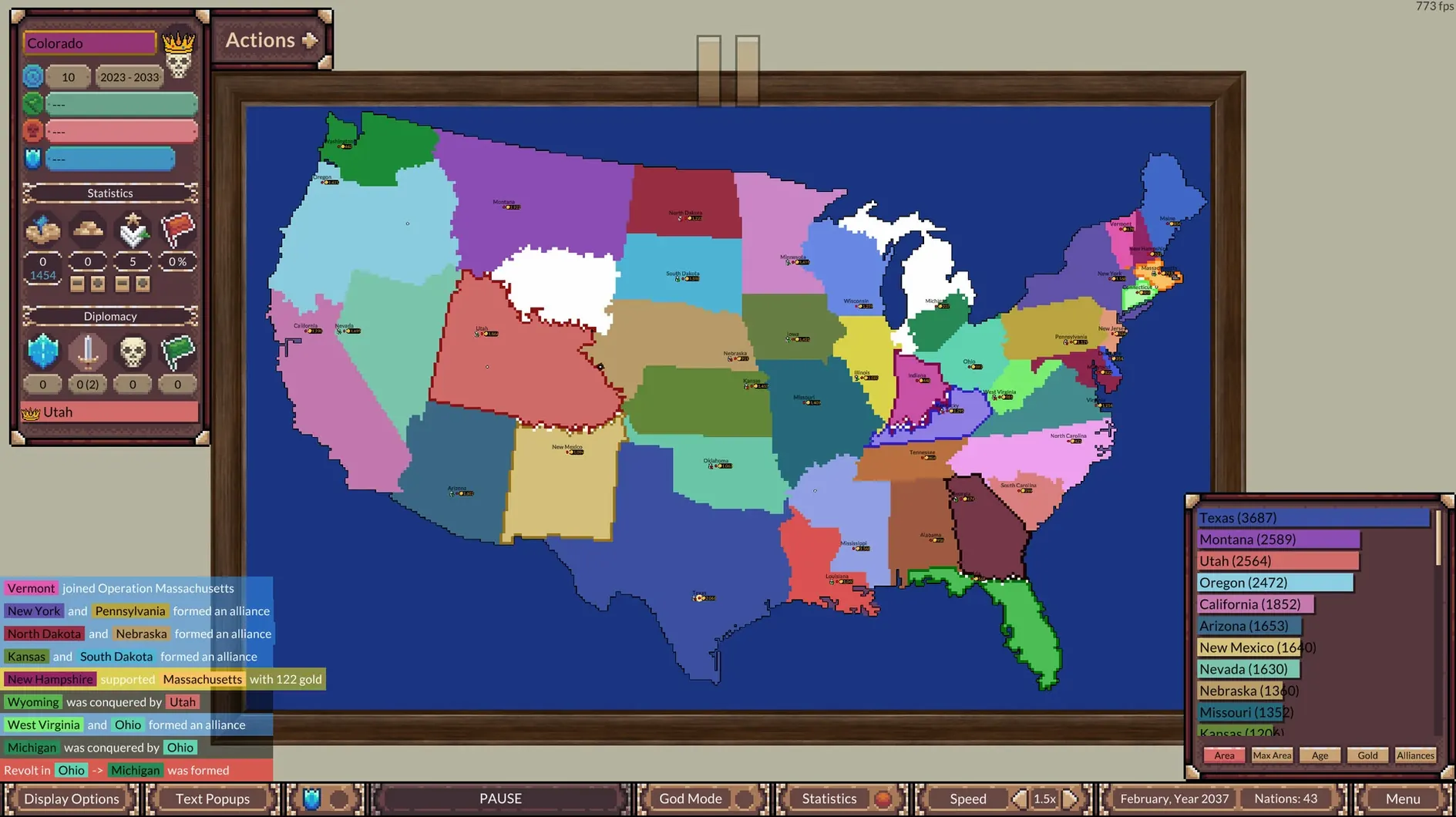
  5. Let it run through lunch. Come back to find the map unrecognisable — one dominant federation and a handful of tiny holdouts. Open the statistics panel to track which nation vanished first and how long it clung on.

That loose rhythm — tinker, let go, check in — turns an afternoon into a quiet storytelling loop. You’re not winning; you’re just curious what the AI writes next.

Questions I get

No. It's a simulation where AI nations interact on their own — you can nudge events with God Mode, but you don't command armies or manage resources.

Yes. You can load maps and scenarios created by others, so there's always a fresh world to drop into.


More Games picks

Chat 0

Hop in or make an account to join the chat.

Quiet in here so far. If you have used this build, tell me what the install actually did.

Fresh in Games

Browse all Games