
 Movavi Video Suite
 Mp3tag
 Movavi Video Editor
 Movavi Video Converter
 My Metronome - Tempo Keeper
 MouseBoost Pro
 Mountain Duck


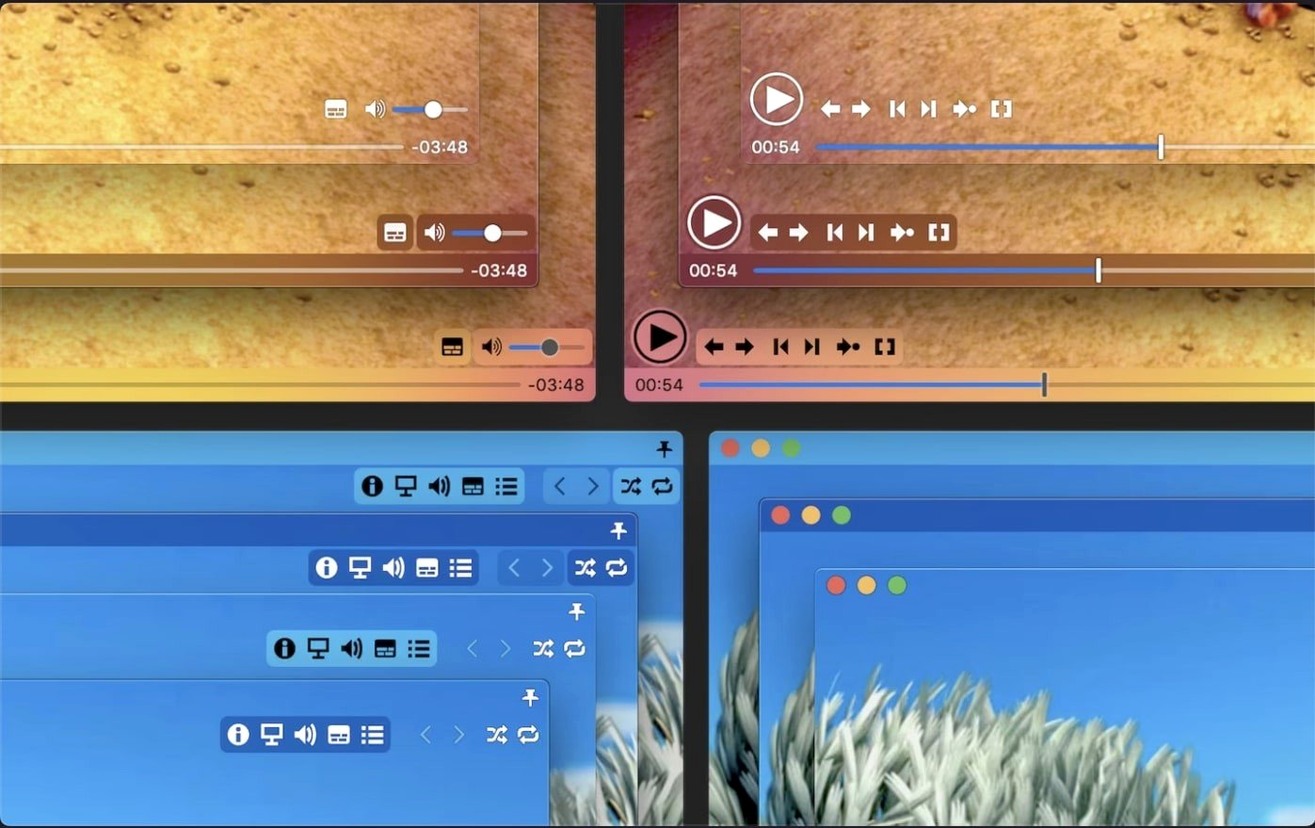
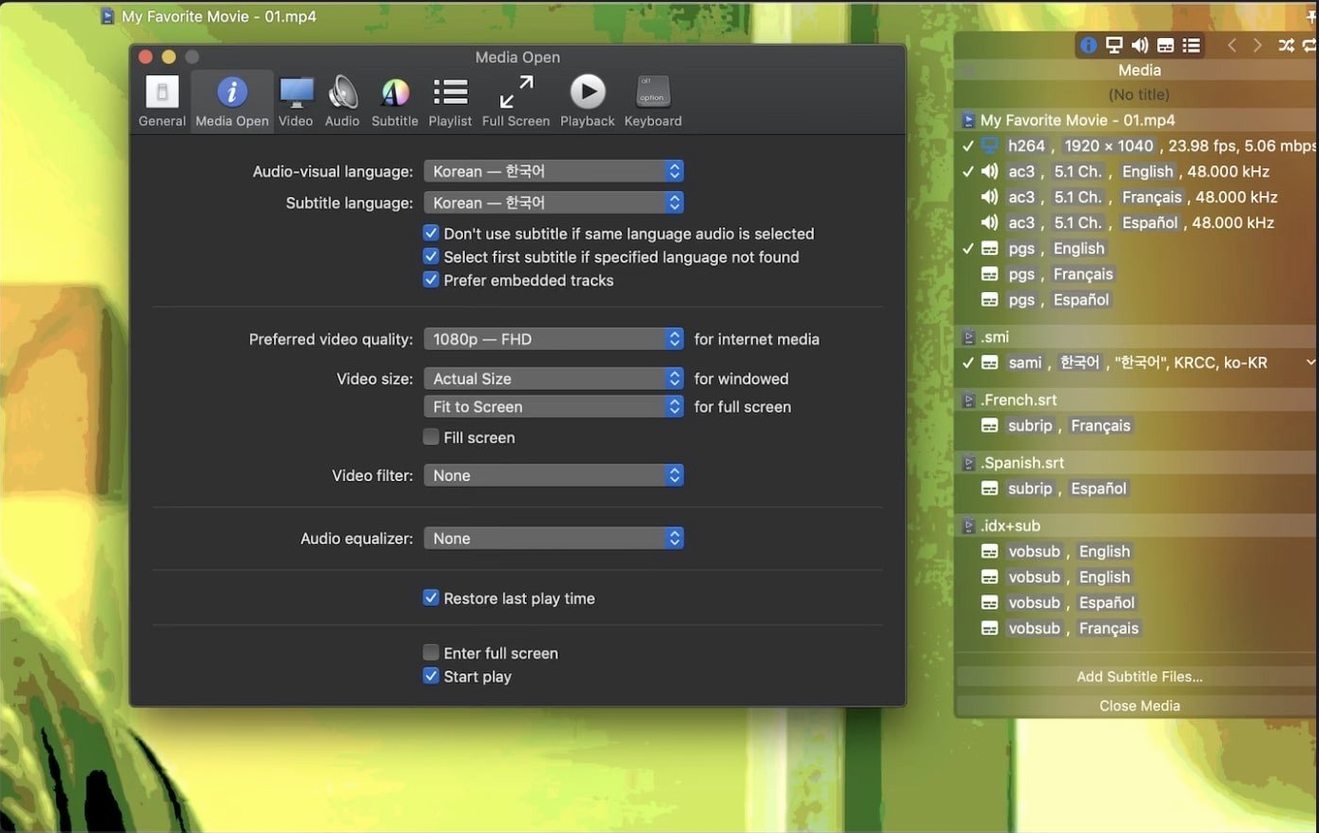
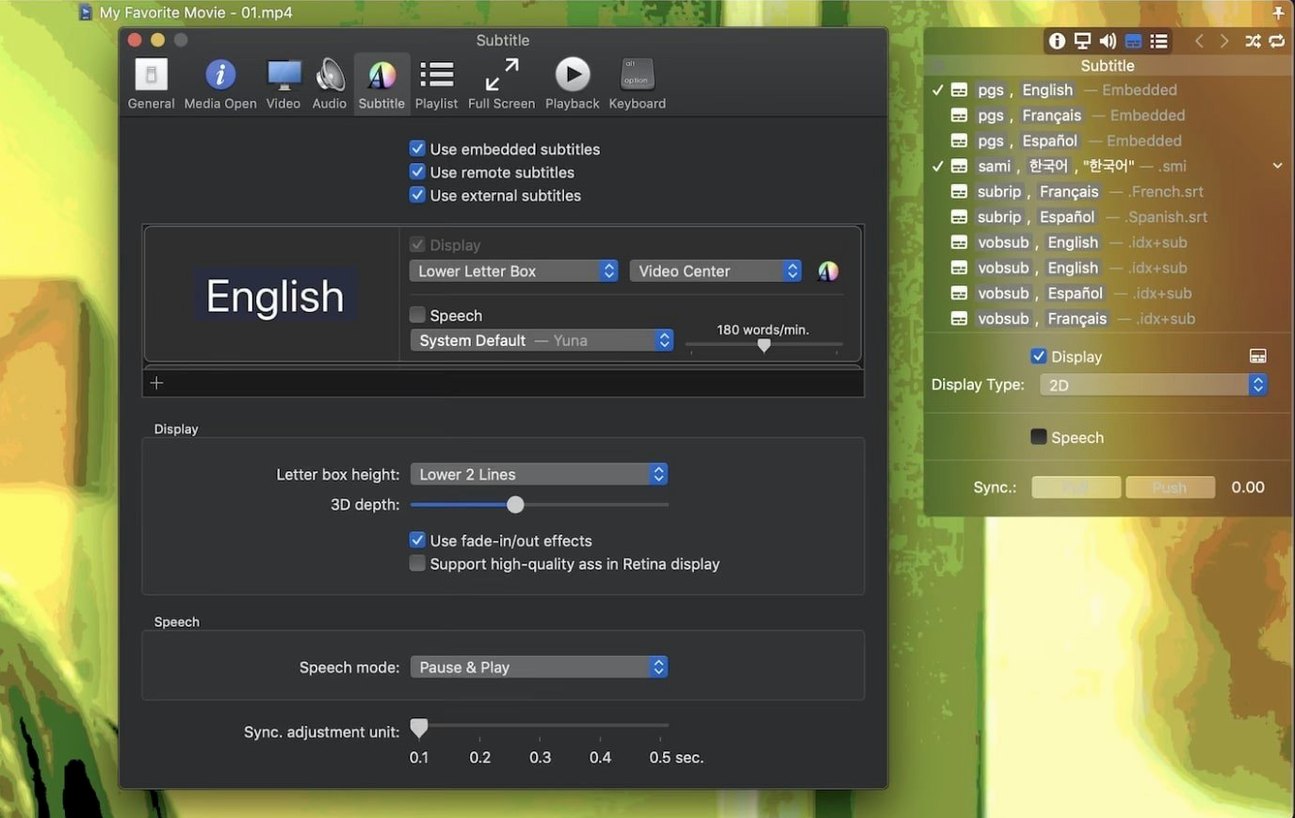
It ships with over 50 subtitle formats recognised out of the box, including compressed archives in .zip and .rar. Movist Pro treats subtitles as a first-class feature, not an afterthought, with fully customisable display and fine-grained sync adjustment down to the millisecond.
| Key detail | Value |
|---|---|
| Version | 2.17.2 |
| Release date | 2026-08-05 |
| macOS | 10.13+ |
| Architecture | Intel and Apple Silicon |
The player sits on a dual engine: QuickTime for system-native files and FFmpeg for everything else. That pairing matters when you hit a stubborn TS video or a high-bitrate encode, and the latest release specifically patched a playback failure for some TS files alongside a crash tied to disabled System Integrity Protection. Screenshot capture works at full Retina resolution, and you can run the app in sandboxed mode if your workflow demands it. Playback speed control is smooth and precise, with no pitch distortion at moderate adjustments.
Three names come up if you browse "movist pro mac" alongside alternatives: IINA, Elmedia Player, and VLC. They all play files. The differences surface when you push them.
IINA shares a lot of DNA with Movist Pro. Both lean on mpv under the hood, both chase a clean Mac-native interface, and both handle HDR tone mapping. Movist Pro pulls ahead on subtitle handling. IINA supports a handful of common formats; Movist Pro recognises over 50 and parses compressed archives directly. If you watch anime or foreign cinema with multiple sub tracks, the unlimited simultaneous subtitle display is something IINA simply does not offer. IINA feels lighter at first launch; Movist Pro feels deeper once you customise it.
VLC remains the do-everything workhorse. It opens damaged files that nothing else will touch, and its codec library is enormous. But VLC on macOS still carries interface cruft from its cross-platform roots. Movist Pro's subtitle rendering is sharper, especially on Retina screens, and its playlist autocompletion (which hunts for episode sequences and matching subtitle files) makes VLC's manual drag-and-drop feel clunky for series binges. If you need a sledgehammer for obscure formats, VLC wins. If you want a polished Mac player that treats subtitles as more than an overlay, Movist Pro earns its spot.
Elmedia Player markets itself as a streaming companion with DLNA and AirPlay. Movist Pro ignores wireless streaming entirely. Elmedia also handles Flash-based SWF files, which Movist Pro never touches. The trade-off: Elmedia's subtitle controls feel basic next to Movist Pro's granular sync adjustment and 3D subtitle support. Pick Elmedia if you cast to a TV often; pick Movist Pro if you sit at your desk fine-tuning a subtitle delay by tenths of a second.
Imagine someone who archives foreign-language cinema on a Mac Studio. Their folder for a single film often contains an MKV, a folder of .srt files in five languages, and a compressed .rar full of commentary subtitles downloaded from a fan community. They open the folder, drag the MKV into Movist Pro, and the playlist autocompletion already found three matching subtitle files from the directory. They enable two at once: English dialogue subs on the bottom and a translator's notes track rendered smaller in the letterbox bar, so nothing overlaps the frame. Midway through, a timing drift of about 400 ms creeps in. They tap the sync hotkey twice, the text snaps back into alignment, and they never touch the mouse. Before bed, they take three Retina screenshots of striking compositions, all saved to a pre-set folder without leaving fullscreen.
Yes, hardware acceleration covers H.264 and H.265/HEVC decoding. On Apple Silicon machines, 10-bit HEVC playback stays cool and frame-accurate even at high bitrates. Intel Macs with a T2 chip or a discrete AMD GPU also benefit from hardware decode. The dual engine lets you switch to FFmpeg if QuickTime stumbles on a specific encode.
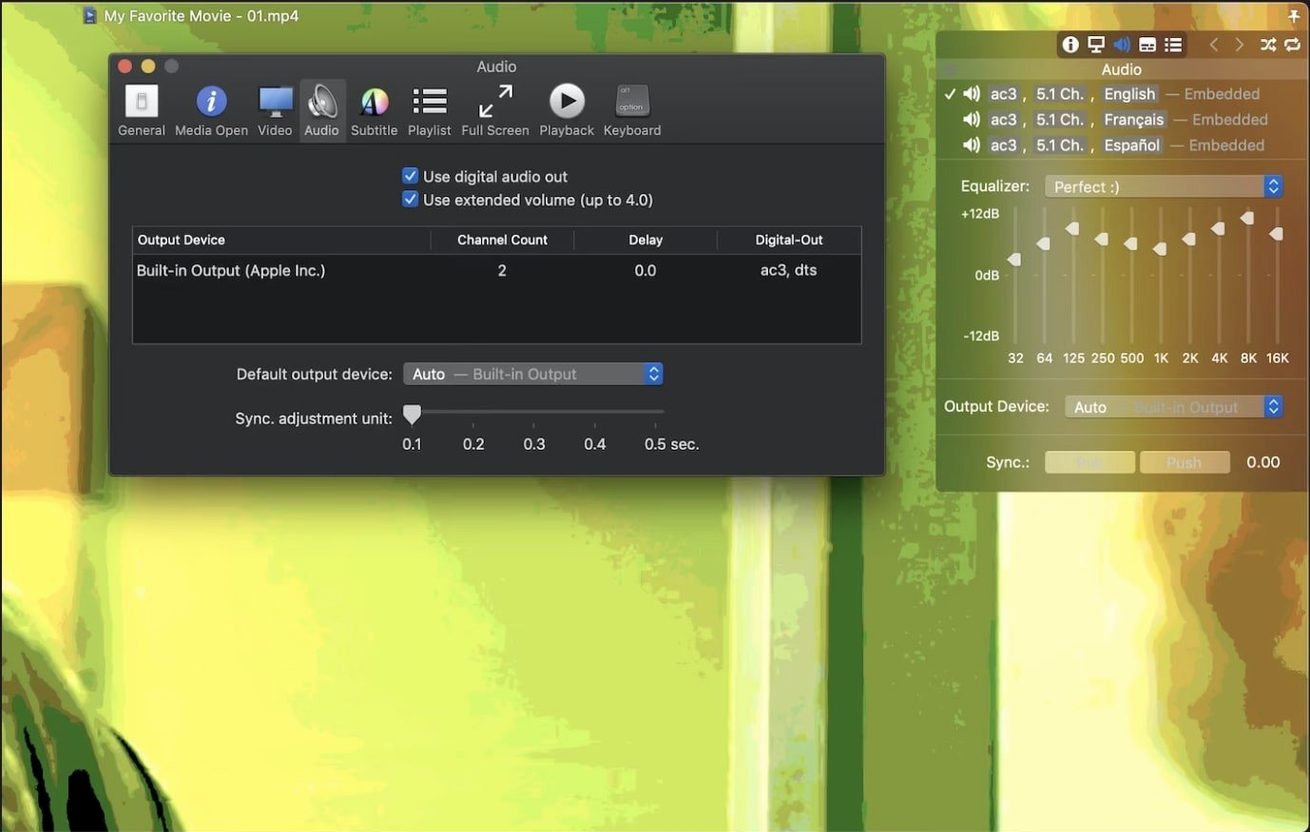
The S/PDIF digital audio output passes multichannel signals to an external receiver without downmixing to stereo. You get the raw stream, including DTS and AC3 tracks, straight to your amp. Check your Mac's optical output support; the app does not convert formats, it transmits them.
Sandboxed mode limits file access to folders you explicitly open. It is optional and aimed at users who isolate apps for security. In practice, most people run the standard mode and notice no difference. If you regularly open files from external drives or network volumes, leave sandboxing off so the playlist and subtitle auto-detection reach everything they need.
The version available here, build 2.17.2, arrives pre-patched by the TNT team and works on macOS 10.13 through the latest release. The disk image includes a Gatekeeper-friendly installer script; run that, press Enter in Terminal when prompted, and drag the app to Applications. No manual patching or terminal tweaking beyond the initial bypass.














Chat 0
Hop in or make an account to join the chat.
Quiet in here so far. If you have used this build, tell me what the install actually did.