
 Movavi Video Editor
 Movavi Video Suite
 MouseBoost Pro
 Movist Pro
 Mountain Duck
 Mp3tag


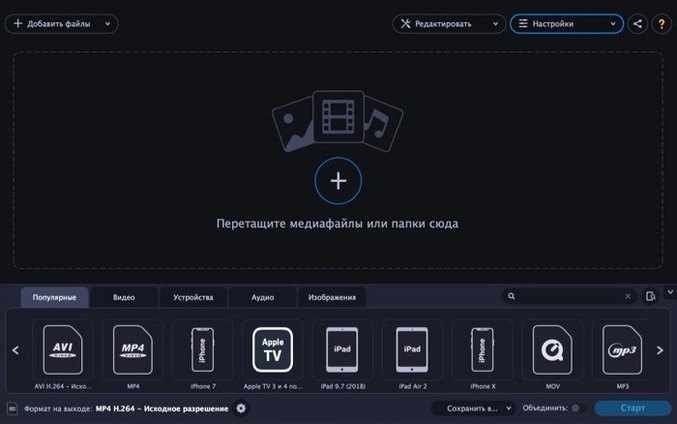
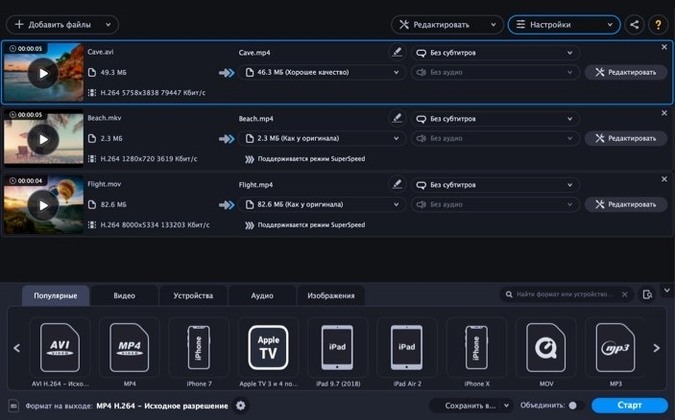
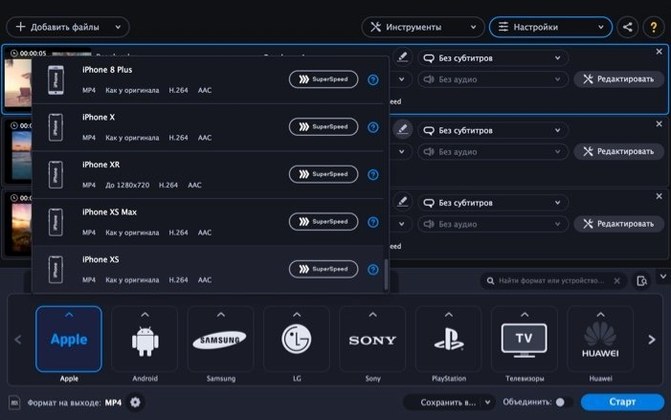
At a glance: batch conversion, 180+ formats, device profiles, GIF maker.
Movavi Video Converter sits alongside the tools you already use, taking care of format juggling so your main editing or playback apps never hit a “file not supported” wall. It runs on Intel Macs from macOS 10.13 onward and keeps the interface in plain English, German, French, Japanese, and several other languages.
The app fills the gaps that QuickTime Player leaves open. QuickTime reads a handful of formats well; Movavi reads the ones it does not. If a client sends an MKV from a screen capture or a WMV from an old Windows machine, you can queue the file, pick an output, and get on with the day.
Finder tags and folder shortcuts do most of the organising. Drag a folder onto the window and the app pulls in every readable file inside. That matters when a shoot lands as a mixed bag of MOV, MP4, and WAV clips. One pass, one destination folder, one less thing to think about.
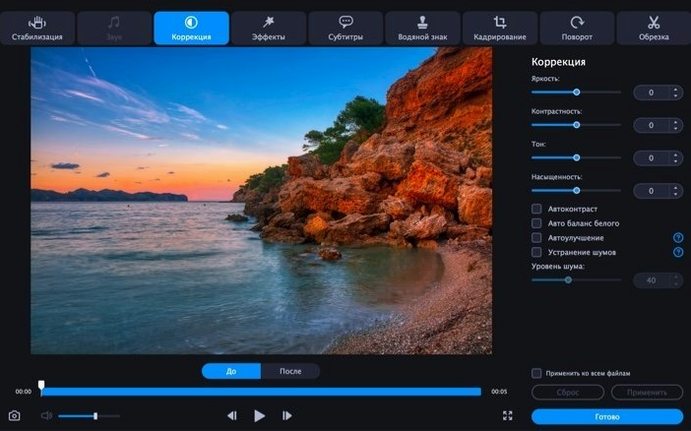
The built-in editing tools stop you from opening a second app for small fixes. Trim a clip, rotate a phone video, drop in a text label, or level out a noisy audio track before the file leaves the app. It is not a replacement for Final Cut or Resolve, but it covers the ten-second jobs those apps make you wait through a launch for.
Spotlight picks up files by name, so a well-named export is easy to find later. The app plays nicely with that habit: name your output folder before you convert, and everything lands where you can find it.
HandBrake is the obvious neighbour. It is open source, free, and deep on codec controls. Movavi answers with a simpler window, device presets, and image-to-GIF tricks that HandBrake does not bother with. If you want to fine-tune an x265 preset, HandBrake is the tool. If you want a folder of phone clips turned into MP4 before lunch, Movavi is faster to pick up.
Permute is the other one people mention. It is light, quick, and feels native to macOS. Movavi covers more ground in one screen — audio extraction, batch folders, GIF output, text and watermark overlays. Permute stays out of your way; Movavi gives you a few more buttons when you need them.
Any Video Converter overlaps on the feature list, but the Mac build feels busier. Movavi keeps the same jobs on one screen without burying the queue behind extra panels. For day-to-day conversions it reads cleaner.
If your Mac is Intel and still on 10.13 or newer, the app lands without extra setup. The queue does the heavy lifting while you stay in whatever else you were doing.














Chat 0
Hop in or make an account to join the chat.
Quiet in here so far. If you have used this build, tell me what the install actually did.