
 MouseBoost Pro
 Movavi Video Converter
 Movavi Video Editor


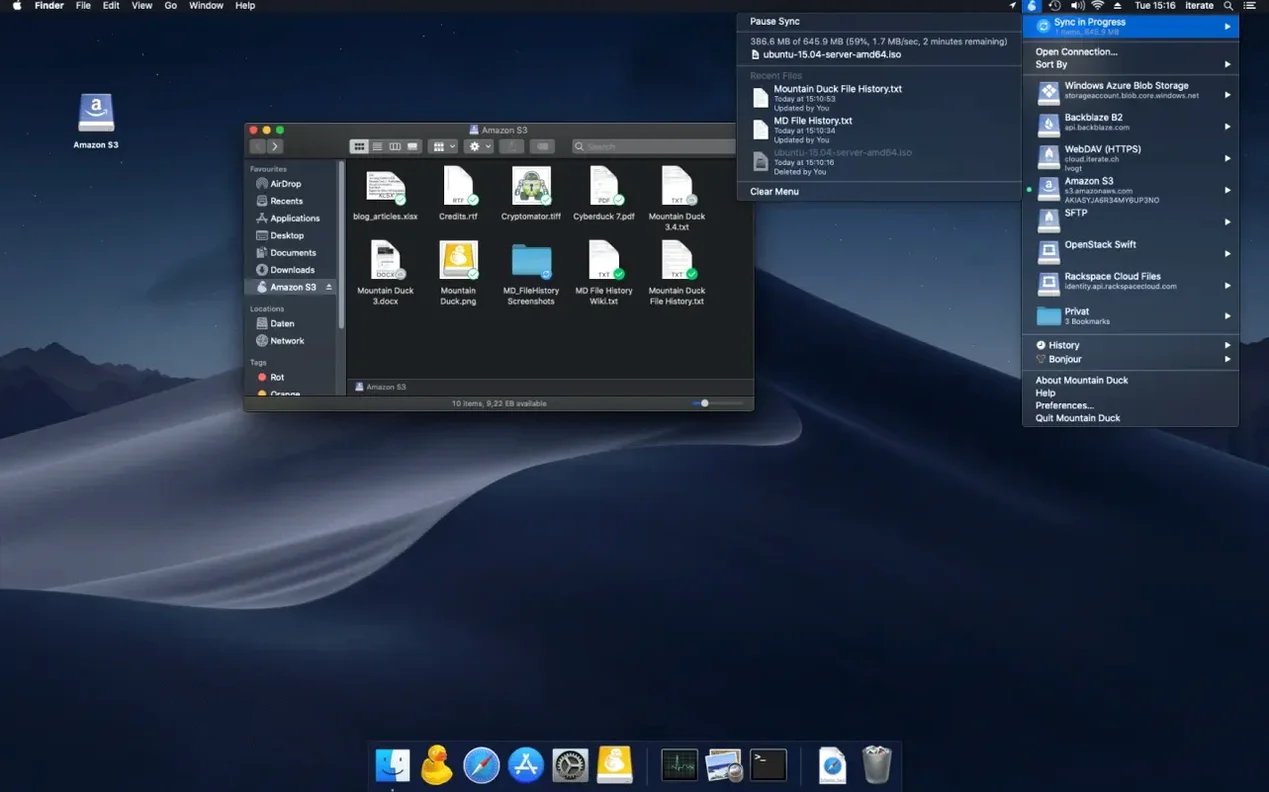
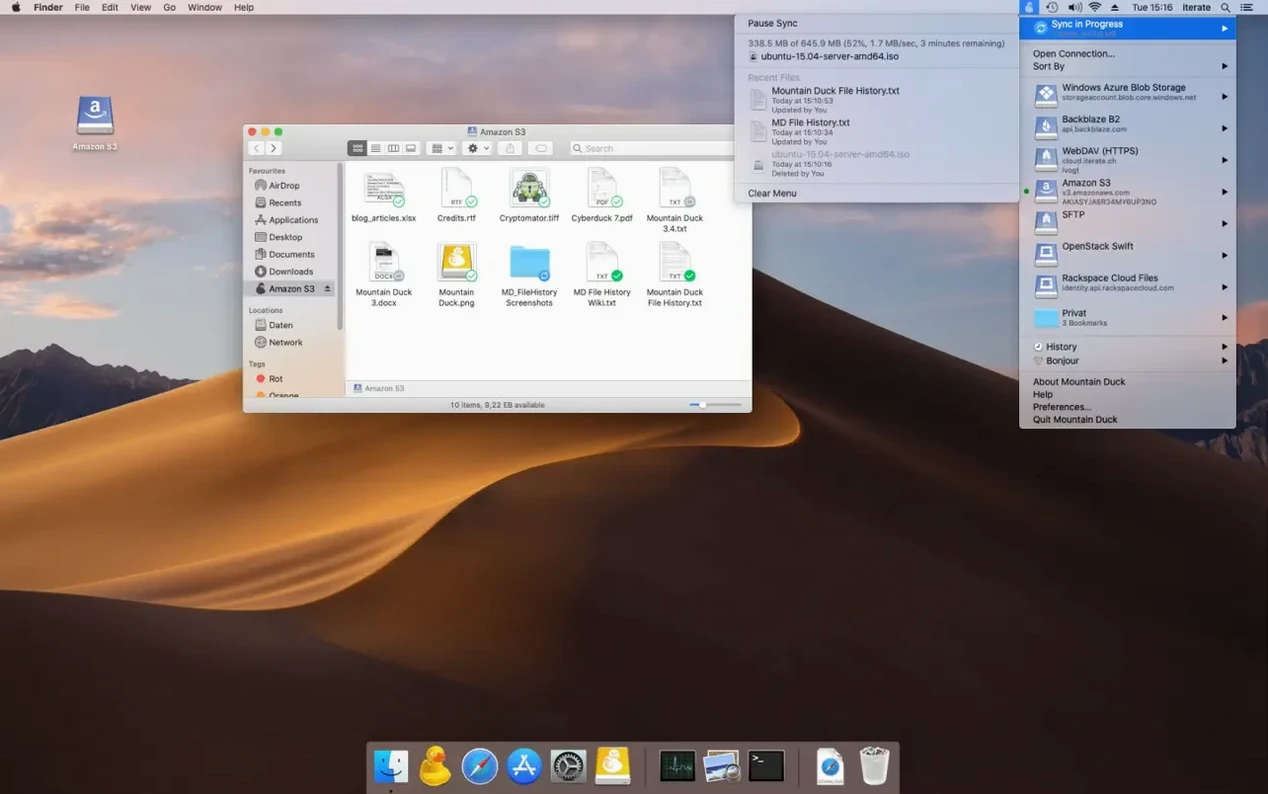
Mountain Duck runs on any Mac with macOS 13 (Ventura) or newer. It is a universal app, so it works on Apple Silicon and Intel machines without a separate download.
Files you open are cached on your local disk so you can keep working offline. When a connection is available again, Mountain Duck uploads your changes in the background. Version 5 also adds Integrated Connect Mode, SMB support, and storage-independent file versioning. If you use Cryptomator vaults, the app can handle encryption at rest without extra steps.
Plenty of Mac users looking for a mountain duck mac solution are also eyeing ExpanDrive and CloudMounter. They all mount remote storage as a Finder volume, but the feel is different once you live with each one.
ExpanDrive goes heavy on cloud services and maps them as network drives. The interface leans busier, and background sync can feel more aggressive on battery. Mountain Duck keeps things quieter — menu bar helper, shared Cyberduck bookmarks, and a smarter cache that doesn’t hoover up disk space unless you actually open a file.
CloudMounter aims for a similar minimal footprint, but its protocol support is narrower. Mountain Duck covers FTP, SFTP, WebDAV, SMB, and a long list of object storage backends. If your workflow stretches across a self-hosted SFTP server and an S3 bucket, CloudMounter makes you bridge that gap with other tools.
Another quiet strength is the Cryptomator integration. ExpanDrive bundles its own encryption, CloudMounter doesn’t touch it. With Mountain Duck, you point it at a Cryptomator vault and get transparent encryption at rest, no extra apps floating in the menu bar.
Most early stumbles come from treating a mounted volume like a sync folder. A few common ones to dodge:
Mountain Duck makes the most sense when you treat it as a Finder-shaped door to remote storage, not a backup tool. Pair it with a few macOS features and the seams disappear.
Spotlight and Quick Look. Once a volume is mounted, Spotlight can index it. Press the spacebar on a remote PDF or PSD and Quick Look shows a preview without launching an app. This alone saves people who keep project briefs and design assets on a team SFTP server.
Automator and Shortcuts. Because the volume looks like any other disk, folder actions and Shortcuts work on it. A photography team I know runs an Automator script that watches a “ready for retouch” folder on their S3-backed volume, then opens each new file in Photoshop automatically.
Cyberduck tandem. If Cyberduck is installed, bookmarks stay in sync between the two. You can browse and transfer files with Cyberduck’s two-pane interface when you want more control, then mount the same server with Mountain Duck when you just need to open and edit. The two apps share a preferences file, so you configure a connection once.
Time Machine exclusion. The local cache folder isn’t meant for long-term storage. Exclude it from Time Machine so backups don’t balloon with temporary file copies. The remote server is the source of truth; the cache is just performance. A clean separation keeps your Mac happy and your backup sizes honest.
Yes. Once a volume is mounted, any app that can open a local file can open a remote one — no downloads or copies needed first.
It caches files you have used on your local disk so you can open and edit them without a connection. Changes are synced in the background later.
If you have Cyberduck installed, Mountain Duck picks up its bookmarks automatically so you don’t need to set them up twice.














Chat 0
Hop in or make an account to join the chat.
Quiet in here so far. If you have used this build, tell me what the install actually did.