
 Motion
 Moom
Moom Mole
Mole Moho Pro


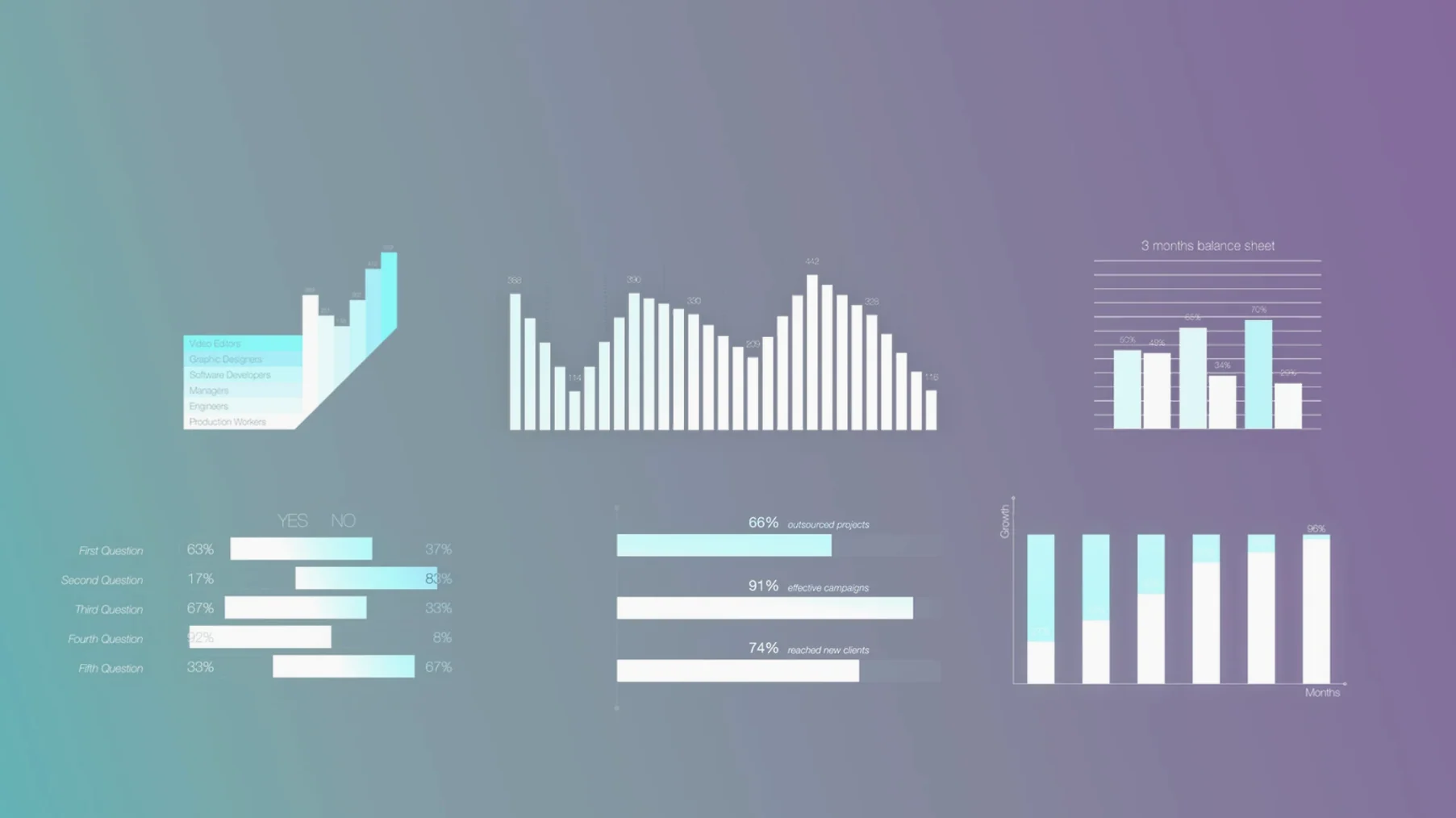
Most timeline graphics start the same way: a font, a keyframe, and a lot of manual tweaking. mInfographics swaps that process for something quicker. It's a set of pre-built infographic elements that drop straight into Final Cut Pro.
These work on any track where data needs visual shorthand — lower-thirds with stats, callout circles, percentage bars. Drag one onto the timeline, adjust with the on-screen handles, and it picks up the project's rhythm without extra trips to the inspector.
MotionVFX has kept the pack lean over time — no bloat, just refinements that seasoned editors notice straight away. The most recent builds tightened the on-screen control response, which means less fighting with handles when you're nudging a percentage bar into a tight lower-third slot. A handful of early rendering quirks on Apple Silicon machines disappeared, and the typographic presets now hold their spacing better when you swap between description fields on the fly.
What didn't change: the install path still lives in ~/Movies/Motion Templates/Titles, and the elements still show up right alongside Final Cut's built-in titles. No activation screens, no background helpers. If you've grabbed a motionvfx torrent from a source you trust, you'll still just be unpacking folders and moving them over.
On an M1 or M2 Mac, these templates load like any lightweight title — near instant. Scrubbing through a timeline with half a dozen mInfographics instances doesn't introduce the playback stutter you sometimes get with third-party generators that lean heavily on particle systems. The charts and number counters are vector-based, so they stay crisp without taxing the GPU.
RAM use is negligible. I've watched Activity Monitor while stacking ten elements across a 4K project and the difference barely registered. That matters when you're cutting a piece with multiple graphics passes and don't want to start freezing tracks just to keep the preview smooth.
Stability-wise, Final Cut hasn't thrown a template-related crash in months of regular use — the elements behave like native titles because they are, essentially, Motion templates that motionVFX authored to the same spec Apple uses internally.
Here's a concrete path you might follow for a quarterly results video. The task: show revenue growth across three regions with clean, branded numbers.
Start with a locked edit of the talking-head section. Drop a playhead marker where the first stat needs to appear. Open the Titles browser, find the percentage bar element under mInfographics, and drag it onto the timeline above the primary storyline. Stretch its duration to three seconds — enough for a viewer to read without lingering.
Switch to the viewer. Grab the on-screen control that sets the bar fill level and slide it to 14%. Click into the description field and type "APAC revenue". The typography snaps into the preset style — no font menu, no alignment fiddling. Duplicate the clip twice for EMEA and Americas, adjust the numbers, and stagger them half a second apart so the bars animate in sequence.
Next, add a circular callout element to highlight the strongest region. Position it over the Americas bar with the on-screen handle, set its description to "Top performer", and trim it to fade out as the next scene starts. The whole process — six graphics, three regions, one callout — takes under four minutes once you've memorised where the controls sit.
Export a short preview and check it on a phone screen. The numbers hold up; the captions stay legible. That's the real test for infographic elements in video, and mInfographics passes it without extra tweaking. Some editors hunt for a motionvfx free download purely to test that readability before committing to a full template workflow, and the results tend to justify the search.
Yes, it supports both Intel and Apple Silicon Macs through Final Cut Pro.
The pack contains typographic captions and infographic elements styled for clean on-screen information delivery.














Chat 0
Hop in or make an account to join the chat.
Quiet in here so far. If you have used this build, tell me what the install actually did.